
Match Every Transaction with Confidence
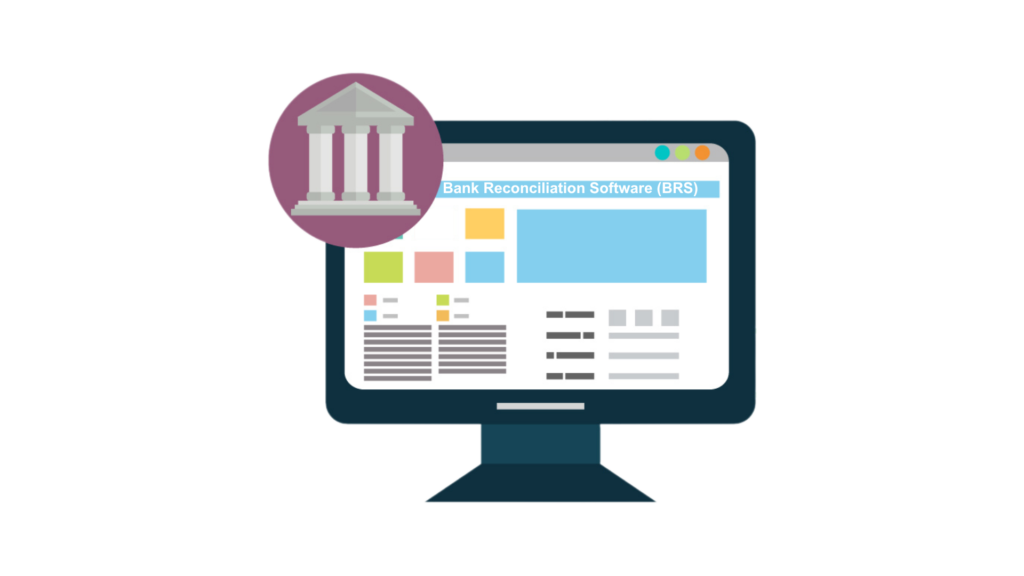
Maxx Bank Reconciliation Software (BRS) simplifies statement matching, ensures accuracy, and helps you track discrepancies with ease.
Bank Reconciliation Software (BRS)
MaxxERP Bank Reconciliation Software (BRS) automates reconciliation by matching uploaded bank statements with ledger entries. It highlights unmatched transactions, tracks cleared cheques, and generates reconciliation variance reports for financial control.
Feature Highlight
01
Bank Statement Upload
Import bank statements in structured formats for quick processing.
02
Auto Transaction Matching
Automatically match ledger and bank entries to save time and effort.
03
Unmatched Entry Alerts
Instantly highlight discrepancies for quick identification and action.
04
Cleared Cheque Tracking
Track cleared, pending, and bounced cheques with better visibility.
05
Variance Reports
Generate detailed BRS reports to analyze differences accurately.
06
Faster Month-End Closing
Simplify reconciliation and close books faster with confidence.
FAQs
It matches bank statement transactions with accounting records to identify discrepancies. This process ensures that all entries recorded in your books align with the bank’s records, helping businesses maintain accurate financial statements and avoid errors.
Yes, statements can be imported in supported formats for automated matching. This reduces manual data entry and speeds up the reconciliation process.
Yes, unmatched transactions are clearly displayed, allowing users to quickly identify and resolve differences between bank and ledger records.
Yes, reconciliation reports provide clear documentation and support financial audits by maintaining transparency and accuracy in records.
It ensures financial accuracy and helps detect errors, duplicate entries, or fraudulent activities at an early stage. Regular reconciliation also improves cash flow management, supports better financial planning, and ensures compliance with accounting standards. Learn more here: https://www.investopedia.com/terms/b/bankreconciliation.asp
