
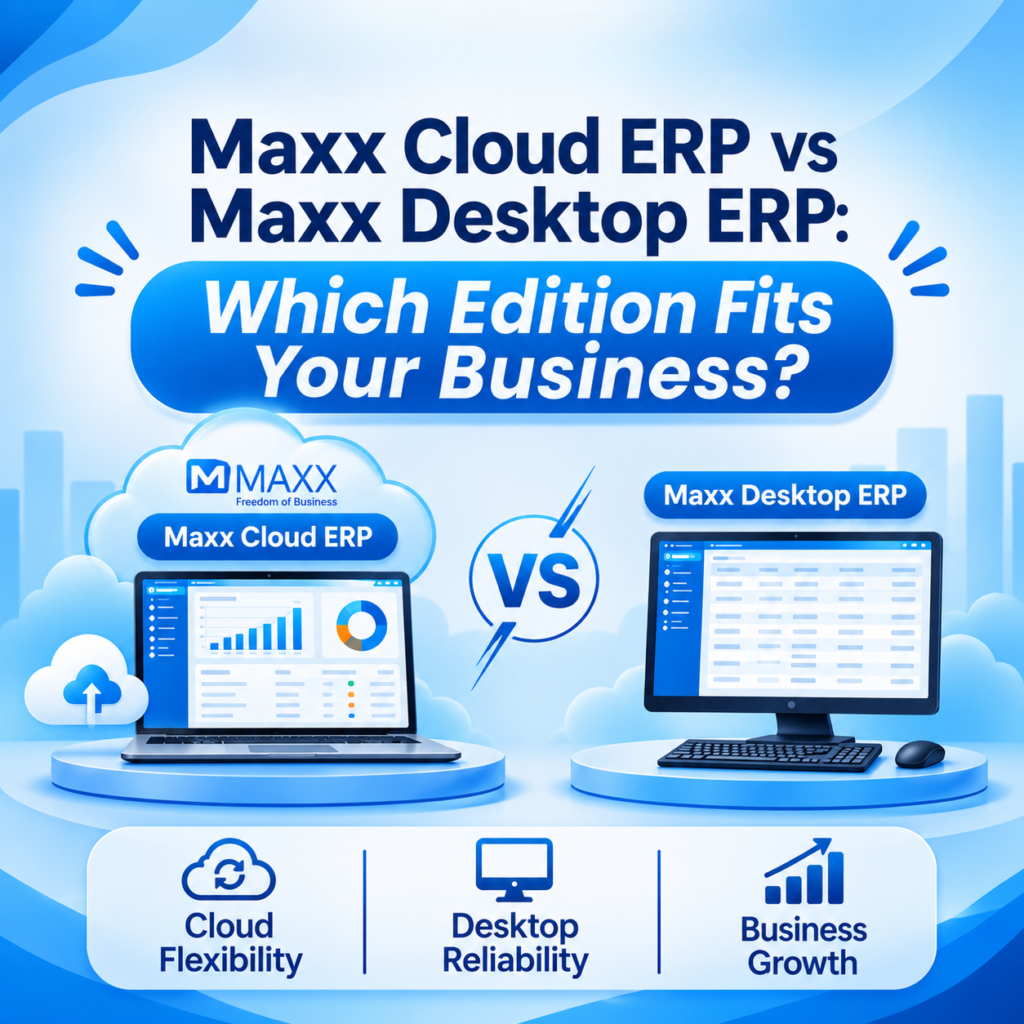
Maxx Cloud ERP vs Maxx Desktop ERP: Which Edition Fits Your Business?
Why Having Two Editions Works in Your Favour
Every business runs a little differently. Some work from a single shop where everyone sits within a few steps of each other. Others have several branches, owners who travel, and field staff who need answers while they are out. A single way of running software rarely suits both.
That is why MaxxERP is available as a Desktop edition and a Cloud edition. You are not asked to change the way your business works to fit the software. Instead, you pick the edition that matches the way you already work, and the way you plan to grow. Both can be tried free for 30 days, so you can see how each one feels with your own products, your own billing, and your own team before you decide.
This guide explains what each edition offers and which kind of business each one suits, so you can choose with confidence.
What Each Edition Brings to Your Business
Both editions are built around the same goal: to give you a clear, reliable way to run billing, inventory, purchasing, accounts, and reports. Here is what each one adds.
- Maxx Desktop ERP, your data on your premises: the software runs on your own office computer or server, so your data stays with you and your team works on a system you control.
- Maxx Desktop ERP, familiar office workflow: your team works on the office network in the way they already do, which makes day-to-day billing and entry feel natural from the first day.
- Maxx Desktop ERP, simple for a single location: a shop or office that works from one place gets a clean, focused setup without extra layers.
- Maxx Cloud ERP, access from anywhere: log in from the office, from home, or on the move, and see the same live data wherever you are.
- Maxx Cloud ERP, no server to look after: the software runs on a hosted server, so you do not need to set up or maintain your own.
- Maxx Cloud ERP, ready to grow with you: add users and locations as your business expands, without rebuilding your setup.
What Each Edition Looks Like in Practice
Maxx Desktop ERP: Control You Can See
Your software and your data sit on your own computer or server. Owners who like to know exactly where their business information lives get a setup they can see and manage, with a system that fits neatly into the way a single-location business already works.
Maxx Cloud ERP: The Business in Your Pocket
Owners and managers can check sales, stock, and reports from wherever they are. A morning review from home, a quick check from another city, or a look at the day-end numbers from your phone all work from the same live data.
Automatic Backups with Maxx NODES
If you want a private cloud setup, Maxx NODES backs up your database automatically every 15 minutes to an independent, secure server. That gives you a recent safe copy of your data at all times, without anyone needing to remember to do it.
One System for Every Branch
Cloud keeps every branch on the same live data, so head office and branch managers see the same numbers. Desktop gives a single location a dedicated, focused system that is simple to run.
A Choice That Matches the Way You Like to Pay
Desktop suits owners who like a one-time investment in their software. Cloud suits owners who prefer to spread the cost into regular payments and skip buying a server. Either way, you choose the model that fits your cash flow.
Try Before You Commit
Both editions come with a free 30-day trial. Enter your real products, run real billing, check your own reports, and let your team try their tasks. You decide with real experience, not guesswork.
Why This Matters Beyond Convenience
- A Setup That Fits Your Business Today Whether you run one shop or many, you get an edition made for the way you work now. Your team starts with a system that feels right, which makes adoption smoother.
- Room to Grow When You Are Ready A business that begins on one edition can look at the other as it grows. Having both options available means your software has a path forward as your needs change.
- Confidence in Your Data With your own server on Desktop, or automatic backups every 15 minutes on Maxx NODES, you have a clear answer to the question of where your data is and how it is protected.
- Better Decisions, Faster When owners and managers can see accurate stock, sales, and accounts without chasing reports, they spend their time deciding rather than collecting numbers.
- A System Trusted by Many Businesses More than 2000 businesses already use MAXX to run their day-to-day operations, so you are joining a large community of owners who chose the same foundation for their business.
FAQs -Maxx Cloud ERP vs Maxx Desktop ERP
Yes. MaxxERP offers a free 30-day trial for both the Desktop edition and the Cloud edition, so you can test each one with your own business before you choose.
Desktop is a natural fit for a single location that works from one place, and Cloud is a great fit for a single store whose owner wants to see the business from anywhere. Either works, so choose the one that matches how you like to work.
Cloud is built for this, since every branch and every manager can work from the same live data, whether they are in the head office or at a store.
On Desktop, your data stays on your own computer or server under your control. If you choose the Maxx NODES private cloud option, your database is backed up automatically every 15 minutes to an independent, secure server.
Yes, with the Cloud edition you can log in from any location and see the same live information your team sees in the office.
