
Maxxerp

Professional Cloud Accounting for Modern Enterprises

 Ditch the manual bookkeeping and embrace financial clarity. Take full control of your cash flow, bank reconciliations, and tax compliance with a powerful, integrated accounting engine.

Financial Precision in Every Transaction.

1. Integrated Financial Ledgers
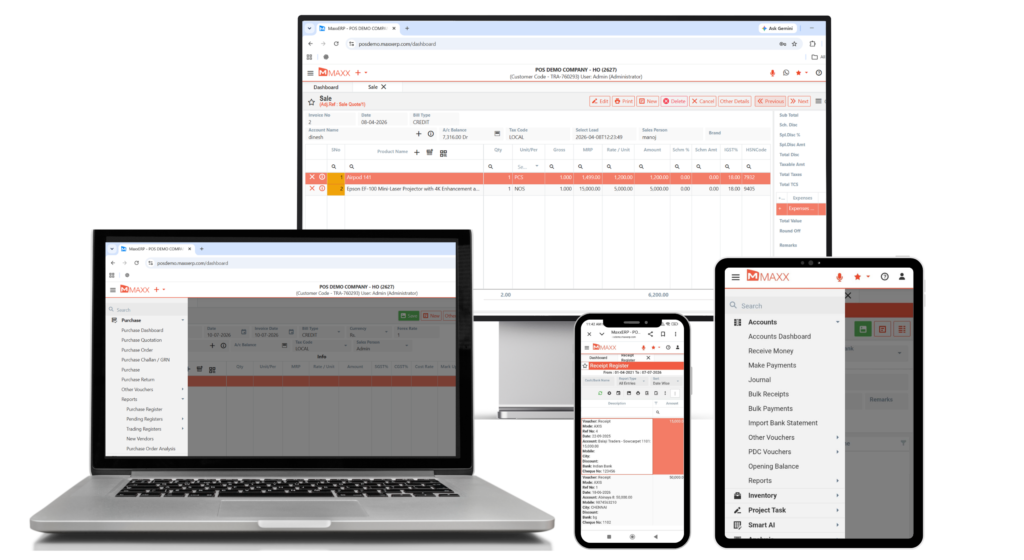
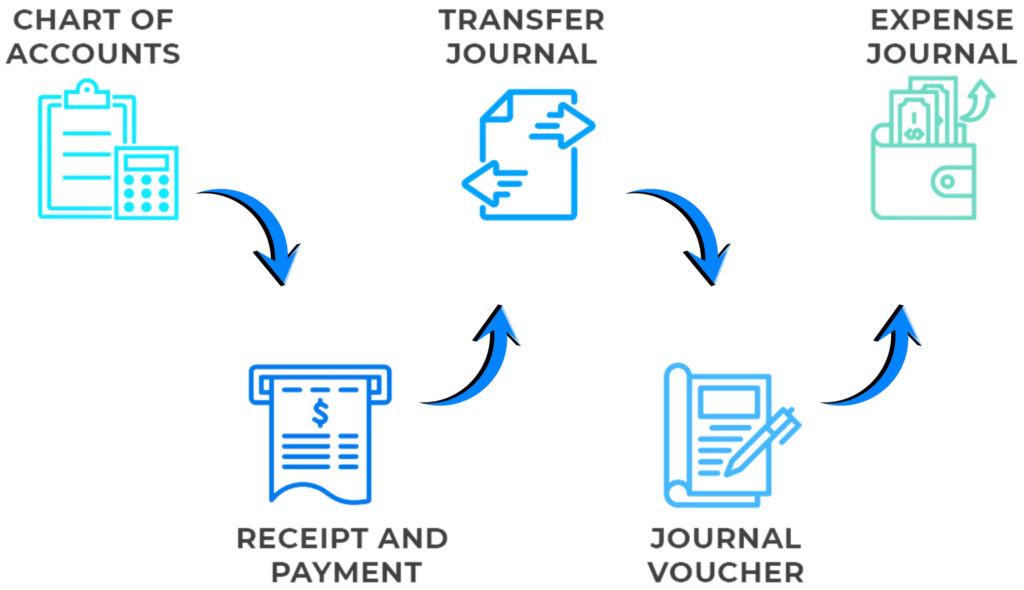
Every sale, purchase, and stock movement automatically updates accounting ledgers in real-time, eliminating the need for manual entries.

2. Automated Bank Reconciliation
Sync and reconcile bank statements with internal accounting records to maintain an accurate and up-to-date cash position.

3. One-Click GST/Tax Compliance
Generate GST-compliant reports such as GSTR-1, GSTR-3B, and GSTR-2A directly from daily business transactions.

4. Multi-Branch Consolidation
Manage multiple branches or business entities from a single system with centralized accounting and branch-wise profit tracking.
Accurate & Efficient Financial Management

Performance Boosters

01

Real-Time Balance Sheets & P&L

Access instant financial statements at the click of a button. Monitor your Profit & Loss, Balance Sheet, and Trial Balance daily rather than waiting for month-end.

02

Smart Receivables & Payables

 Keep your cash flow healthy. Track aging reports for debtors and creditors, and send automated payment reminders via WhatsApp or Email.

03

Cost Center & Project Accounting

Go beyond basic accounting by tracking expenses and revenues against specific projects, departments, or cost centers for deeper profitability analysis.

04

Multi-Currency & Digital Payments

Expand your reach with multi-currency support and integrated payment gateways that allow customers to pay invoices digitally, automatically updating your books.

05

Secure Audit Trails & User Access

Maintain a complete history of every transaction with robust audit trails and role-based security to ensure sensitive financial data is protected.

06

Mobile Financial Dashboards

Use the MaxxConnect app to view your bank balances, daily collections, and key financial ratios while on the move.

FAQs – Cloud Accounting & Finance

The system is fully integrated. When you create a Sales Invoice or Purchase Bill, the software automatically generates journal entries, updates ledgers, and reflects the changes in financial statements.

Yes. You can connect multiple bank accounts, track cheques issued or received, and use the Bank Reconciliation feature to match your bank balance with your system records.

Absolutely. MaxxERP is built for Indian taxation. It automatically maps HSN codes and tax slabs to generate GST Returns accurately. For official tax rules, you can refer to the GST Portal

Yes. The system uses secure servers and encryption to protect financial data, along with user-level permissions to control staff access.

The Bill-wise Outstanding report shows all unpaid invoices, their aging details, and the total balance due, helping you manage collections efficiently.
