
Print Smarter Labels, Track Products Better
MaxxERP Barcode Label Printing Software helps you design and print accurate barcode labels using real-time ERP data, improving inventory tracking and operational efficiency.

Barcode Label Printing Software
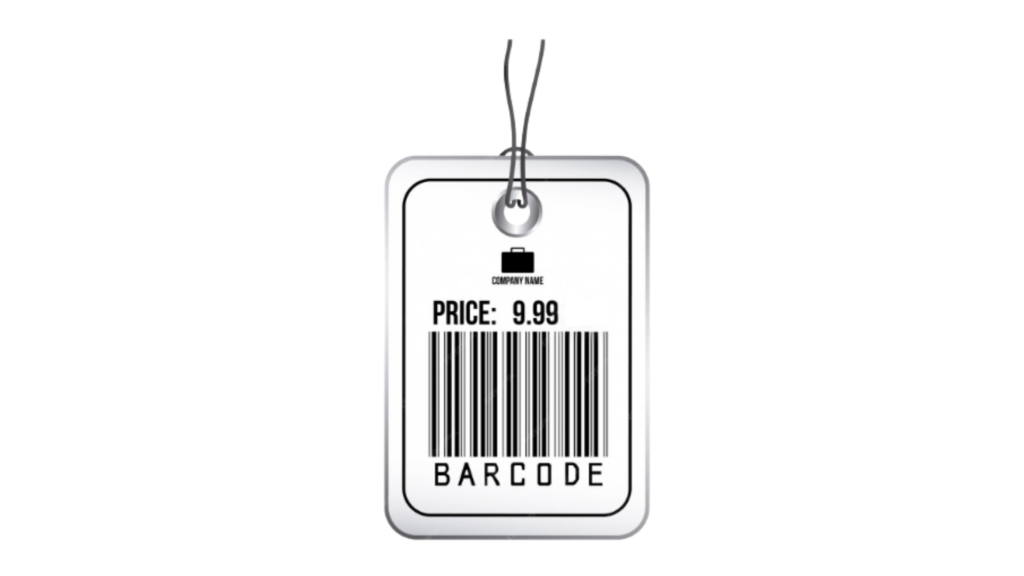
MaxxERP Barcode Label Printing Software enables businesses to design and print barcode labels directly from item masters or vouchers. It supports customizable layouts and dynamic data fields, ensuring accurate product identification, faster billing, and improved inventory management.
Feature Highlight
01
Custom Label Designer
Design personalized barcode labels with flexible layouts and formatting options.
02
Dynamic Field Support
Automatically print details like price, batch number, SKU, and expiry.
03
Laser & Barcode Printer Support
Supports laser, thermal, and barcode printers for seamless operations.
04
Voucher-Based Printing
Generate labels directly from sales, purchase, or stock transactions.
05
Bulk Label Generation
Print multiple labels instantly to save time during high-volume operations.
06
Inventory Accuracy
Improve stock identification and reduce manual errors in tracking.
FAQs
It enables businesses to generate barcode labels directly from ERP data. This ensures that every product is accurately labeled, improving identification, tracking, and operational efficiency across the supply chain.
Yes, labels can include dynamic fields such as price, SKU, batch number, and expiry date. This ensures that labels are always updated with the latest information without manual entry.
Yes, multiple labels can be printed together in bulk. This is especially useful for warehouses and retail environments where large volumes of products need labeling quickly.
Yes, barcode labels are directly linked with item masters and inventory data. This ensures consistency between physical stock and system records, improving stock accuracy.
Barcode systems improve accuracy, reduce human errors, and speed up operations like billing and stock tracking. They also enhance traceability and efficiency across business processes. Learn more here: https://www.gs1.org/standards/barcodes
