
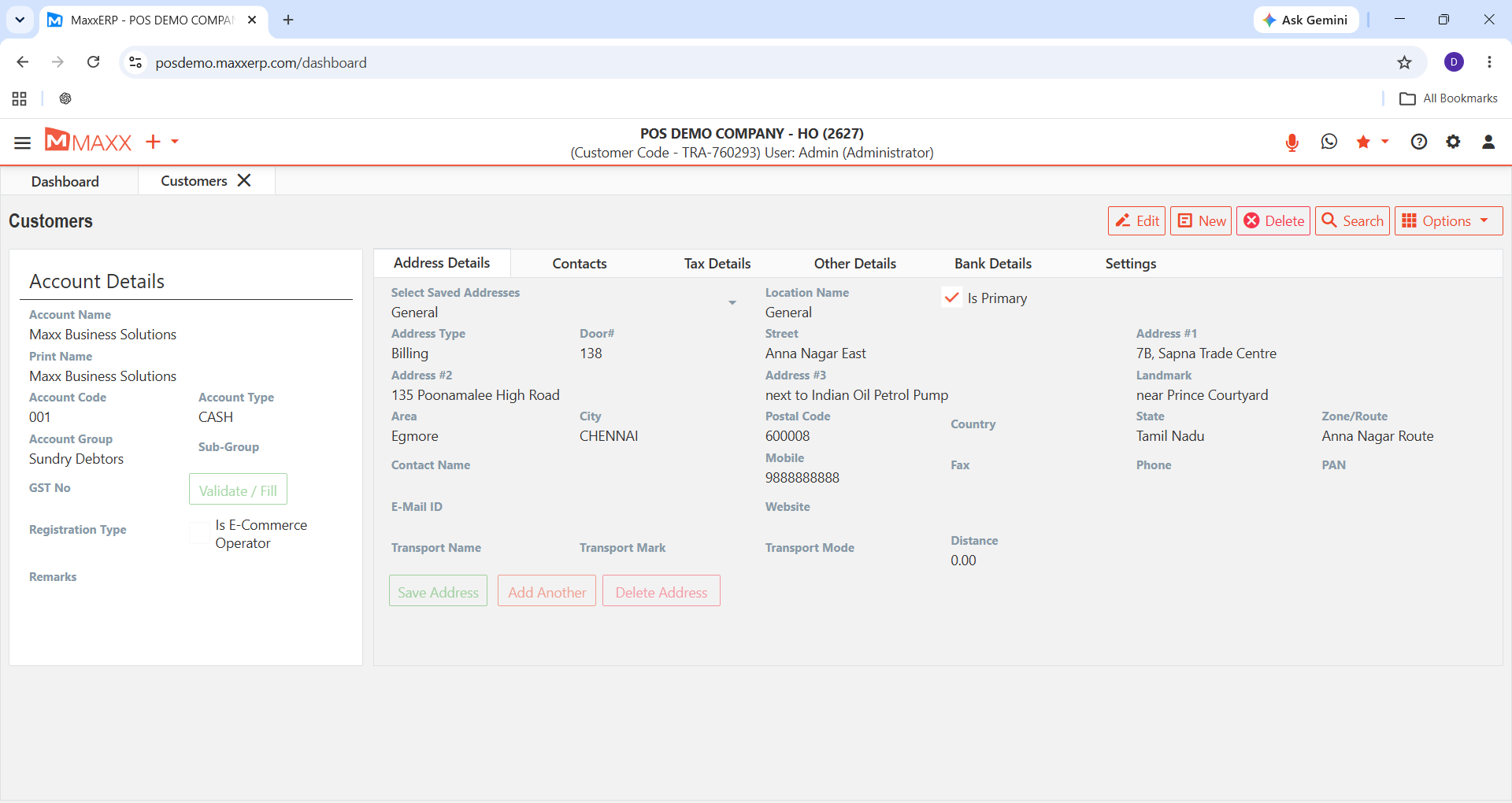
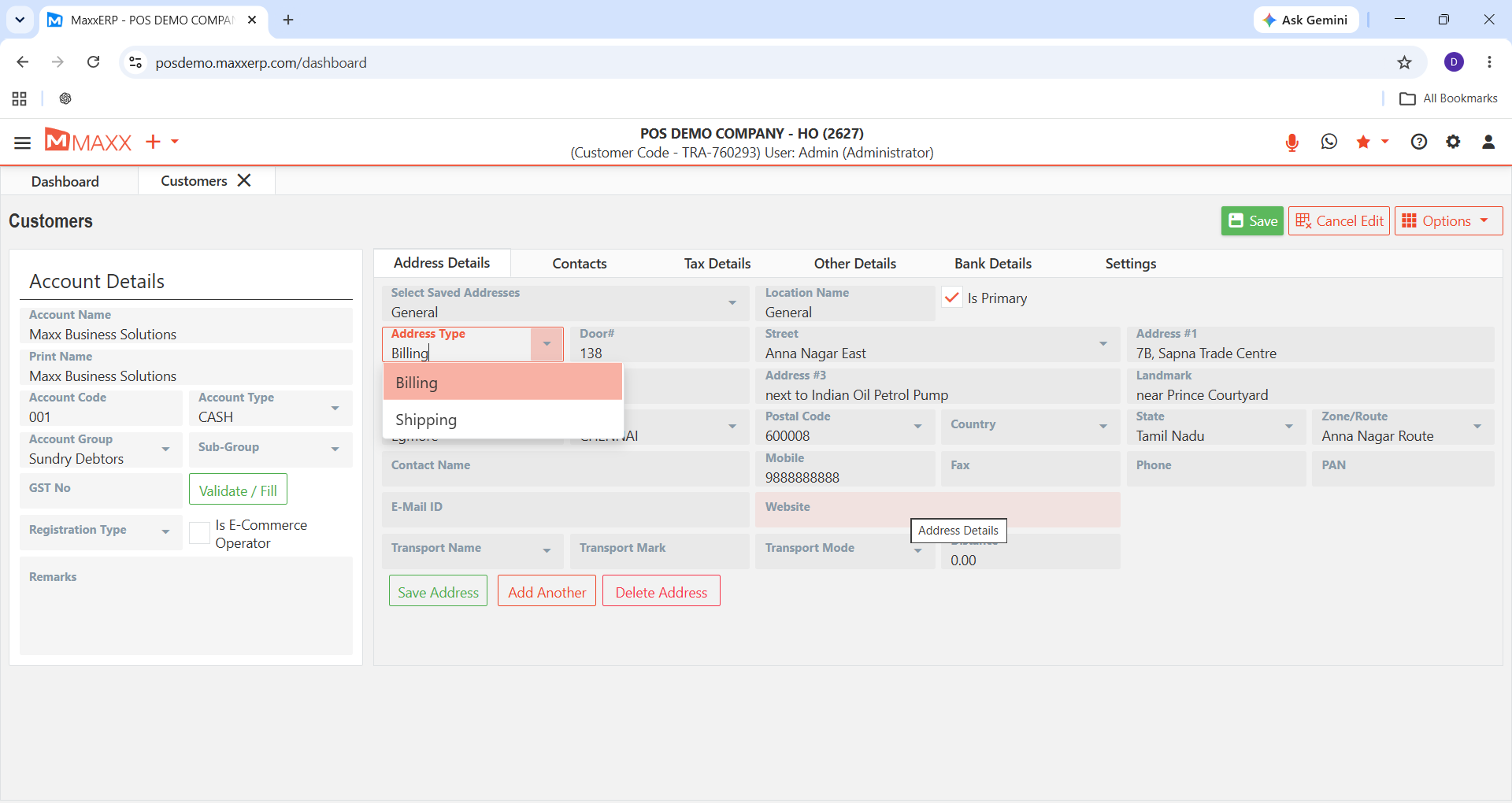
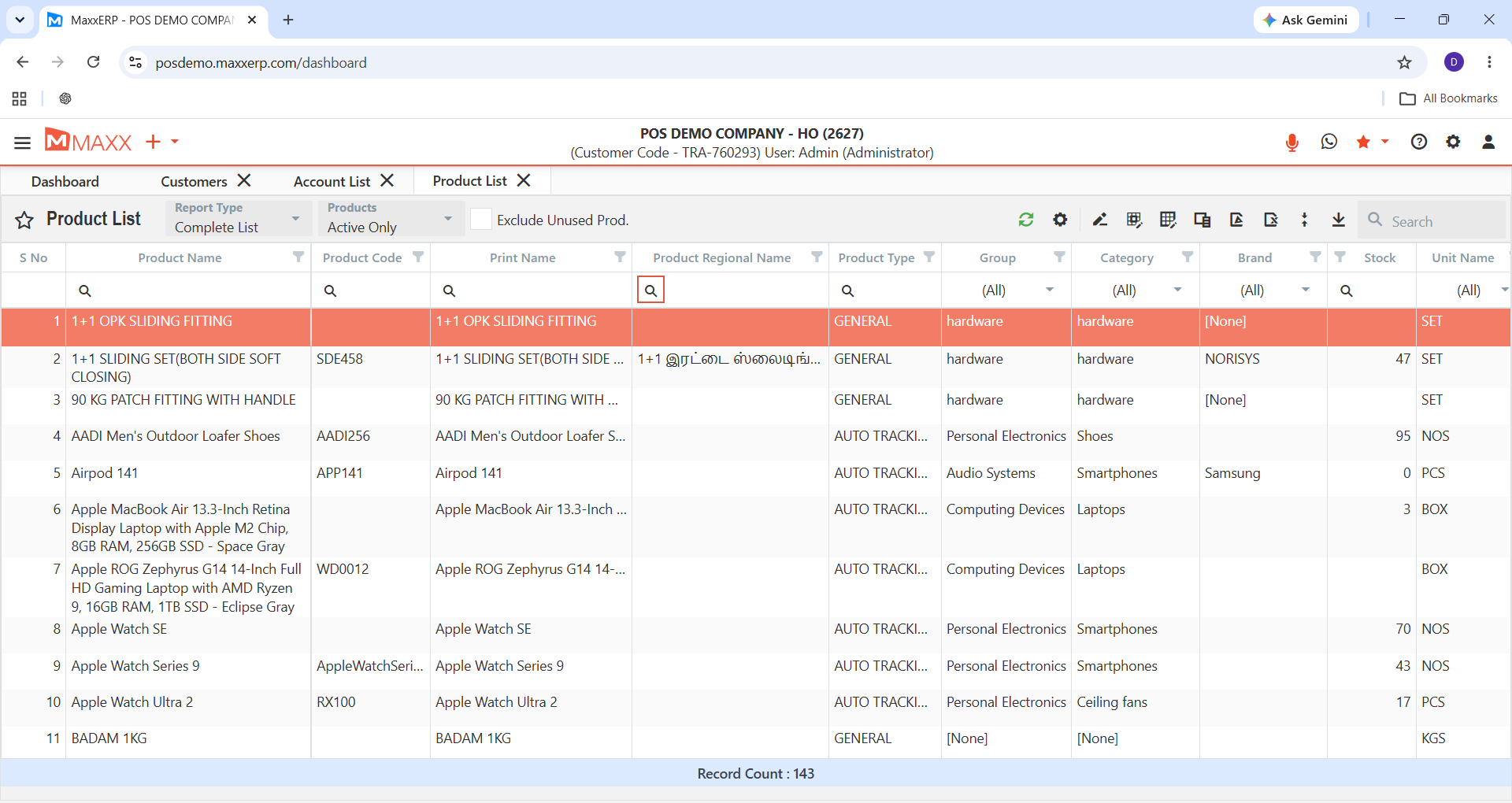
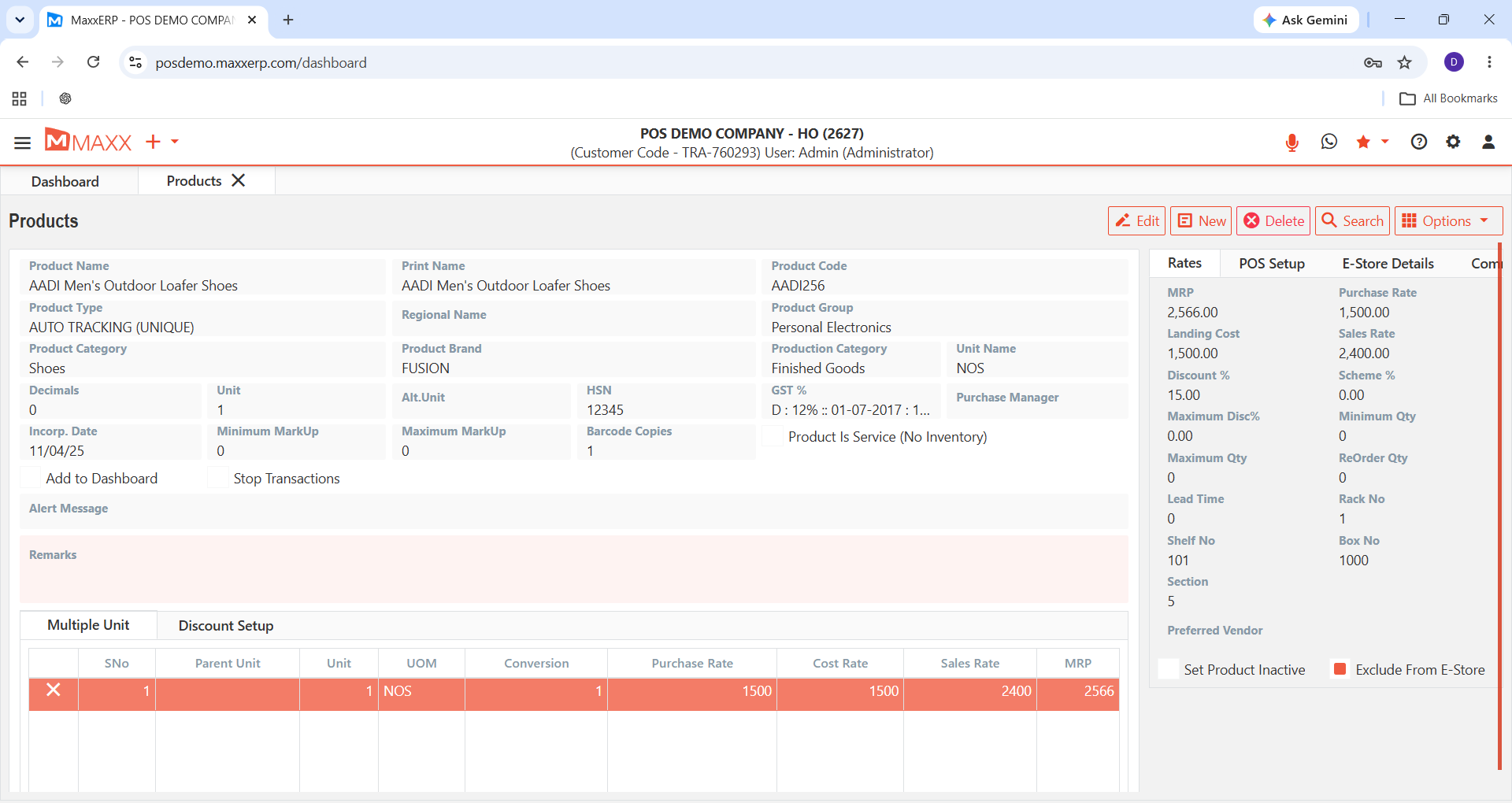
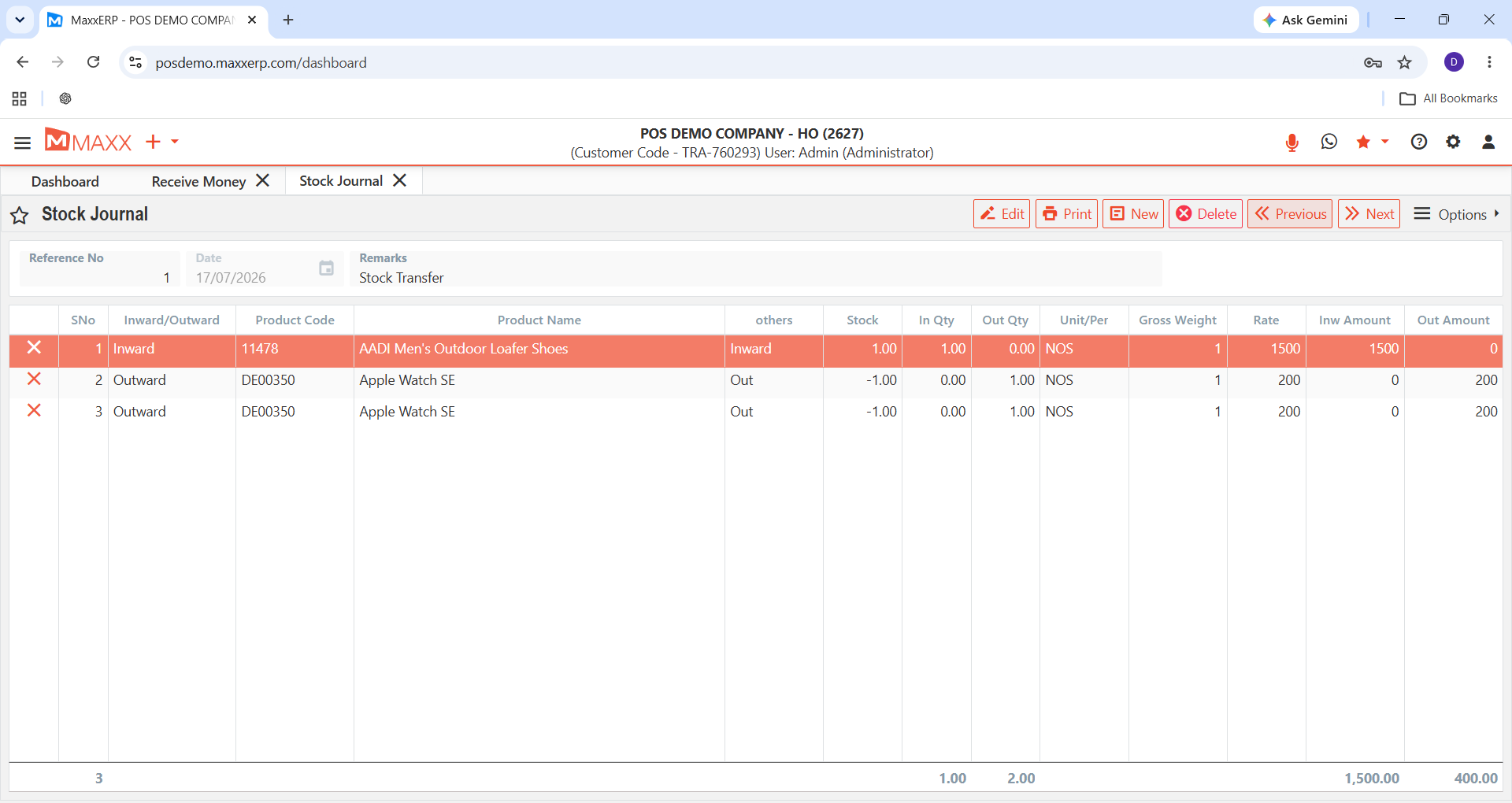
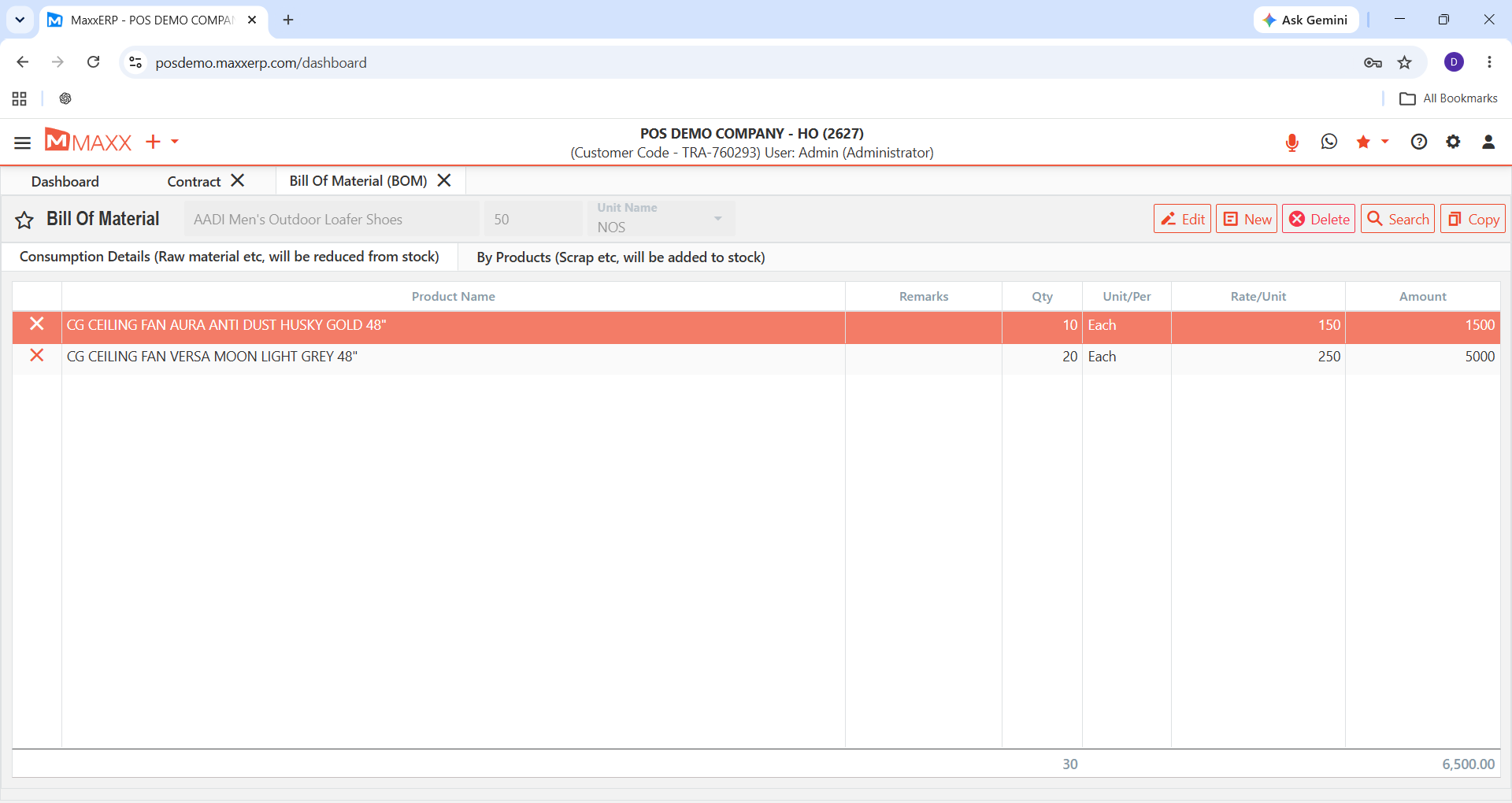
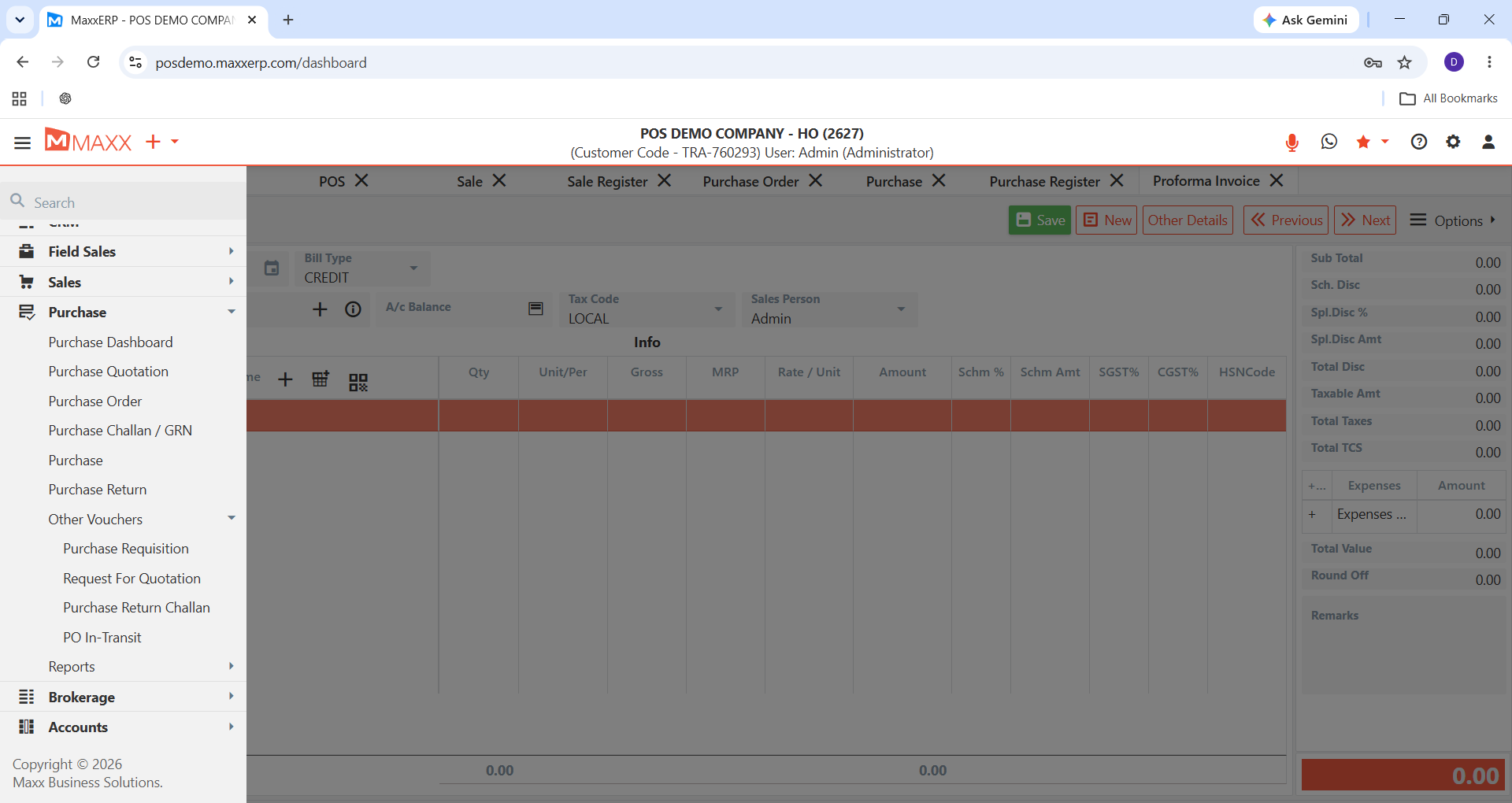
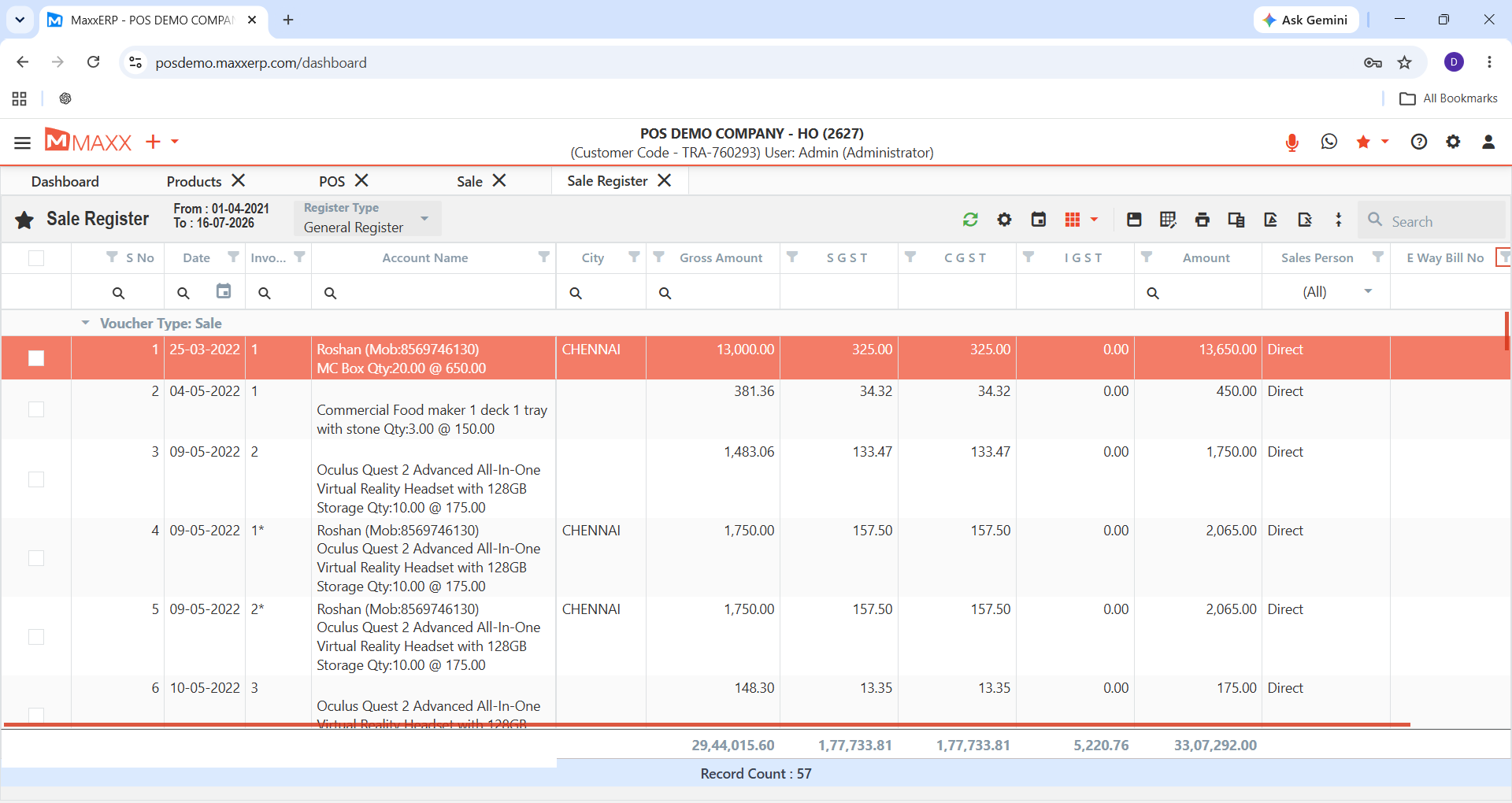
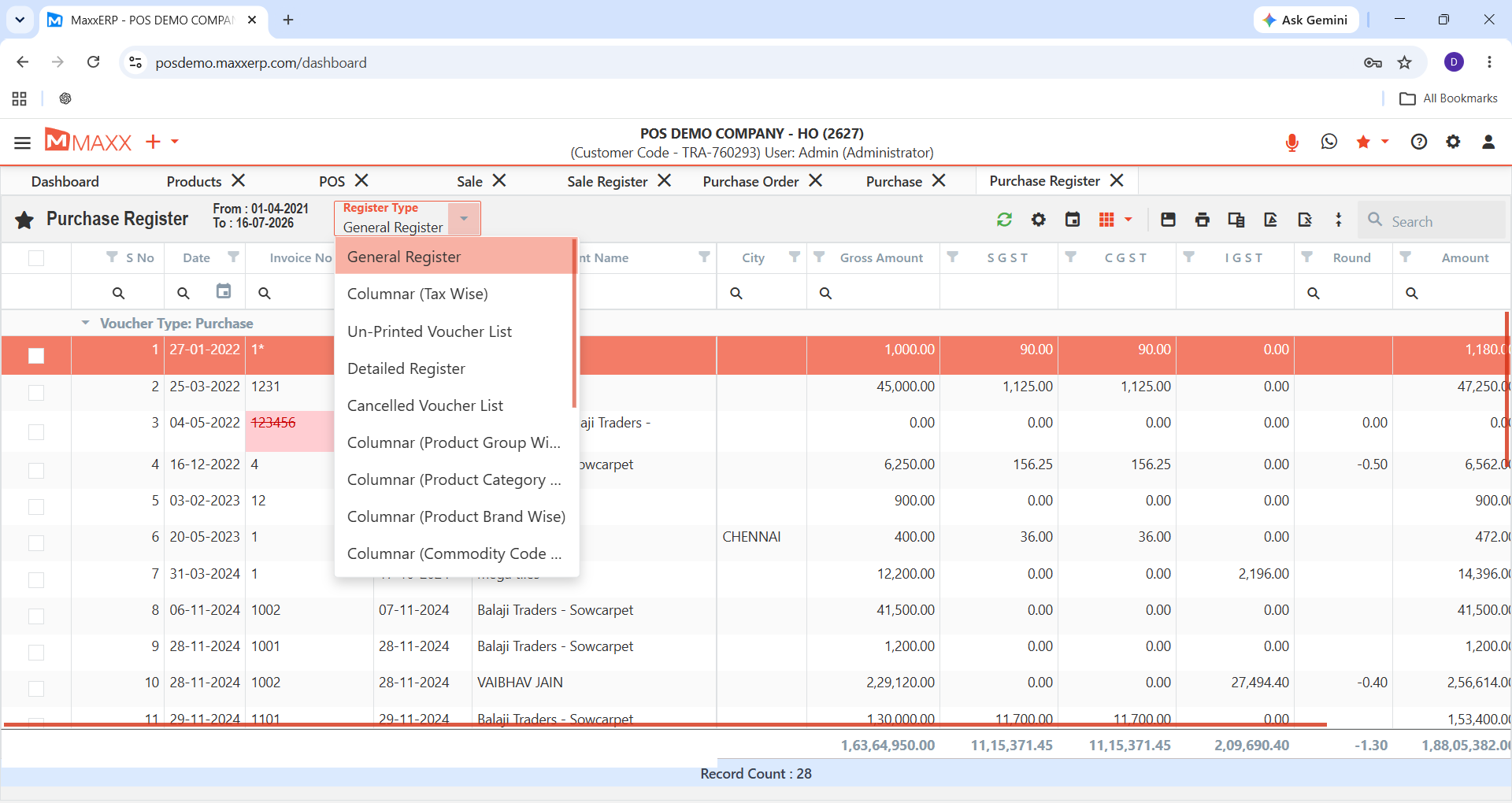
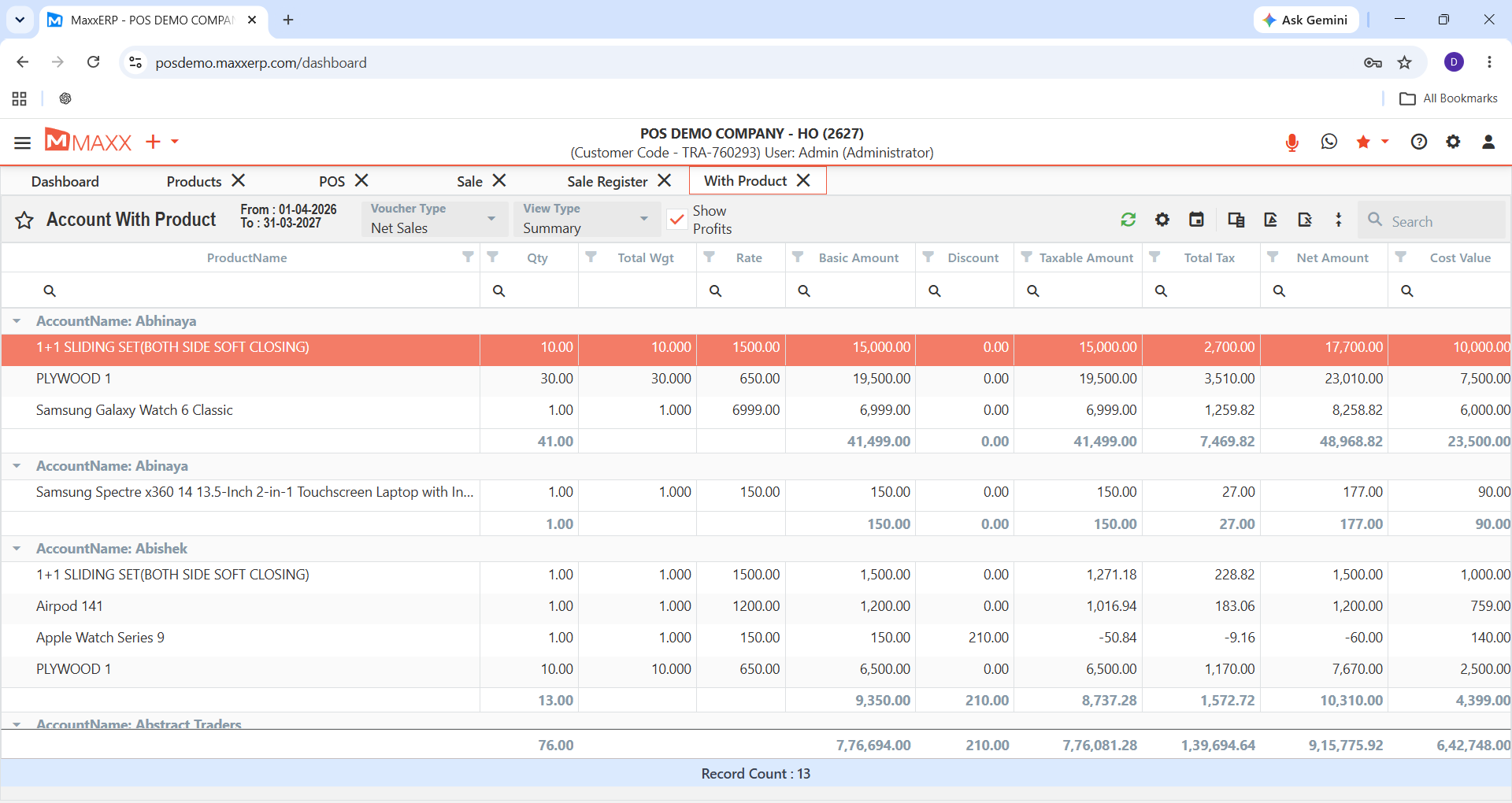
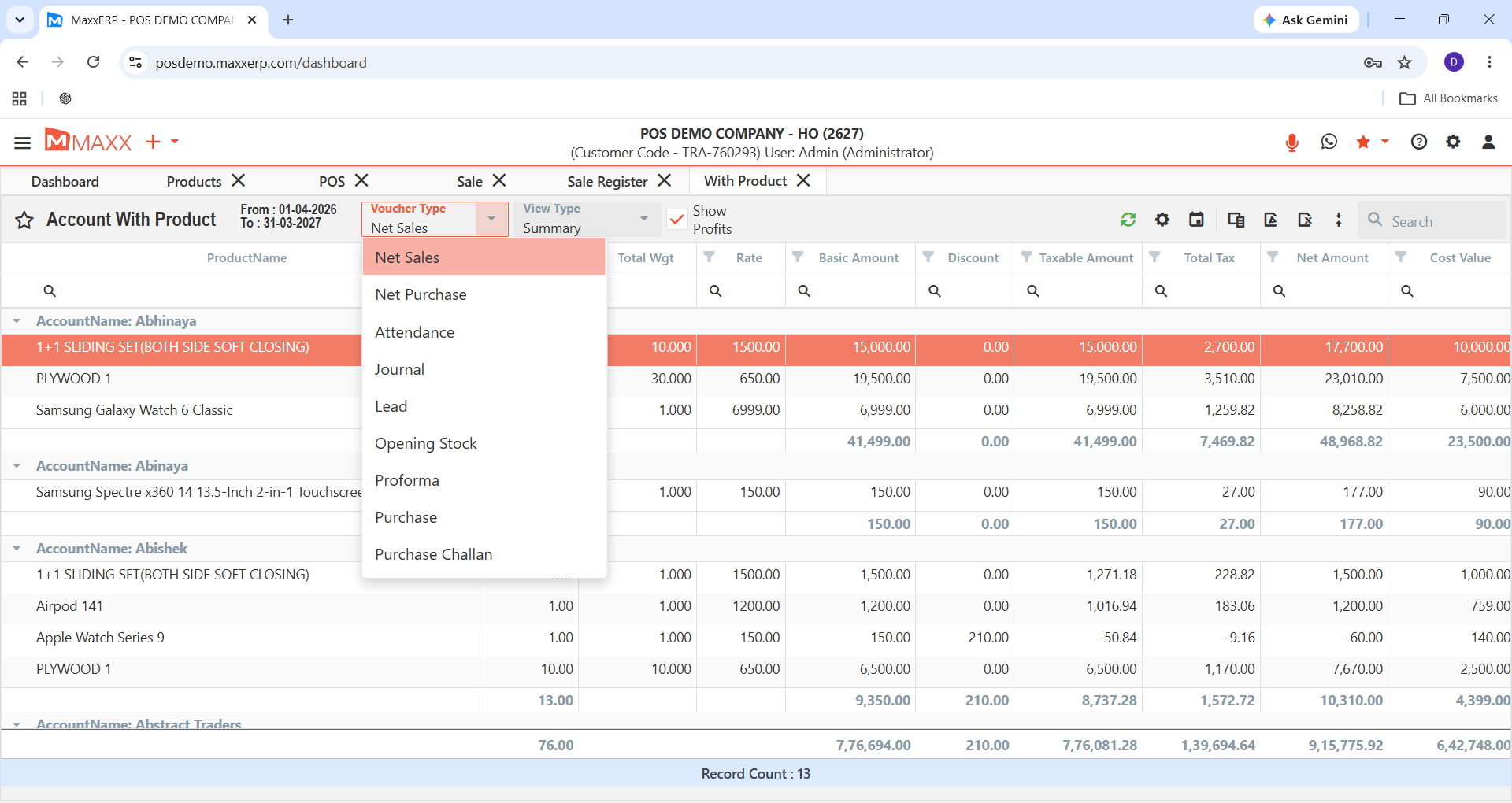
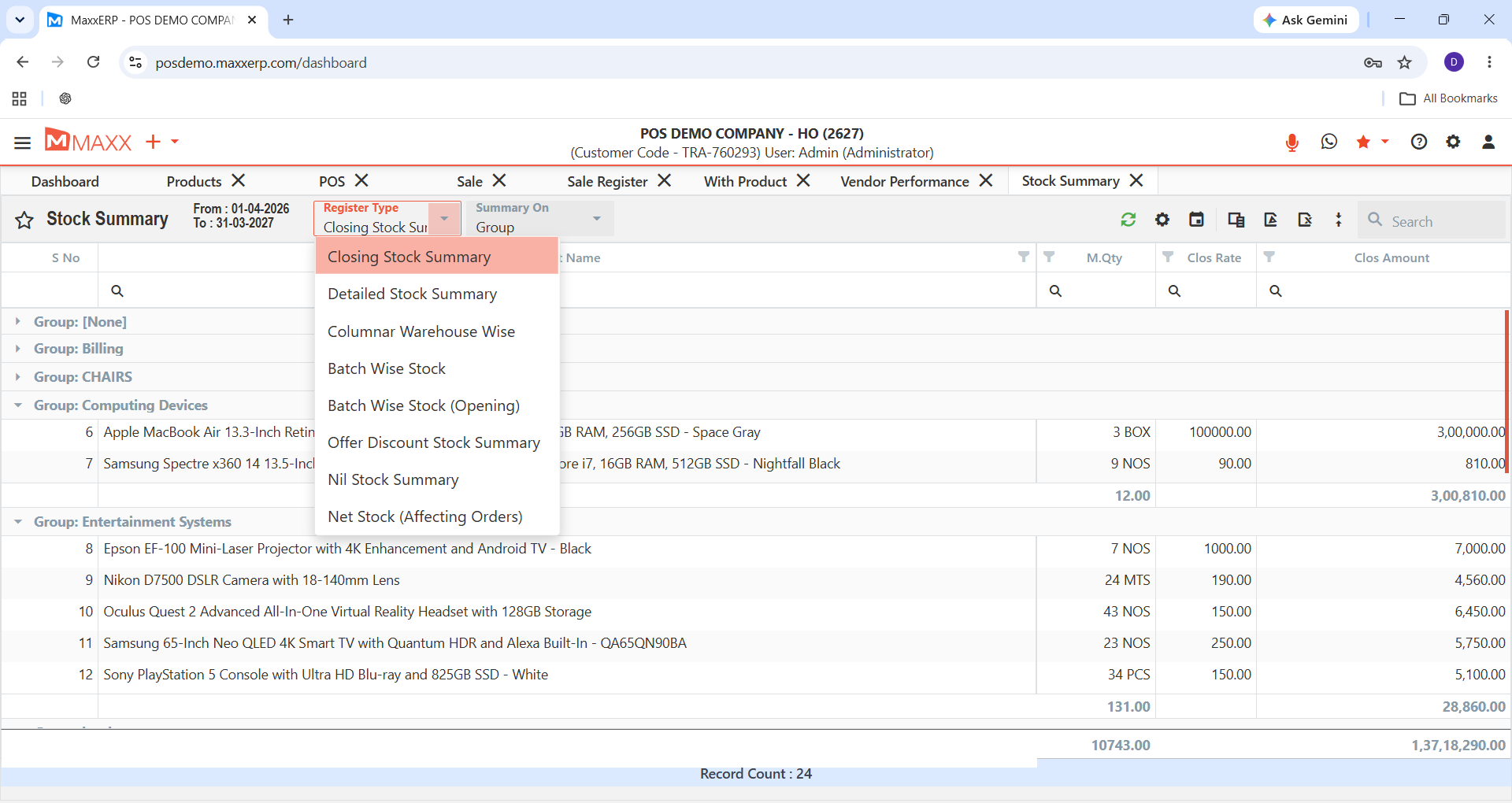
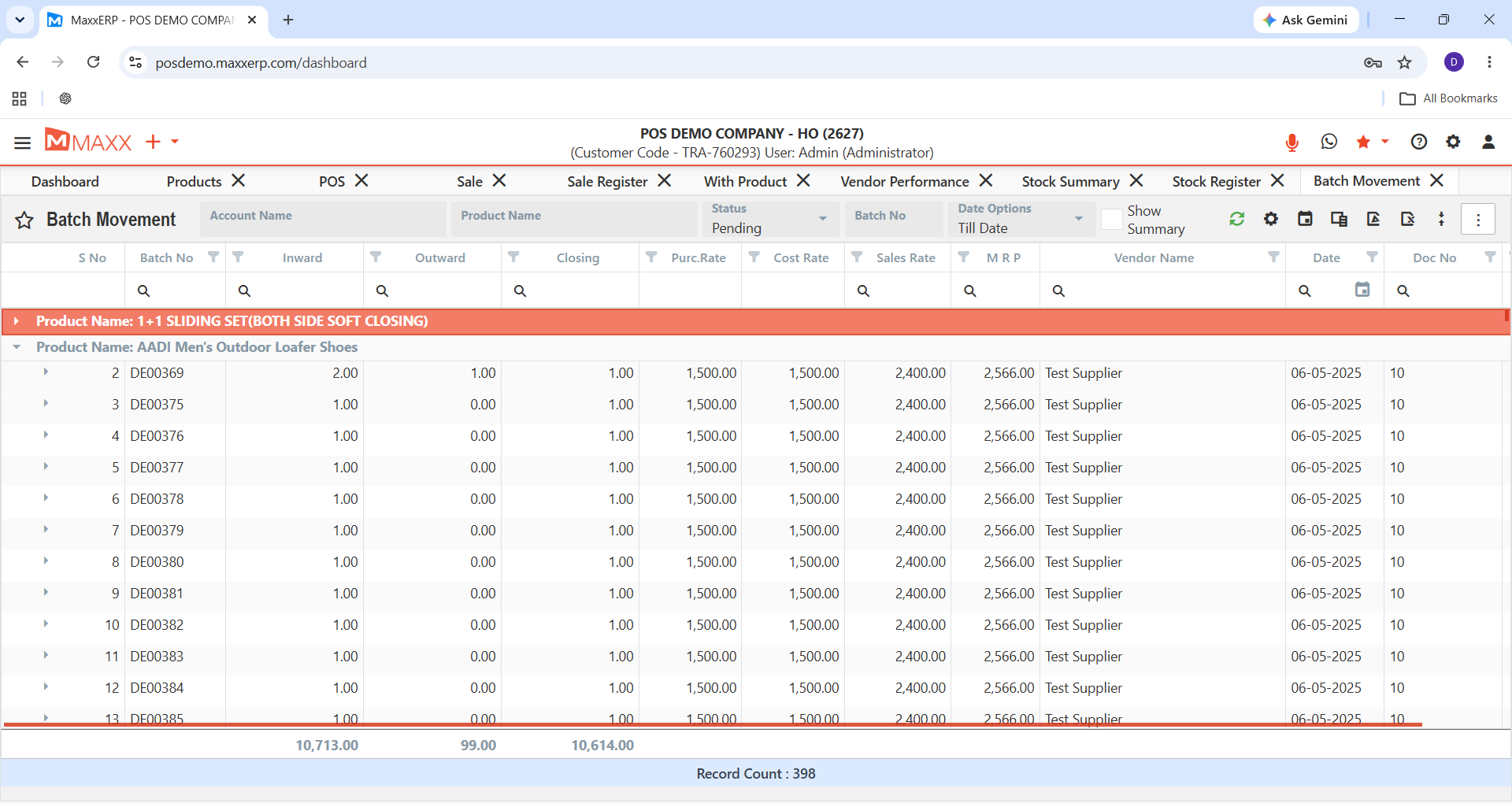
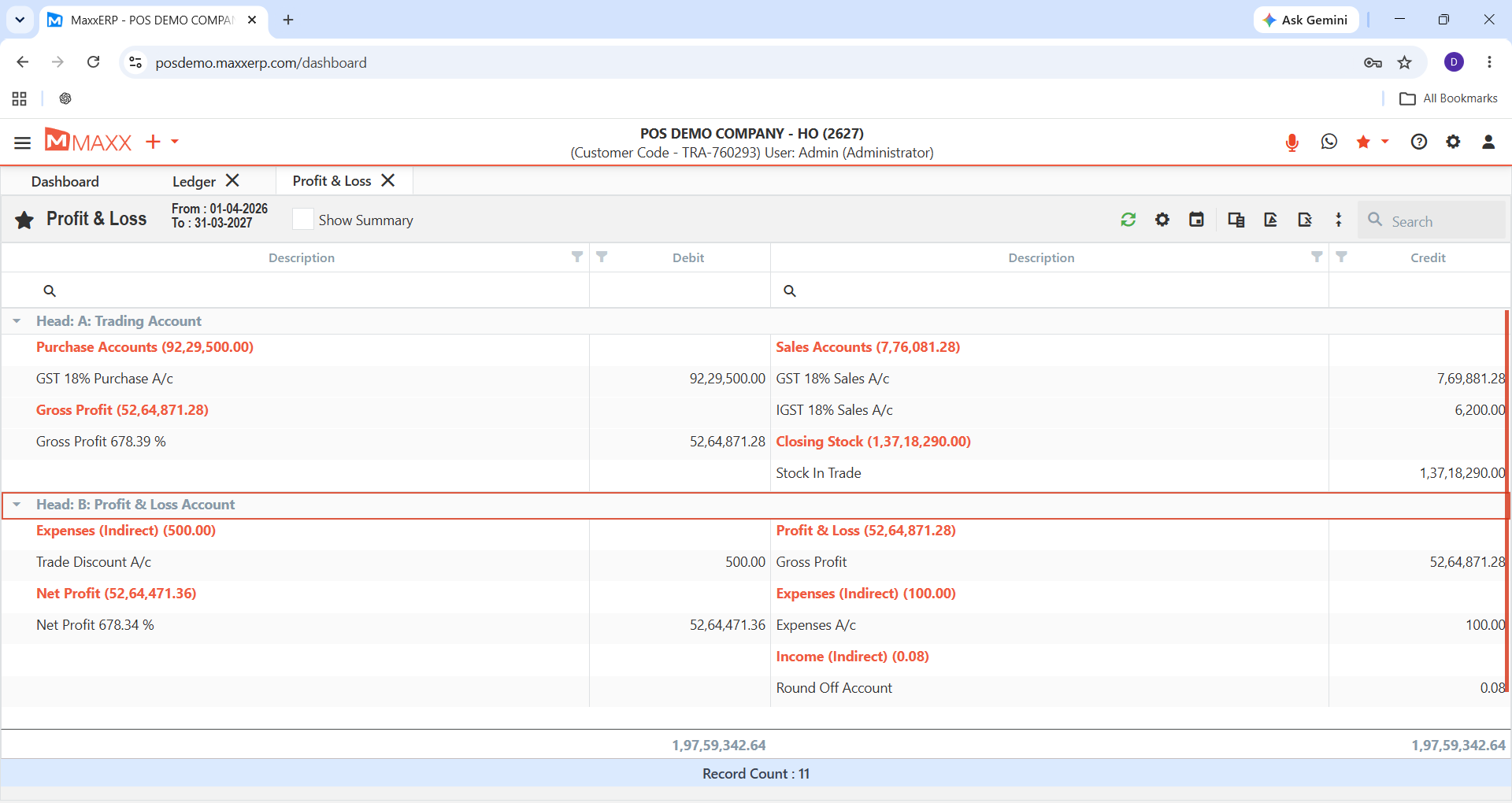
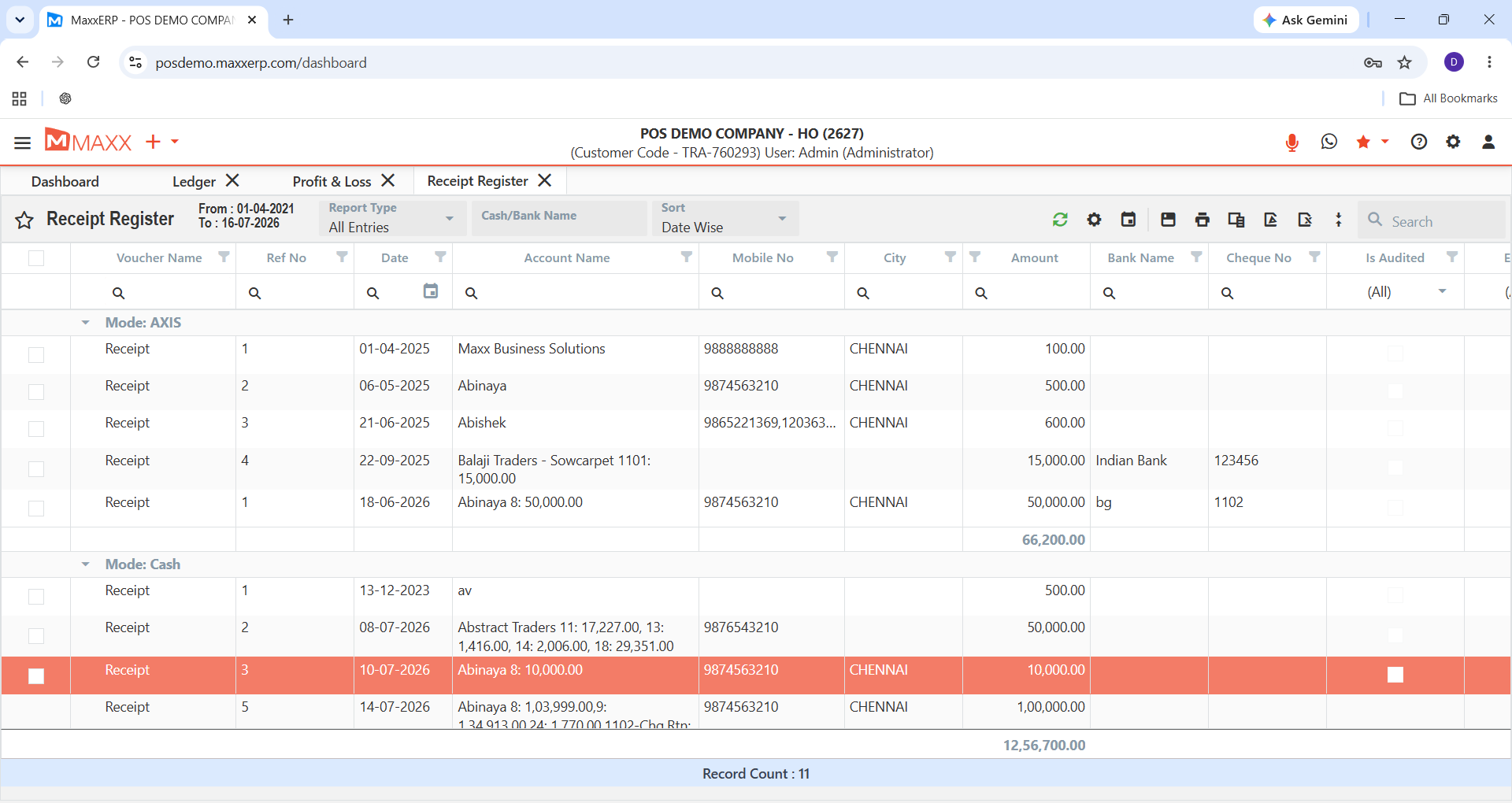
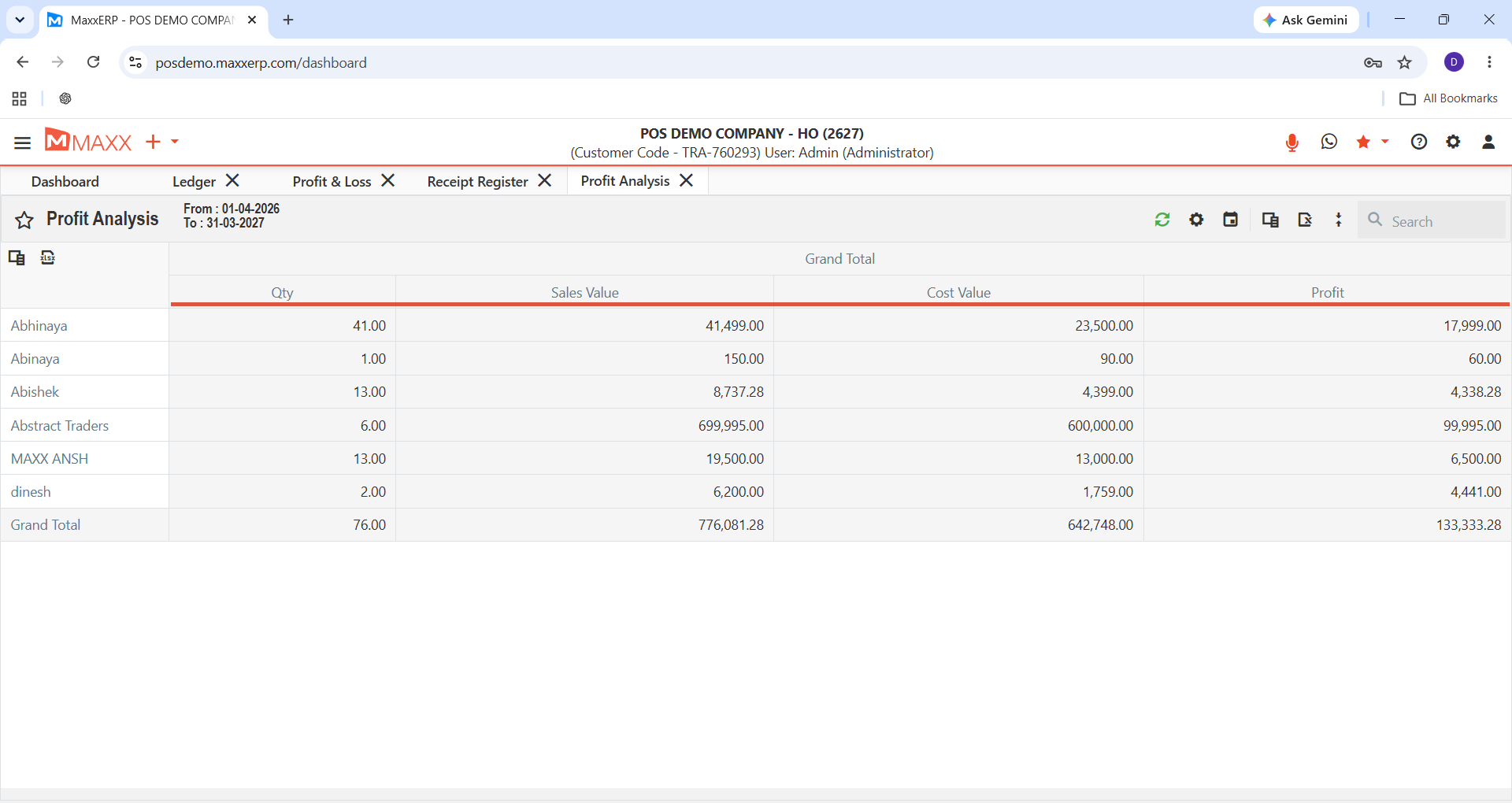
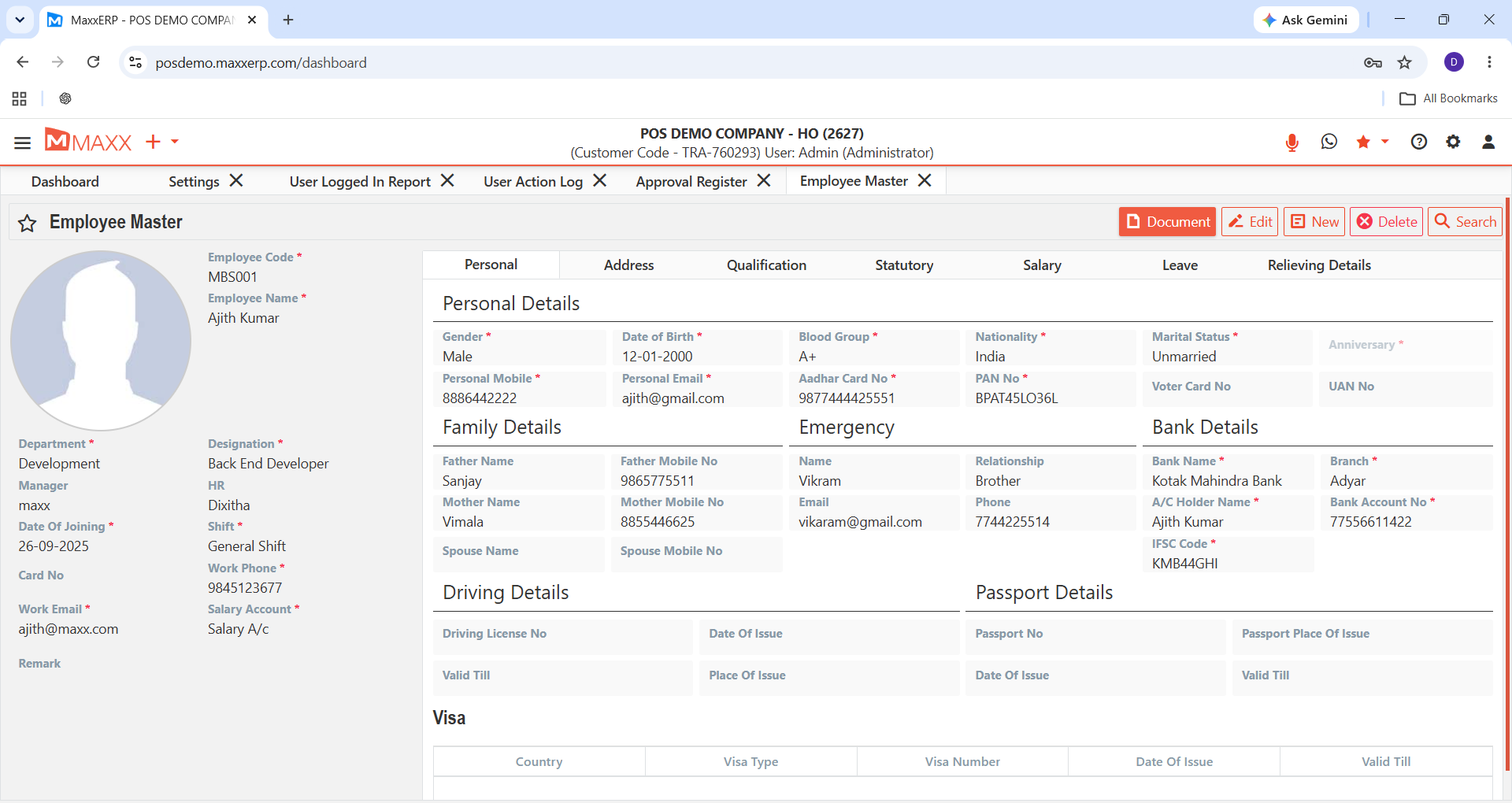
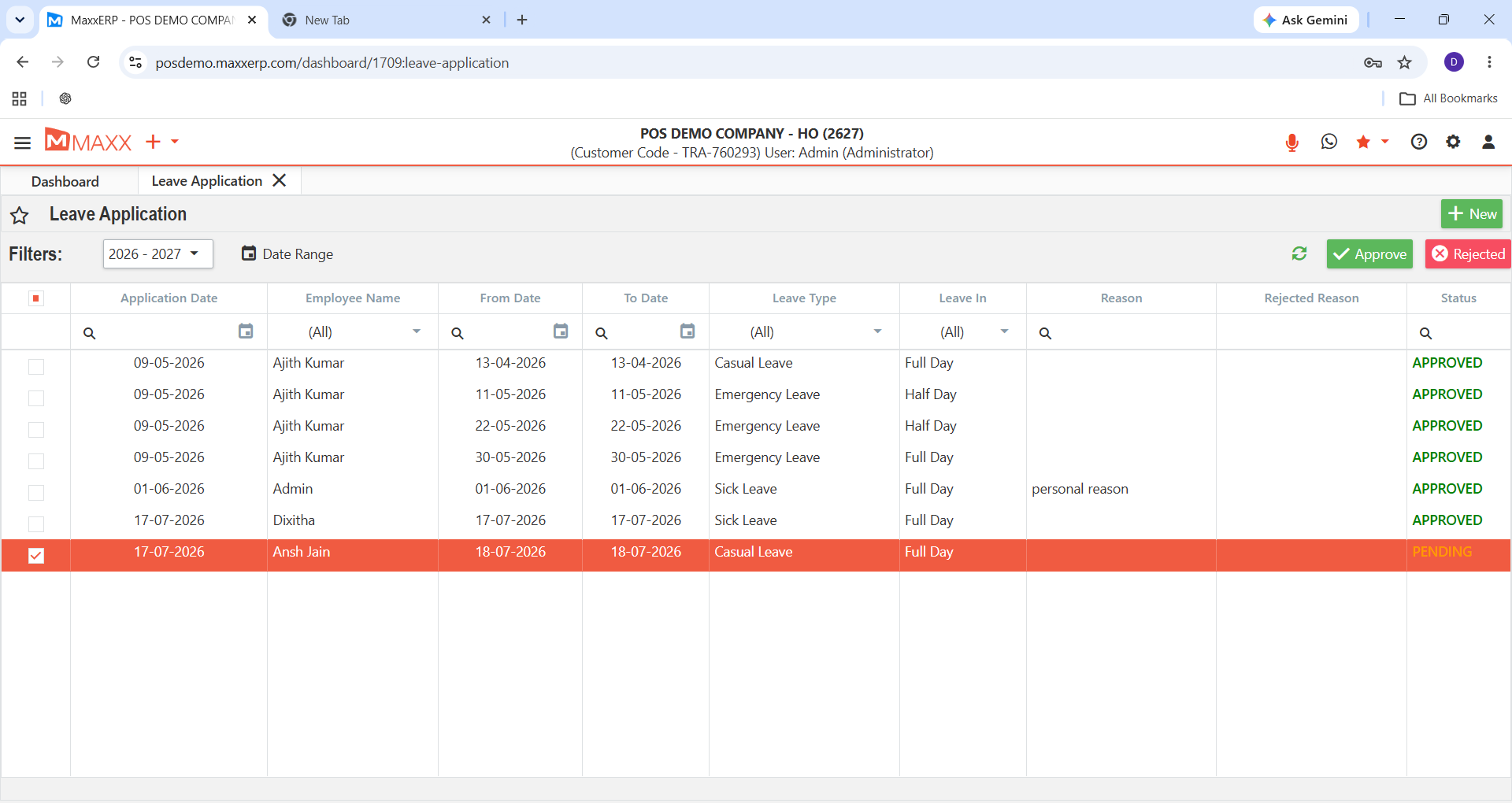
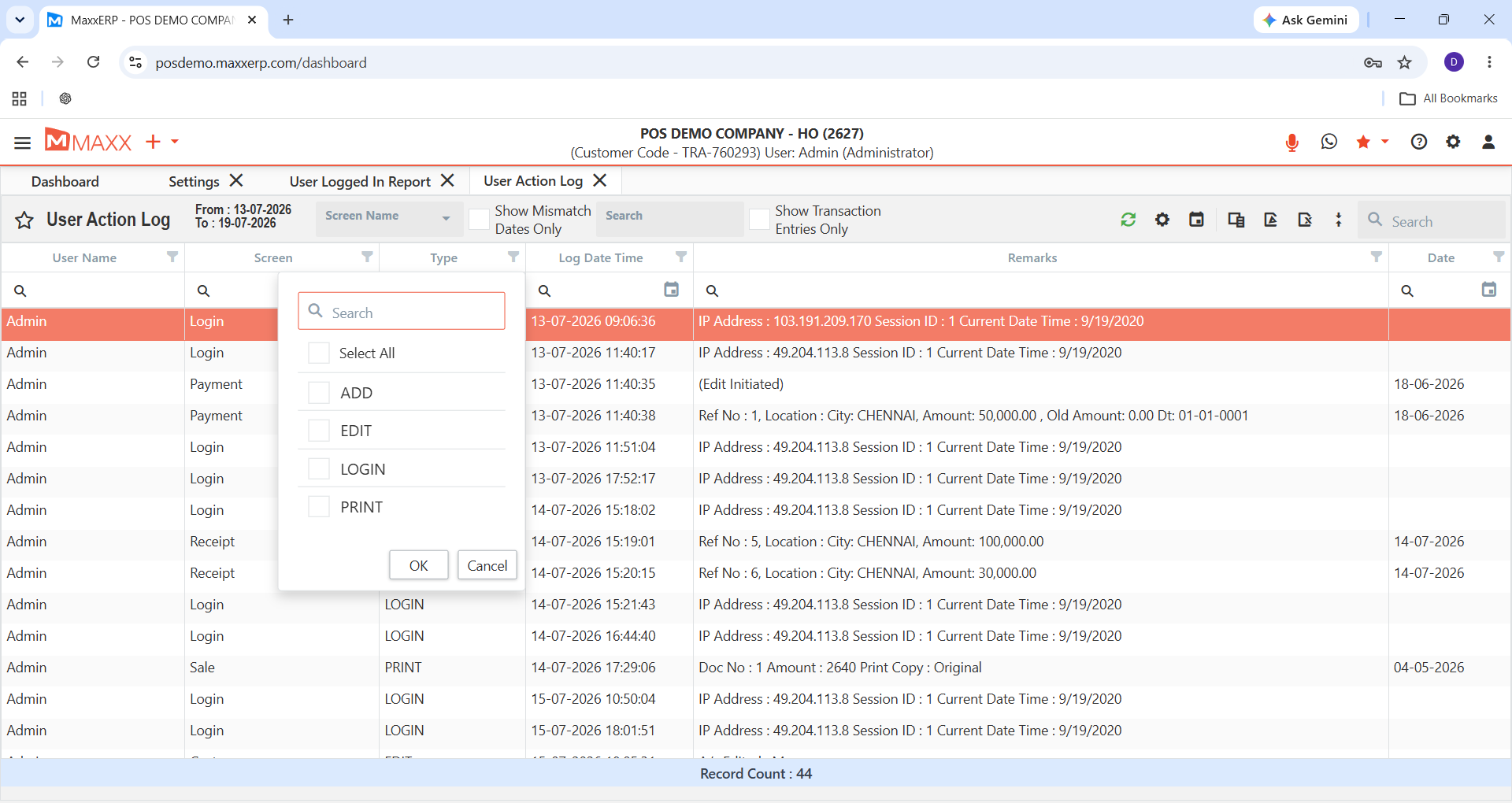
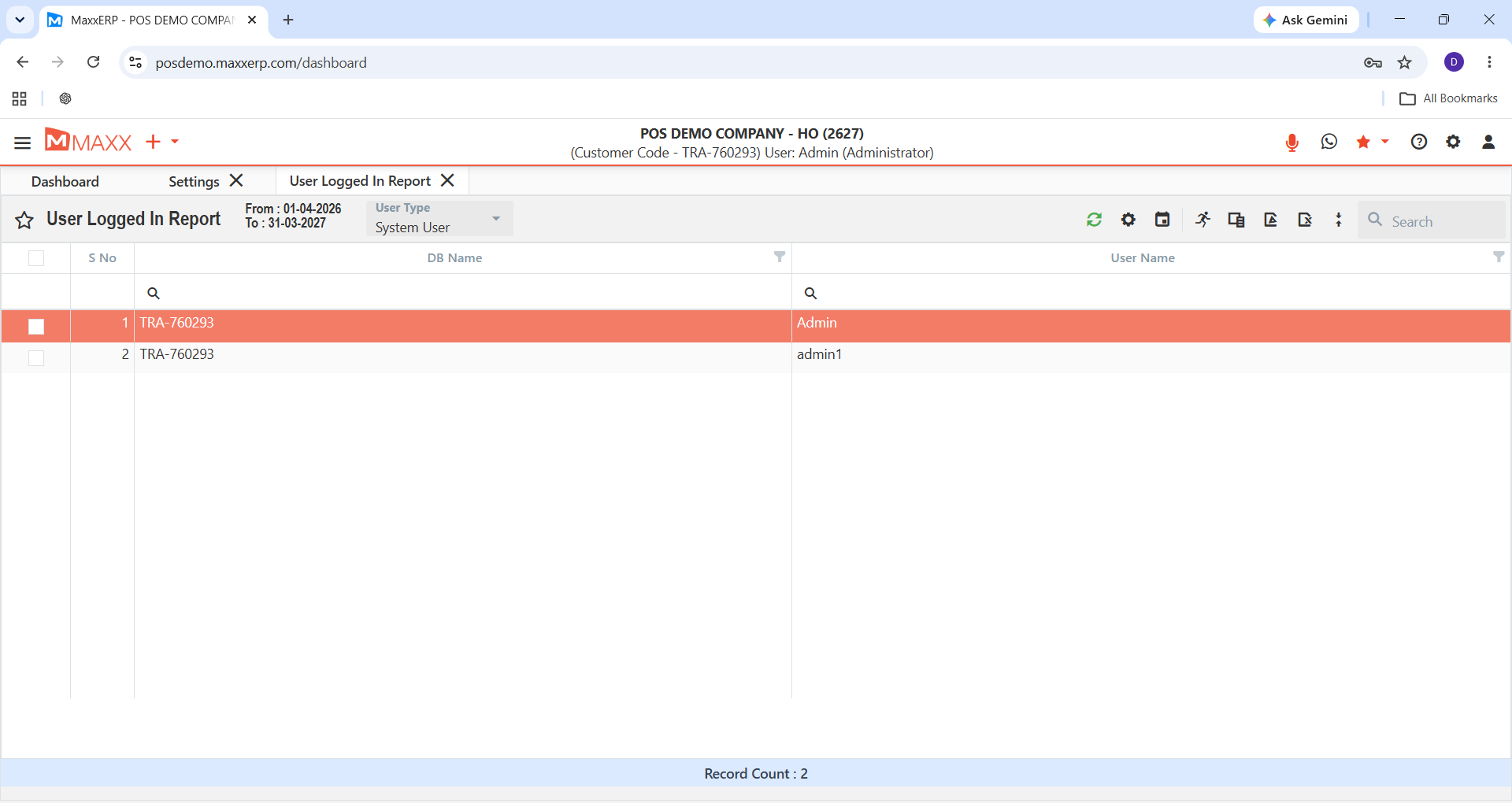
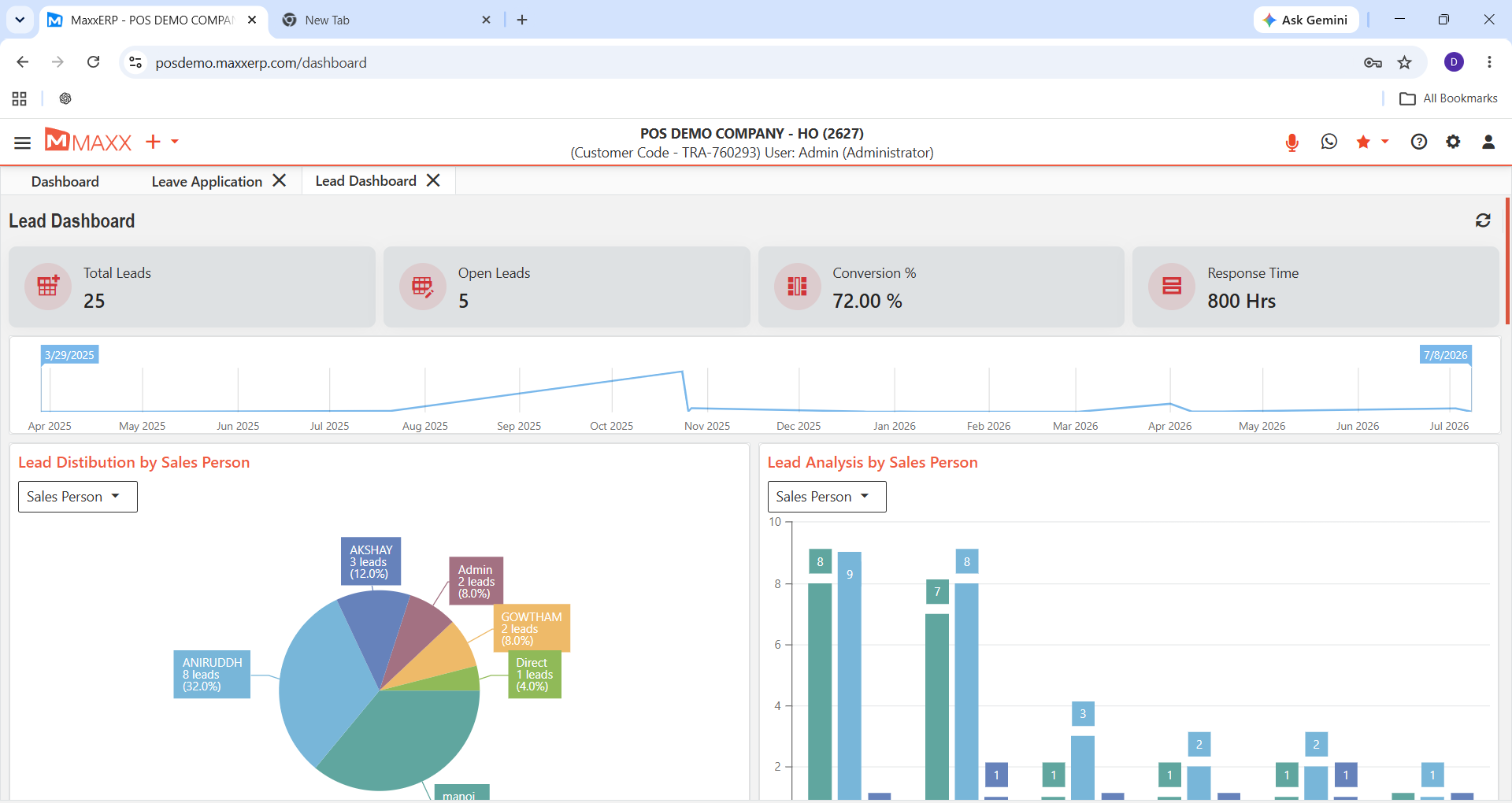
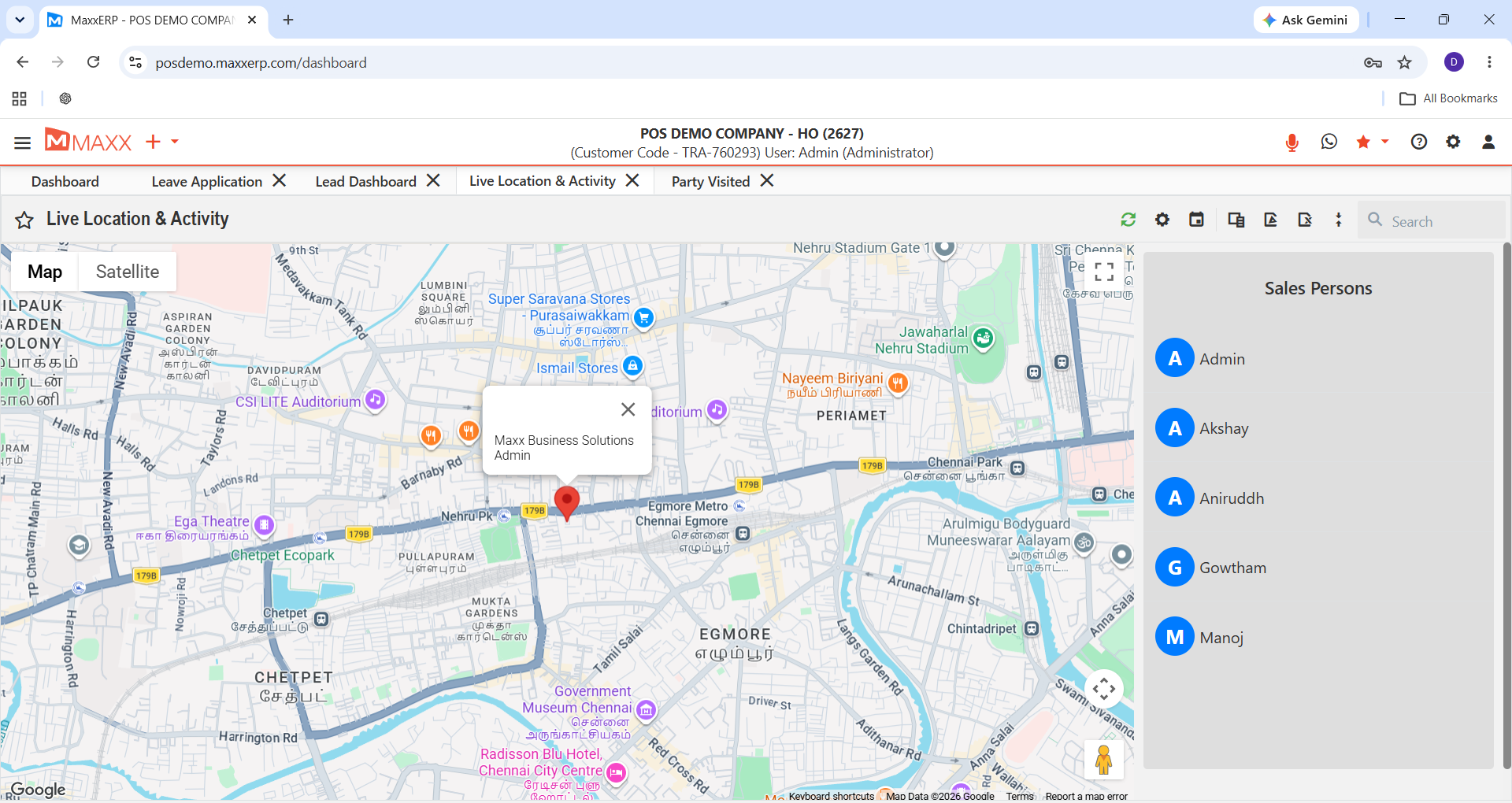
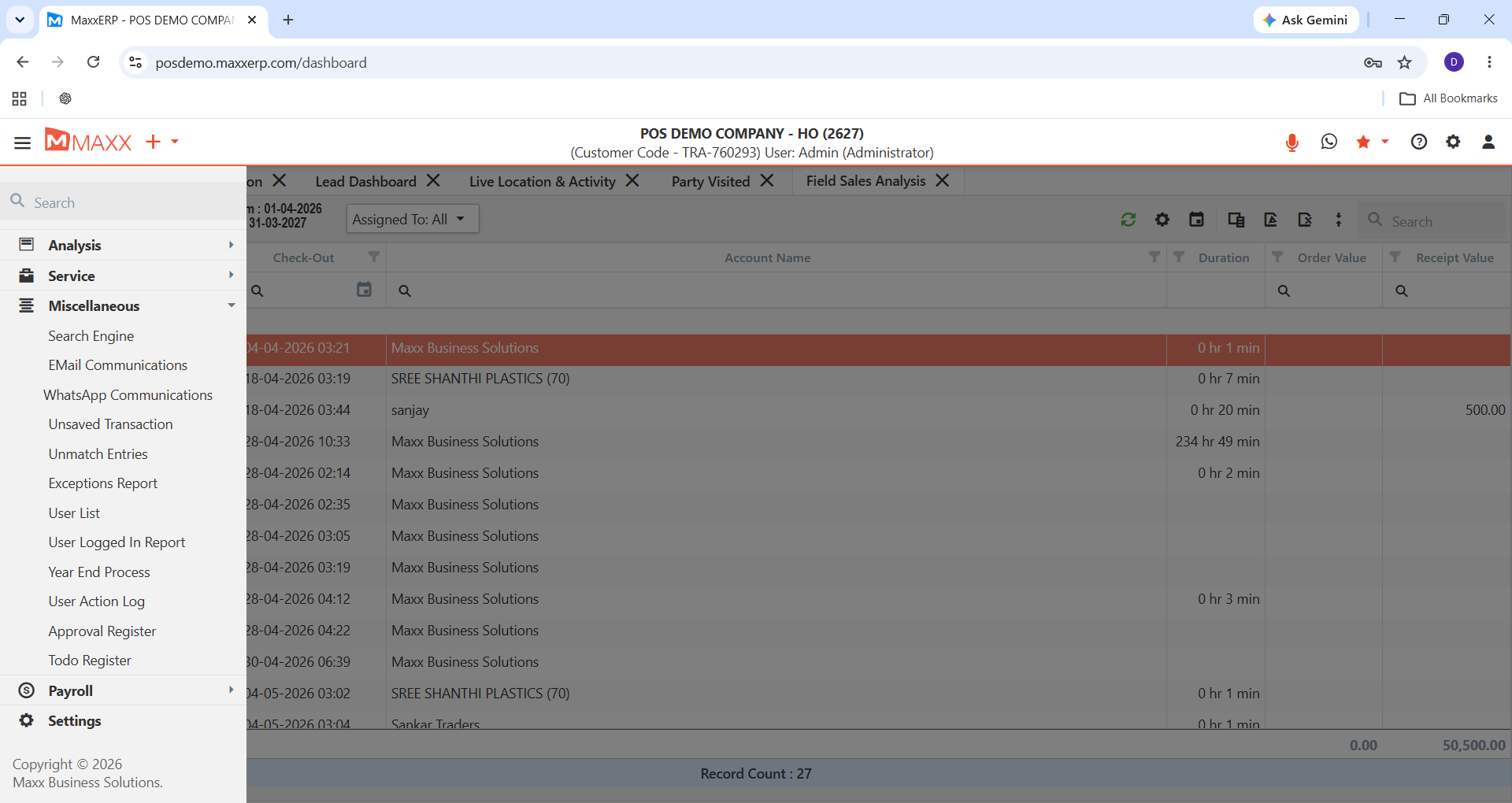
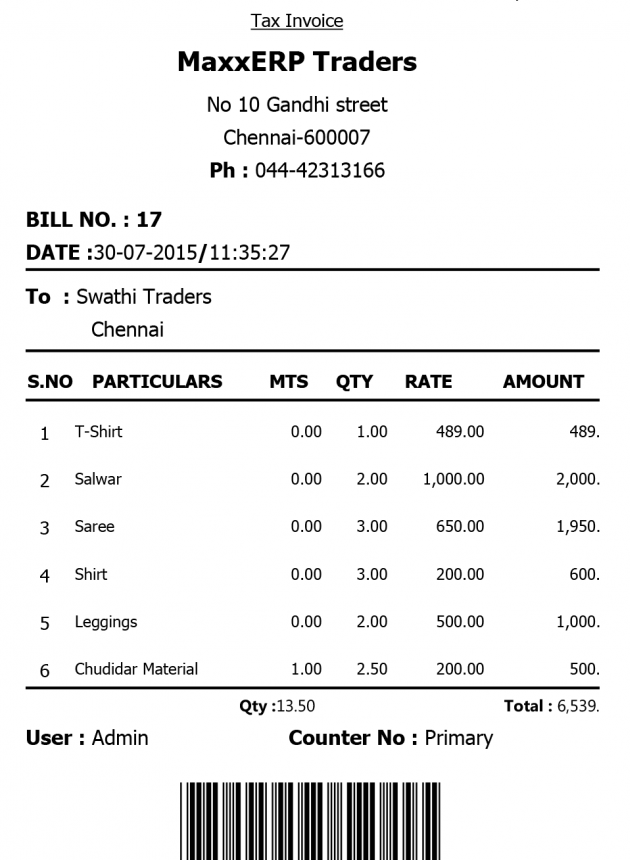
Real screens, real dashboards, real reports — no mockups, no guesswork, so you know exactly what you’re signing up for.
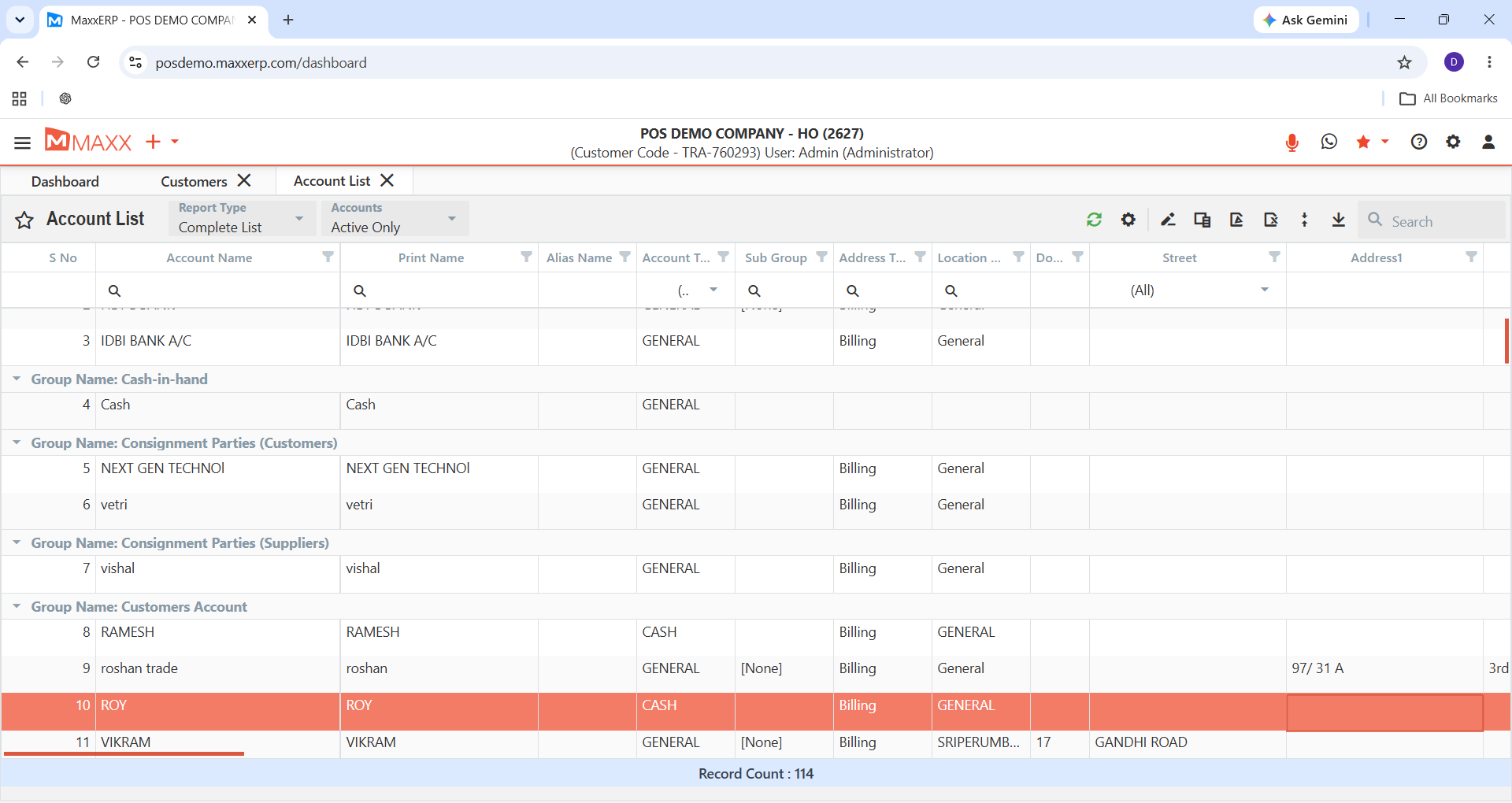
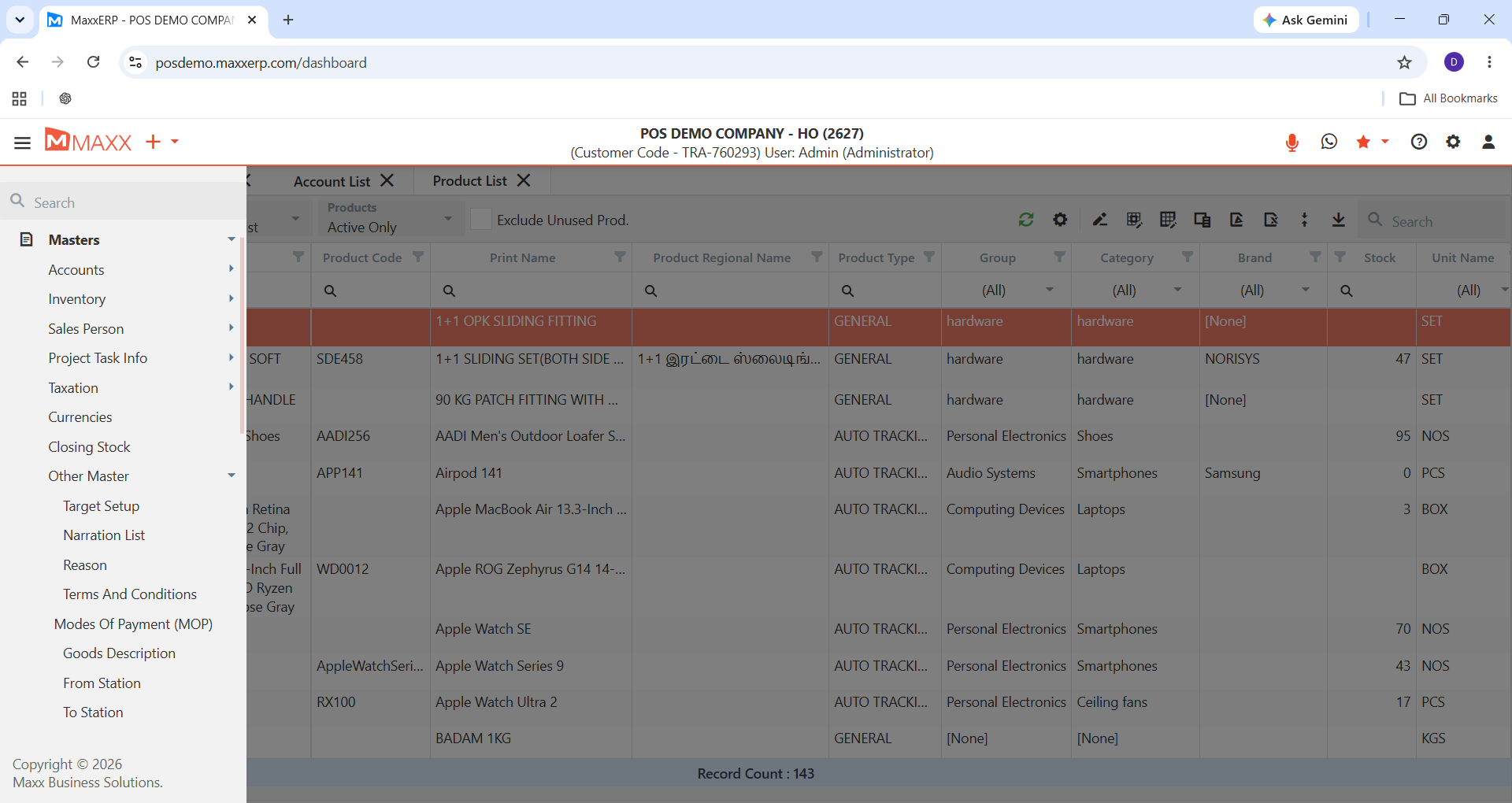
MASTERS
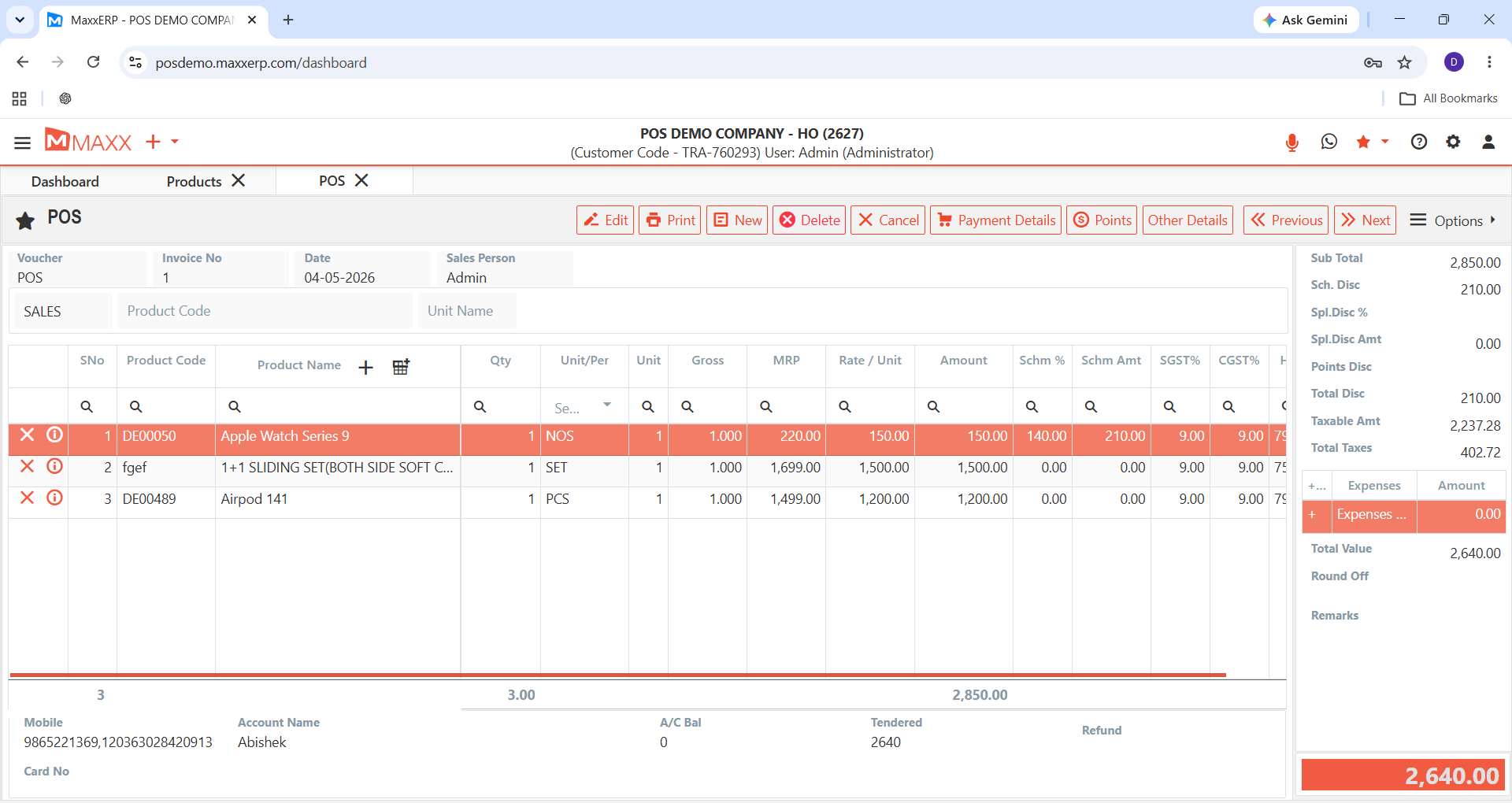
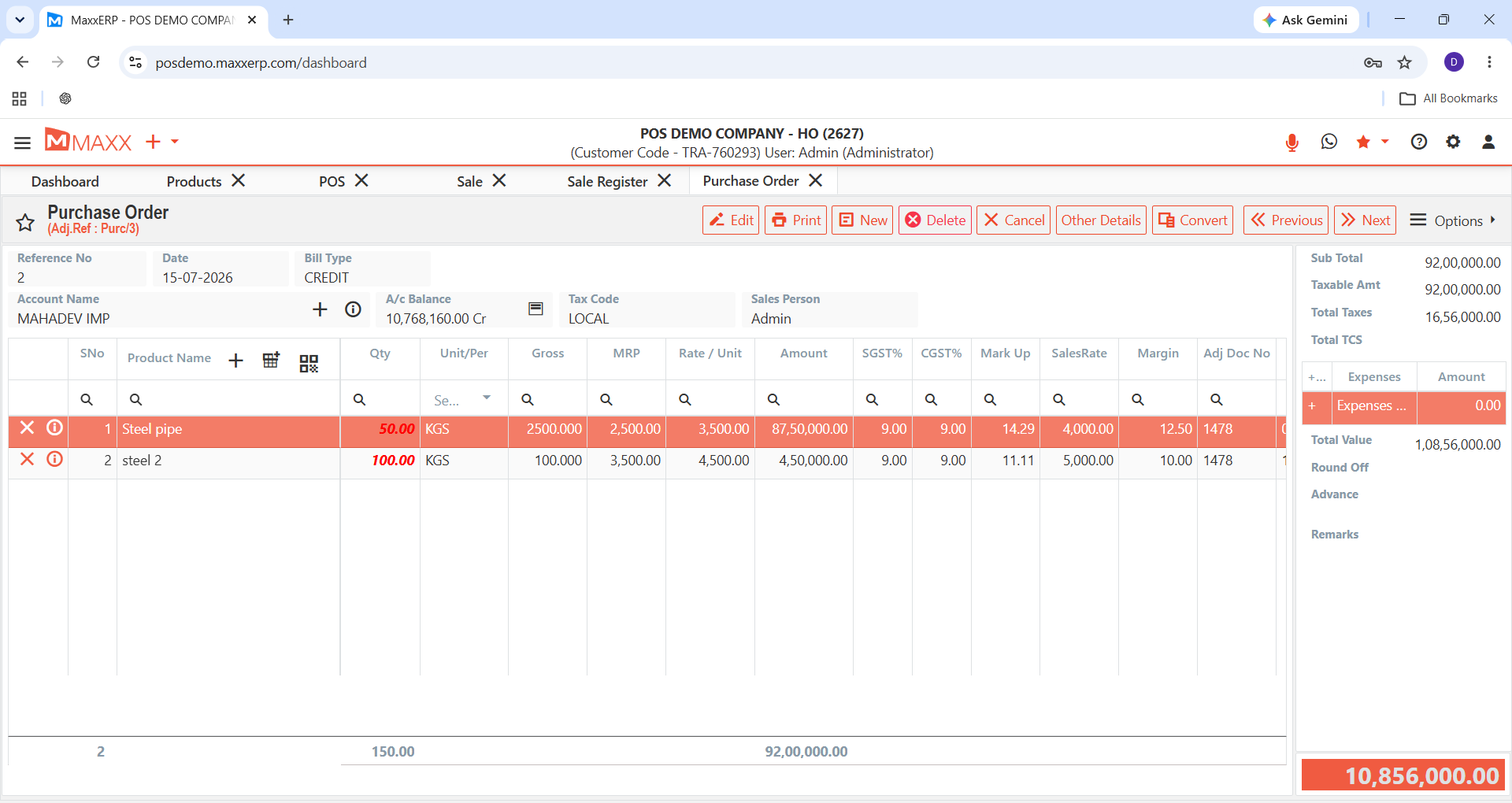
VOUCHERS
REPORTS
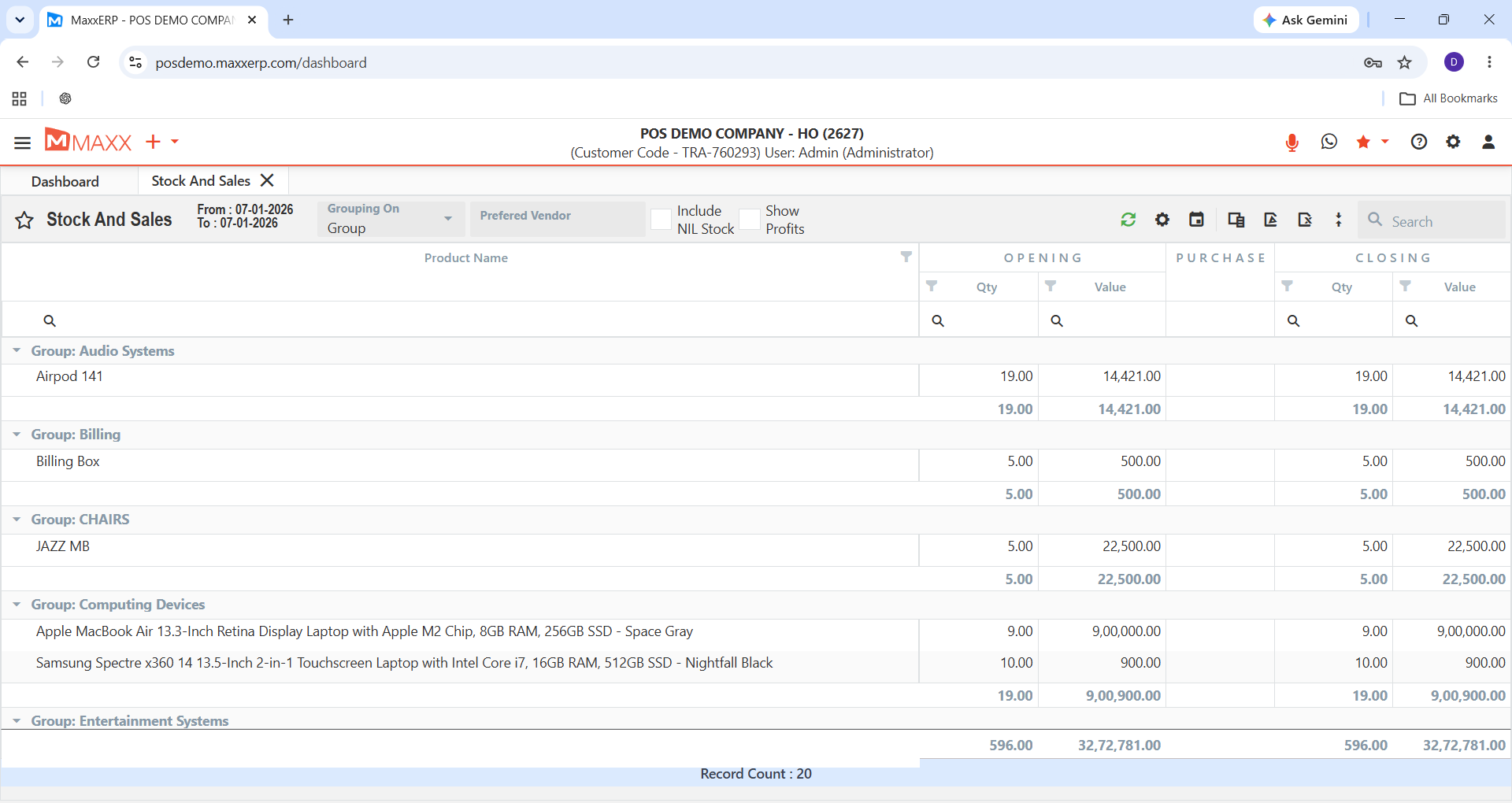
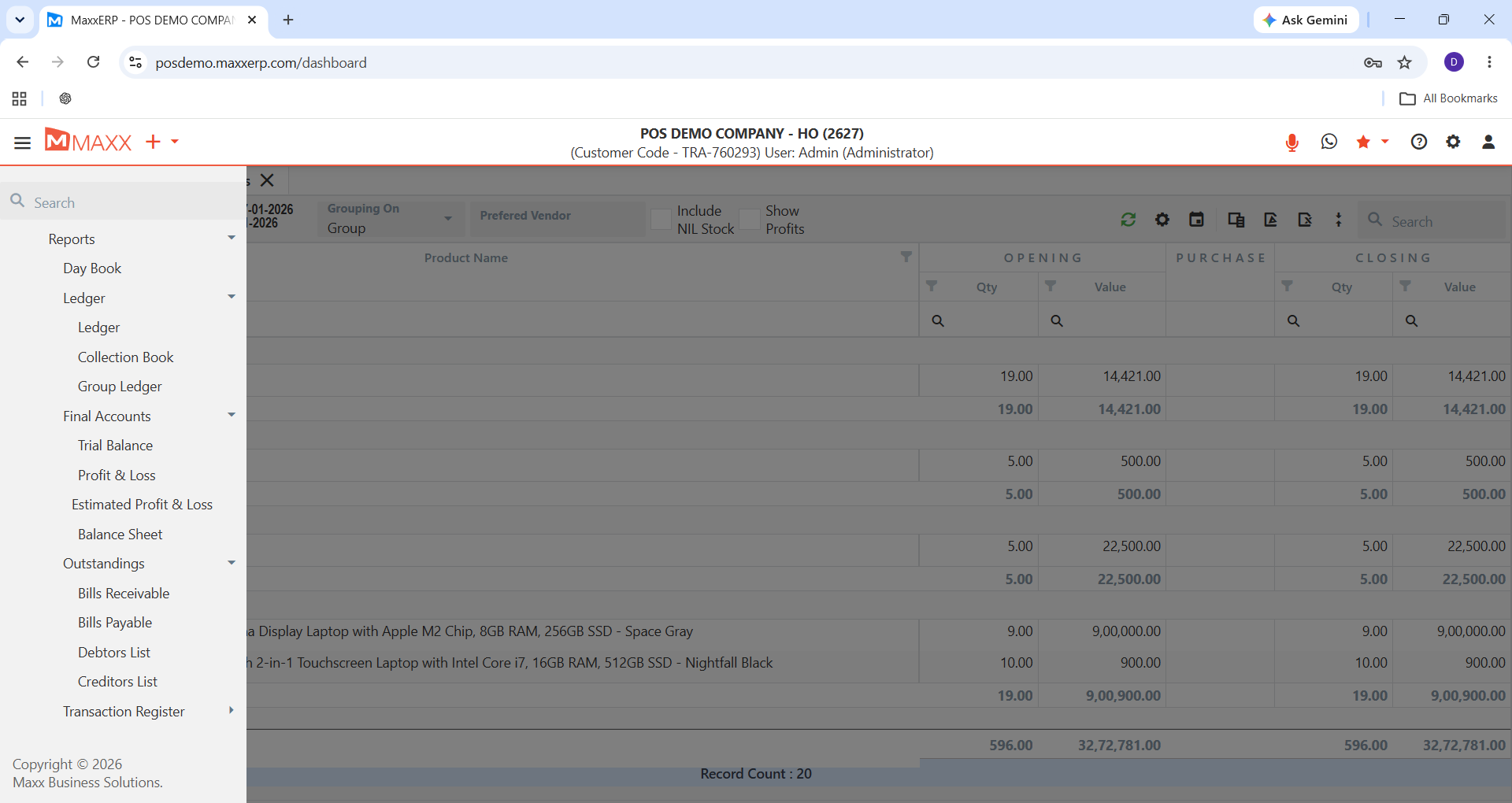
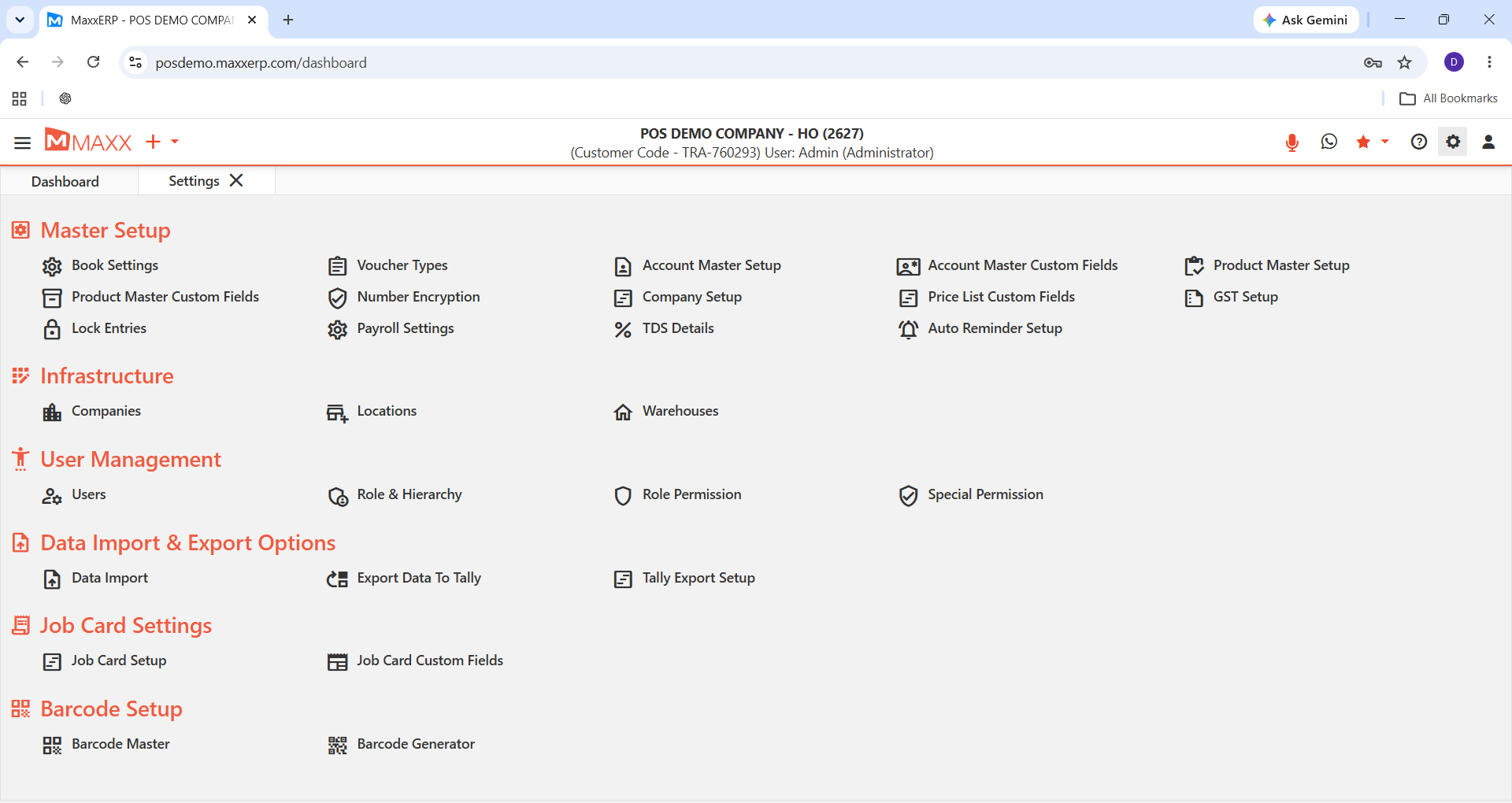
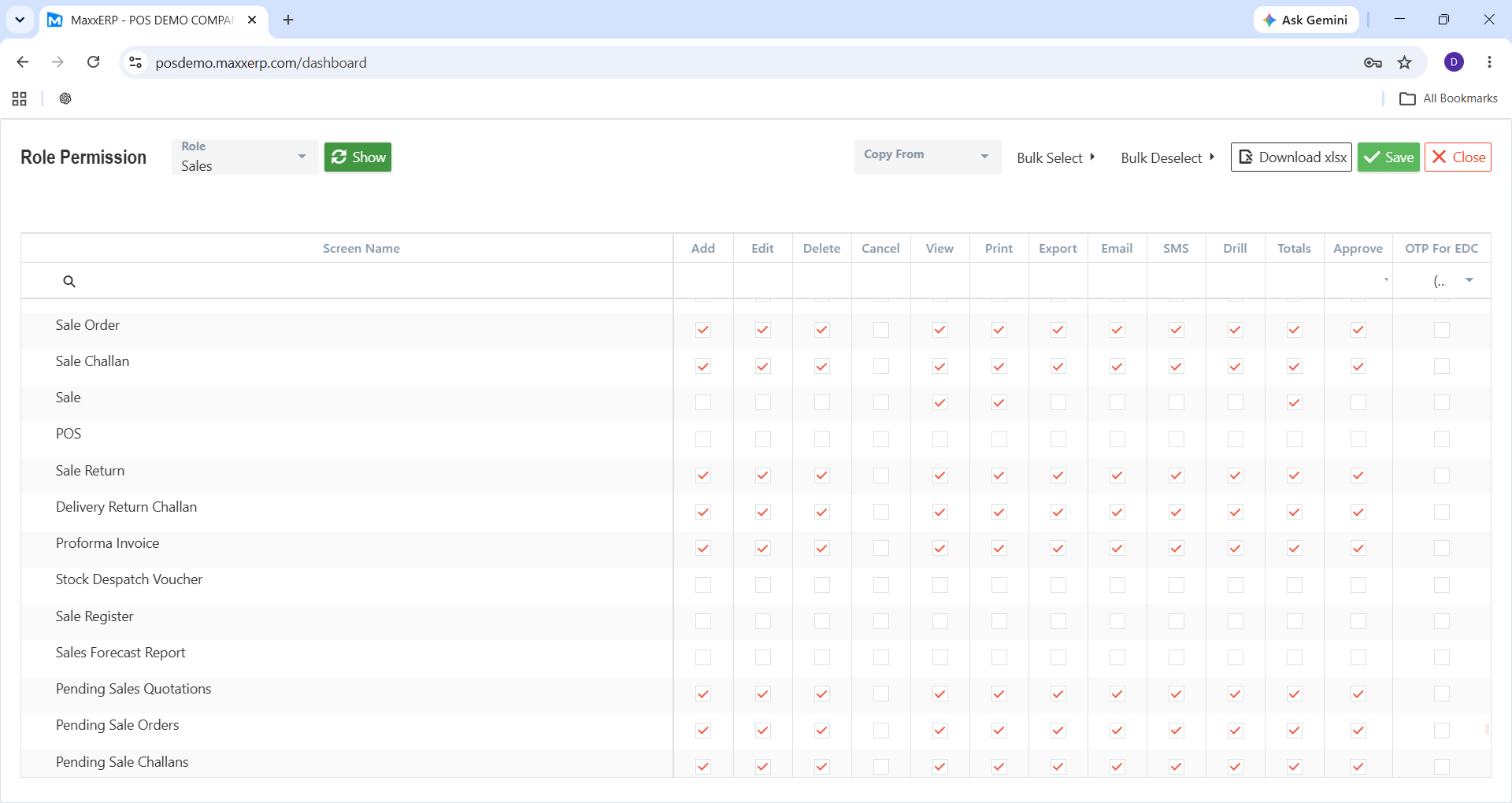
ADMIN VIEW
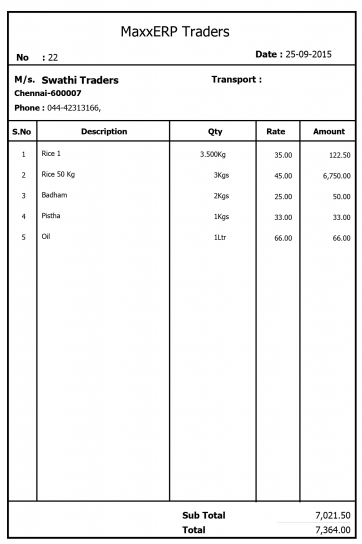
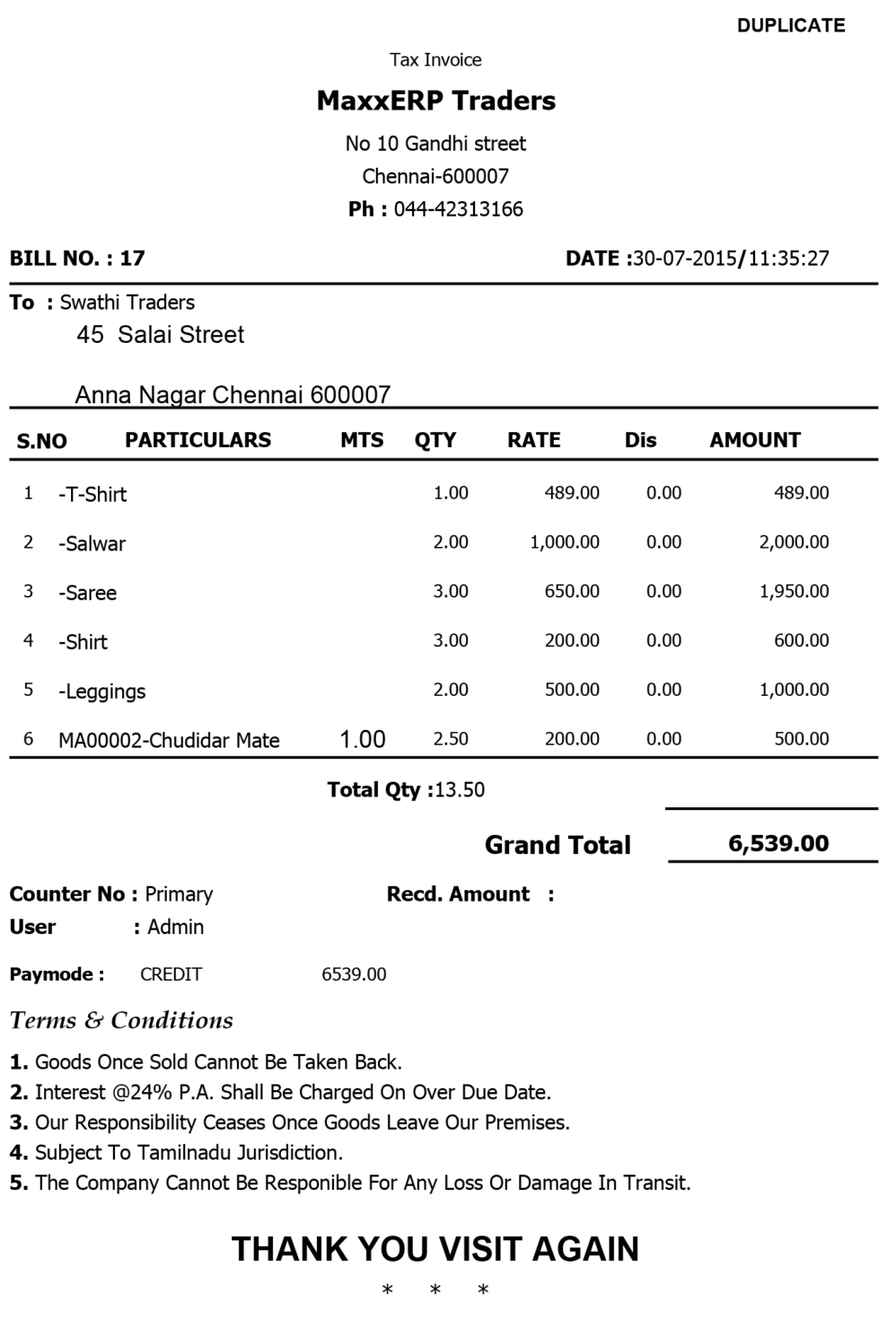
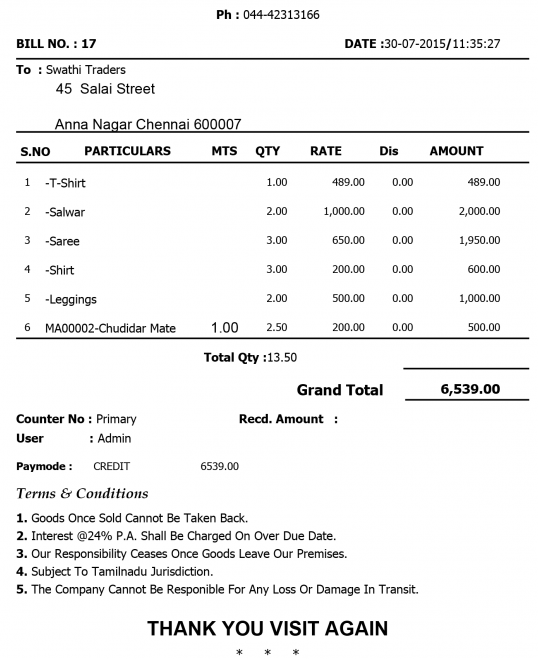
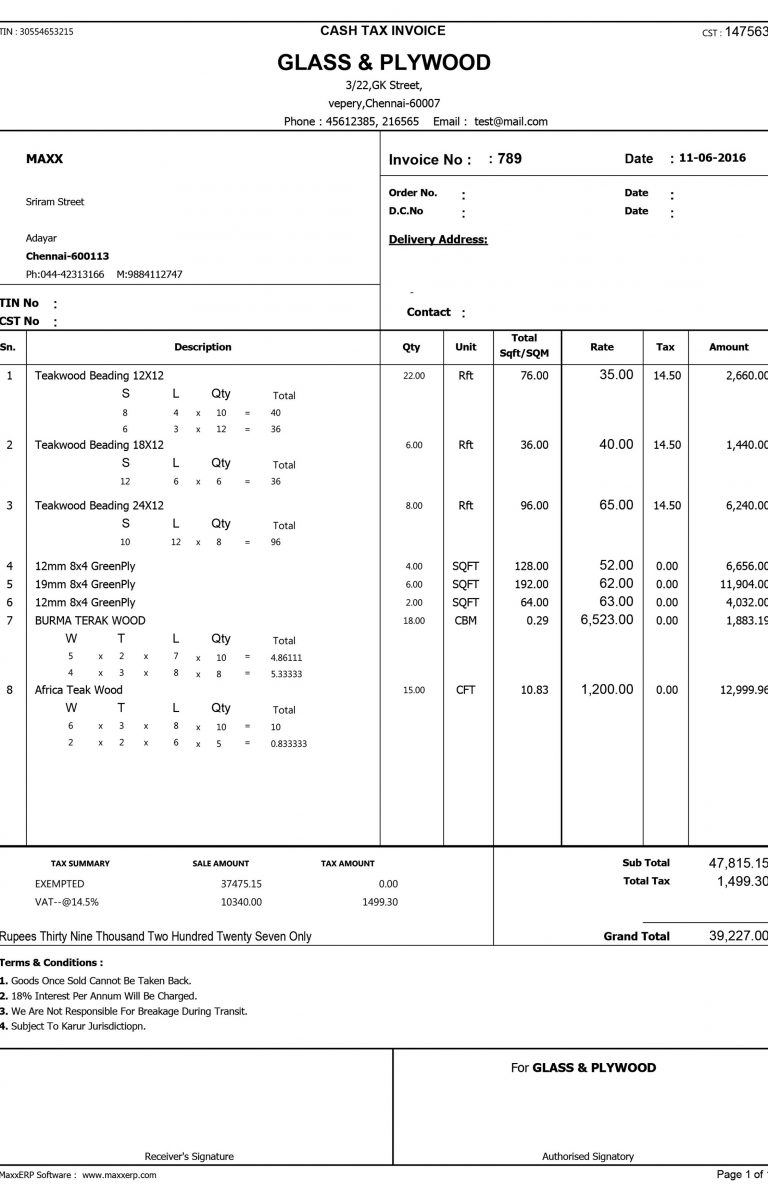
PRINT FORMAT
×
![]()
FAQs
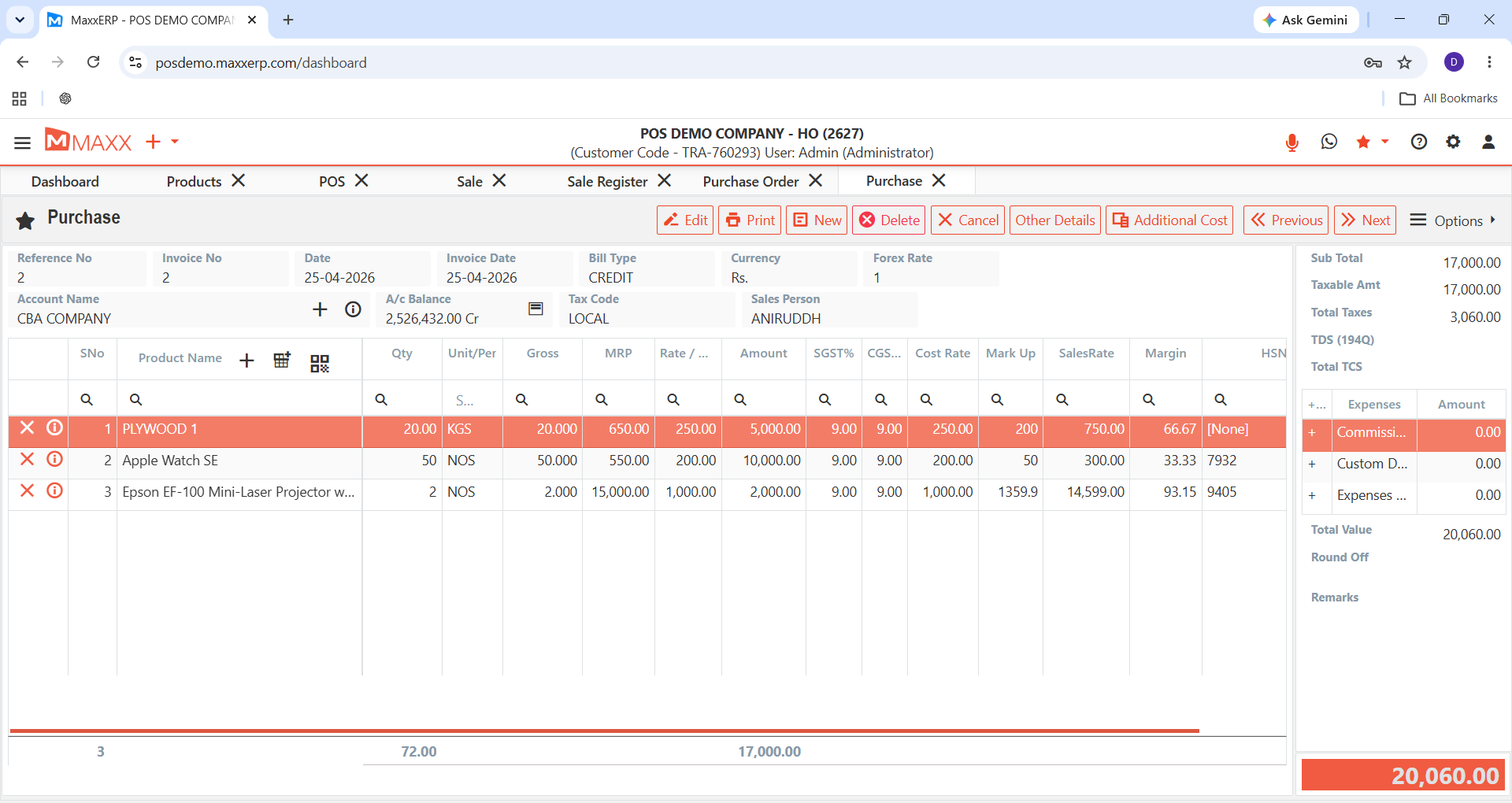
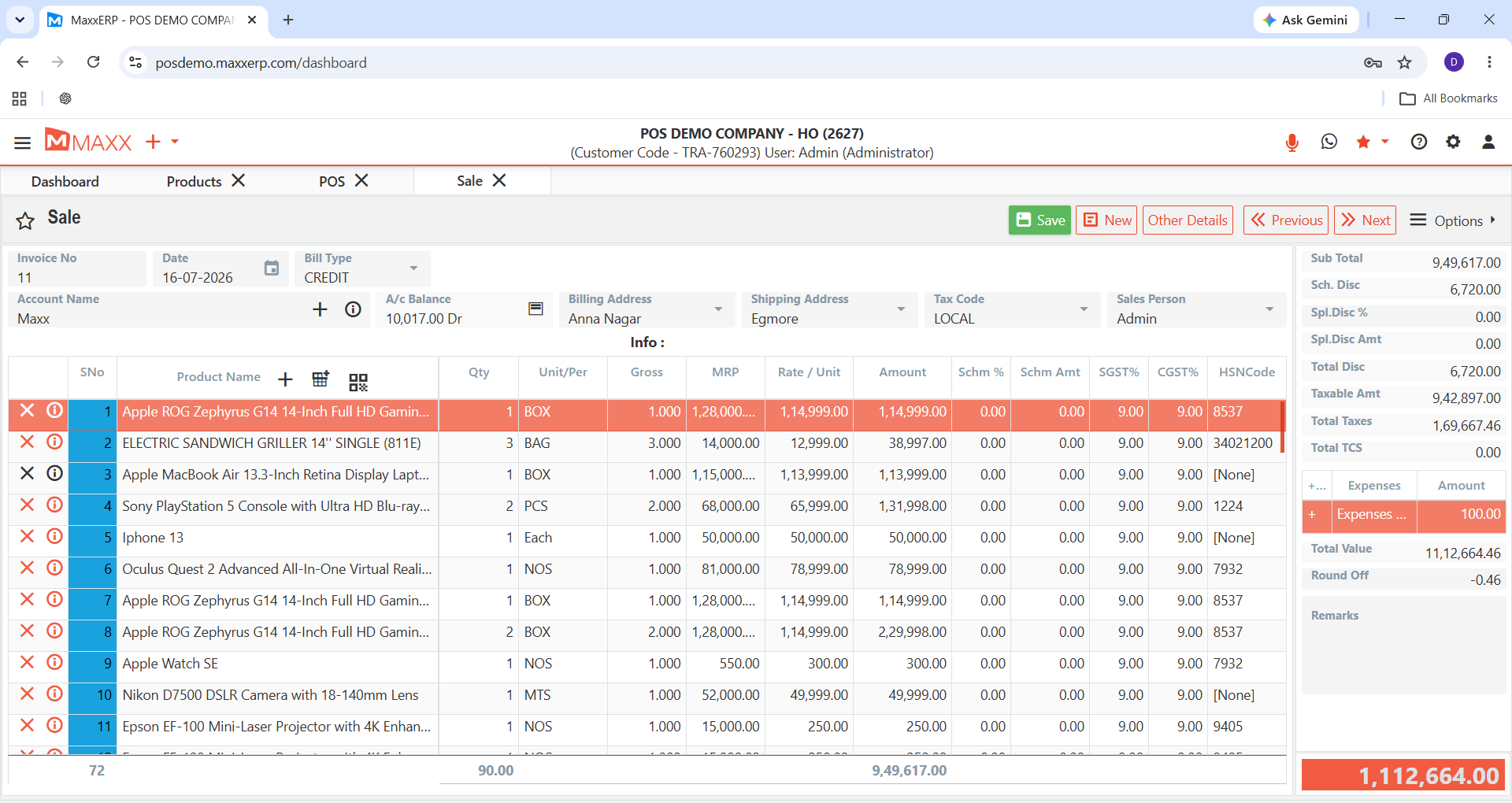
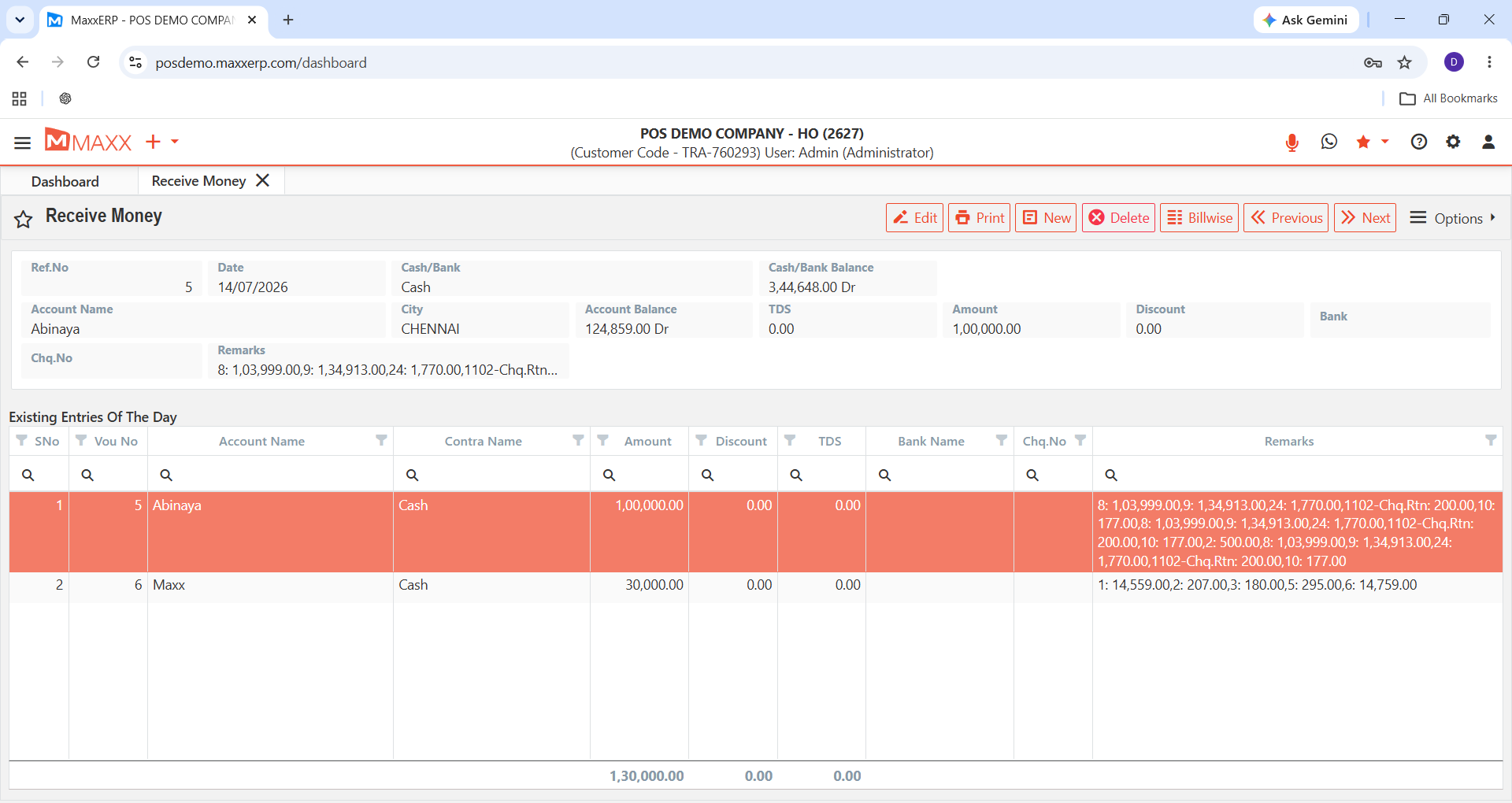
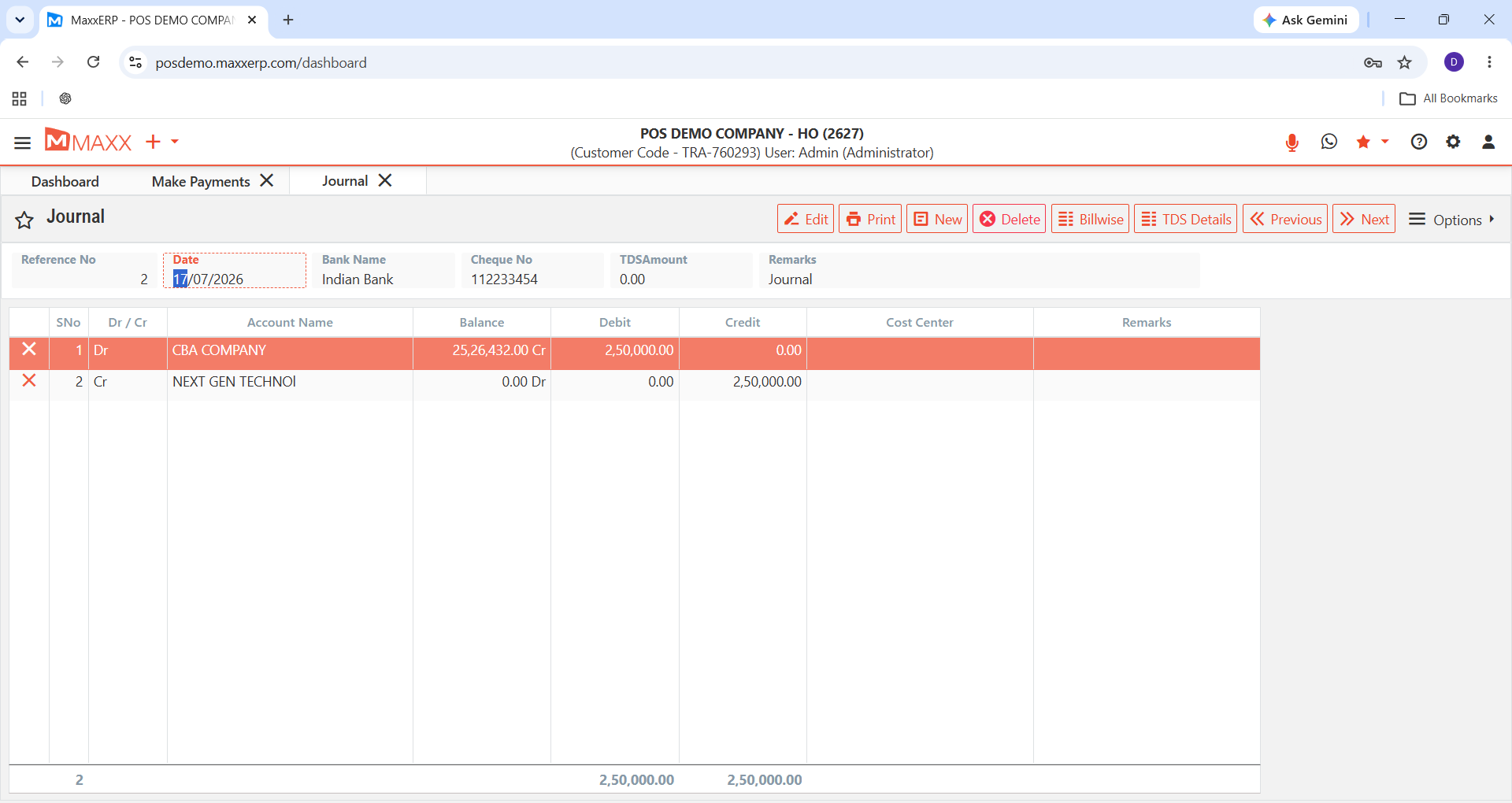
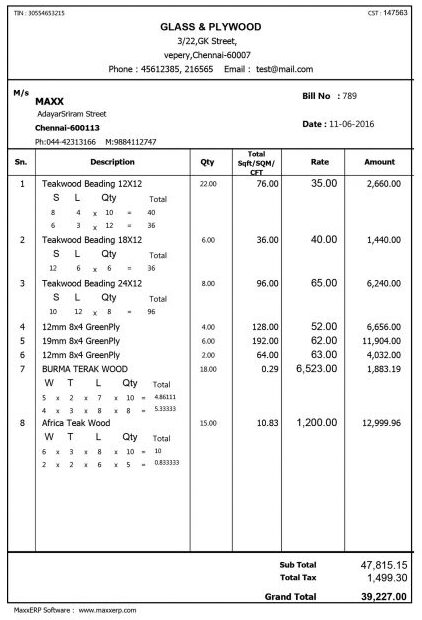
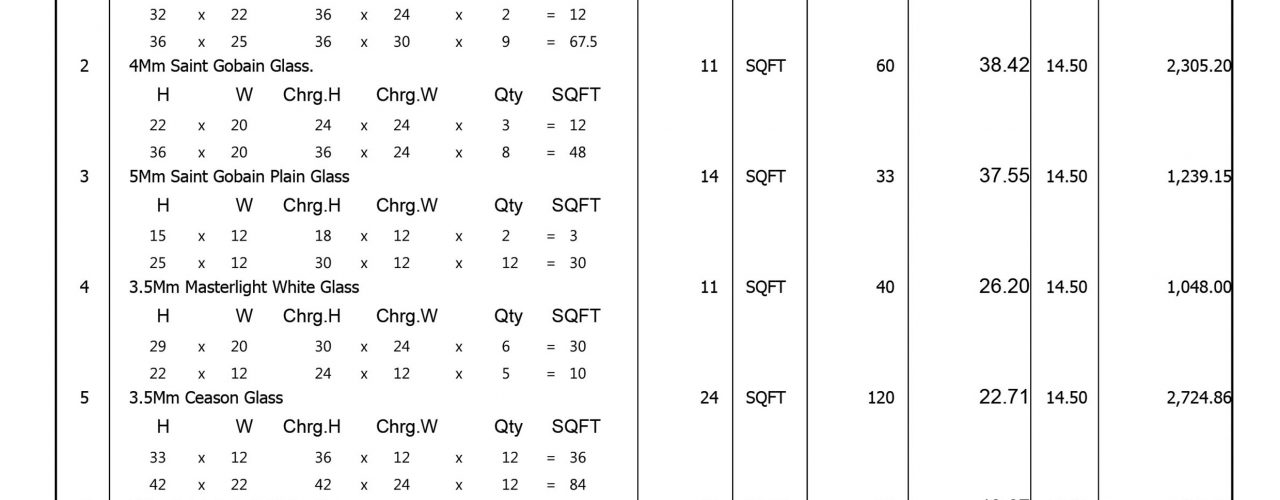
The Cloud Gallery is a visual preview of the actual MaxxERP interface — real screenshots of dashboards, reports, and modules as they appear inside the software. It's designed to give you an honest look at what you'll actually be working in before you sign up, rather than mockups or marketing illustrations.
In fact, these are genuine screenshots captured directly from the live MaxxERP platform, showing actual screens like reporting views, dashboards, and module layouts. What you see in the gallery is what you'll see when you log into your own account — no reskinned demos or placeholder data.
Yes. The gallery includes screens from multiple areas of the platform — including reporting, dashboards, and core modules — so you can get a feel for the layout and workflow before booking a demo or starting a trial. It's a quick way to gauge fit before committing time to a call.
The Cloud Gallery is kept up to date with the current interface, so the screens you see reflect the platform as it looks today, not an outdated or legacy version. If the UI changes significantly, the gallery is refreshed to match.
Your account will follow the same core layout and design shown in the gallery. However, the specific data, modules enabled, and customizations will depend on your plan and configuration — think of these screenshots as a representative look at the platform, not a fixed, one-size-fits-all view.
Instead of relying on static screenshots, you can start a free trial or book a live demo to explore the full interface hands-on. This gives you direct access to click through dashboards, reports, and modules at your own pace.
