
Maxx CLOUDSYNC automatically syncs your local ERP data to the web once online, creating a view-only replica so you can check reports and bills from any location.
Your Business Data, Replicated for Remote Viewing.
Access a view-only copy of your ERP reports and bills wherever you are. Maxx CLOUDSYNC helps you stay informed while all entries and changes remain in your local ERP.
Who
Designed for business owners, managers, and accountants who need to view reports and bills while travelling, working remotely, or away from the office.
How
Once your local ERP is online, Maxx CLOUDSYNC automatically syncs its data to the web. You can view the synced reports and bills remotely, without adding or editing transactions.
When
Ideal for reviewing business reports before meetings, checking bill details while travelling, or keeping track of business activity away from the office using the latest synced data.
Feature Highlights
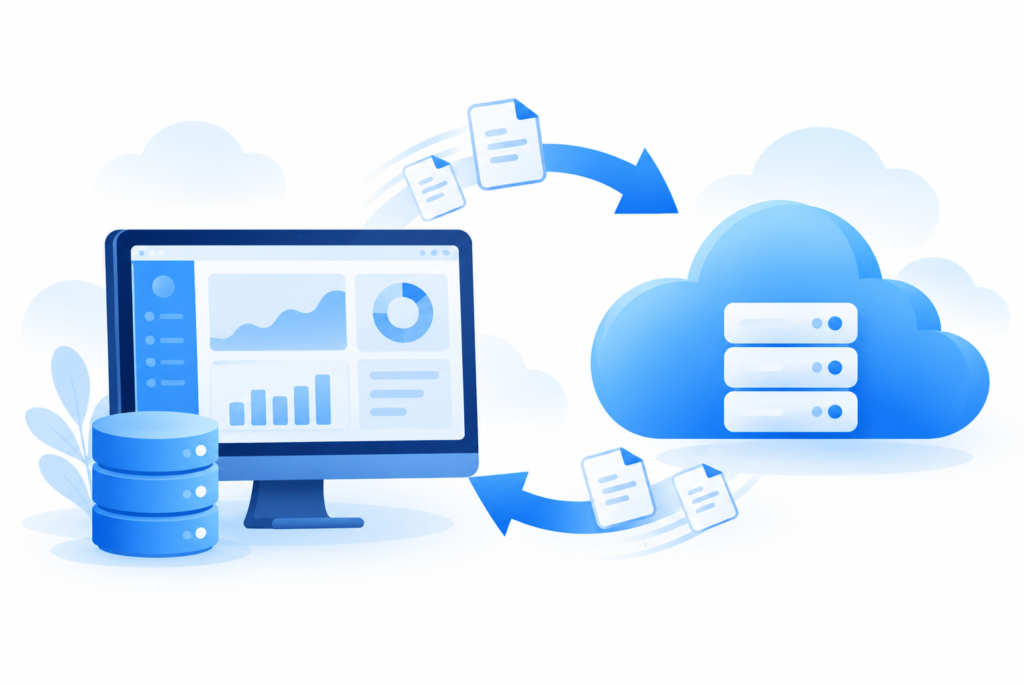
Automatic Cloud Synchronization
Automatically sync your local ERP data to the web once online, keeping reports and bills available for remote viewing.
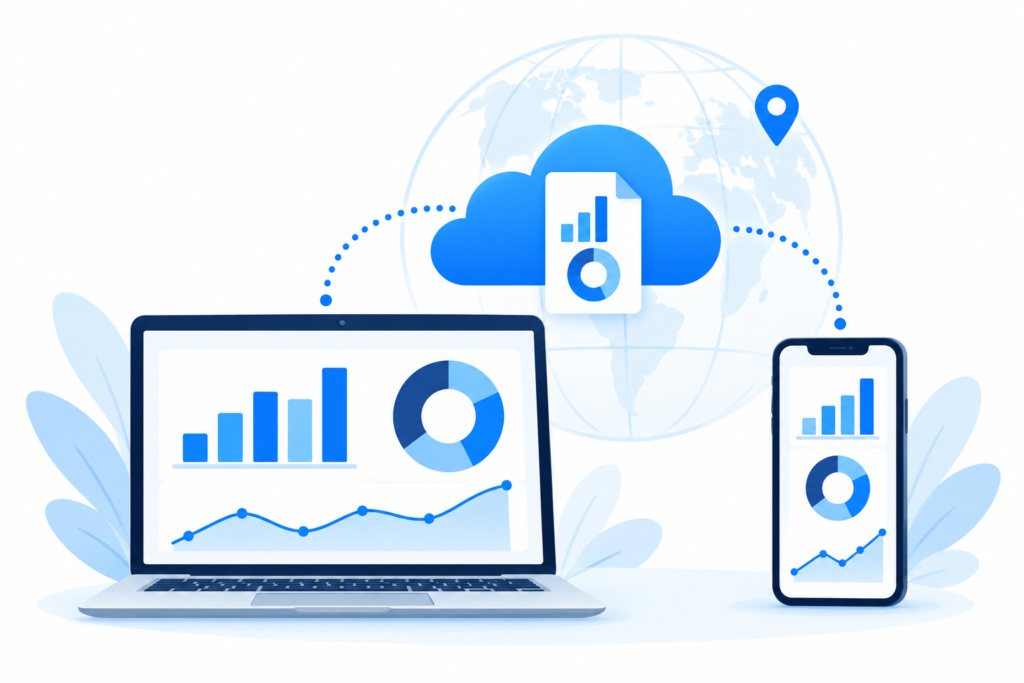
Remote Report Viewing
View your synced business reports from any location and stay informed without being at your office desk.
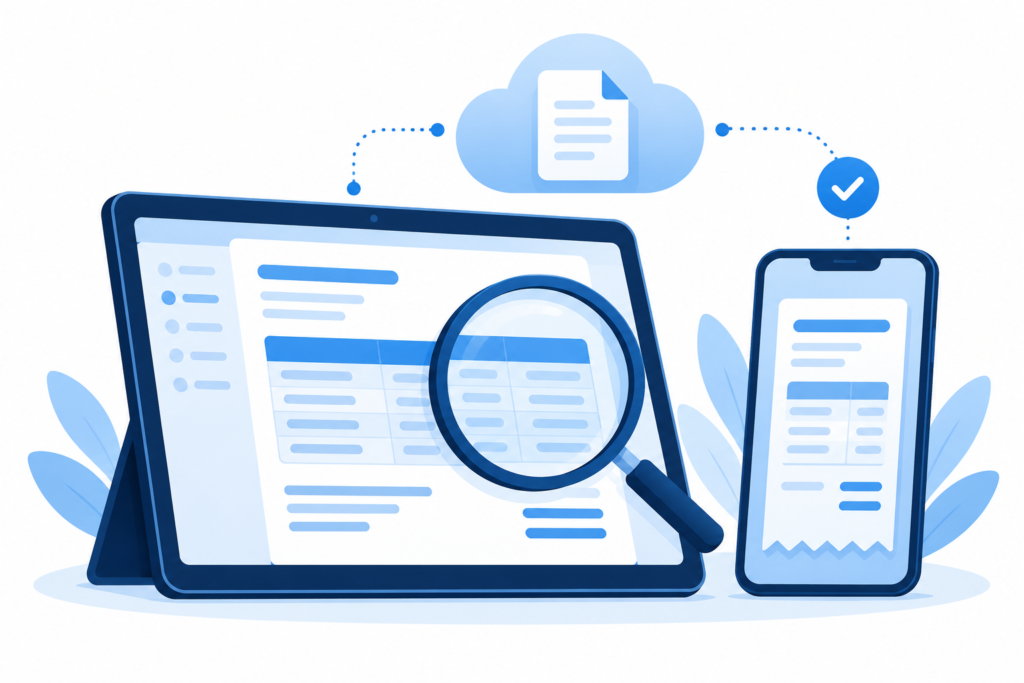
Online Bill Viewing
Access a synced copy of your ERP bills online to check transaction details while travelling or working remotely.
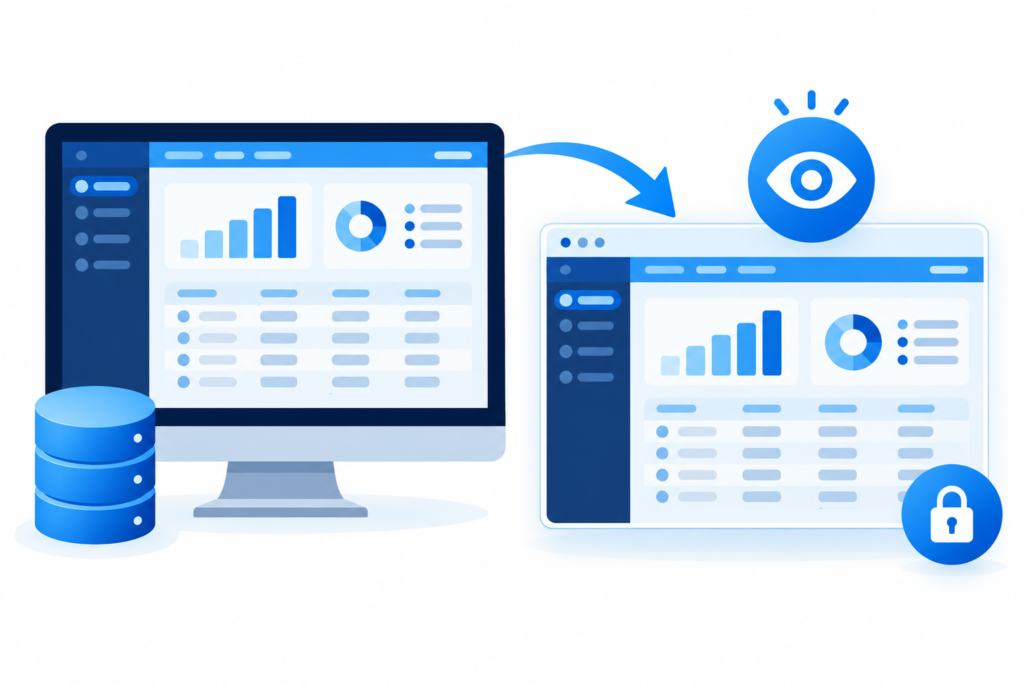
View-Only ERP Replica
Browse a view-only replica of your reports and bills, with all transaction entries and edits handled in your local ERP.
Offline Work, Online Sync
Continue working in your local ERP offline. Once online, your data syncs to the web for viewing updated reports and bills.
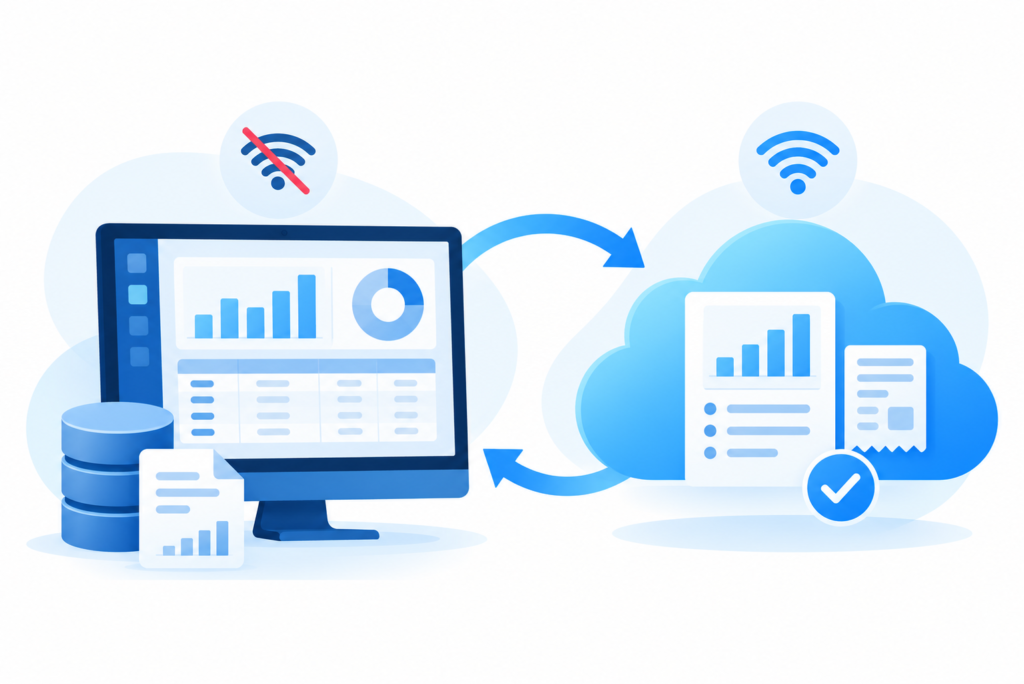
ADVANTAGES OF MAXX CLOUDSYNC

Stay Connected to Your Business with Remote Access to Reports and Bills

Save Time by Reducing Follow-Ups with Your Office Team
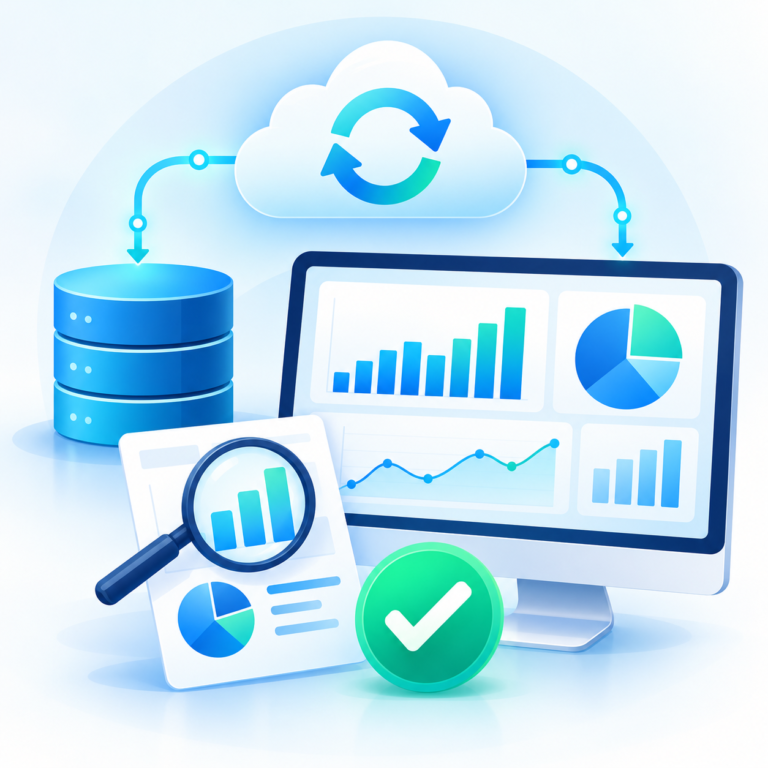
Make Informed Business Decisions Using the Latest Synced Data
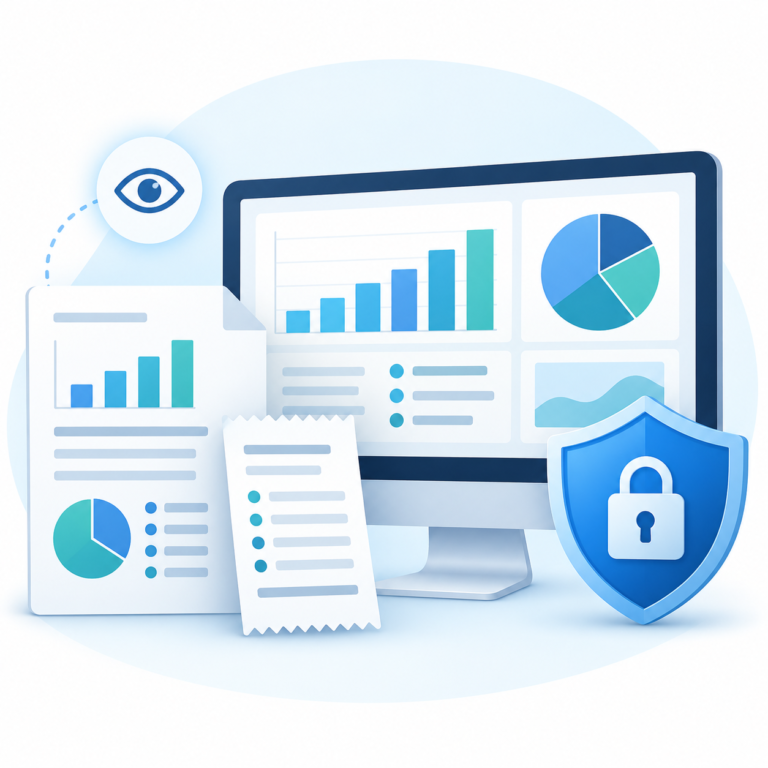
Review Reports and Bills Without the Risk of Accidental Changes
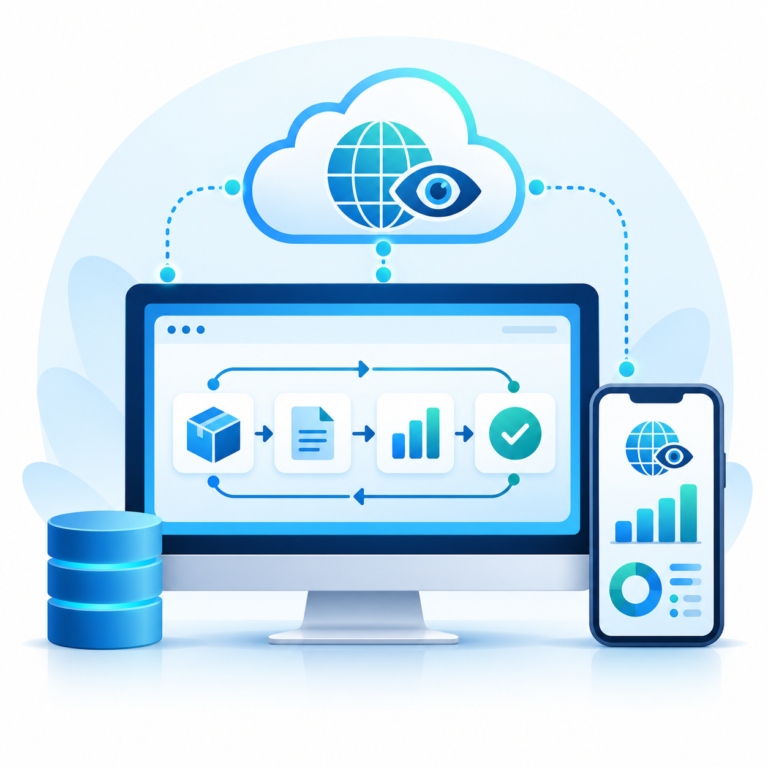
Enjoy Online Visibility While Continuing Your Existing ERP Workflow
FAQs – MAXX CLOUDSYNC
Maxx CLOUDSYNC syncs your local ERP data to the web when an internet connection is available. It creates a view-only replica of your business reports and bills, allowing you to access synced information remotely while continuing to work in your local ERP.
Yes. Maxx CLOUDSYNC lets you view synced ERP reports and bills online from any location. Business owners, managers, and accountants can review business information while travelling or working away from the office.
No. Maxx CLOUDSYNC provides view-only access to your synced ERP reports and bills. All transaction creation, editing, and deletion must be carried out in your local ERP, helping prevent accidental changes through remote access.
Yes. An internet connection is required to sync your local ERP data to the web and view it online. You can continue working in your local ERP offline, but new entries and changes will be available remotely only after synchronization.
Maxx CLOUDSYNC extends your local ERP with online viewing of synced reports and bills. Cloud ERP software supports working with business transactions online, while Maxx CLOUDSYNC serves as a view-only replica, keeping transaction entry and editing within your existing local ERP.
