
Empower your team to work anytime, anywhere, on any device with Maxx Remote Access, secure, seamless ERP access without complex setup.
Total Mobility Zero Compromise.
Business doesn’t stop when you leave the office—Maxx Remote Access lets you manage accounts, inventory, and reports from anywhere, just like you’re at your desk.
Who
Essential for business owners on the move, remote accounting teams, and warehouse managers who need to access data from different locations.
How
Simply use a secure link on your browser or a remote client icon to launch your desktop ERP software on any operating system.
When
Ideal for travel, work-from-home scenarios, or managing multiple branch offices from a single central server.
Feature Highlights
Browser-Based Access
Launch your desktop application through a simple web link without installing heavy software.
Secure Server Isolation
Only the ERP software is accessible; no other files or folders on your server are exposed.
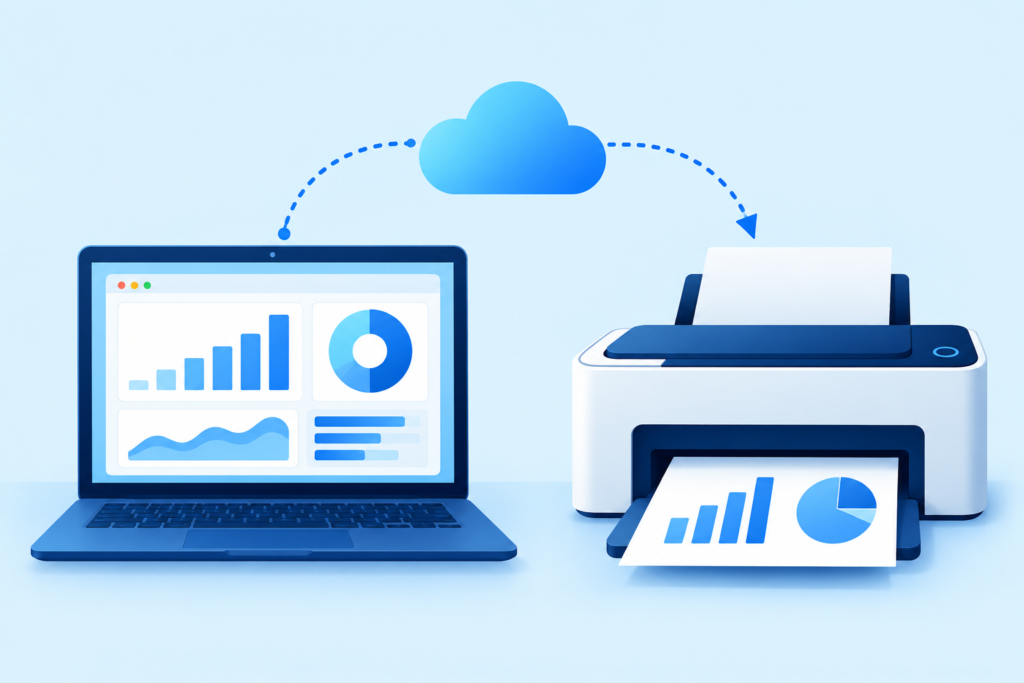
Remote Printing
Print all vouchers and reports directly to your local printer from the remote session.
Low Bandwidth Optimized
Works smoothly even over low internet connectivity, ensuring you stay productive everywhere.
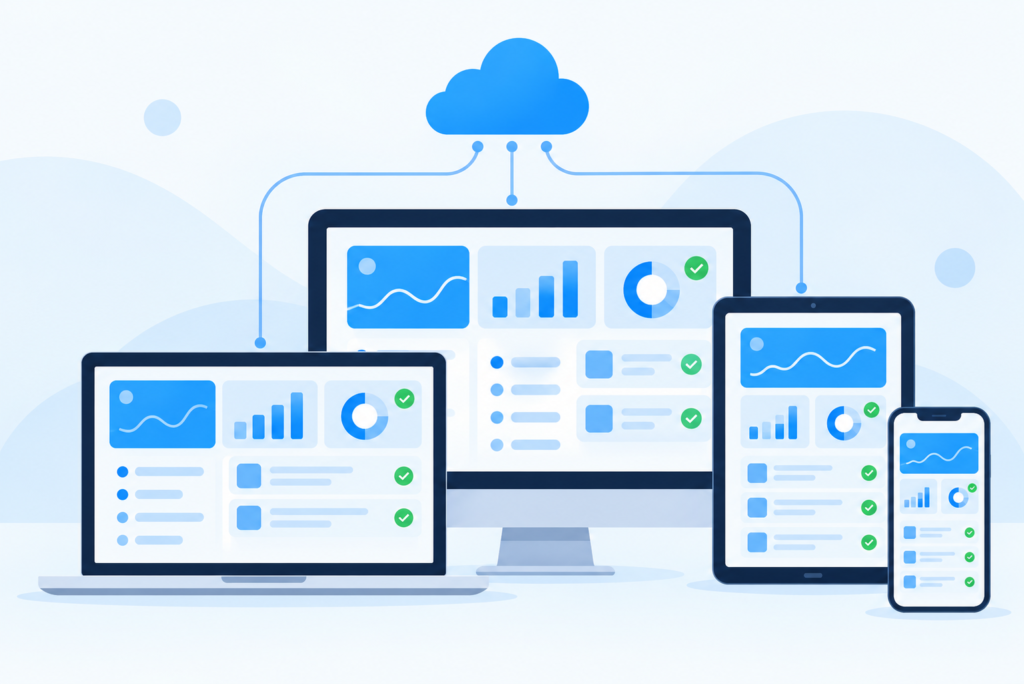
Cross Platform Support
No need for a static IP or any additional hardware to get started.
Advantages of Maxx Remote Access
Enables remote productivity.
Reduces infrastructure cost.
Enhances server security.
Automatically closes sessions.
Provides consistent user experience.
FAQs
No, Maxx Remote Access is designed to work without any need for a static IP or additional hardware.
Yes. Users can only access the MaxxERP desktop software; no other files or folders on your server will be accessible.
Absolutely. You can print all vouchers and reports directly on your local printer during your remote session.
Yes, the system is optimized to work smoothly even over low internet connectivity.
Yes, Maxx Remote Access provides secure, professional connectivity. For more on digital infrastructure standards, you can visit the Ministry of Electronics and Information Technology (MeitY).
