Maxxerp

Export Accounting & Inventory Data Seamlessly

Go beyond basic accounting. Maxx Tally Connector Pro bridges your entire operational workflow including detailed inventory and tax records directly into Tally for comprehensive finalization.

Deep Integration. Detailed Auditing.

When basic data isn’t enough, Maxx Tally Connector Pro transfers every line item and GST detail to ensure accurate filings and inventory.

Who

Ideal for businesses with high-volume inventory, complex GST requirements, and chartered accountants who require granular, line-item-wise audit trails.

How

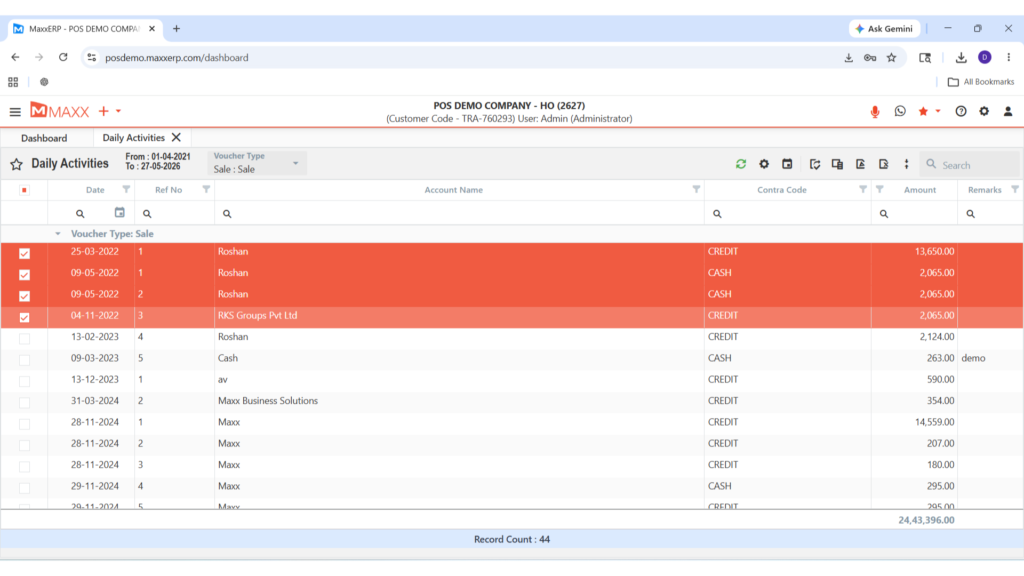
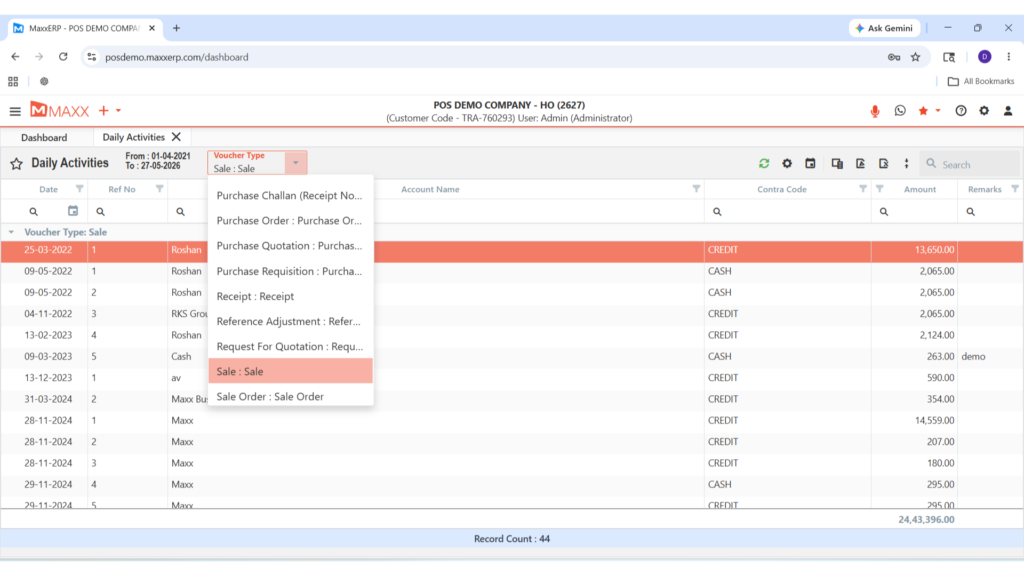
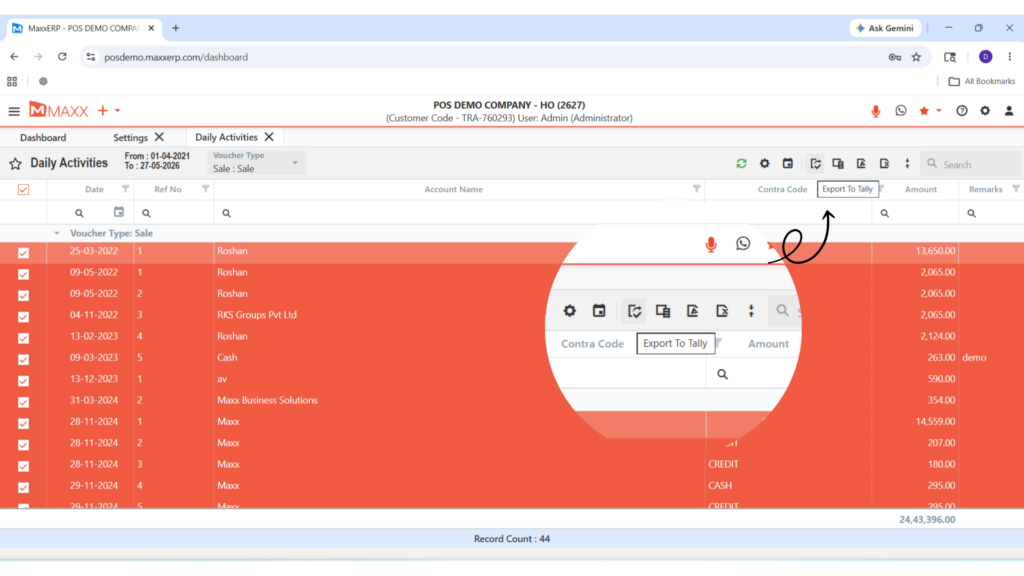
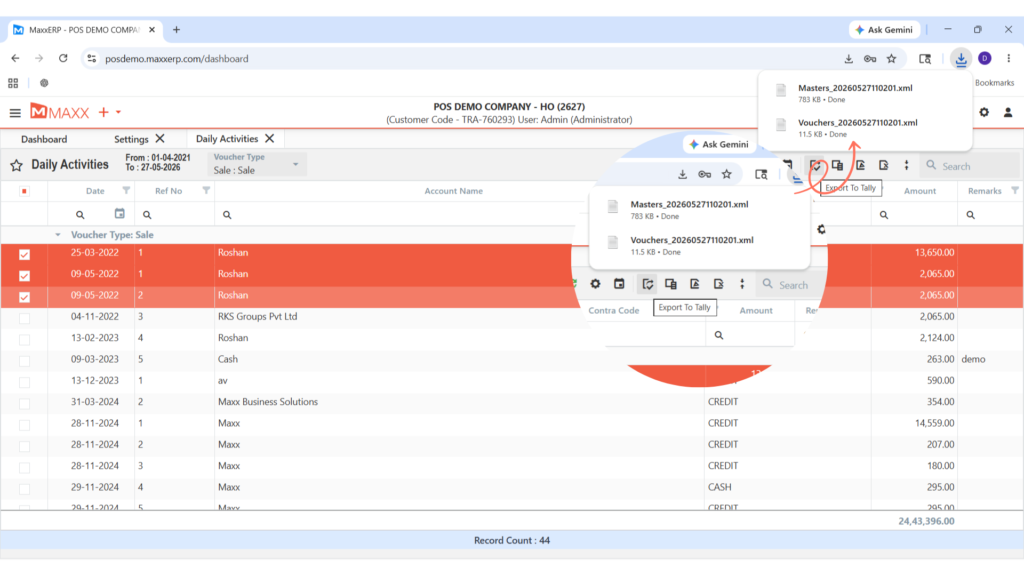
Use the advanced Pro interface to select specific inventory vouchers and tax details, exporting them directly into Tally with all sub-details intact.

When

Essential for monthly GST reconciliation, detailed stock audits, and year-end financial finalization where every product detail matters.

Feature Highlights

Accounting & Inventory Export

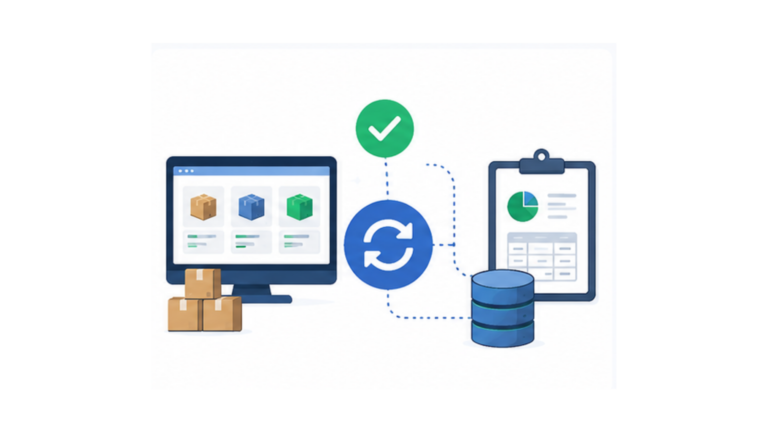
Sync both your financial ledgers and your detailed stock movements in just a few clicks.

Line-Item Wise Details

Get full transparency by exporting every individual item detail within your vouchers.

GST Returns Filing

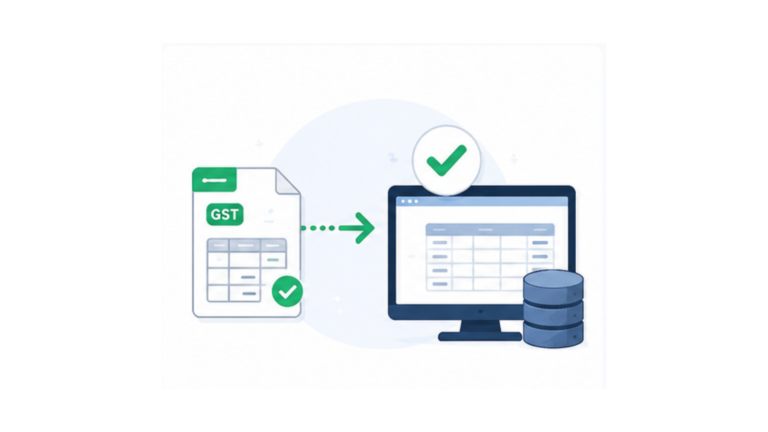
Specifically designed to export tax details required for accurate and timely GST return preparation.

Voucher & Date Filters

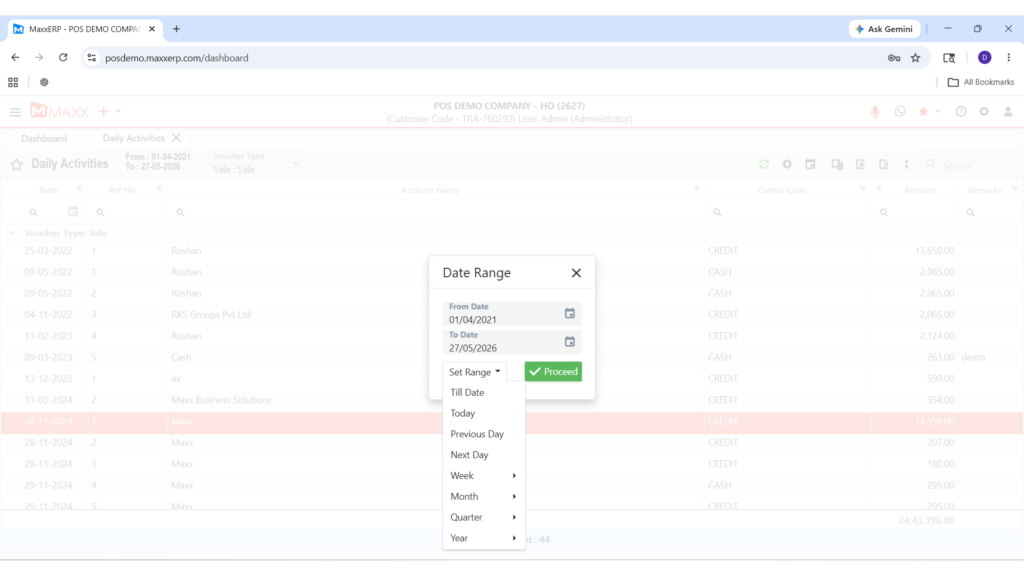
Maintain total control over your data migration with flexible voucher type and date range options.

Complete Data Consistency

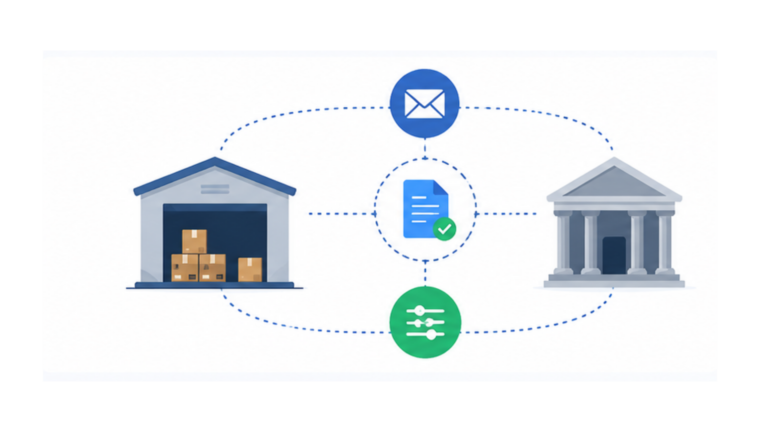
 Ensure that every entry in MaxxERP matches your Tally records perfectly for a stress-free audit.

ADVANTAGES OF MAXX TALLY CONNECTOR PRO

FAQs – MAXX TALLY CONNECTOR PRO

The Pro version goes beyond financial vouchers by including Inventory Data and Line-Item Wise details, making it ideal for businesses that manage stock and product-level transactions.


Yes. The Pro version exports the required tax details that help simplify GST return preparation within Tally.


Yes. With the Line-Item Wise Details feature, every product sold or purchased appears clearly in the corresponding Tally voucher.


Yes. You can view your ledger within the system and export it in one click as a PDF or Excel file for review before syncing with Tally.