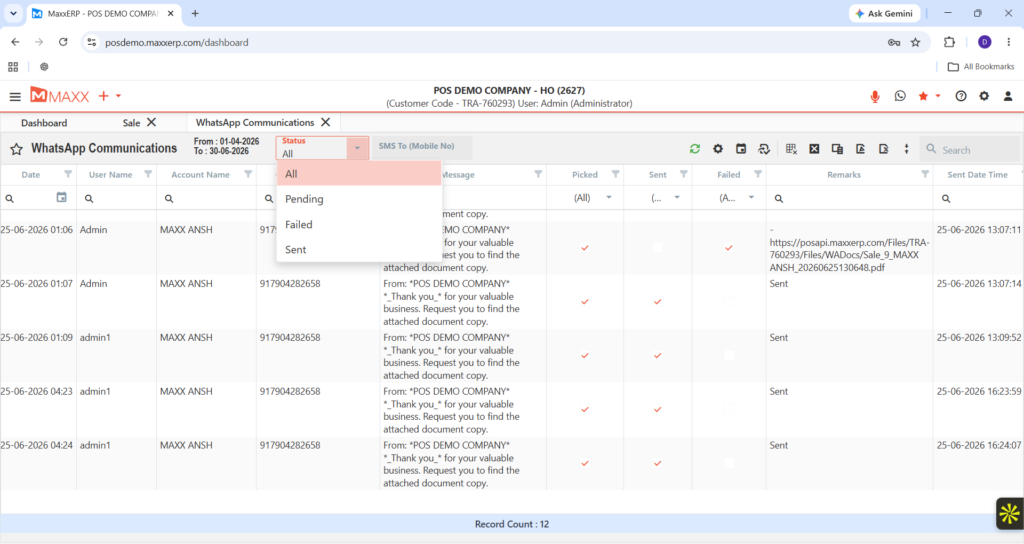
Stop manual messaging — Maxx WHATSAPP CONNECTOR lets you scan a QR and send automated ERP notifications directly to mobiles.

Stop typing reminders — Maxx WHATSAPP CONNECTOR sends ERP data and documents instantly to customers’ phones.
Designed for accounts departments and retail businesses that need to send quick, individual updates to customers on Android devices.
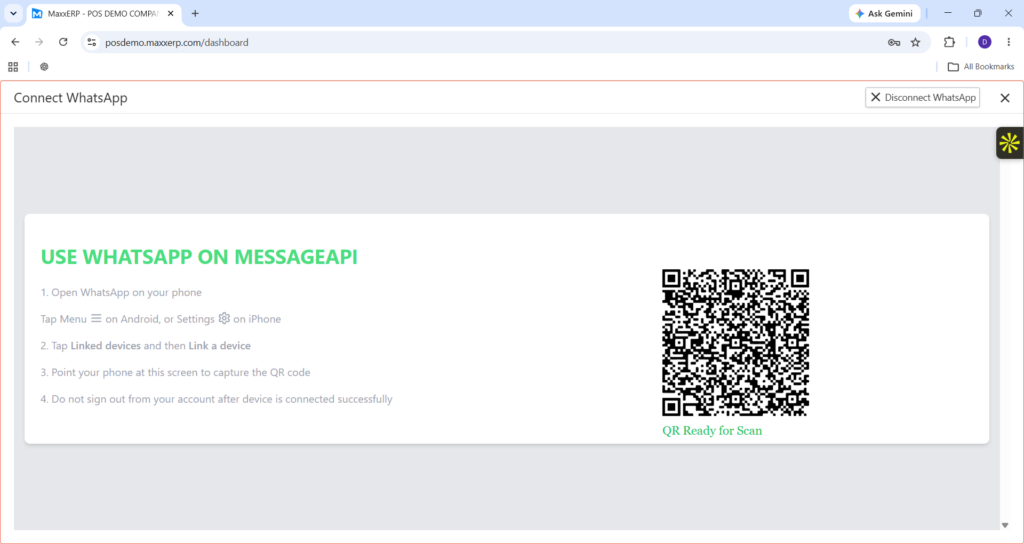
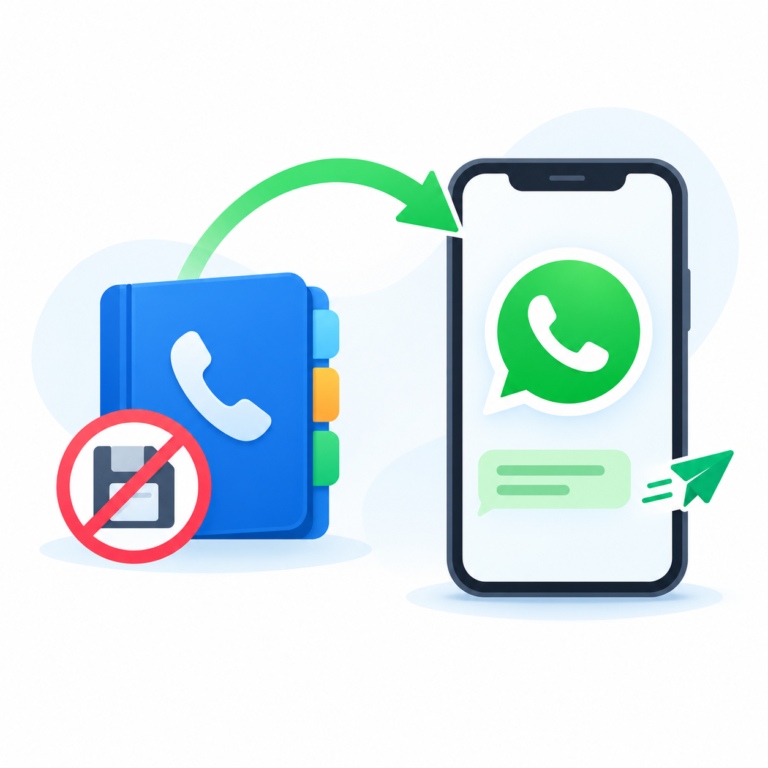
Users scan a QR code to link their WhatsApp, then trigger messages directly from the ERP to send invoices or ledgers to a single mobile number.
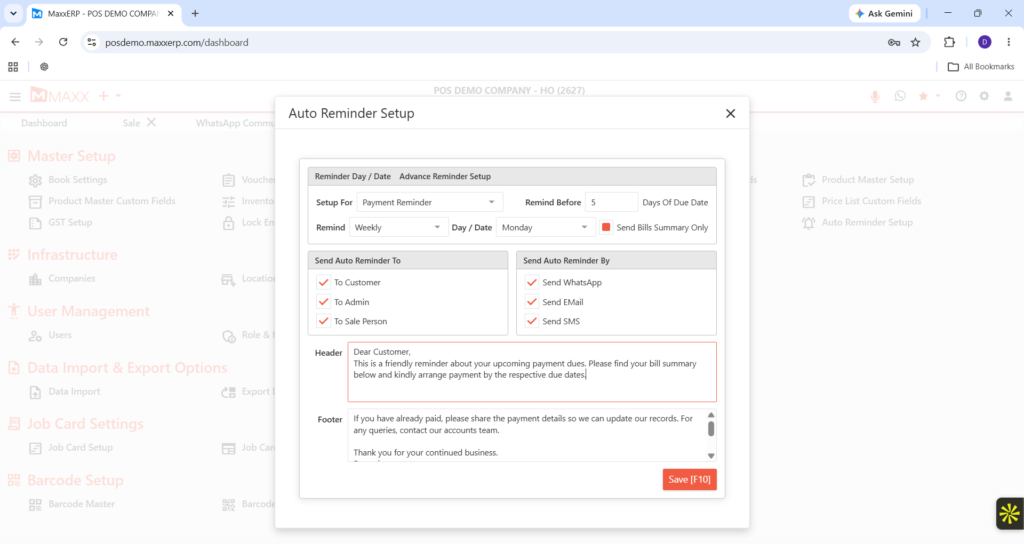
Perfect for sending instant payment receipts after a sale or individual outstanding reminders at the end of the month.
Optimized for Android smartphones to ensure a stable and fast connection for daily messaging.
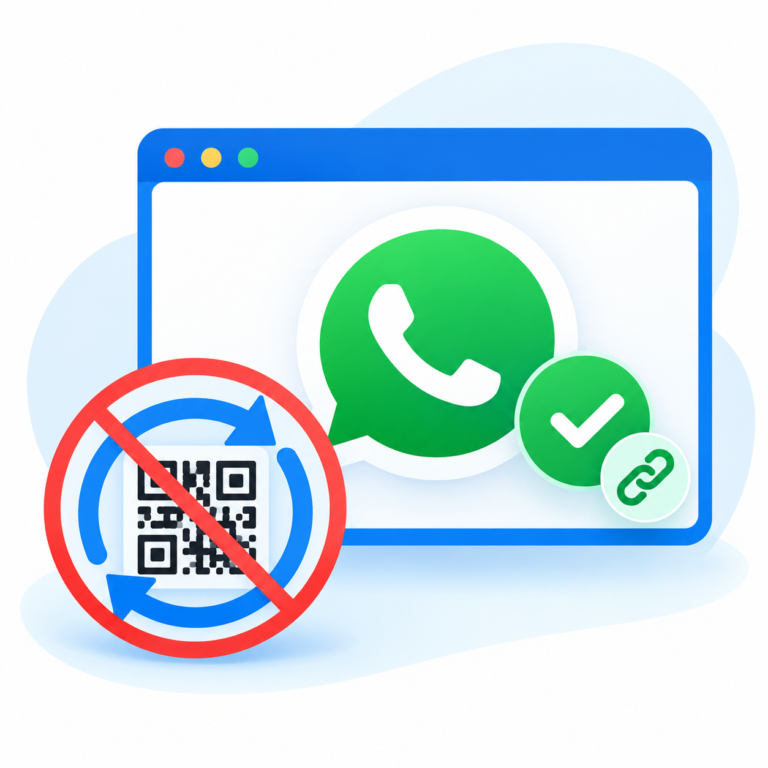
Simply scan the QR code from the application to link your WhatsApp account in seconds.
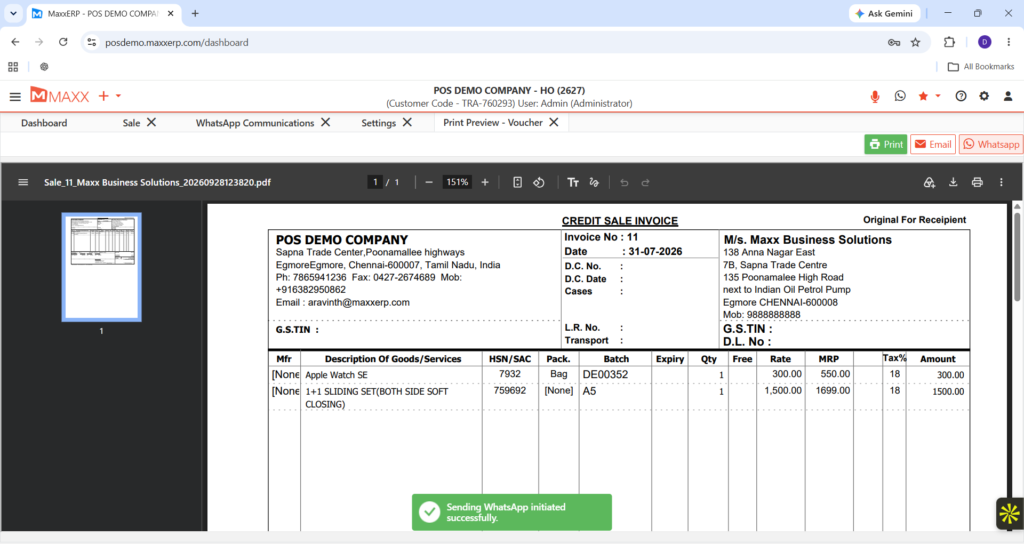
Send professional invoices, payment reminders, and ledgers directly to any mobile contact.
Share PDF copies of vouchers and receipts. Specifically, your clients receive official documents instantly.
Trigger messages directly from the ERP screen. Therefore, you save hours of manual data entry.
You simply need to scan a QR code from the application using your Android device. Specifically, it works just like linking a device to WhatsApp Web.
No. Therefore, this specific version is designed to send automated alerts and documents only to individual mobile numbers.
You can send professional PDF invoices, payment reminders, and customer ledgers directly from the ERP screen.
This standard version is optimized specifically for Android devices. Specifically, for iOS support, you should consider the Pro version. For more on digital communication norms, visit the Telecom Regulatory Authority of India (TRAI).
Yes, you can trigger reminders for outstanding payments with a single click, ensuring your customers receive them instantly on their WhatsApp.