Maxxerp

Sync Your Storefront with Your ERP

Stop manual data entry between platforms. Maxx WooCommerce Connector integrates your online store data for seamless, real-time order and inventory synchronization.

Real-Time Retail. Total Control.

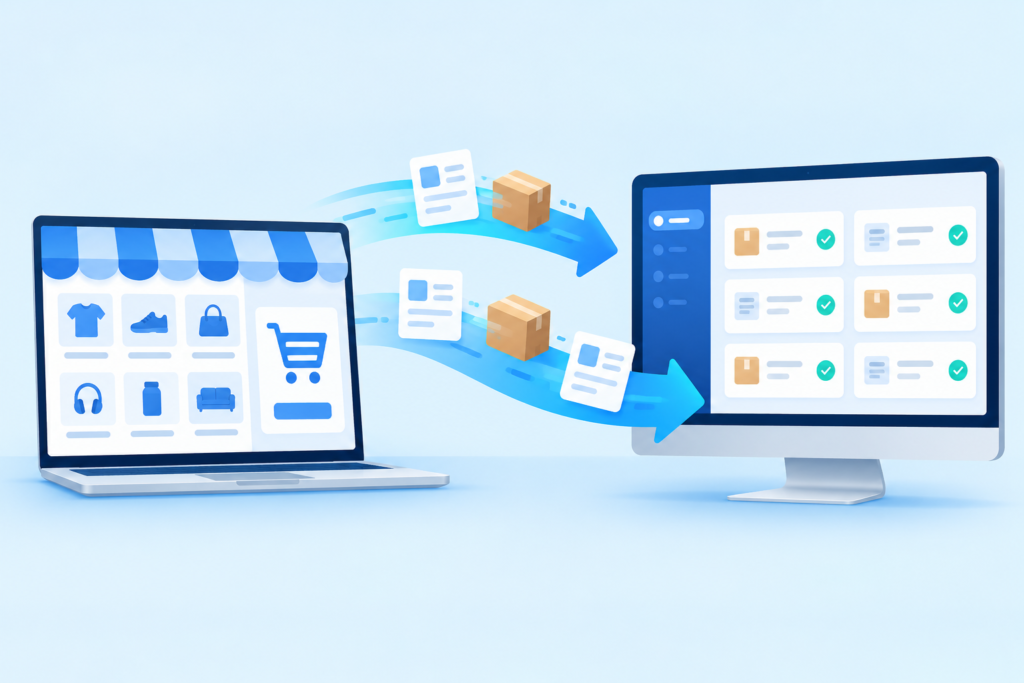
Maxx WooCommerce Connector syncs your store and backend, auto-updating stock and orders to prevent overselling.

Who

Ideal for e-commerce entrepreneurs, retailers, and distributors who sell through WooCommerce and need consistent data across their operational systems.

How

Connect your WooCommerce API to MaxxERP to automatically pull website orders and push updated stock levels from your warehouse to your online storefront.

When

Essential for managing high-volume flash sales, maintaining accurate inventory across multiple channels, and automating the billing process for online customers.

Feature Highlights

Seamless Order Sync

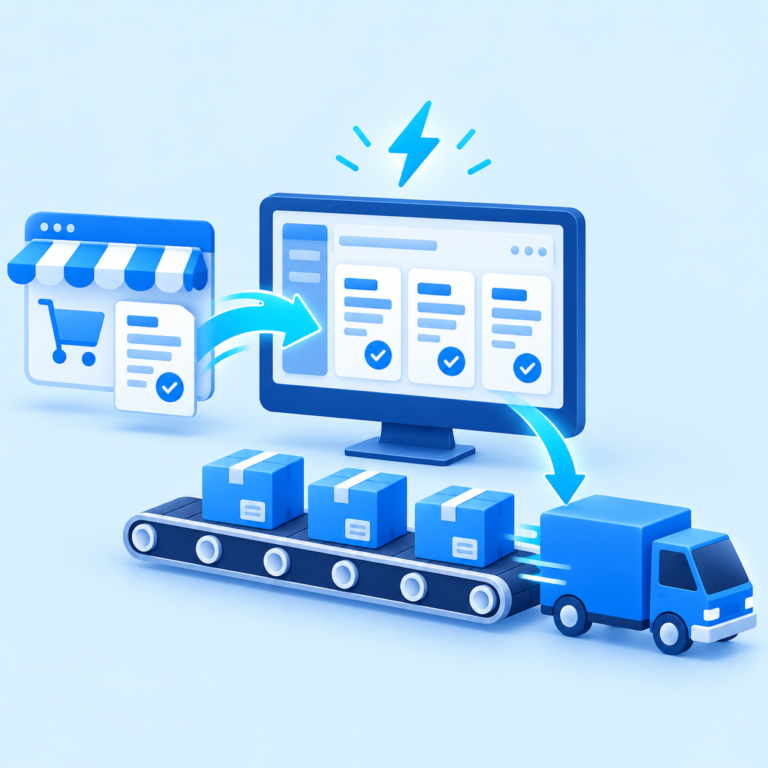
Automatically import online customer orders directly into your ERP sales module.


Inventory Synchronization

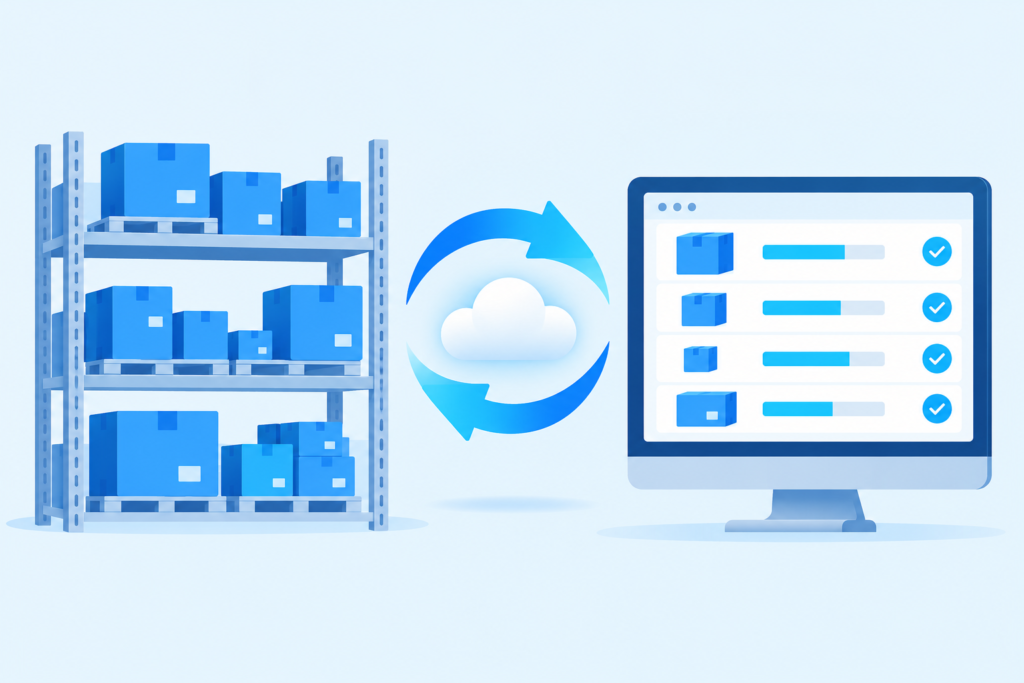
Keep your website stock levels accurate by syncing real-time warehouse data.


Store Data Integration

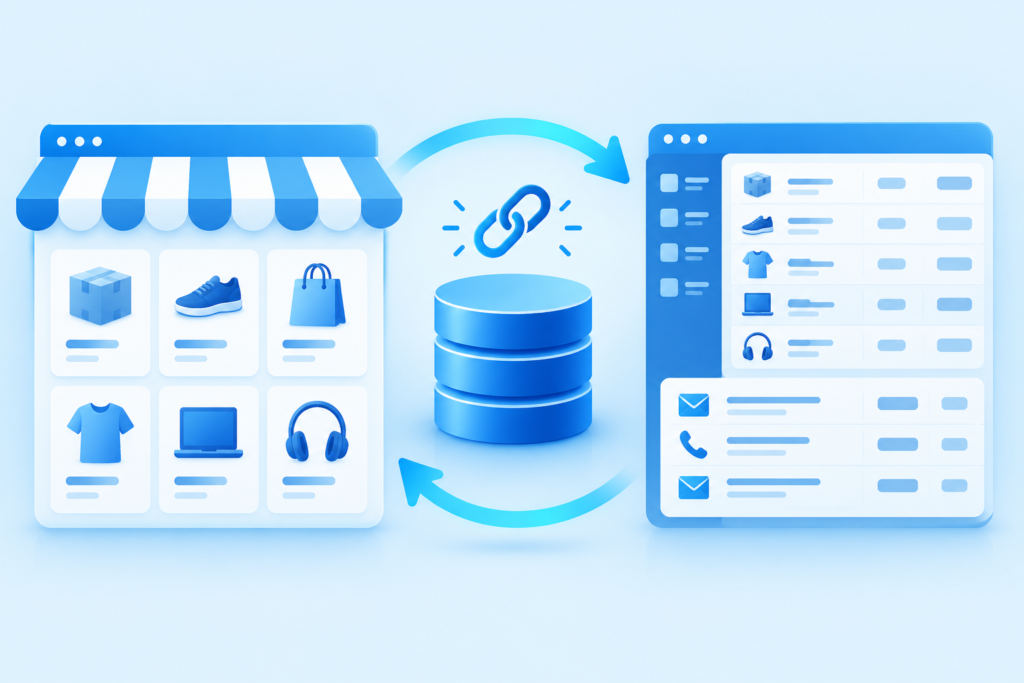
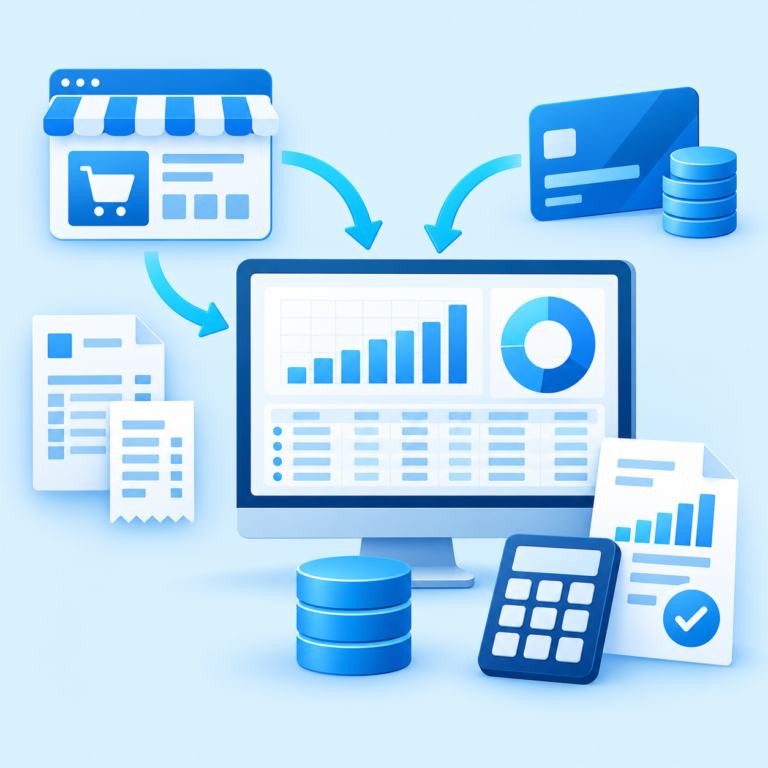
Merge customer details and product catalog information between WooCommerce and your ERP.


Automated Billing

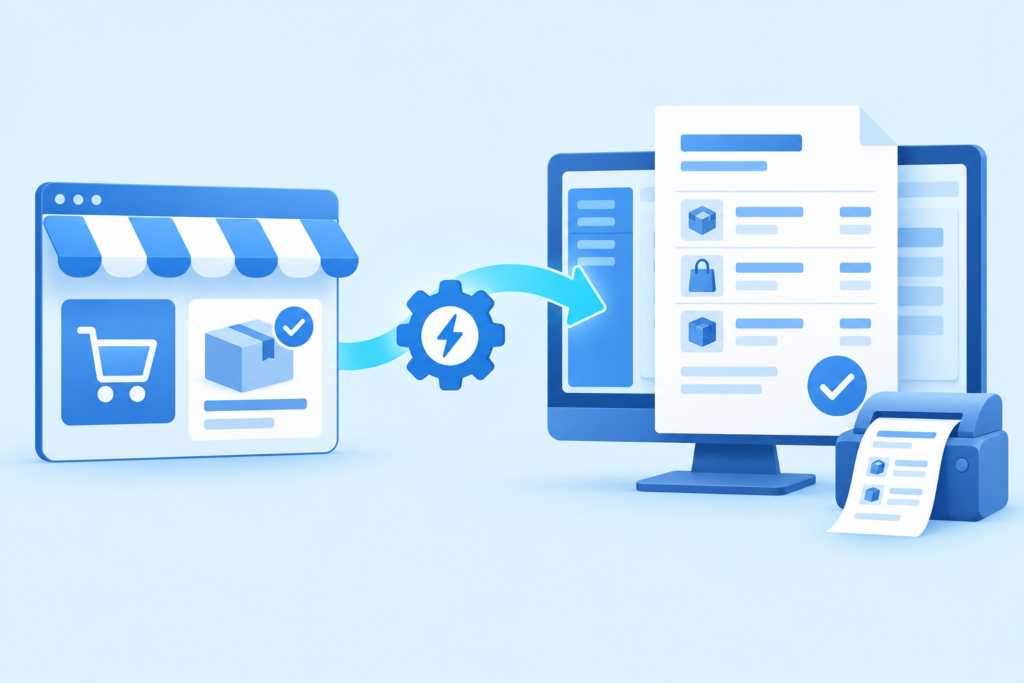
Generate invoices instantly within your ERP once a WooCommerce order is received.


Unified Sales Reporting

Analyze your online and offline sales performance through a single central dashboard.


ADVANTAGES OF MAXX WOOCOMMERCE CONNECTOR

FAQs – MAXX WOOCOMMERCE CONNECTOR

It integrates your WooCommerce store with your ERP to automatically synchronize orders, inventory, and customer data.


Yes. Inventory levels are synced between your WooCommerce store and ERP system to maintain accurate stock information.


No. The connector automatically imports orders from your WooCommerce store into your ERP workflow.


Yes. You can track synchronization activities and export reports in PDF or Excel for analysis and internal reviews.