
Stop being restricted to your workstation. Maxx CONNECT provides full mobile access to your ERP, allowing you to monitor live data and take action from anywhere in the world.
Your Business, Mobile and Always Connected.
Check stock or sales on the go, Maxx CONNECT links your server to your phone for instant business access.
Who
Designed for business owners, field managers, and sales teams who need instant access to ERP data while away from the office.
How
Simply log in to the secure mobile app to view dashboards, approve vouchers, or check customer outstanding balances in real-time.
When
Perfect for travel days, warehouse inspections, or verifying financial figures during high-stakes client meetings.
Feature Highlights
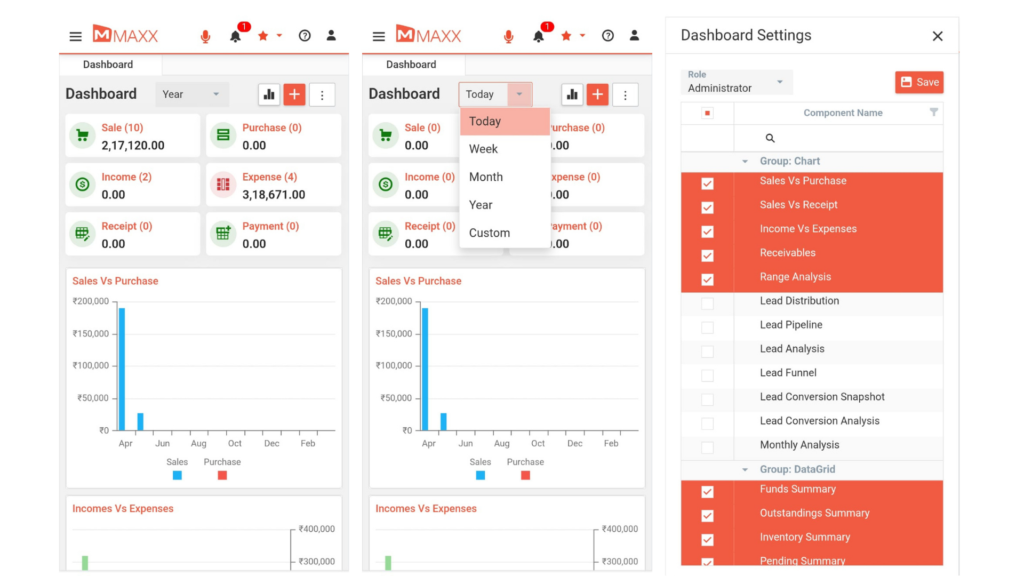
Live Dashboard Access
Get a complete bird’s eye view of your business the moment you open the app — sales, purchases, income, expenses, receipts, and payments all visible on one live dashboard.
Instant Inventory Check
Track real-time stock levels, product availability, and inventory movements directly from the app — keeping you in control of your stock from anywhere.

Payment & Ledger View
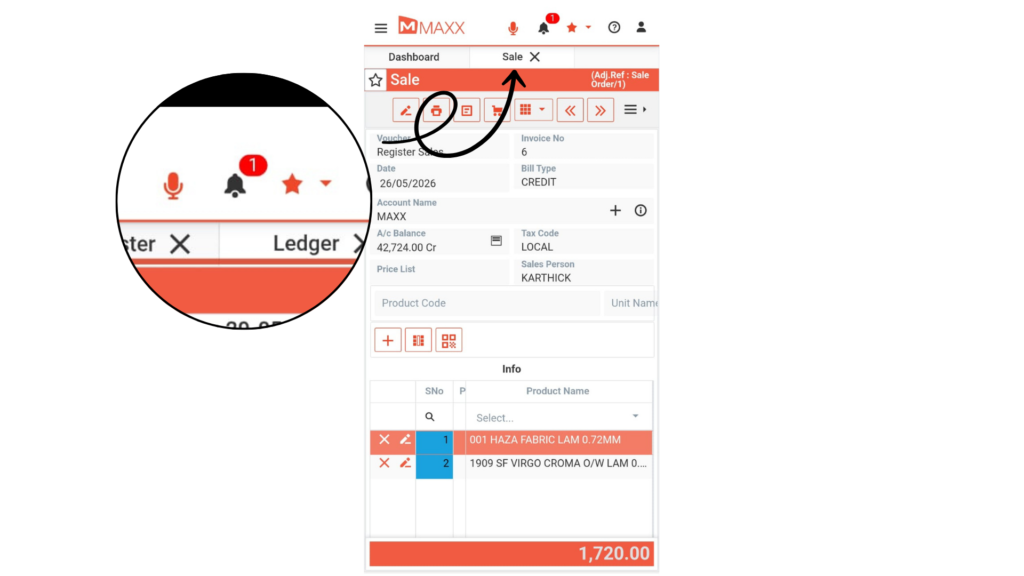
Access customer ledgers and outstanding statements. Specifically, you can follow up on payments on the go.

Instant Alerts
Receive real-time business notifications and alerts directly on your phone — so you’re always the first to know about critical updates, orders, and transactions.
Secure & Fast
MaxxConnect is built with secure login and fast performance — ensuring your business data is always protected and accessible in seconds, every time you open the app.

ADVANTAGES OF MAXX ALERTS PRO

Stay connected to live business data 24/7 from anywhere.

Never miss a critical business update with instant alerts.
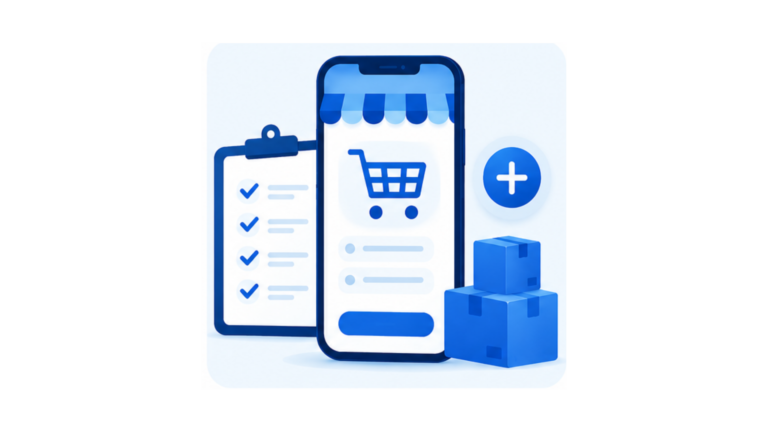
Create and manage orders on the go without a desktop.

Monitor inventory and stock levels in real time from your phone.
Secure, fast, and easy to use — no technical knowledge needed.
FAQs – MAXX CONNECT
MaxxConnect is a mobile app for business management that works as a smart companion to Maxx ERP. It gives business owners and managers real-time access to dashboards, reports, orders, inventory, and instant alerts
Yes. MaxxConnect is available to download on both the Apple App Store and Google Play Store — making it accessible for all business owners and team members regardless of their device.
No. MaxxConnect is specifically built so you can access your complete business data — dashboards, reports, orders, and inventory — from anywhere, anytime, directly from your mobile phone.
Yes. MaxxConnect allows you to create and manage quotes and orders directly from your phone — so your sales team can process deals instantly without returning to the office or waiting for desktop access.
Absolutely. MaxxConnect is built with secure login and fast encrypted access — ensuring your complete business data remains protected and accessible only to authorised users at all times.
