
Migrate from Tally to MaxxERP
The Smart Way to Move from Tally to MaxxERP
Tally has been the backbone of Indian small business accounting for decades — fast, reliable, and familiar to every accountant. It’s a great foundation. But as businesses grow into multi-branch operations, richer inventory needs, or manufacturing, many owners find they’re ready for the next step: a full ERP that gives them everything Tally does, plus real-time cloud access and mobility across the whole business.
This guide walks through why businesses make the move to MaxxERP, what the migration process looks like, and how to make it smooth from day one.
Why Businesses Choose to Move Up to MaxxERP
Unified View Across Locations
Get real-time, unified visibility across every branch instead of switching between separate company files. No manual consolidation, no waiting for end-of-day reports — just one live view of the whole business.
Work From Anywhere
MaxxERP's full mobile app lets sales staff, branch managers, and owners raise invoices, approve payments, and check stock from any device. Not just view reports — actually run the business, on the go.
One System, Every Department
As your business grows into distribution, manufacturing, or multi-warehouse retail, MaxxERP brings accounting, inventory, procurement, and production planning together in one connected suite from day one.
Real-Time Cloud Collaboration
Because MaxxERP is cloud-native, every user works off the same live data — whether they're at head office, a branch, or out in the field. No delays, no version mismatches.
Smooth Data Migration
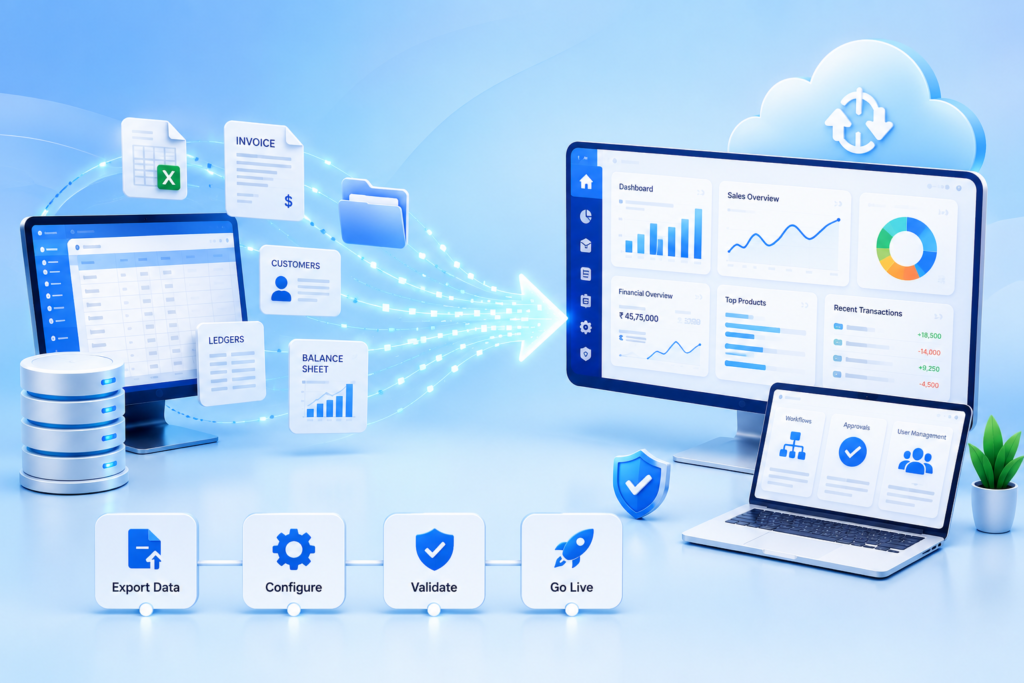
Move your masters, ledgers, and historical vouchers over through Excel import — customers, vendors, products, and both batch-wise and non-batch-wise transactions included. Switching doesn't mean starting from zero.
Built for What's Next
Moving to MaxxERP isn't a reflection on Tally — it's the natural next step once a business has outgrown a single-location, desktop-first setup and is ready for real-time, anywhere access.
What Migrating to MaxxERP Actually Involves
- Exporting and mapping your data — chart of accounts, ledgers, customer and vendor masters, opening balances, and historical transactions.
- Configuring your workflows — GST setup, invoice templates, approval flows, and user roles in MaxxERP.
- Running a parallel period — operating both systems briefly to confirm MaxxERP produces matching, accurate numbers before fully cutting over.
- Training your team — a structured walkthrough of MaxxERP's interface and processes for staff who've worked in Tally for years.
FAQs –Migrate from Tally to MaxxERP
Yes. Masters — customers, vendors, other expense accounts, and products — can be brought over through Excel import, and historical sales and purchase vouchers can be migrated using voucher Excel templates, covering both batch-wise and non-batch-wise data. Learn more about us https://maxxerp.com/master-data-import/
It depends on the size and complexity of your data, but most businesses complete the process — audit, export, import, parallel run, and training — within a few weeks when following a phased approach.
Some adjustment is expected, especially for staff who've used Tally for years. MaxxERP's onboarding support is built to make this transition fast and low friction, with structured training covering daily workflows like invoicing and stock updates.
No. Running both systems in parallel for a few weeks is recommended, so you can compare reports and confirm accuracy before fully cutting over to MaxxERP.
Chart of accounts, ledgers, customer and vendor masters with opening balances, stock items, and outstanding invoices and bills can all be migrated as part of the process.
