
1. Industrial Billing & Sales
Manage large-scale steel and industrial material sales with precise measurement-based billing.
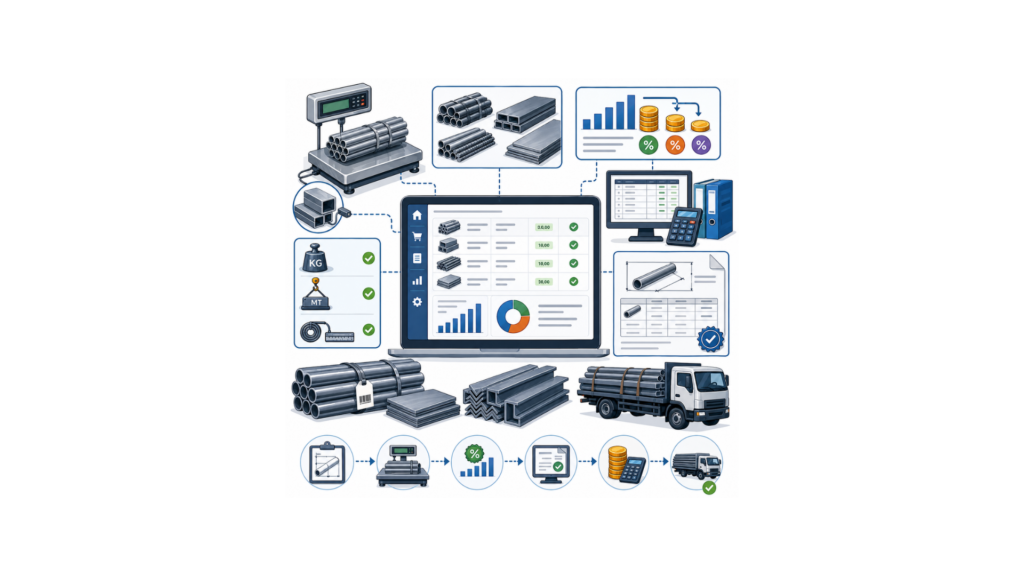
• Connect directly to industrial scales for pipes and sheets
• Set automated price drops for bulk tonnage or high-volume project orders
• Every sale is instantly reflected in your financial accounting
• Support for Kilograms, Metric Tons, and Running Feet
• Generate detailed quotes with dimensional details for fabricators
• Connect directly to industrial scales for pipes and sheets
• Set automated price drops for bulk tonnage or high-volume project orders
• Every sale is instantly reflected in your financial accounting
• Support for Kilograms, Metric Tons, and Running Feet
• Generate detailed quotes with dimensional details for fabricators
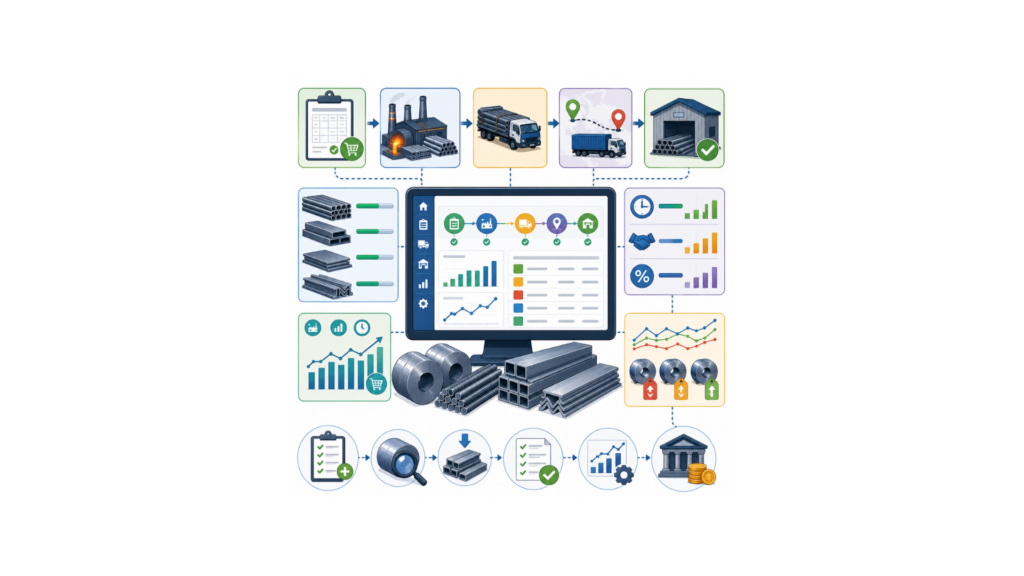
2. Procurement & "Transit PO" Management
Streamline procurement workflows and track materials from mills to your warehouse.
• Manage the journey from Purchase Order to the final stock receipt
• Monitor stock that has left the mill but has not yet reached your godown
• Generate POs based on current industrial demand and minimum levels
• Monitor mill lead times and fulfillment rates for bulk procurement
• Maintain detailed records of rate fluctuations from different steel mills
• Manage the journey from Purchase Order to the final stock receipt
• Monitor stock that has left the mill but has not yet reached your godown
• Generate POs based on current industrial demand and minimum levels
• Monitor mill lead times and fulfillment rates for bulk procurement
• Maintain detailed records of rate fluctuations from different steel mills
3. Quality Control & Product Verification
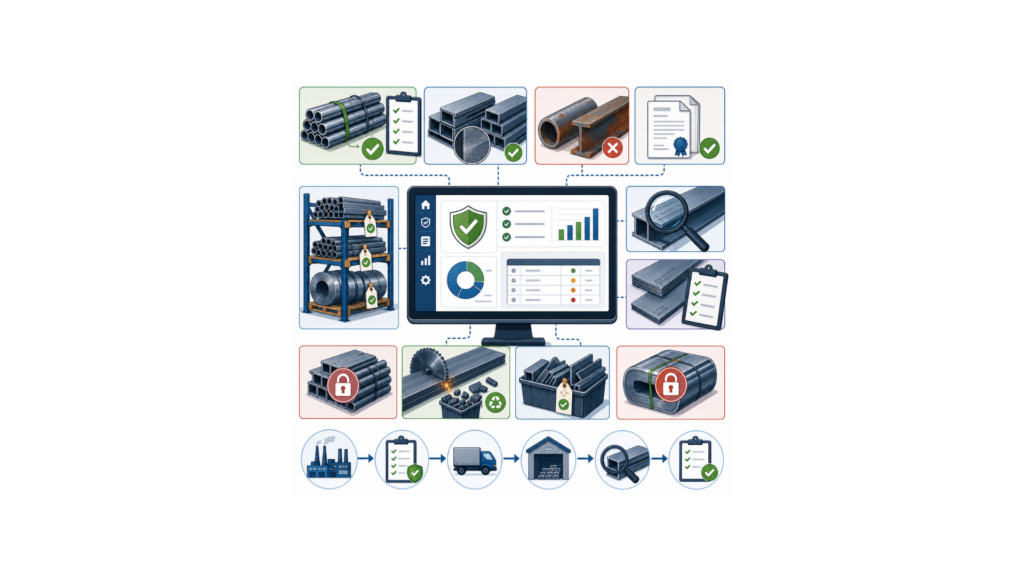
Ensure material quality and compliance with strict verification and batch-level monitoring.
• Verify stock quality against orders with image or document reference uploads
• Prevent the sale of sub-standard, rusted, or incorrectly graded lots
• Maintain a full audit trail from the manufacturer to the final delivery
• Monitor cutting wastage and maintain records of off-cut inventory
• Lock specific batches flagged for quality issues or chemical errors
• Verify stock quality against orders with image or document reference uploads
• Prevent the sale of sub-standard, rusted, or incorrectly graded lots
• Maintain a full audit trail from the manufacturer to the final delivery
• Monitor cutting wastage and maintain records of off-cut inventory
• Lock specific batches flagged for quality issues or chemical errors
4. Operations & Staff Assignment
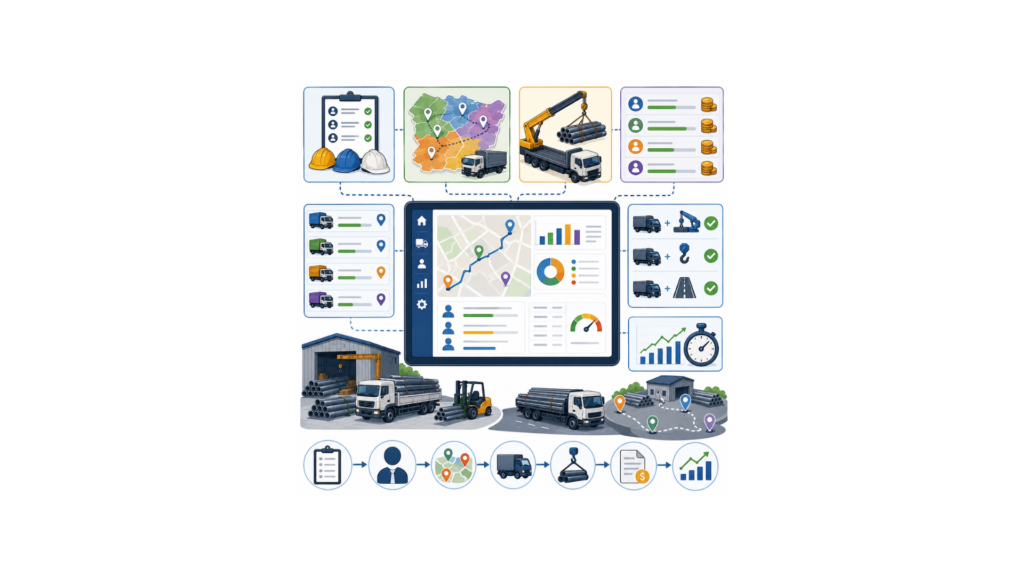
Improve logistics efficiency with structured delivery management and staff tracking.
• Assign delivery staff and loaders directly within the delivery challan
• Organize deliveries by retail territory for maximum logistics efficiency
• Track commissions based on the specific tonnage sold by staff members
• Automatically add crane and transport charges to final invoices
• Monitor the delivery efficiency of your assigned field team
• Assign delivery staff and loaders directly within the delivery challan
• Organize deliveries by retail territory for maximum logistics efficiency
• Track commissions based on the specific tonnage sold by staff members
• Automatically add crane and transport charges to final invoices
• Monitor the delivery efficiency of your assigned field team
5. Inventory & Industrial Intelligence
Maintain accurate inventory visibility and gain insights into steel stock movement and valuation.
• Ensure older steel lots move first to maintain surface quality
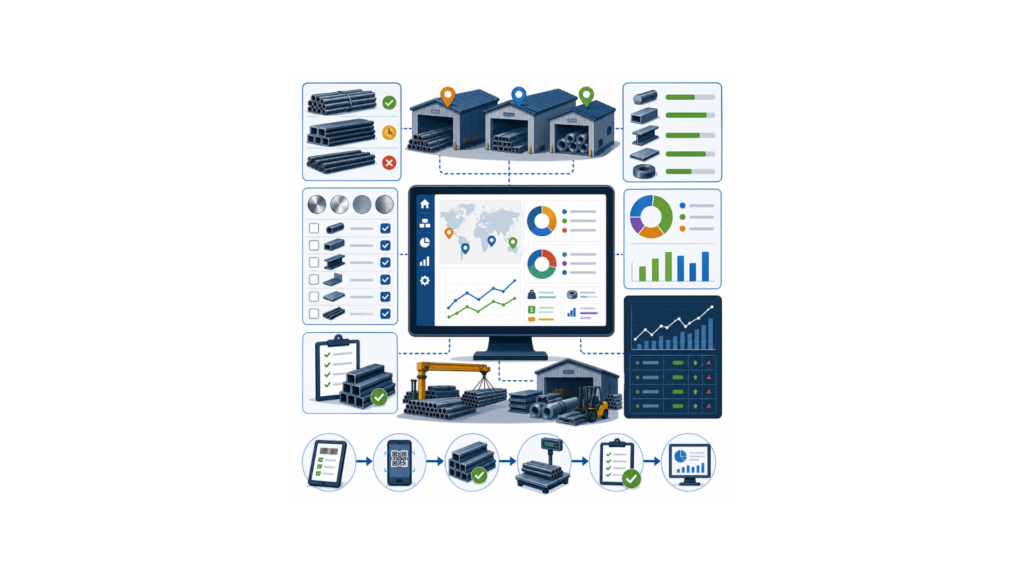
• Real-time stock visibility across multiple heavy-duty warehouses
• Filter inventory by technical grades and finishes (Mirror, Satin)
• Access live dashboards for tonnage reports and current market valuation
• Simplified digital workflows for conducting heavy-duty warehouse audits
• Ensure older steel lots move first to maintain surface quality
• Real-time stock visibility across multiple heavy-duty warehouses
• Filter inventory by technical grades and finishes (Mirror, Satin)
• Access live dashboards for tonnage reports and current market valuation
• Simplified digital workflows for conducting heavy-duty warehouse audits