
Smarter Customer Support with Chatbot & Ticketing
Deliver faster support with MaxxERP Helpdesk. Our system combines an intelligent in-app Chatbot with a ticketing system to capture, manage, and resolve customer queries efficiently from one platform.
Why Choose Our Support Module?
1. Smart In-App Chatbot
Provide instant responses to common queries directly within the application, reducing the workload on customer support teams.
2. Automated Ticket Routing
Automatically assign incoming support tickets to the appropriate department or support agent based on the issue category.
3. SLA & Escalation Management
Define response and resolution timelines and automatically escalate overdue tickets to supervisors for prompt action.
4. Centralized Knowledge Base
Create a structured library of help articles and FAQs that customers and support agents can access to resolve issues quickly.
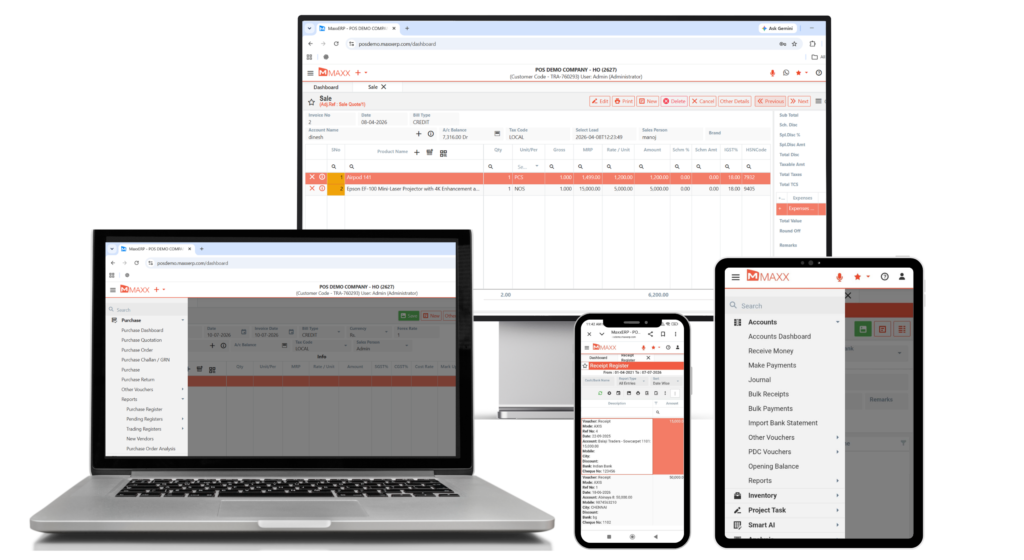
Instant Customer Support
Performance Boosters
01
In-App Chatbot
Provide instant responses to common customer queries directly within the application, improving support efficiency.
02
Ticket Creation & Management
Create and manage support tickets to track customer issues and ensure proper resolution.
03
Ticket Status Tracking
Monitor ticket progress with clear statuses such as Open, In Progress, and Resolved.
04
Agent Assignment
Assign tickets to the appropriate support staff or department for quicker issue resolution.
05
Customer Query Management
Maintain a centralized system to organize and manage all customer queries effectively.
06
Support Reports & Insights
Generate reports to monitor ticket activity, support workload, and service performance.
FAQs – Helpdesk & Chatbot
The process begins when a customer submits a query through the chatbot or email, which generates a support ticket. The ticket is assigned to an agent, resolved, and closed after customer confirmation.
The chatbot handles routine questions instantly and operates 24/7, reducing the workload on human support agents and providing faster responses to customers.
Yes. You can configure the chatbot’s decision tree and responses so that it follows your business rules and brand communication style.
If the chatbot cannot resolve the query, it collects the customer’s details and automatically creates an urgent ticket for a human support agent.
- Absolutely. By analyzing the Customer Satisfaction (CSAT) scores collected after ticket closures, you can identify areas where your service or product needs improvement. For industry service standards, see the Bureau of Indian Standards (BIS).