
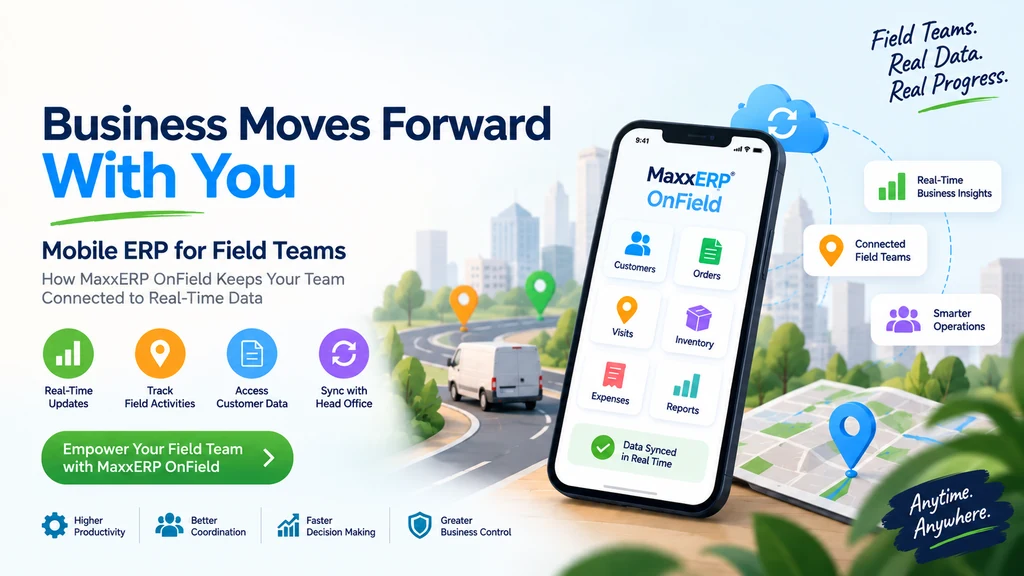
How MaxxERP OnField Keeps Your Team Connected to Real-Time Data
Why Field Teams Break Traditional ERP Workflows
Most ERP systems are built for people sitting at a desk. That works fine for accounts and back-office staff, but it falls apart the moment your business depends on people who are out in the field — sales reps visiting retailers, executives running daily beats, field staff logging visits across a city. These teams need to check in at a customer location, capture proof of a visit, or see today's route from wherever they are, not wait until they're back at a desk to update anything.
When field data lags behind reality, the cost shows up everywhere: a manager has no idea where the team actually is, a missed visit doesn't get noticed until the customer complains, and daily reports become guesswork instead of fact. MaxxERP OnField was built specifically to close this gap — putting live location tracking, visit reporting, and performance dashboards directly into the hands of the people working outside the office, and back into the hands of the managers tracking them.
What Field Teams Actually Struggle With
Before looking at features, it helps to name the actual problems a mobile ERP needs to solve:
- Managers can't tell whether a rep actually visited a customer, or just marked it done from their desk later.
- Routes are planned informally, if at all, wasting hours in avoidable travel between stops.
- Visit proof — a photo, a signature, a note — either doesn't exist or arrives days late in a WhatsApp message that gets lost.
- Performance data is scattered across individual reps' memories and end-of-week reports, so decisions get made too late to matter.
- Daily reporting eats into selling time, with reps manually writing up what they did instead of the system capturing it automatically.
MaxxERP OnField is designed around exactly these gaps.
Why This Matters for the Business, Not Just the Field Team
Faster, More Confident Decisions
When a sales manager can see live visit data instead of waiting for an end-of-day summary, they can redirect a rep, follow up on a stalled account, or flag an issue the same day it happens — not a week later when it's too late to matter.
Accountability Without Micromanaging
Live tracking and photo-based proof remove the guesswork from "did the visit actually happen," which means managers spend less time chasing confirmation and more time on strategy and coaching.
Less Time Lost to Admin Work
Automated daily reports and in-app check-ins mean reps aren't burning an hour a day on paperwork that adds no value to the actual sale.
A Connected View From Desktop to Phone
in the field — visits, photos, routes, check-ins — feeds into the same MaxxERP system your office team already uses. There's no separate spreadsheet, no re-entering data, no gap between what happens on the road and what shows up in the numbers.
Smarter Territory and Route Decisions
With route data and visit patterns visible on one dashboard, managers can spot which territories are being over-served, which are being neglected, and adjust route plans based on actual travel and visit data — not assumptions made months ago.
Stronger Forecasting and Planning
When visit frequency, conversion patterns, and rep performance are all captured automatically, sales leadership gets reliable data to forecast pipeline and plan targets — instead of building forecasts on gut feeling or incomplete weekly updates.
What Rolling Out MaxxERP OnField Actually Involves
- Mapping your team's current visit and reporting process — understanding how routes, visits, and reports work today, so the app is configured around how your team actually operates, not a generic template.
- Setting up route planning and check-in workflows — configuring optimized routes and defining what a "completed visit" requires (check-in, photo, notes) for your specific business.
- Onboarding the field team on the app — a short, hands-on walkthrough of check-ins, photo capture, and route navigation, so reps are comfortable from day one rather than defaulting back to old habits.
- Setting up manager dashboards — configuring the performance views that matter most to your sales leadership, so insights are visible from day one, not buried in raw data.
- Running a pilot with one team or territory — testing live tracking, visit reports, and daily reporting with a smaller group first, then expanding once the workflow is proven.
