
Mobile ERP for Field Teams
How MaxxERP OnField Keeps Your Team Connected to Real-Time Data
Why Field Teams Break Traditional ERP Workflows
Most ERP systems are built for people sitting at a desk. That works fine for accounts and back-office staff, but it falls apart the moment your business depends on people who are out in the field — sales reps visiting retailers, executives running daily beats, field staff logging visits across a city. These teams need to check in at a customer location, capture proof of a visit, or see today’s route from wherever they are, not wait until they’re back at a desk to update anything.
When field data lags behind reality, the cost shows up everywhere: a manager has no idea where the team actually is, a missed visit doesn’t get noticed until the customer complains, and daily reports become guesswork instead of fact. MaxxERP OnField was built specifically to close this gap — putting live location tracking, visit reporting, and performance dashboards directly into the hands of the people working outside the office, and back into the hands of the managers tracking them.
What Field Teams Actually Struggle With
Before looking at features, it helps to name the actual problems a mobile ERP needs to solve:
Managers can’t tell whether a rep actually visited a customer, or just marked it done from their desk later.
Routes are planned informally, if at all, wasting hours in avoidable travel between stops.
Visit proof — a photo, a signature, a note — either doesn’t exist or arrives days late in a WhatsApp message that gets lost.
Performance data is scattered across individual reps’ memories and end-of-week reports, so decisions get made too late to matter.
Daily reporting eats into selling time, with reps manually writing up what they did instead of the system capturing it automatically.
MaxxERP OnField is designed around exactly these gaps.
Why Businesses at This Size Choose an ERP Over Ad-Hoc Tools
Real-Time Visibility Across Departments
When sales, inventory, and accounts are all looking at the same live numbers, decisions get faster and safer. Nobody is working off a spreadsheet that was accurate yesterday but wrong today.
Role-Based Access and Approvals
At 50 employees, not everyone should see everything, and not everyone should approve everything. A proper ERP lets you define who can create a purchase order, who can approve it, and who can only view reports — without building this logic yourself in shared files.
One Source of Truth Across Locations
If you run more than one warehouse, store, or branch, an ERP reconciles stock and transactions across all of them automatically, instead of you cross-checking multiple files by hand every evening.
Faster Onboarding for New Hires
A defined system with defined workflows is far easier to train a new employee on than "here's our shared drive, ask Priya if you get stuck." This matters more as hiring accelerates.
Audit-Ready Records
Every transaction, edit, and approval is logged automatically — who did it, when, and what changed. This becomes essential once you're dealing with investors, auditors, or simply want to trust your own numbers.
Room to Grow Without Re-Platforming
The right ERP at 50 employees should still work at 150. You're not just solving today's problem — you're avoiding a second, more disruptive migration a few years from now.
What to Actually Look for in an ERP at This Stage
- Modular pricing — you shouldn’t have to pay for manufacturing or multi-currency modules you won’t touch for years. Look for systems where you can start with inventory, sales, and purchase, and add modules (HR, CRM, manufacturing) as you actually need them.
- Fast implementation — a 50-person company can’t afford a nine-month rollout. Look for vendors who can get you live in weeks, with a structured plan for data migration and parallel testing.
- GST and local compliance built in — for businesses in India, this isn’t optional. Invoice formats, tax rules, and e-way bills should be handled natively, not bolted on.
- Reasonable per-user pricing — enterprise ERPs often price per named user in a way that becomes brutal at 50+ seats. Check total cost at your actual headcount, not the vendor’s demo pricing.
- Support that responds in hours, not days — at this size, you don’t have an internal team to troubleshoot software issues. Vendor support quality matters as much as the feature list.
What Migrating to an ERP Actually Involves
- Exporting and mapping your data — product lists, stock quantities, customer and vendor records, and historical transactions currently sitting across spreadsheets and separate tools.
- Configuring your workflows — GST setup, invoice templates, reorder rules, approval chains, and user roles that match how your team actually works today.
- Running a parallel period — operating the old system and the new ERP side by side briefly, to confirm the numbers match before fully switching over.
- Training your team — a structured walkthrough for staff who are used to manual processes, so the switch doesn't slow down day-to-day operations.
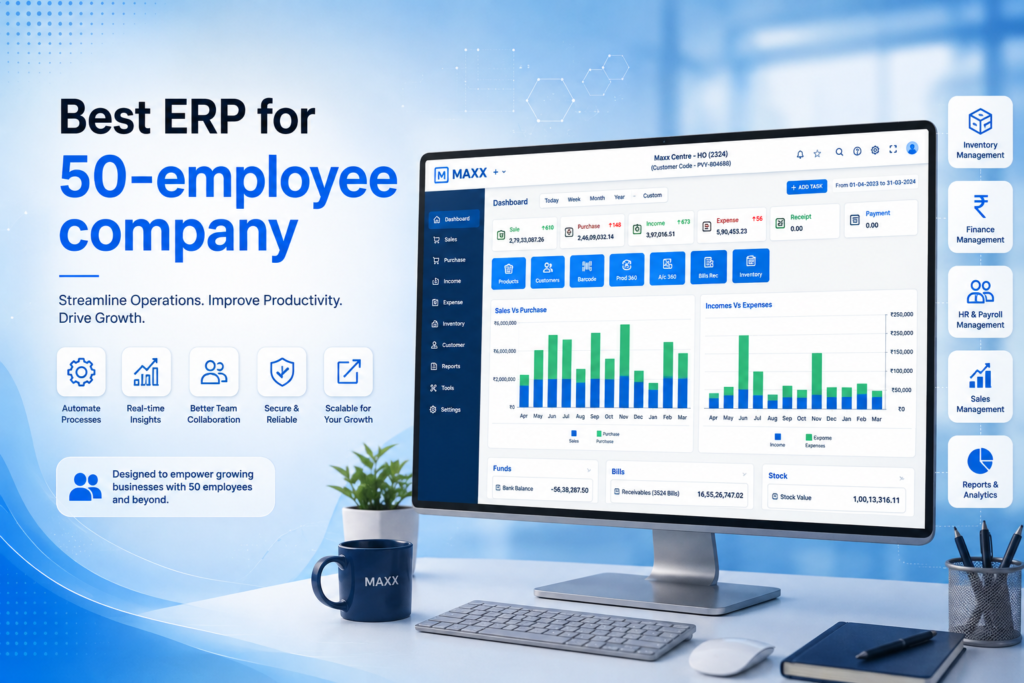
FAQs - Best ERP for a 50-Employee Company
If more than two people are editing the same spreadsheet, or you're reconciling stock across locations by hand, you're already paying a hidden cost in errors and time. Most businesses find the ERP pays for itself within a few months once these inefficiencies are removed.
There's a short adjustment period, typically one to two weeks, as staff move from familiar spreadsheets to structured workflows. A good implementation plan with parallel testing and hands-on training minimizes this.
Costs vary widely by vendor and modules chosen, but a 50-employee company should generally look for modular, per-user pricing rather than flat enterprise licensing, so you only pay for what your team actually uses.
Look for ERPs with a modular structure — start with the modules solving your current pain points, and add others later without switching platforms entirely.
Ask about average support response time, whether onboarding includes hands-on training (not just documentation), and whether they have existing customers at a similar headcount. References from similarly sized businesses are the most reliable signal.
