
Stop manual exports Maxx REPORT SCHEDULER auto-generates reports on schedule, keeping you informed effortlessly.
Your Business Insights, Delivered and Automated.
Skip daily report work Maxx REPORT SCHEDULER sends PDF or Excel summaries to your email automatically.
Who
Designed for busy business owners, department heads, and accountants who need regular updates on sales, stock, and outstanding payments.
How
Set your preferred frequency—daily, weekly, or monthly—and the system will automatically compile the data and send it to multiple email recipients.
When
Perfect for receiving a "Day-End Sales Summary" every evening or a "Weekly Outstanding Report" every Monday morning before you start your meetings.
Feature Highlights
Flexible Frequency Settings
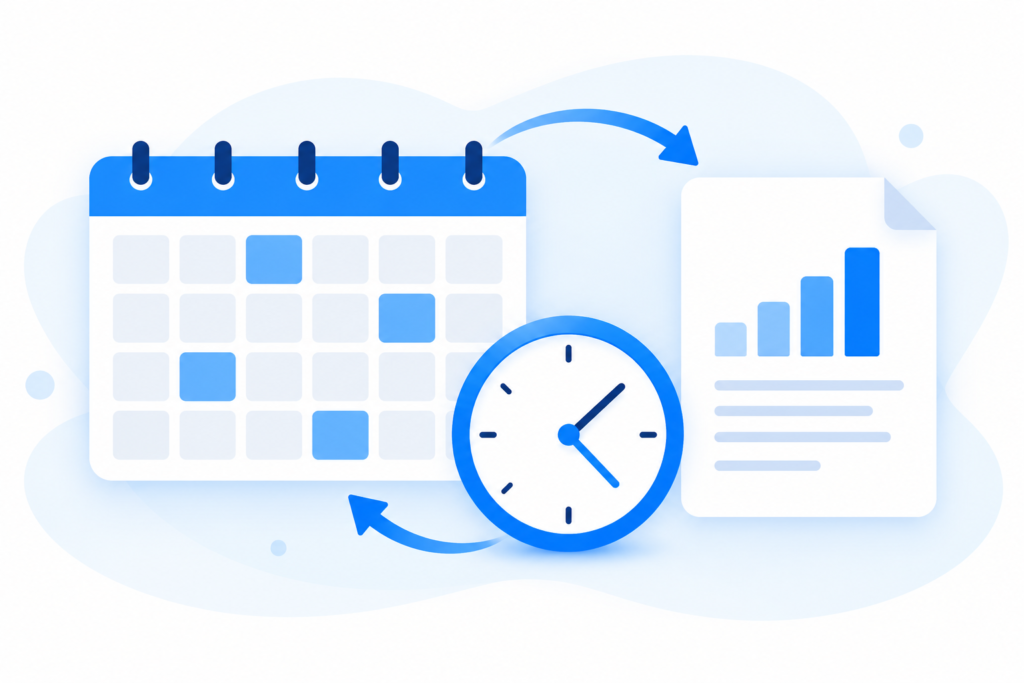
Schedule your reports to trigger at the exact hour and day you need them, whether it is daily or once a quarter.
Direct Inbox Delivery
Send reports directly to your or your team’s inbox—no need to log into the ERP, keeping everyone aligned effortlessly.

Multiple Export Formats
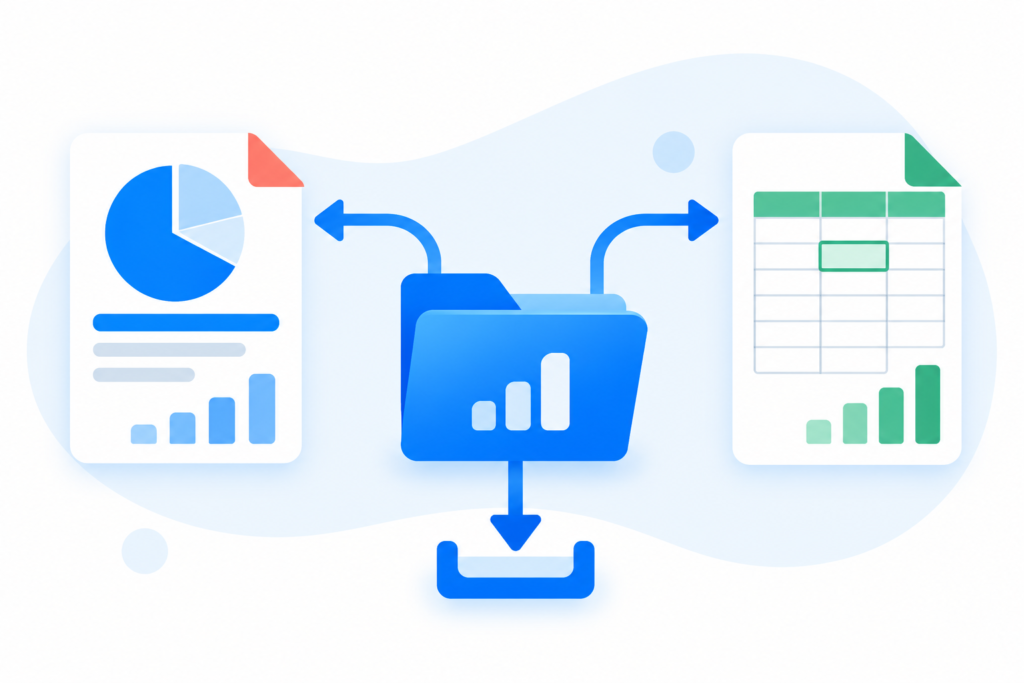
Choose to receive your automated insights in PDF or Excel formats for easy viewing and further analysis.
Cross-Module Reporting
Schedule reports from any module, including Sales, Inventory, Finance, and Purchase, all from one central scheduler.

Zero Manual Effort
Once the configuration is set, the system handles the rest. Therefore, your reporting becomes a completely “hands-free” process.

ADVANTAGES OF MAXX REPORT SCHEDULER

No More Manual Report Exports

Flexible Scheduling to Match Your Workflow

Delivered Straight to Your Inbox in Ready-to-Use Formats
Reaches Multiple Recipients Automatically

Keeps Decision-Makers Prepared Before Meetings
FAQs – MAXX REPORT SCHEDULER
Yes, you can configure the scheduler to deliver reports to your entire management team simultaneously.
No. Specifically, the background service handles the generation and delivery based on your server settings.
Absolutely. You can set up as many unique schedules as you need for different departments.
By providing "Data at your fingertips," you ensure that you never miss a critical sales dip or stock shortage. For more on automated reporting benefits, visit the Ministry of Statistics and Programme Implementation.
Yes, you can enable or disable any specific report schedule with a single click in the management dashboard.
