
Managing Multi-Branch Retail Operations Without Losing Control
Why Growth to a Second Branch Changes Everything
Running one store is something an owner can do with a sharp eye and a good team. You see the shelves, you know the regular customers, and you can feel when something is off. The moment you open a second branch, that changes. You can only be in one place at a time, and the other store now runs on the systems and habits you’ve built.
By the time you reach three, five, or ten branches, the questions get harder. Which branch is running low on a fast-moving product while another is sitting on too much of it? Are prices and discounts consistent across stores? Who billed that transaction, at which counter, and when? Without a clear system, owners end up chasing branch managers for numbers, waiting for end-of-day reports that arrive late and don’t match, and making decisions based on whichever store happened to call first.
This guide covers what really goes wrong as retail businesses add branches, and how to keep control without having to be physically everywhere.
Where Control Slips as You Add Branches
Most multi-branch problems come from the same handful of gaps:
- Stock imbalance: one branch runs out of a product while another holds slow-moving stock of the same item, and nobody notices until a customer complains or the stock expires.
- Inconsistent pricing: different branches end up with different prices or discounts for the same product, either by mistake or because updates reach each store at different times.
- Delayed and mismatched reports: every branch reports in its own format and on its own schedule, so the owner never has one reliable picture of the business.
- Weak accountability: when something goes wrong, it’s hard to trace which branch, counter, or staff member handled a transaction.
- Manual stock transfers: goods move between branches on a phone call or a handwritten note, and the records rarely match what physically moved.
- Dependence on individual managers: each branch runs on its manager’s personal way of working, so quality varies and a single resignation can disrupt a whole store.
What Control Looks Like in Practice
Good multi-branch management doesn’t mean watching every transaction. It means setting up a few things properly so the business runs consistently and exceptions come to you, rather than you going looking for them.
One Central Product and Price Master
Products, tax rates, and pricing are defined once and apply across branches, so every store sells the same item at the same price unless you deliberately decide otherwise. When a price or tax rate changes, it changes everywhere together, with no branch left on the old rate.
Live, Consolidated Stock Visibility
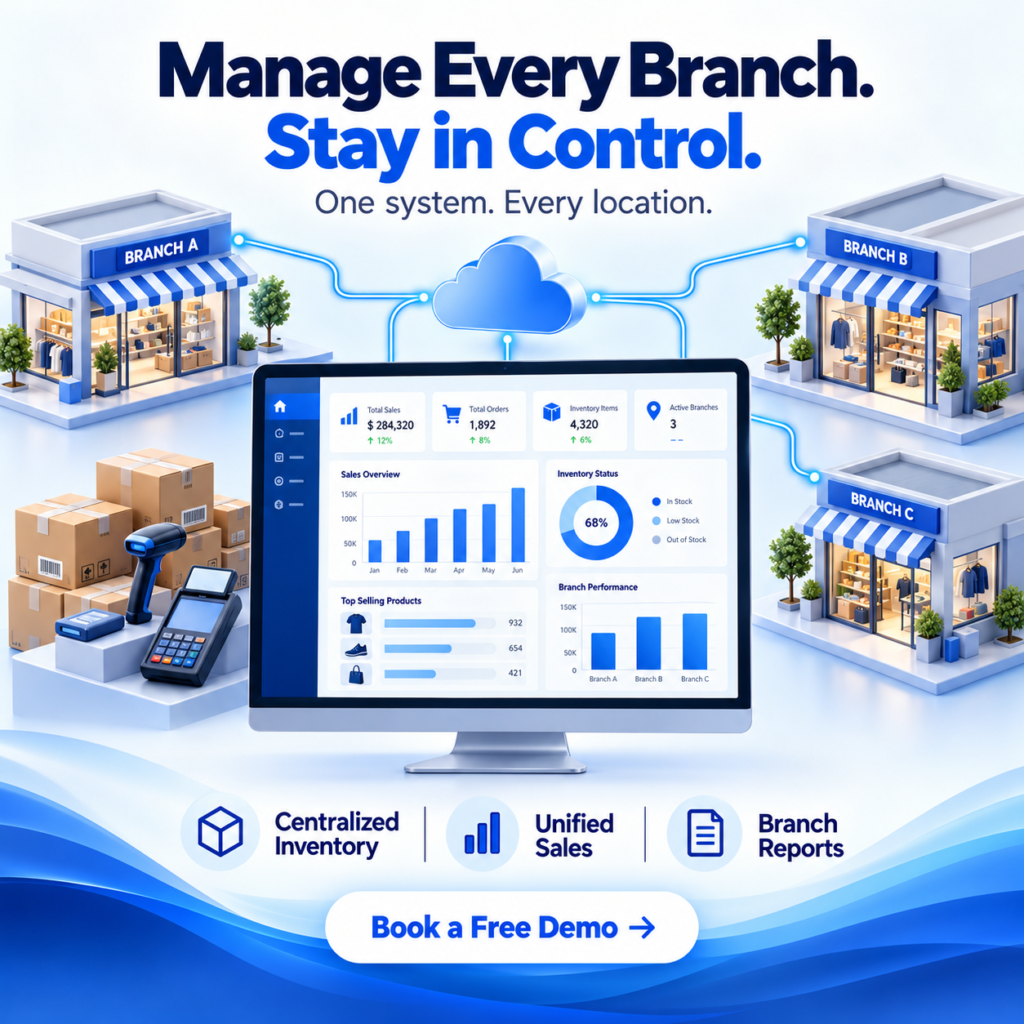
You can see stock for every product across every branch in one place. That lets you spot where something is running low and where it’s piling up, and decide whether to reorder or move stock between stores, before a shelf goes empty or a slow item turns into dead stock.
Recorded Stock Transfers Between Branches
When goods move from one branch to another, the transfer is recorded in the system with quantities and dates, so both branches’ stock stays accurate and nothing disappears between stores. It replaces phone calls and handwritten notes with a clear, traceable record of every movement.
Branch-Wise and Consolidated Reporting
Sales, purchases, and stock reports can be viewed branch by branch or combined for the whole business. You compare performance fairly, because every branch is measured with the same data, and you can see quickly which store needs your attention and which is running well.
Clear Traceability for Every Bill
Every transaction should carry the branch, counter, date, and time it was billed from. With that detail on each bill, tracing a query, a refund, or a discrepancy becomes a quick lookup instead of an investigation, and your team knows every sale can be traced back.
Role-Based Access by Branch
A branch manager should see and act on their own store’s data, while owners and head-office staff see across all branches. Clear permissions protect sensitive information and prevent accidental changes, and they let you delegate daily work without giving up control of the business.
Why This Matters Beyond Convenience
- Less Stock Wasted and Fewer Missed Sales When you can see stock across all branches, you can move slow stock to where it will sell and avoid losing sales on items one branch has run out of.
- Consistent Customer Experience Customers expect the same price and service at any of your branches. A shared master and consistent processes keep that promise.
- Faster, Better Decisions Owners who can see all branches in one view spend their time on decisions such as which store needs attention, rather than on gathering the numbers needed to decide.
- Stronger Accountability Without Micromanaging With every bill traceable to a branch, counter, and time, you don't need to supervise closely. Problems show up in the data, and your team knows it.
- A Foundation for Opening the Next Branch A business with consistent systems can add a new branch by repeating a proven setup, instead of reinventing how things work each time.
FAQs - Managing Multi-Branch Retail Operations
Usually as soon as you open a second location. If you're already reconciling numbers by phone or spreadsheet between two stores, the cost of doing it manually will only increase with each new branch.
Yes. Many chains let branches raise their own purchases within rules set centrally. What matters is that the data lands in one shared system, so you can see what each branch has ordered and avoid duplicate or excess purchasing.
By defining products and prices in one central master. When a price changes, it updates for every branch together, rather than relying on each store to update its own list.
Each bill should record the branch, counter, date, and time of billing. That makes it easy to trace queries, refunds, or discrepancies back to a specific location and moment.
No. A business with just two or three branches often benefits the most, because it's the stage where manual coordination first starts to break down, and it's easier to set up good systems early than to fix them later.
