
Signs Your Business Has Outgrown Spreadsheets and Needs an ERP
Why Spreadsheets Work Great — Until They Don't
Spreadsheets are genuinely excellent tools. They’re flexible, familiar, and free — which is exactly why almost every growing business starts there. For a one-person operation or a small team, Excel or Google Sheets can handle inventory, invoicing, and basic reporting without any fuss.
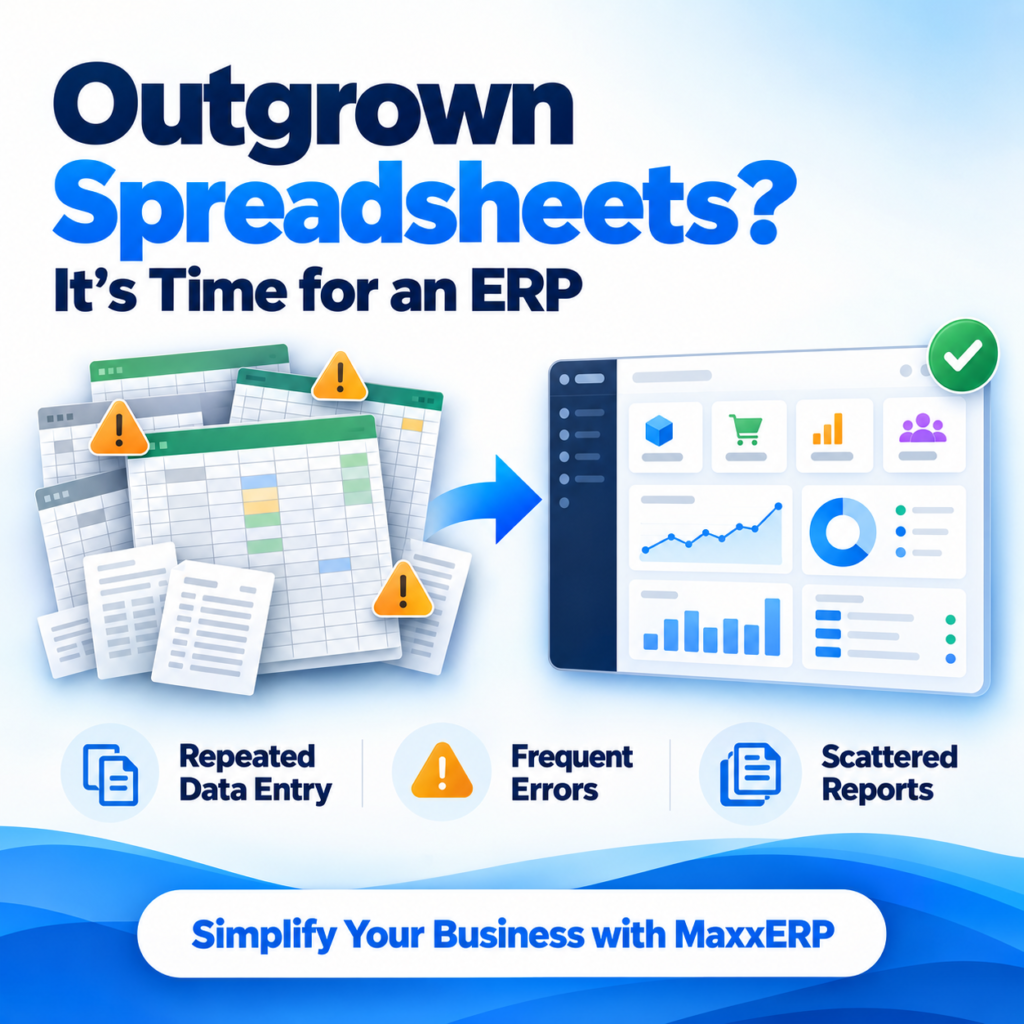
The problem isn’t spreadsheets themselves. It’s that they were never designed to be a shared, real-time system of record for a growing business. They were built for individual analysis, not multi-person, multi-location, multi-process operations. As a business adds people, products, locations, or complexity, the cracks start showing — quietly at first, then in ways that cost real money and real time. This guide walks through the specific signs that tell you you’ve crossed that line, so you’re making the decision based on evidence, not just gut feeling.
The Core Problem: Spreadsheets Don't Scale With People
A spreadsheet works well when one person owns it. The moment multiple people need to update the same data — sales entering orders, warehouse updating stock, accounts recording payments — spreadsheets start fighting the very things that make a business function smoothly: accuracy, visibility, and speed.
9 Signs You've Outgrown Spreadsheets
1. Multiple People Are Editing the Same File, and Versions Keep Conflicting
You've seen filenames like "Stock_Final_v3_ACTUAL.xlsx." If your team spends time figuring out which version is correct, or has overwritten each other's work, this alone is reason enough to move on.
2. Your Stock Count Doesn't Match What's Actually on the Shelf
When sales, purchases, and stock adjustments are tracked in separate files or entered with a delay, the numbers drift from reality. If you've stopped trusting your own stock sheet, customers or orders are likely being affected too.
3. Reordering Decisions Are Based on Gut Feeling, Not Data
If nobody can quickly answer "what do we need to reorder this week, and from whom," you're relying on memory and instinct rather than a system that tracks reorder points and vendor history automatically.
4. Closing the Books Each Month Takes Days, Not Hours
If your accountant spends days reconciling sales, purchases, and expenses across scattered spreadsheets before you can see a clear financial picture, that delay is a direct cost to how fast you can make decisions.
5. You Have More Than One Location, and Reconciling Them Is a Manual Nightmare
Multiple warehouses, stores, or branches each keeping their own spreadsheet means someone has to manually combine and cross-check numbers — a process that gets slower and more error-prone with every new location you add.
6. There's No Clear Audit Trail
If you can't easily answer who changed a number, when, and why, you have a visibility problem. This becomes a real risk once investors, auditors, or lenders start asking questions.
7. Onboarding a New Employee Takes Too Long
If training someone to "our system" means walking them through a maze of shared folders and ad hoc conventions that live in someone's head, you don't have a system — you have institutional memory that's hard to transfer.
8. You're Manually Re-Entering the Same Data in Multiple Places
If a sale gets entered once in a billing spreadsheet, then again in an accounting file, then again in a stock tracker, you're not just wasting time — you're multiplying the chances of a data entry error at every step.
9. GST or Compliance Reporting Is a Scramble Every Filing Cycle
If preparing your GST returns means manually compiling invoices and purchase records from scattered files rather than pulling a ready report, compliance has become a recurring fire drill instead of a routine task.
What an ERP Actually Fixes That Spreadsheets Can't
- One Shared Source of Truth Everyone — sales, purchase, warehouse, accounts — works off the same live data instead of separate files that need to be manually reconciled.
- Built-In Process, Not Just Storage An ERP doesn't just hold data; it enforces a workflow — a purchase has to be approved before it's recorded, a sale updates stock automatically, a reorder alert triggers when stock hits a threshold. Spreadsheets store information; they don't manage process.
- Real-Time Accuracy Across Locations Stock, sales, and financial data update as transactions happen, so multiple branches or warehouses stay reconciled automatically instead of requiring someone to manually combine numbers at the end of the day.
- A Traceable Record for Every Transaction Every entry is logged with who made it and when, giving you the audit trail that spreadsheets simply can't provide without significant manual discipline.
- Faster, Cleaner Compliance With sales and purchase data already structured correctly, GST and other regulatory reporting becomes a matter of reviewing a ready report, not reconstructing one from scratch every cycle.
FAQs
If your issues are purely about formatting or a lack of a shared process, better discipline might help temporarily. But if more than two people are regularly editing the same data, or you're managing more than one location, spreadsheets structurally can't solve that — no amount of discipline fixes a tool that wasn't built for multi-user, real-time use.
There's typically a short adjustment period, usually one to two weeks, as staff move from familiar spreadsheets to structured workflows. A good implementation plan with parallel testing and hands-on training minimizes this disruption.
Even a small team benefits once more than one person touches the same data regularly — the earlier you move, the less historical data you have to migrate and the less time you've spent compensating for spreadsheet limitations.
The biggest risk isn't one dramatic failure — it's the accumulation of small errors, lost time, and decisions made on outdated or incorrect data, which compounds as your business grows and becomes harder to untangle the longer you wait.
Spreadsheets feel free, but the real cost is hidden in staff time spent reconciling, correcting errors, and manually compiling reports. Most businesses find that a modular, per-user priced ERP pays for itself within a few months once these hidden costs are removed.
