
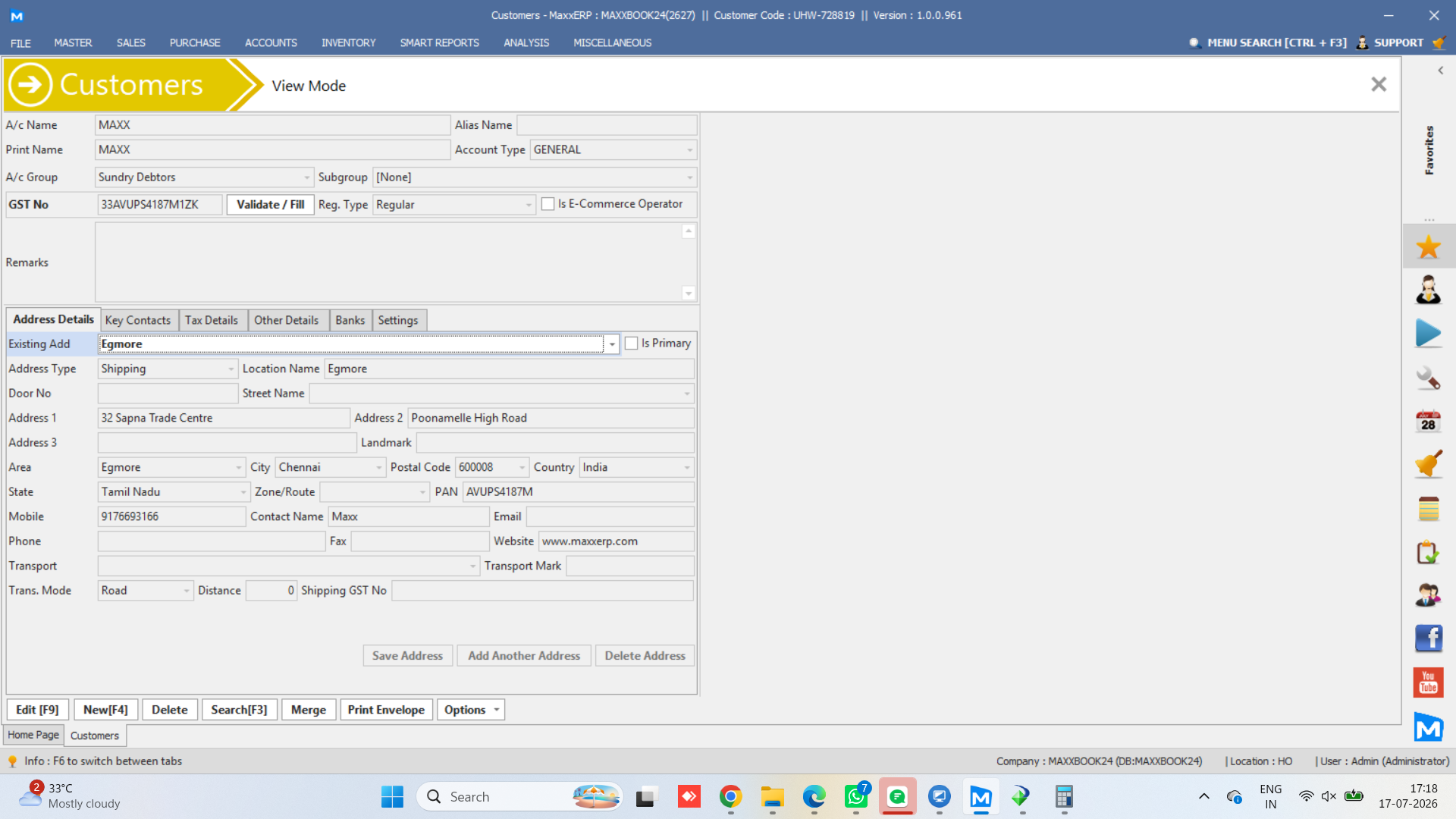
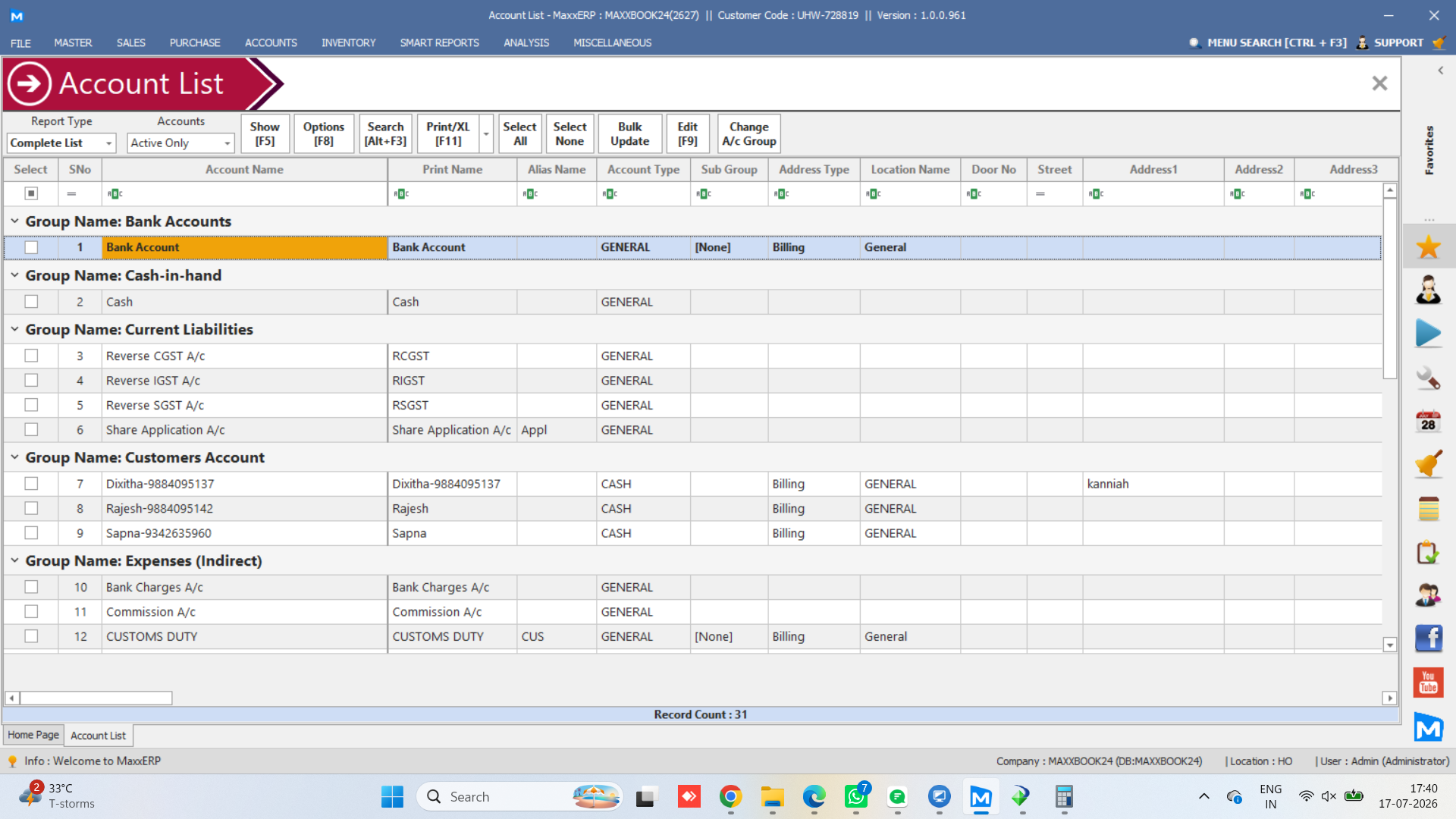
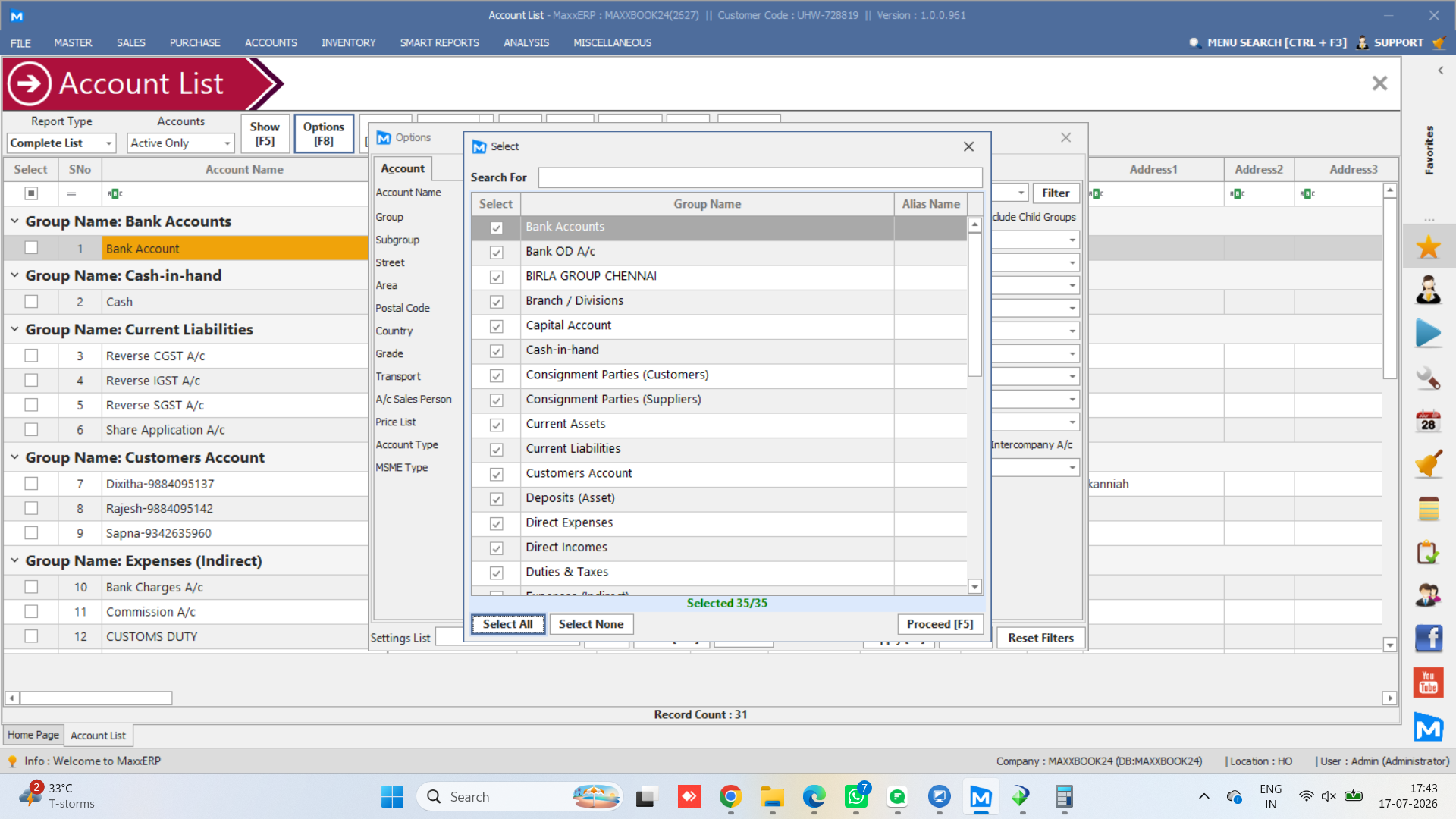
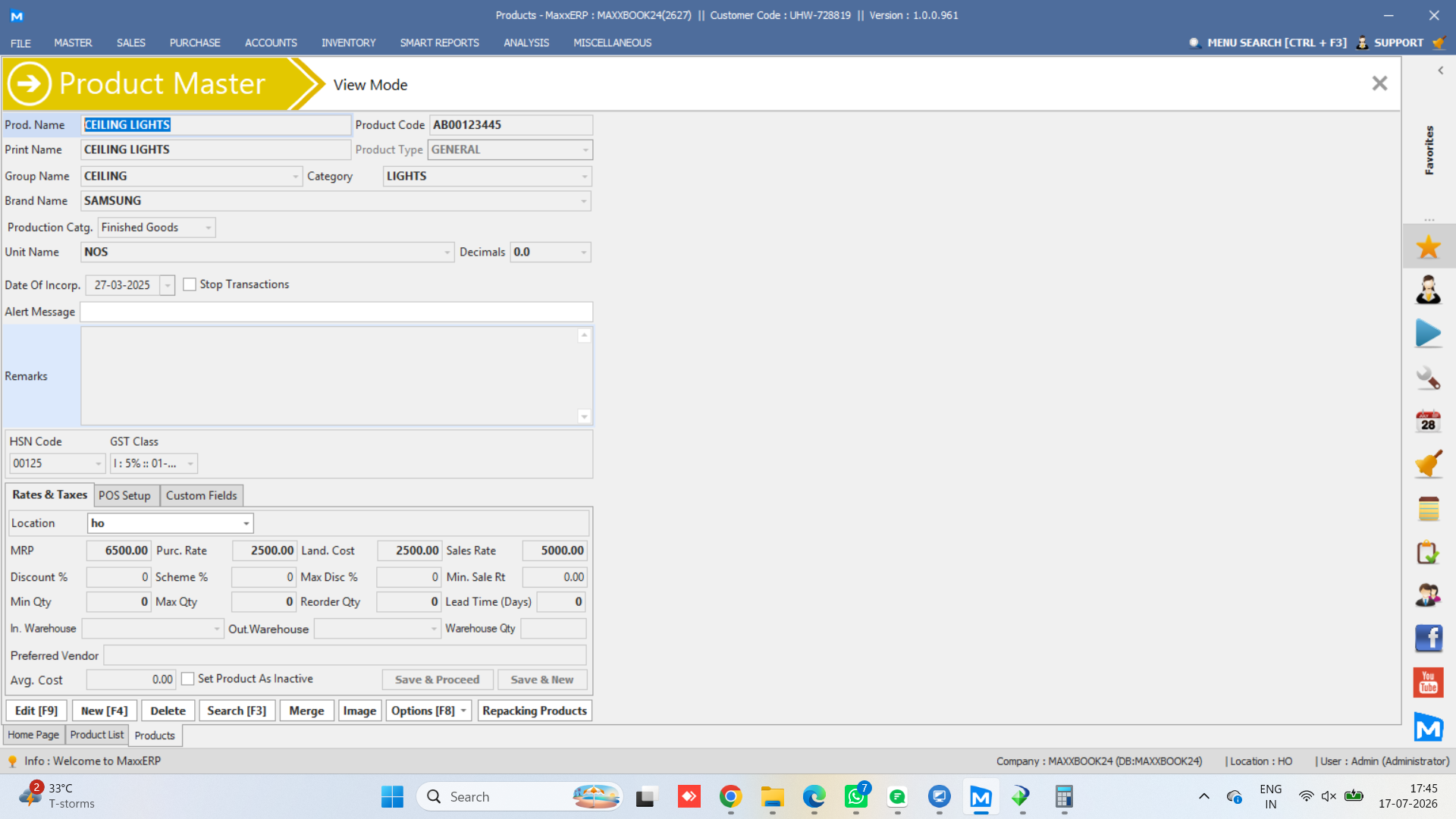
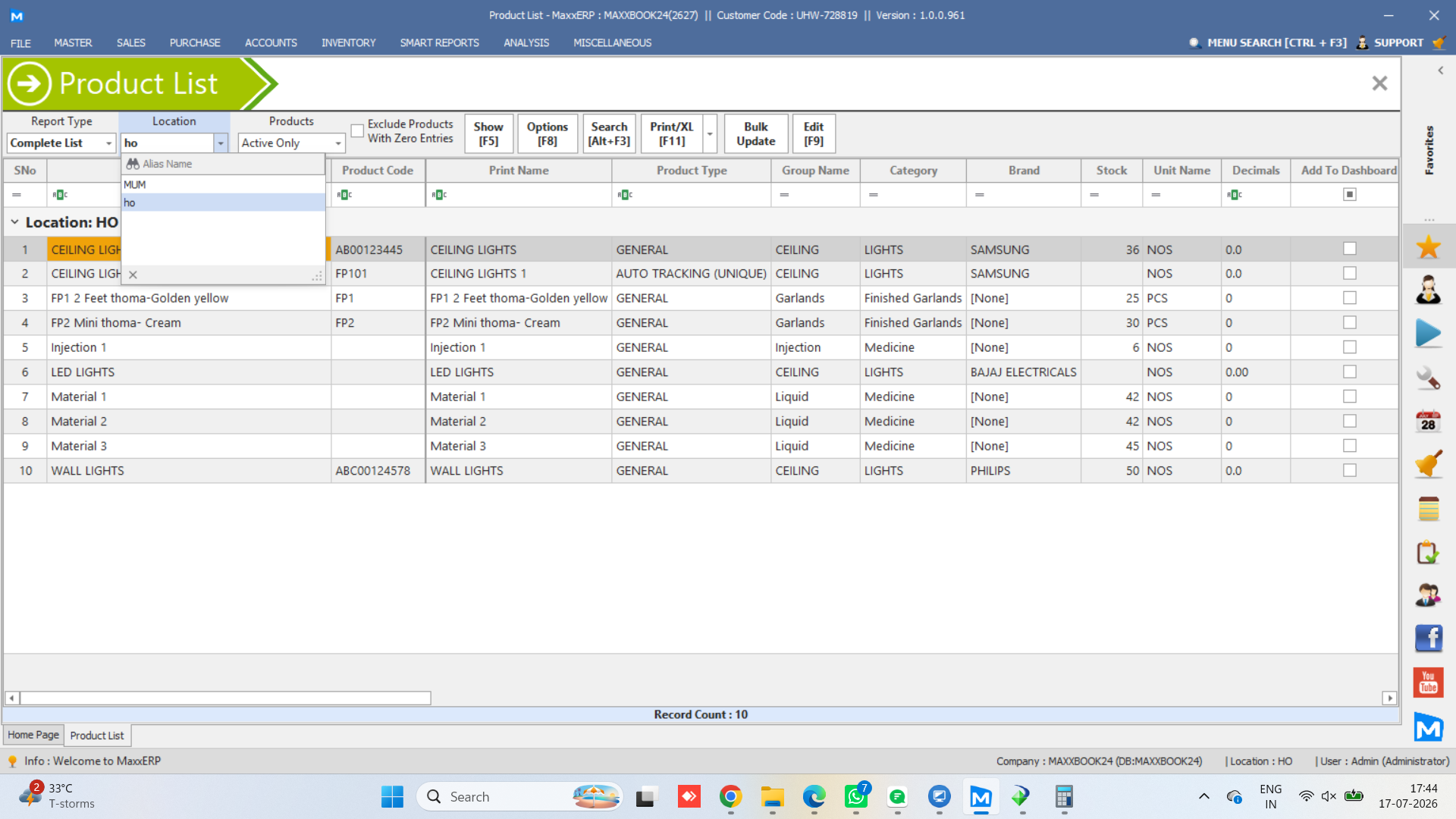
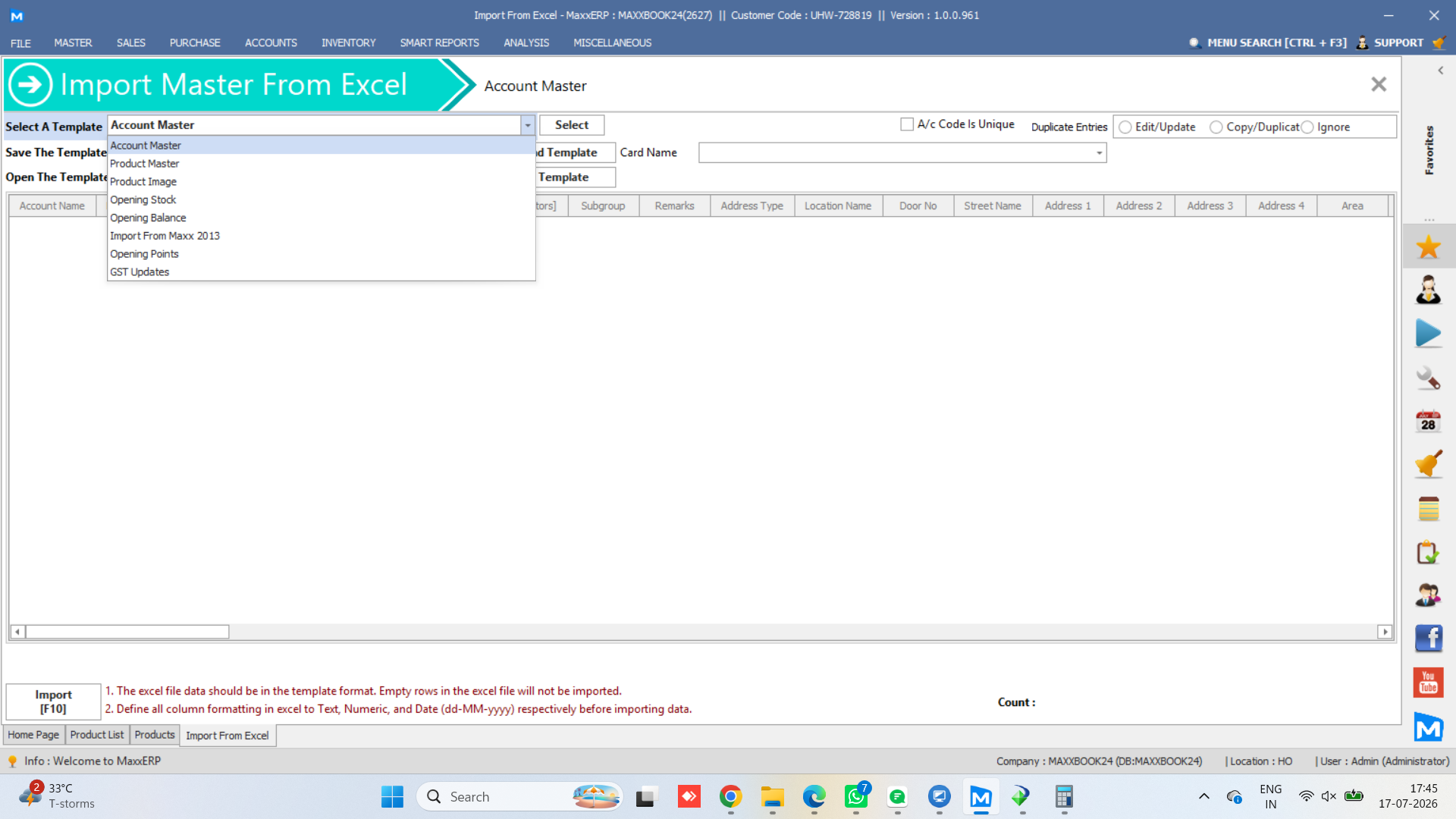
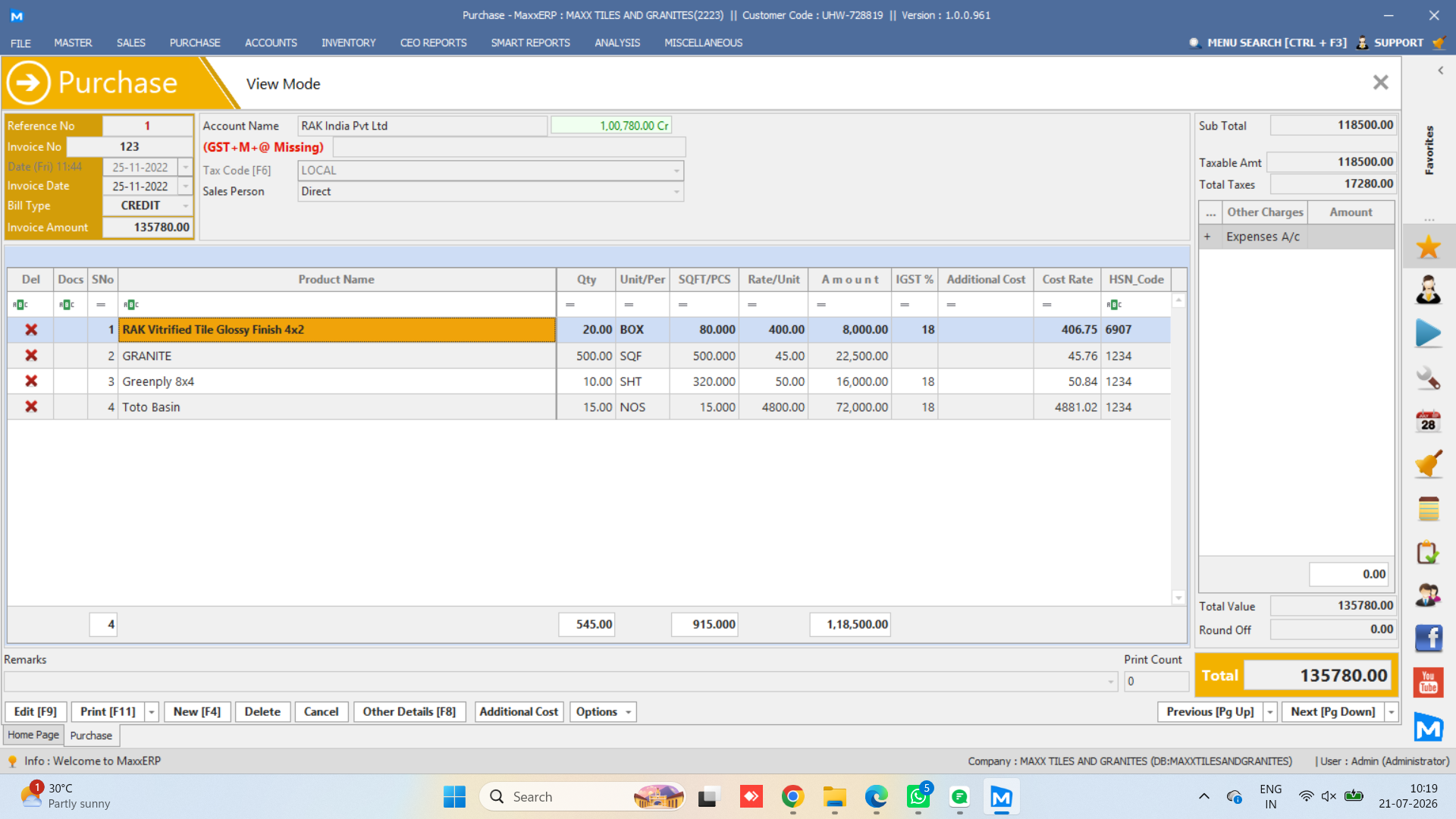
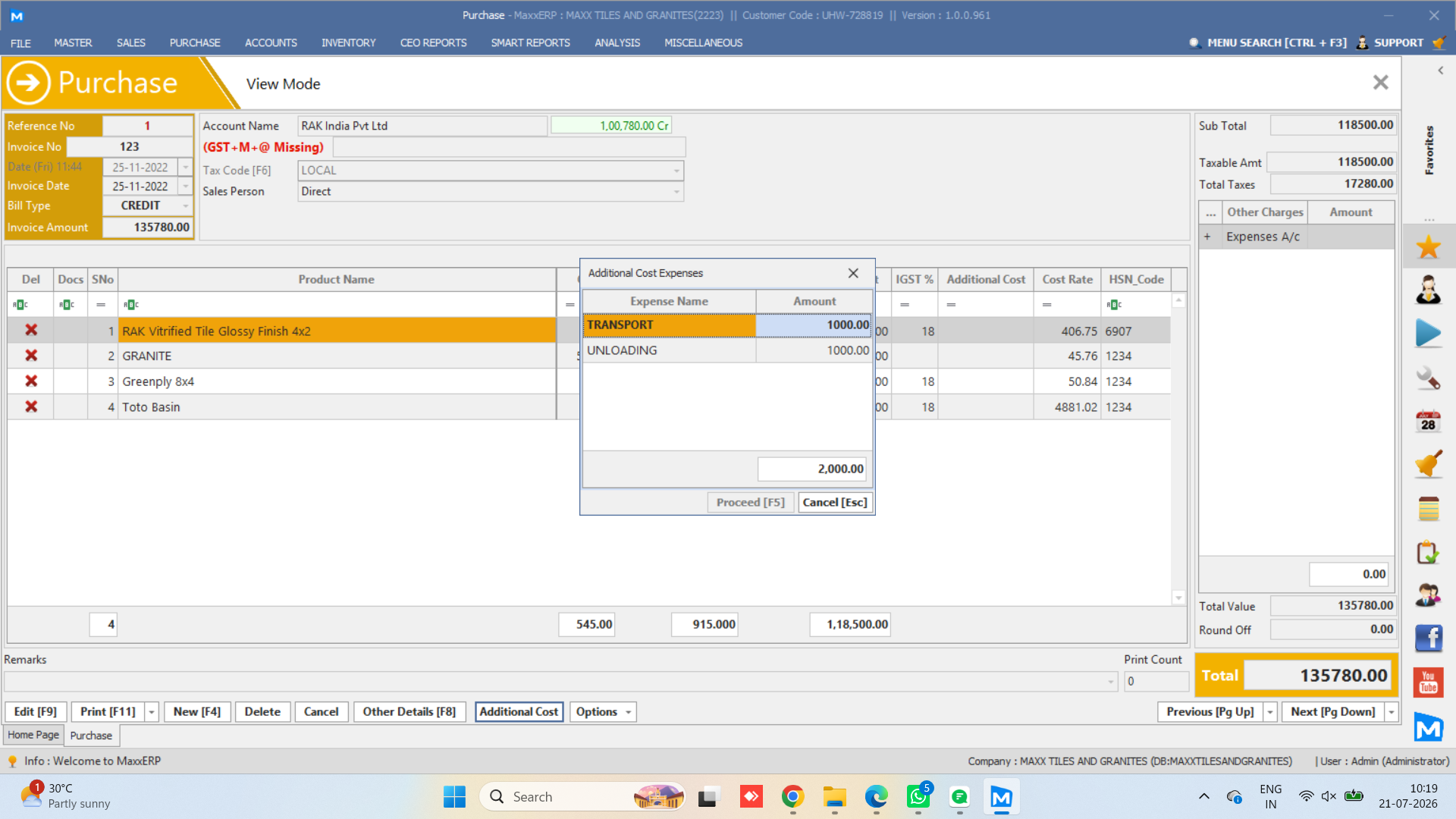
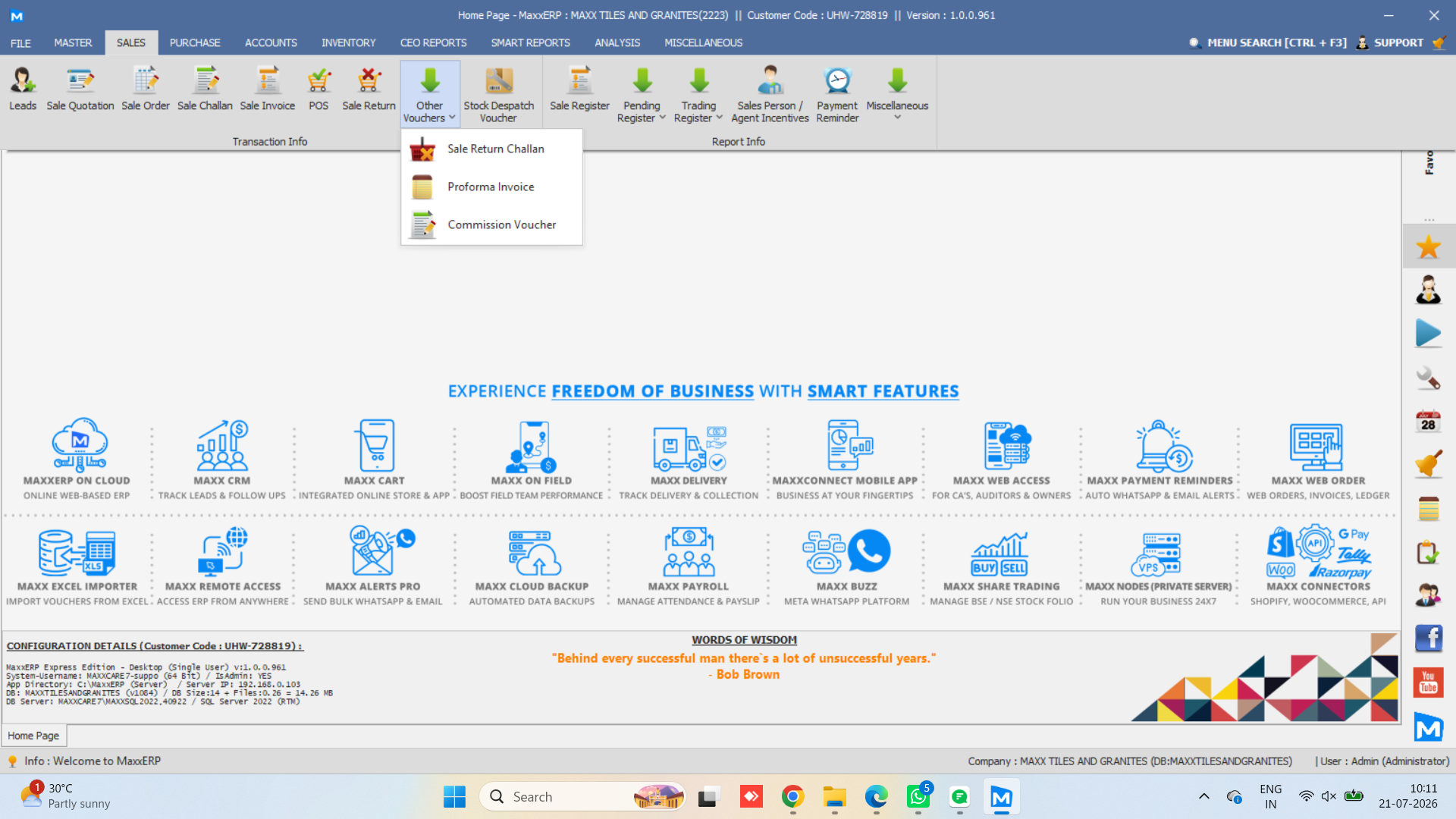
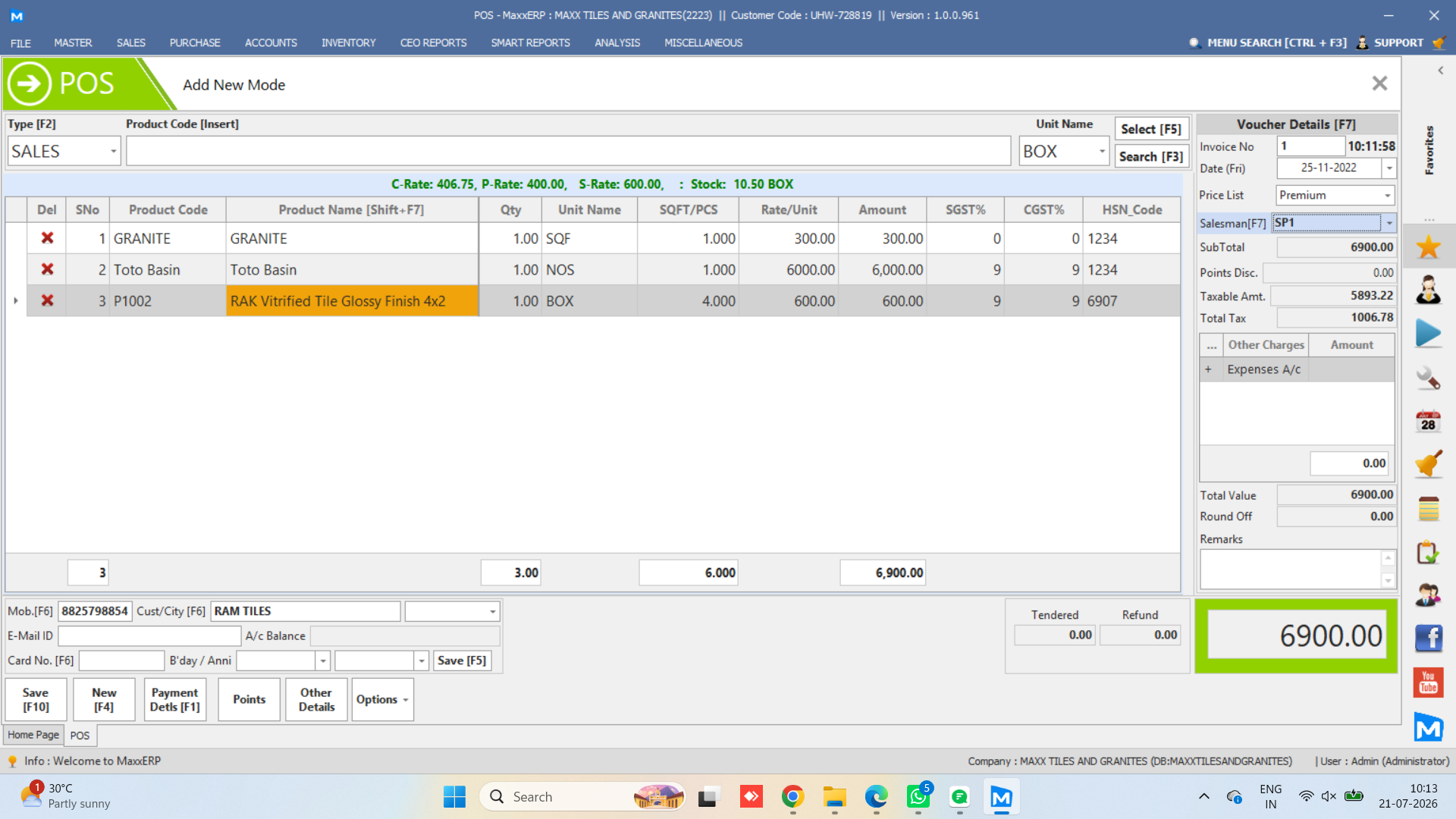
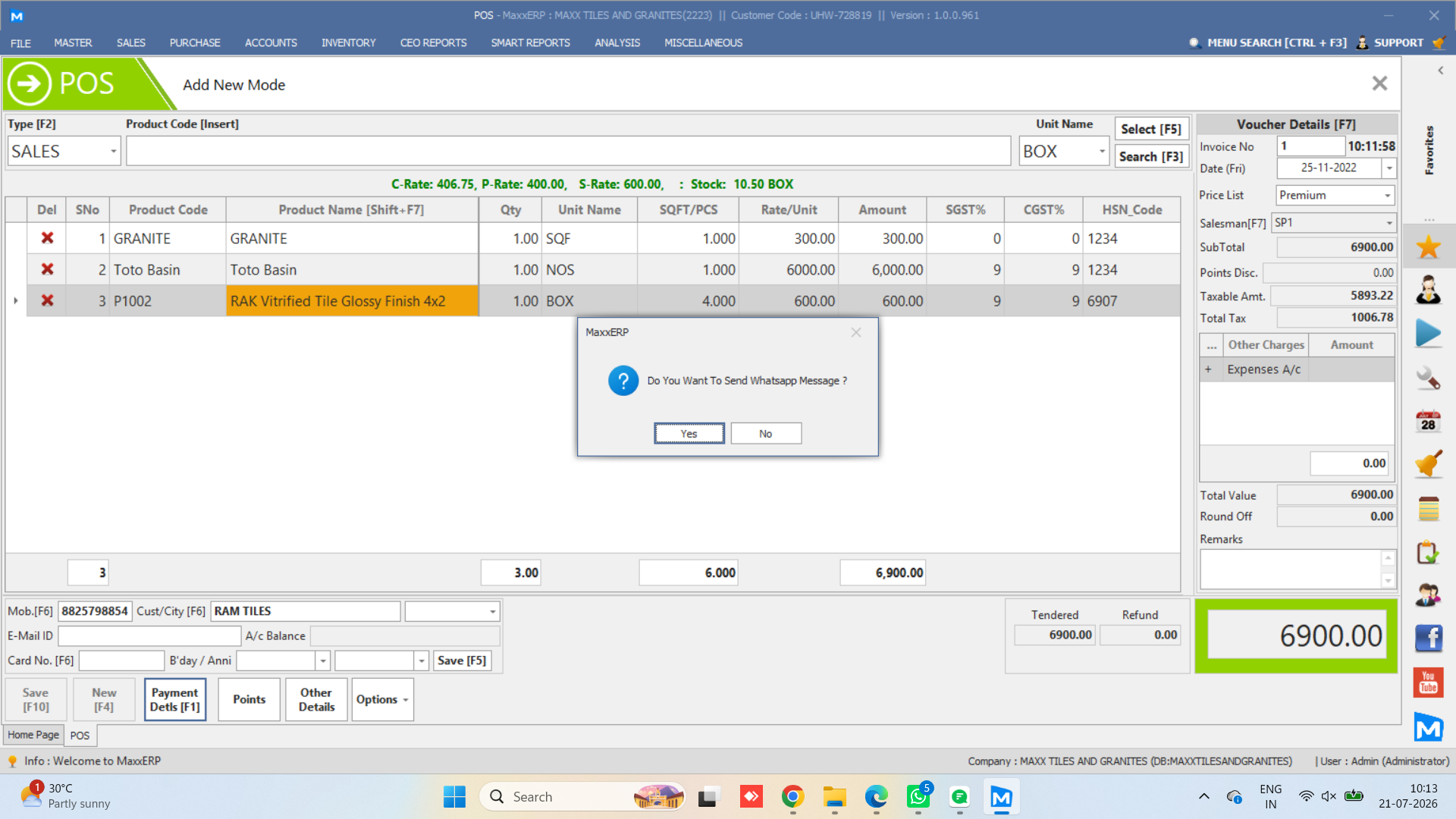
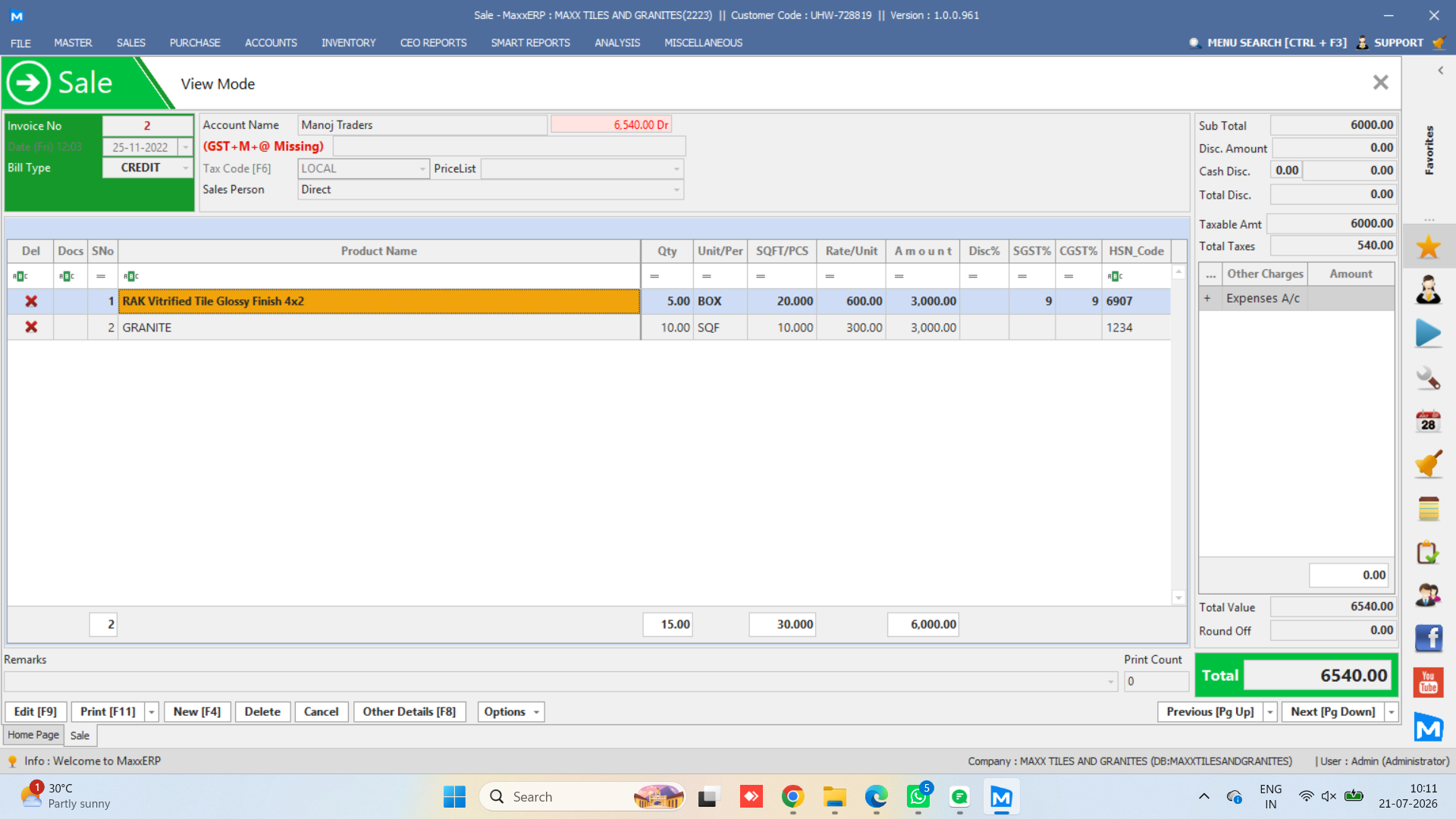
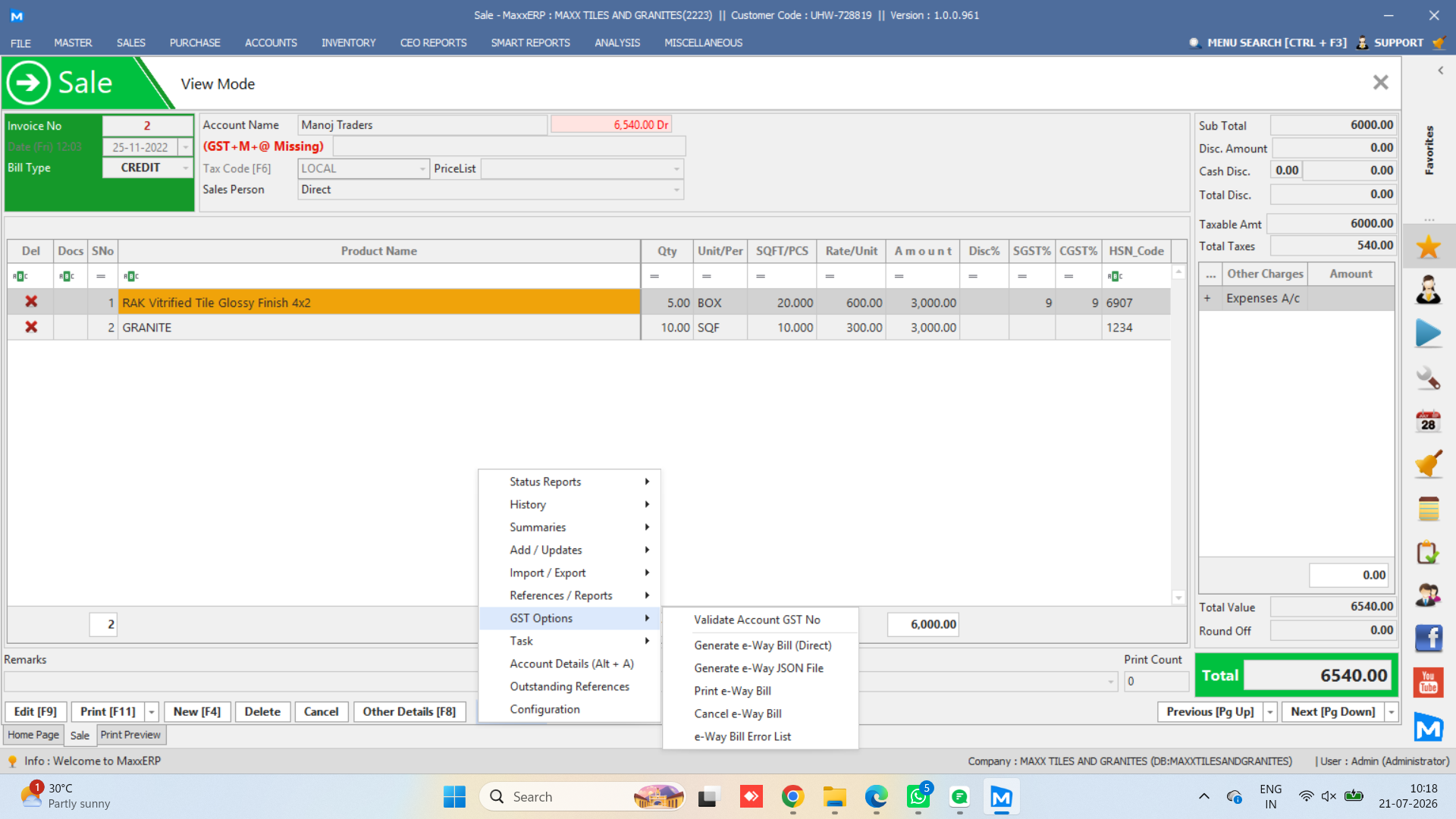
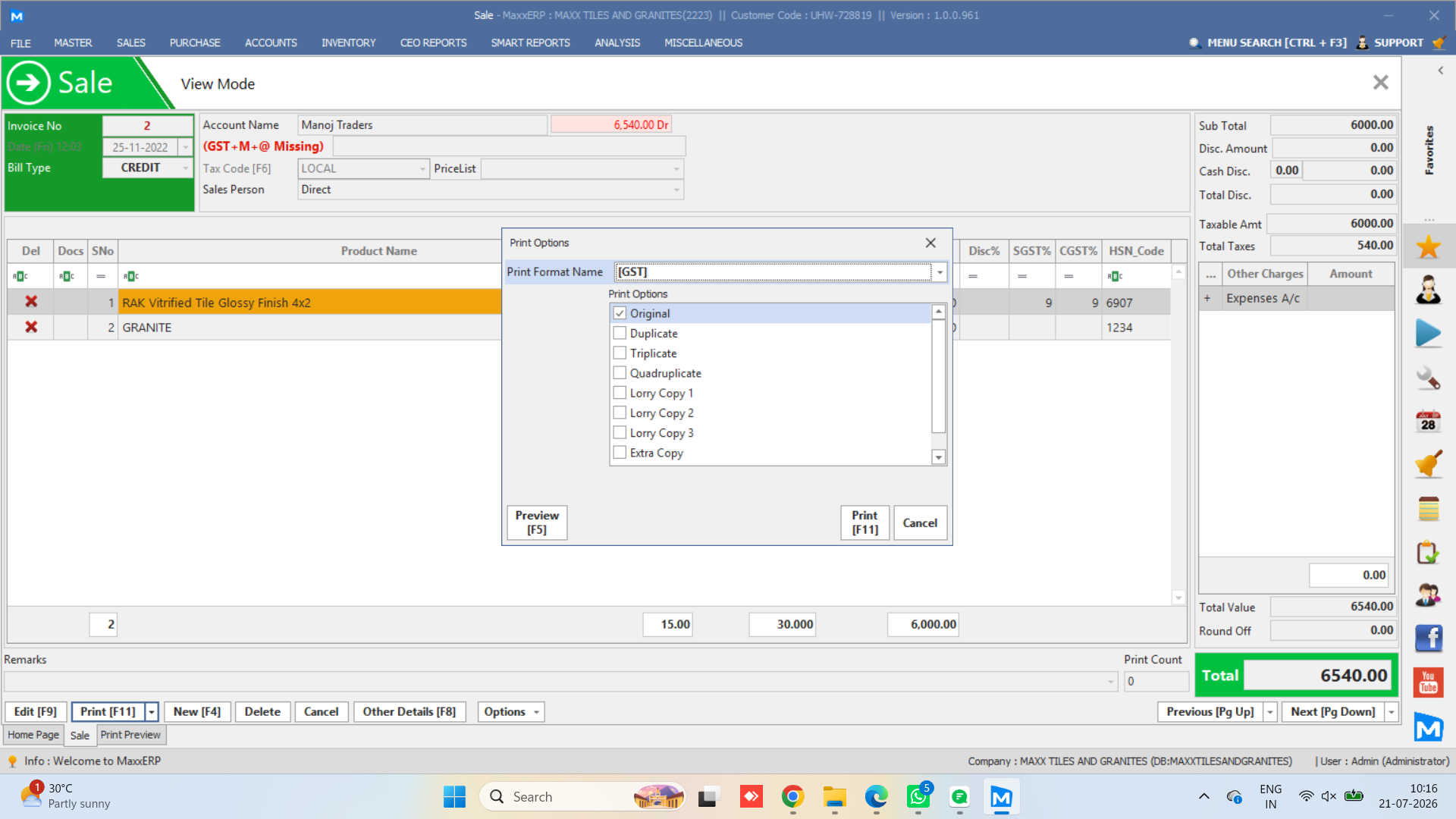
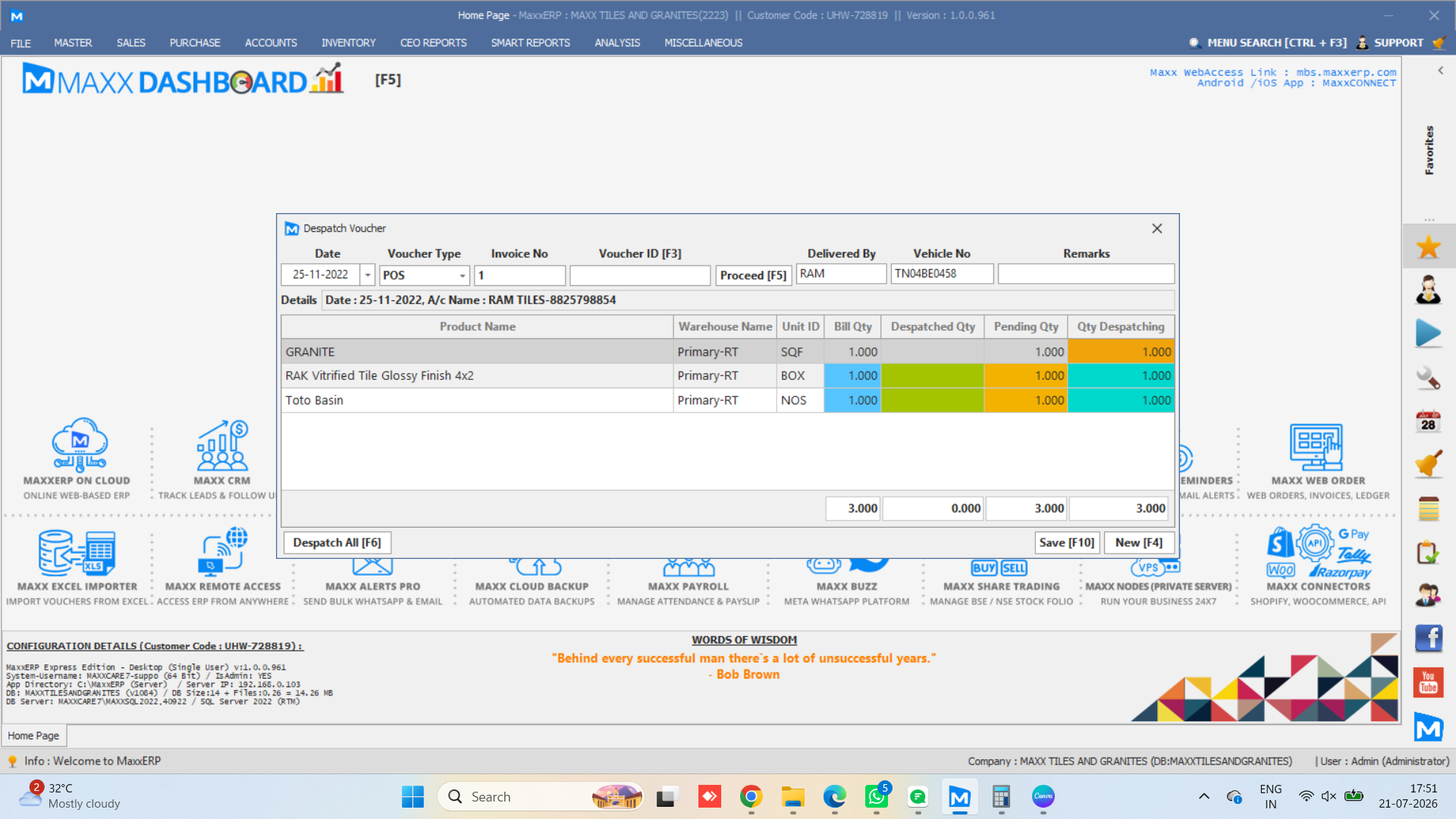
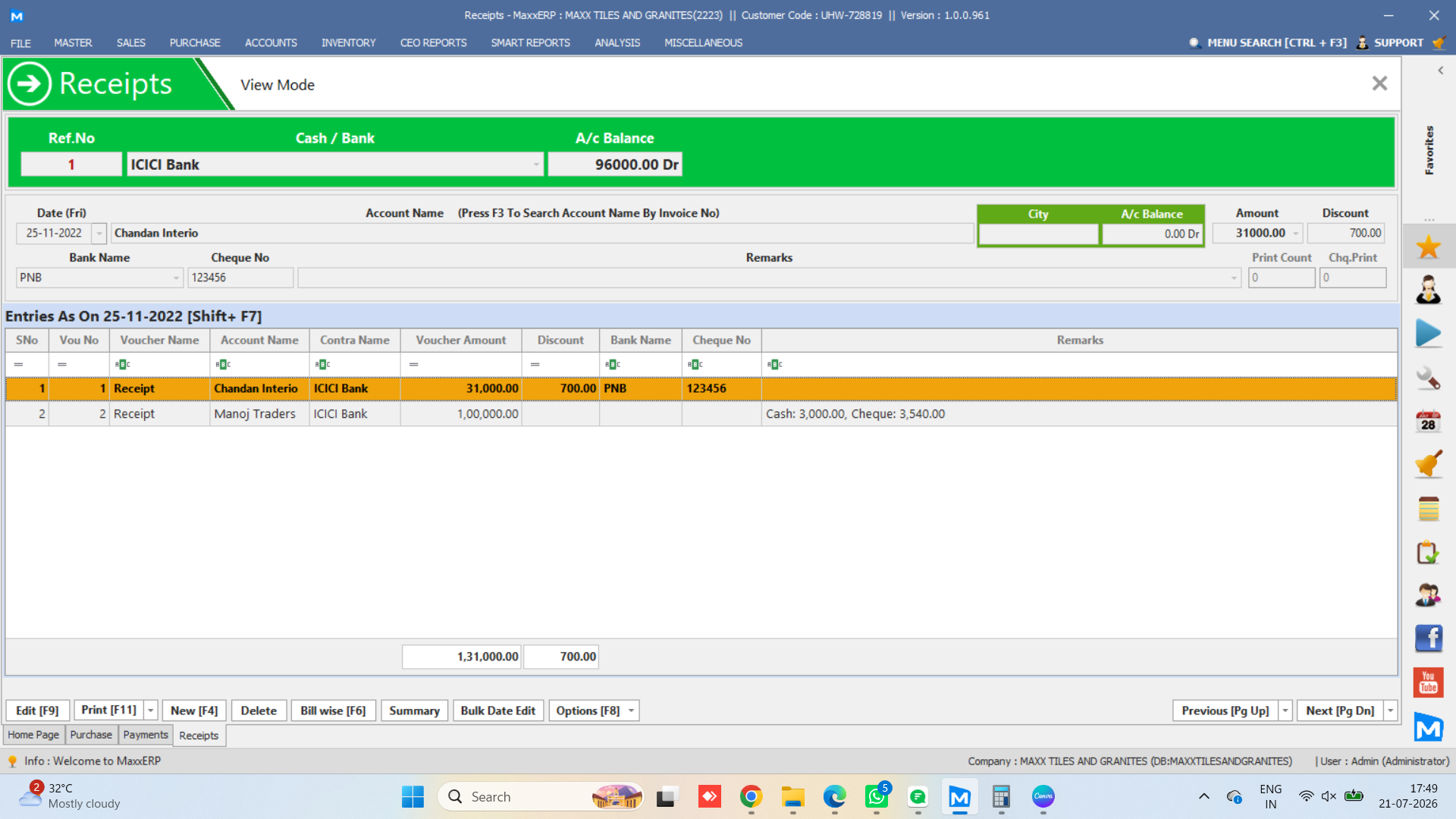
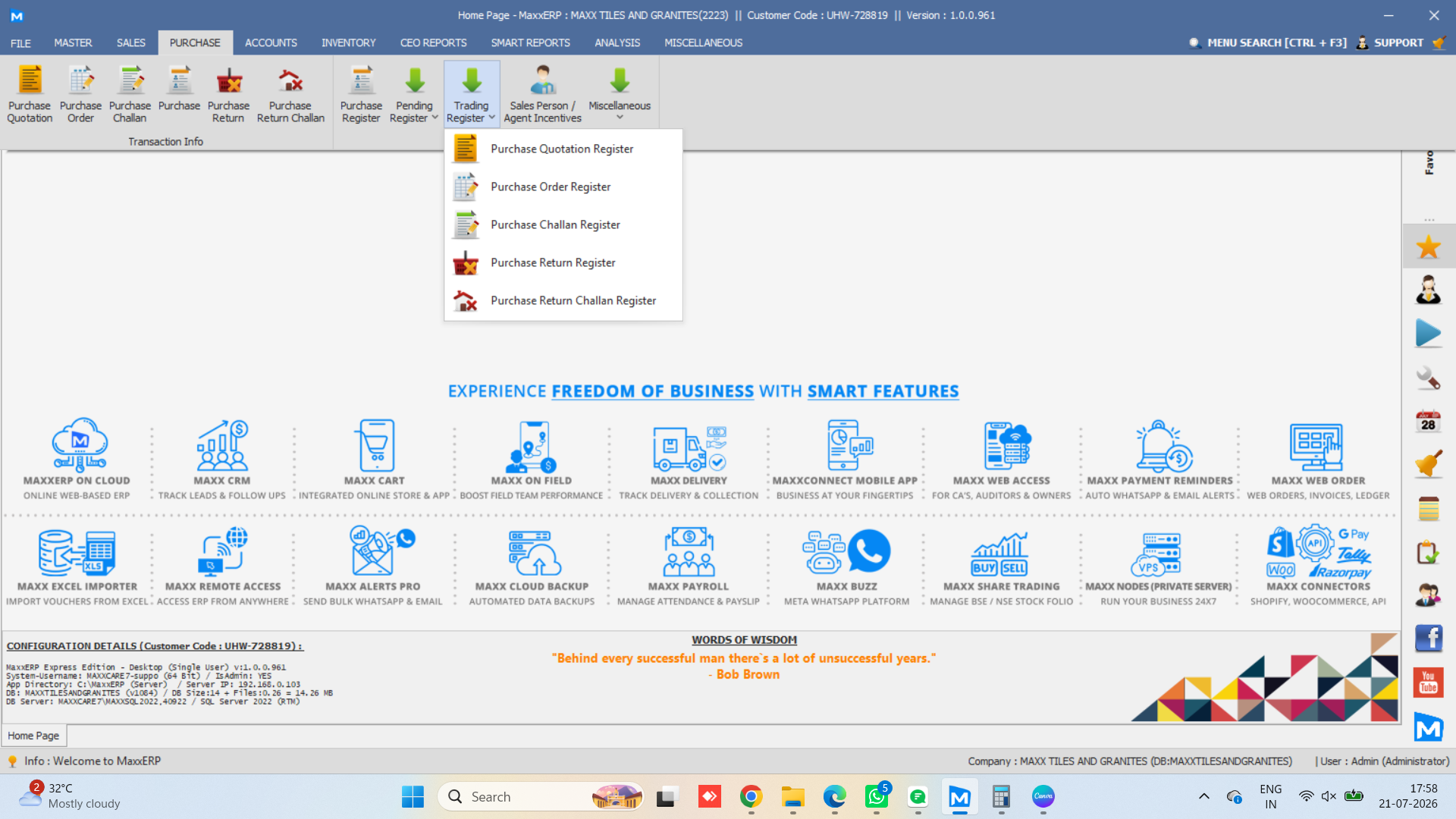
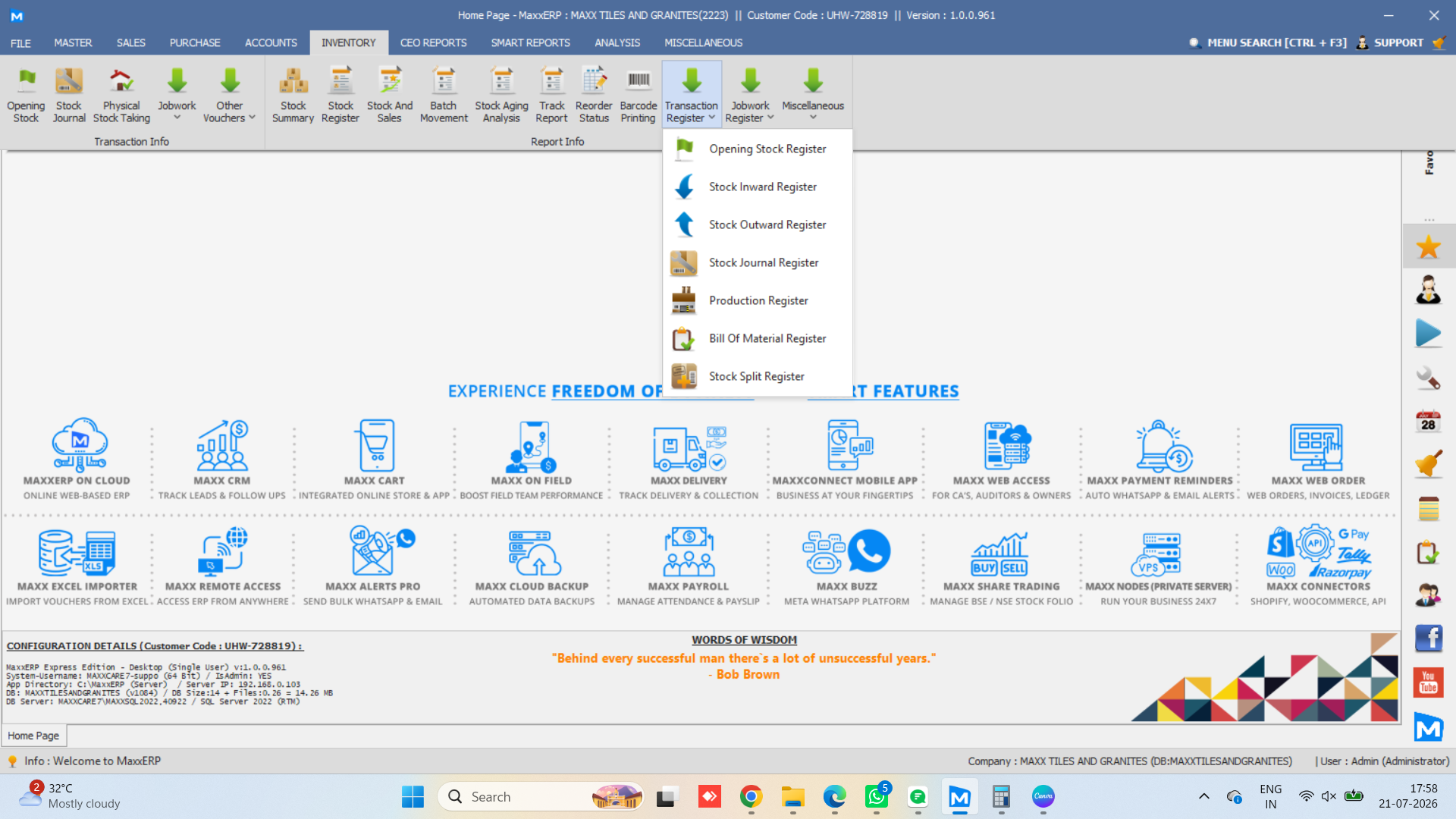
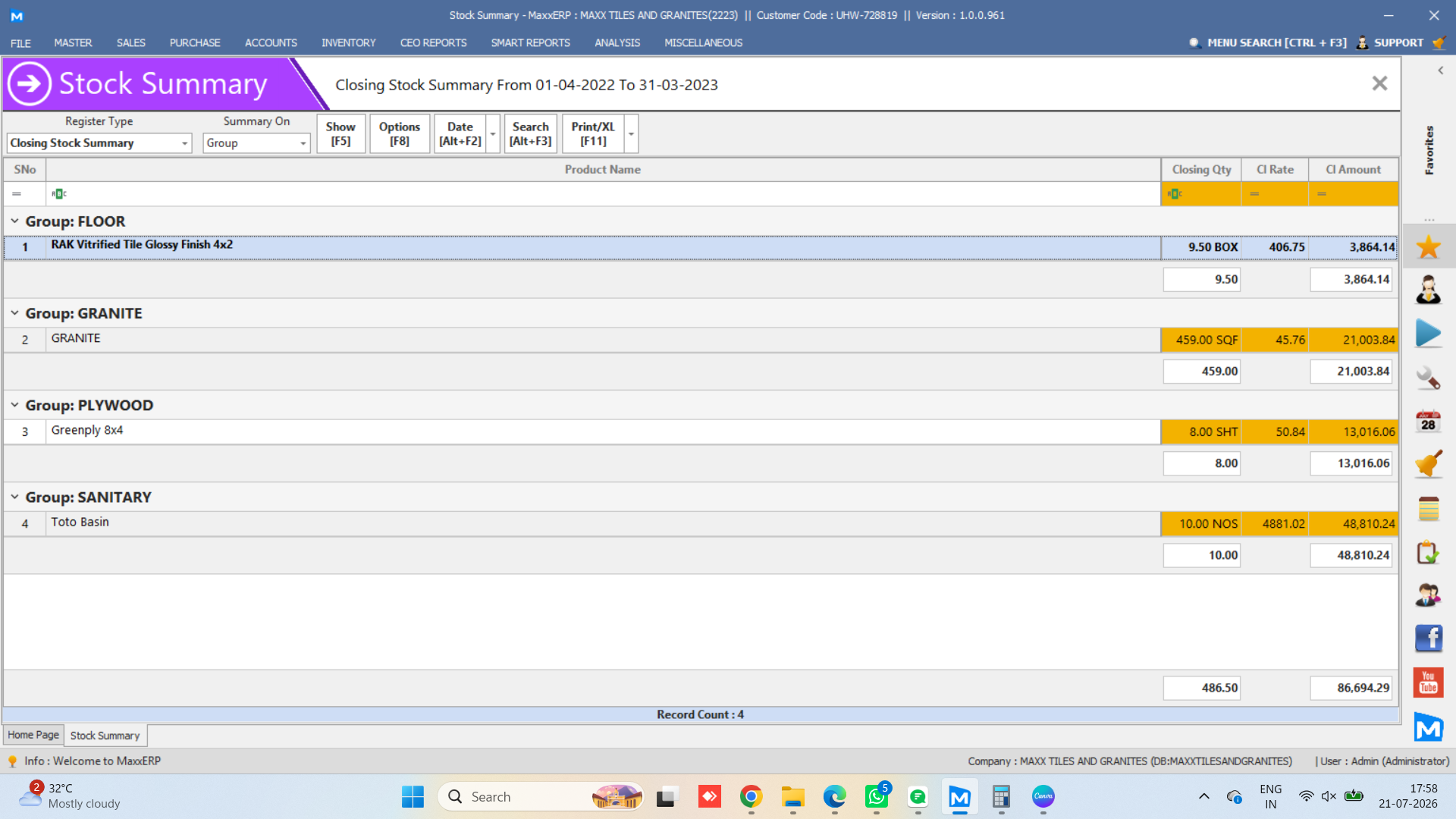
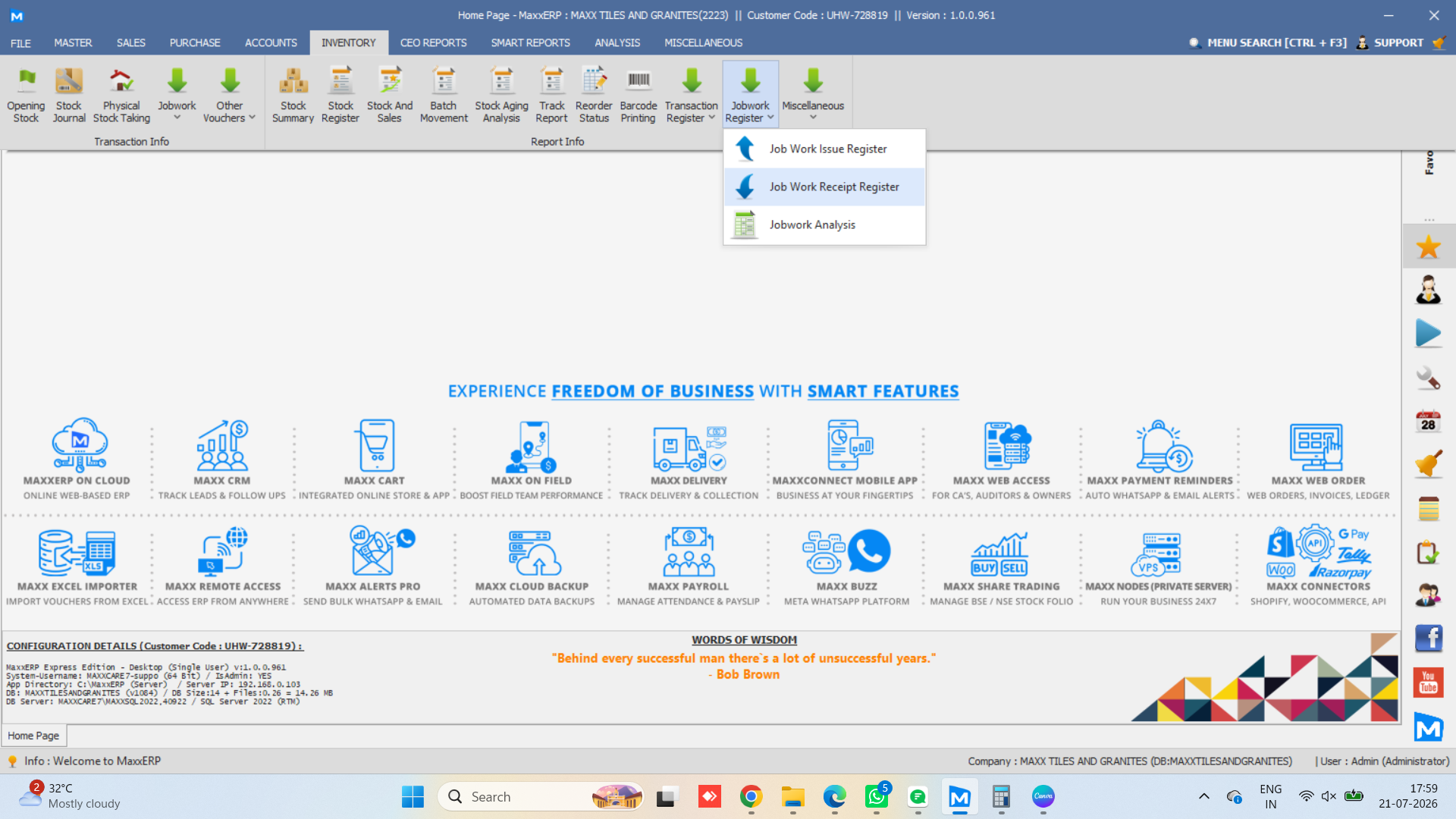
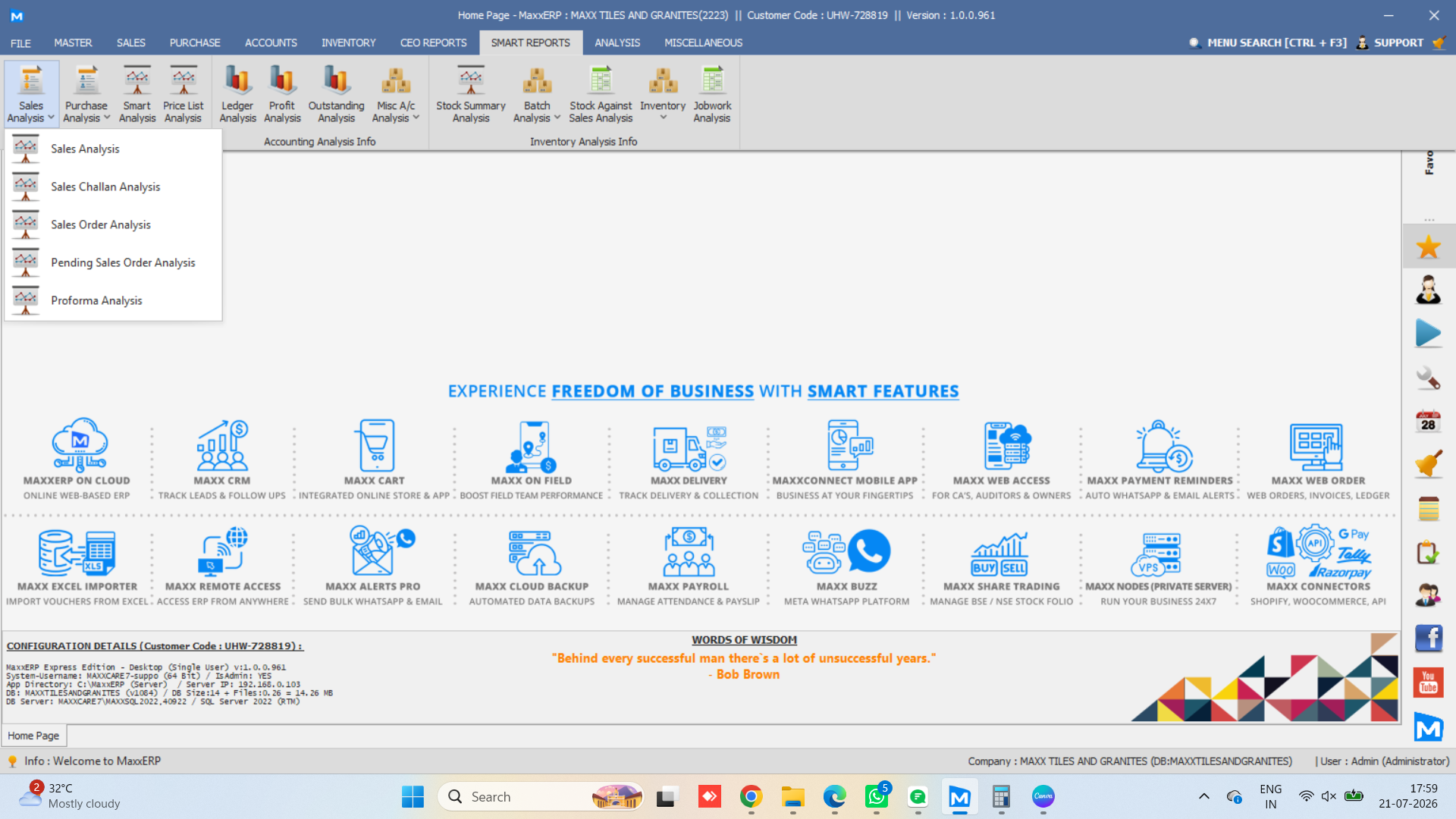
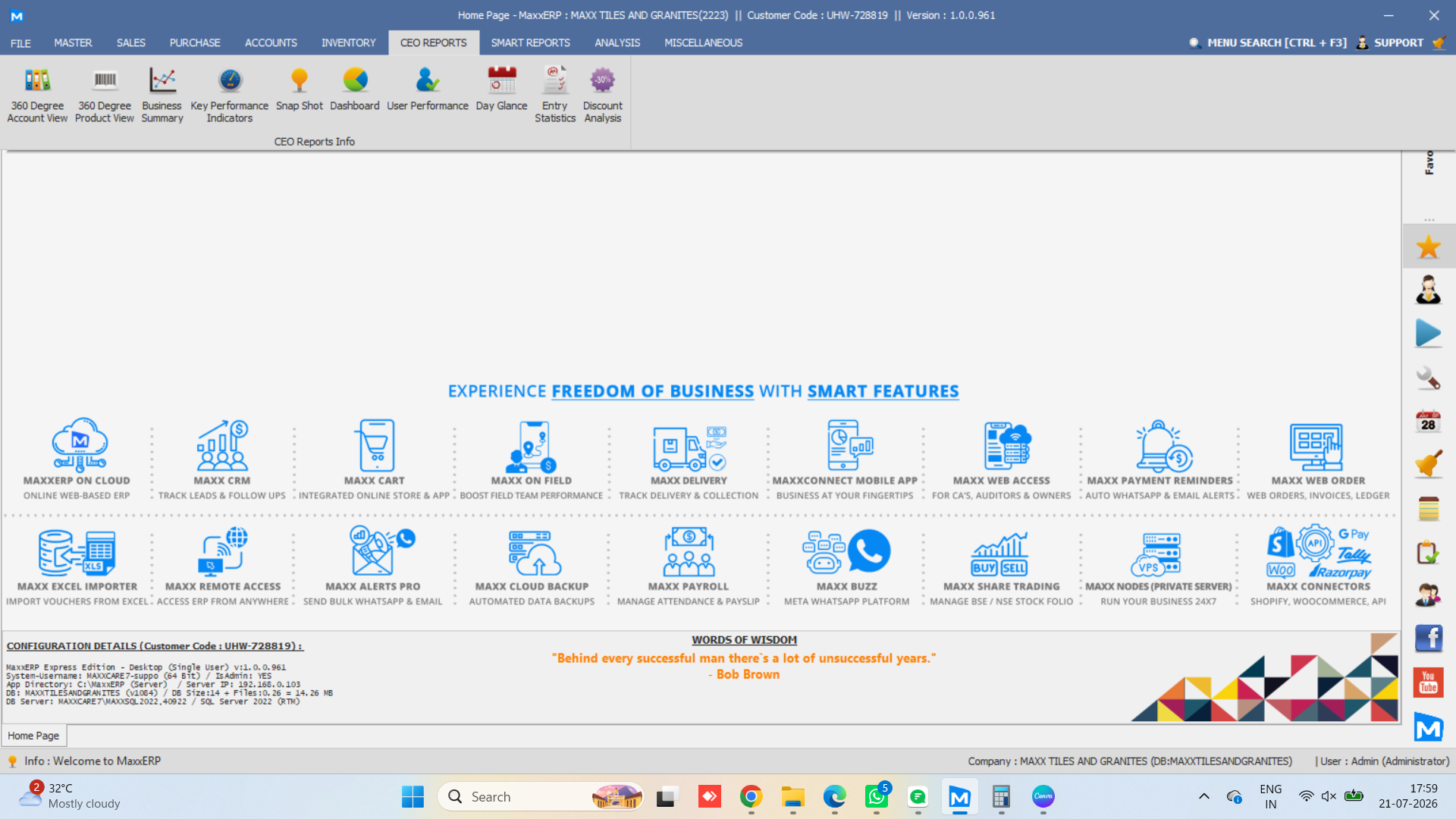
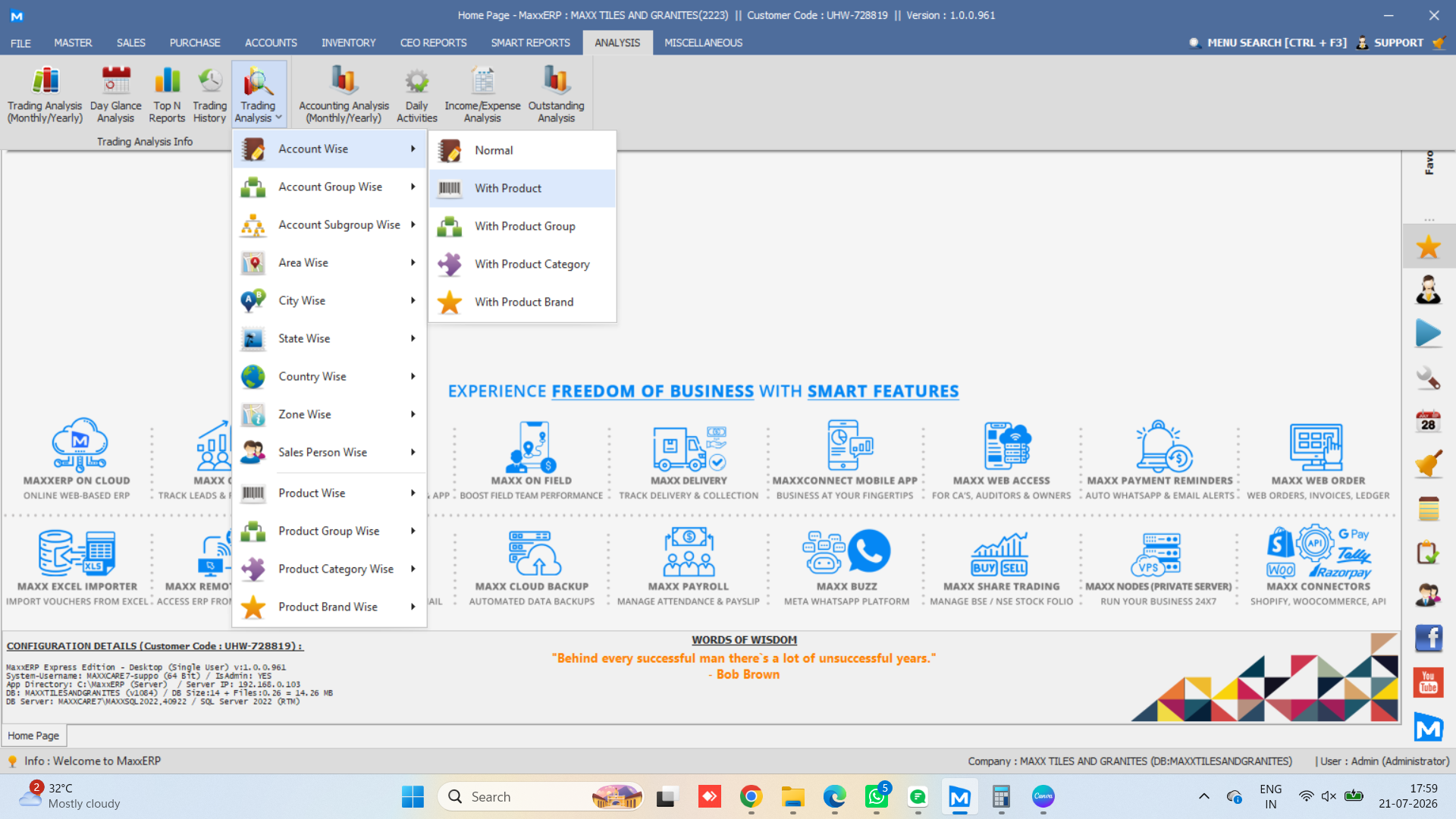
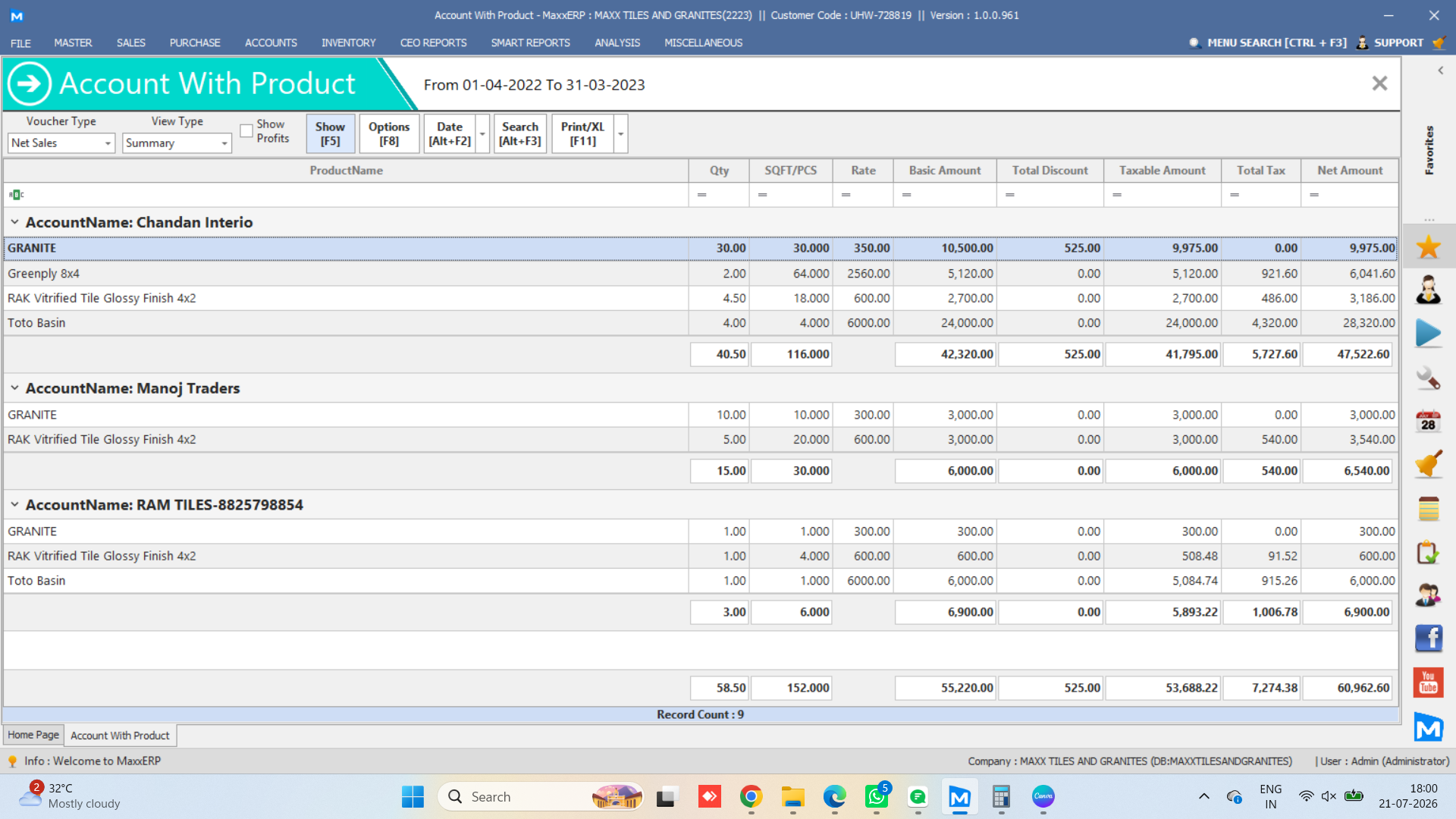
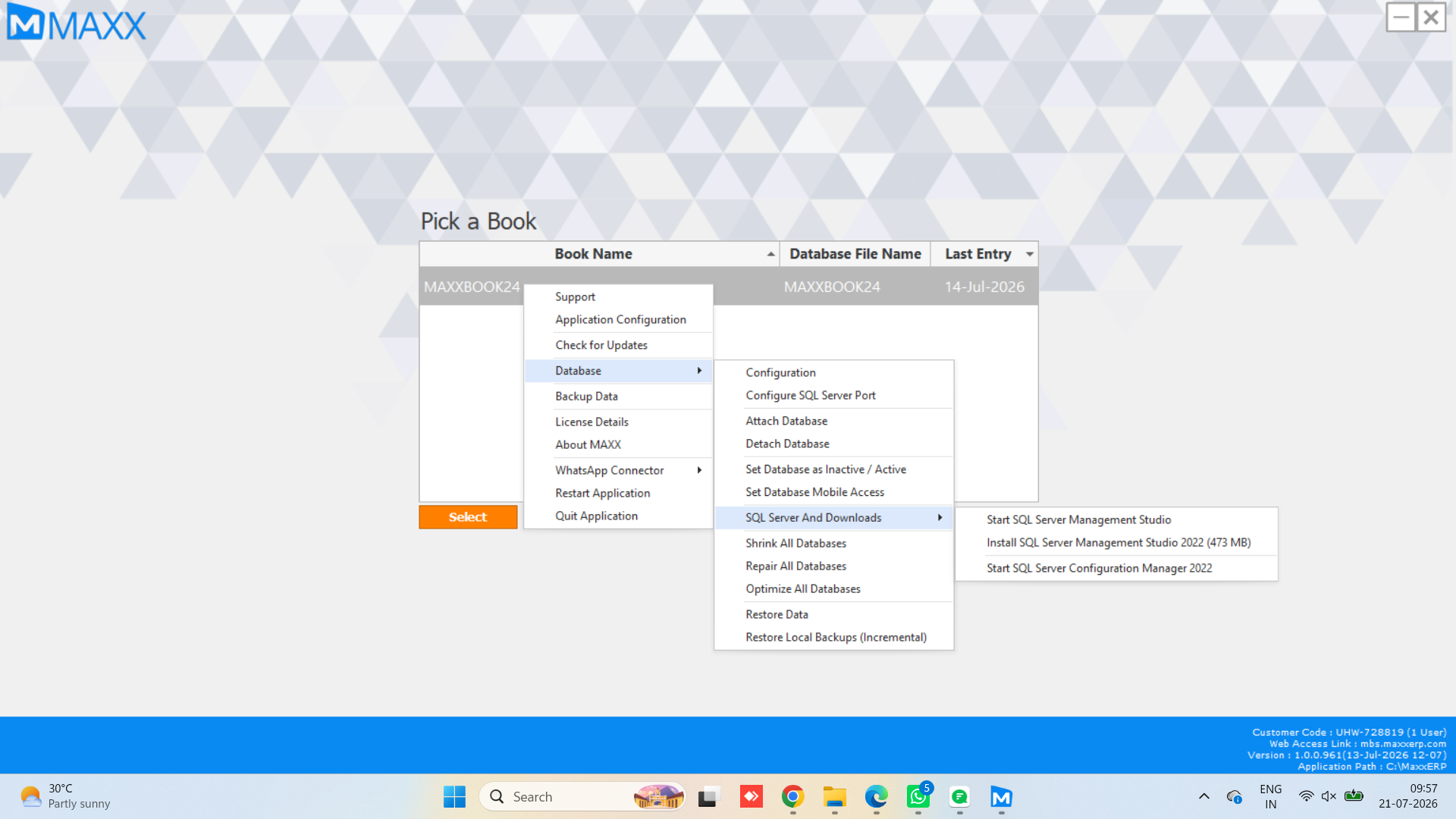
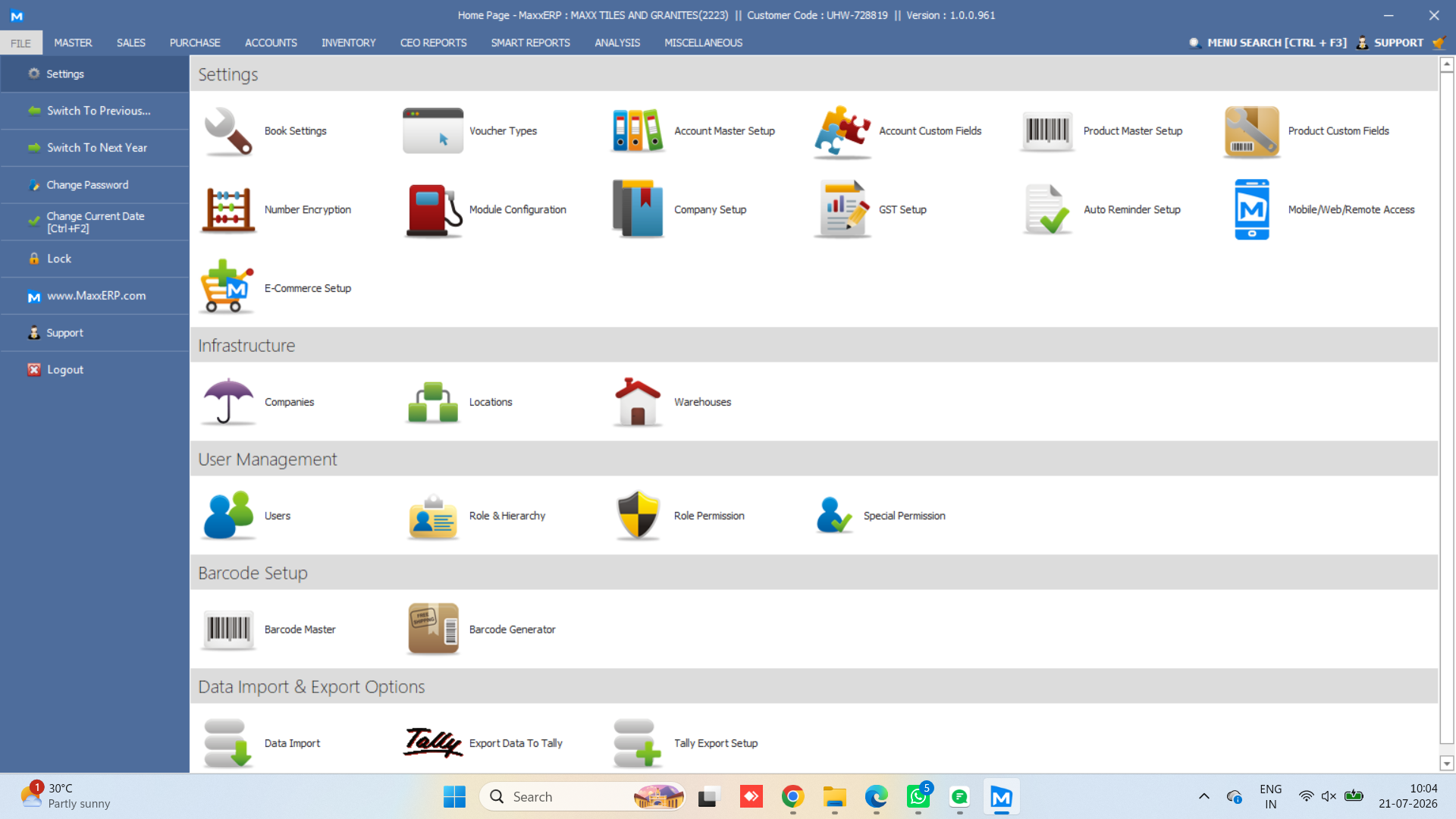
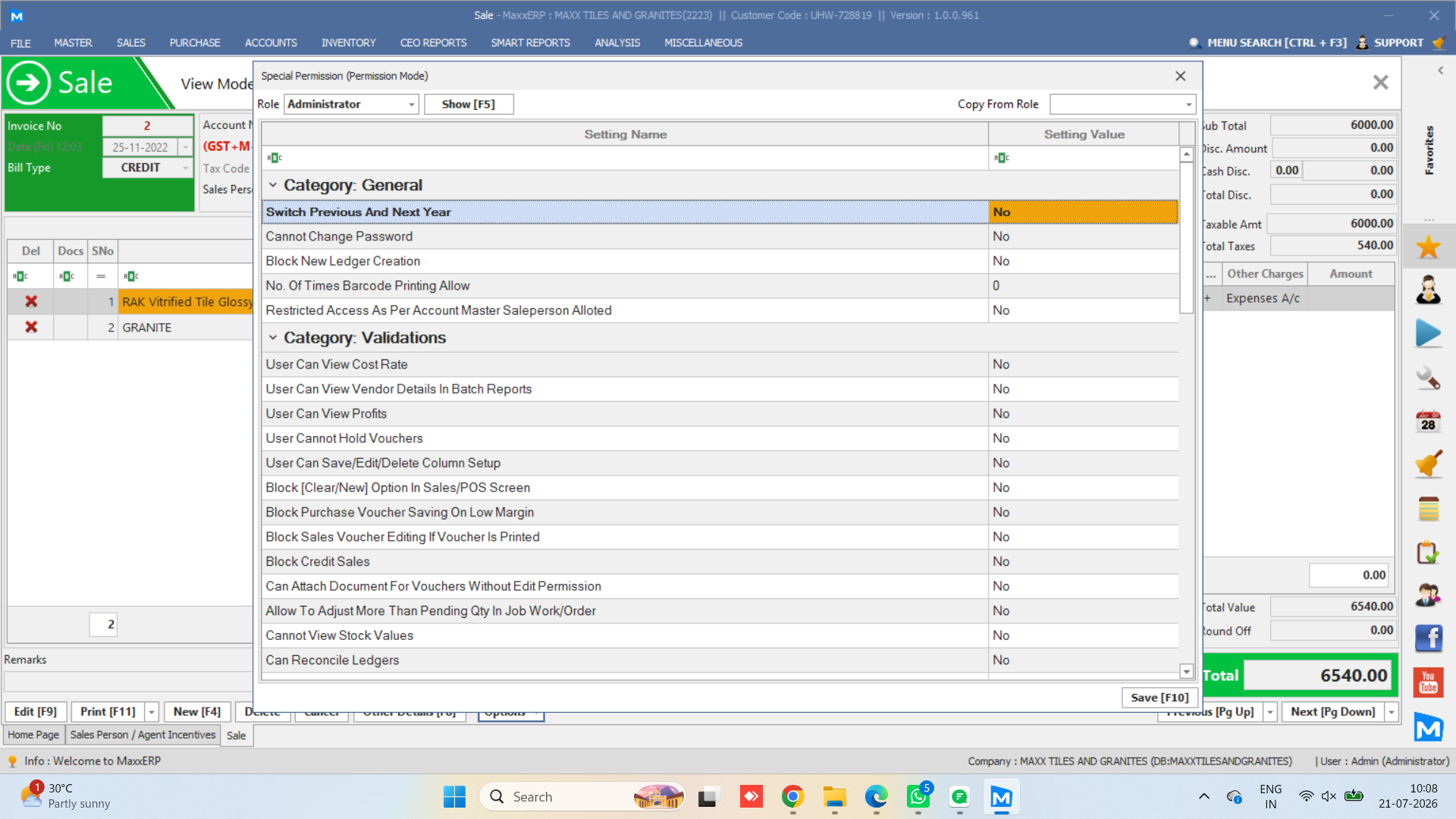
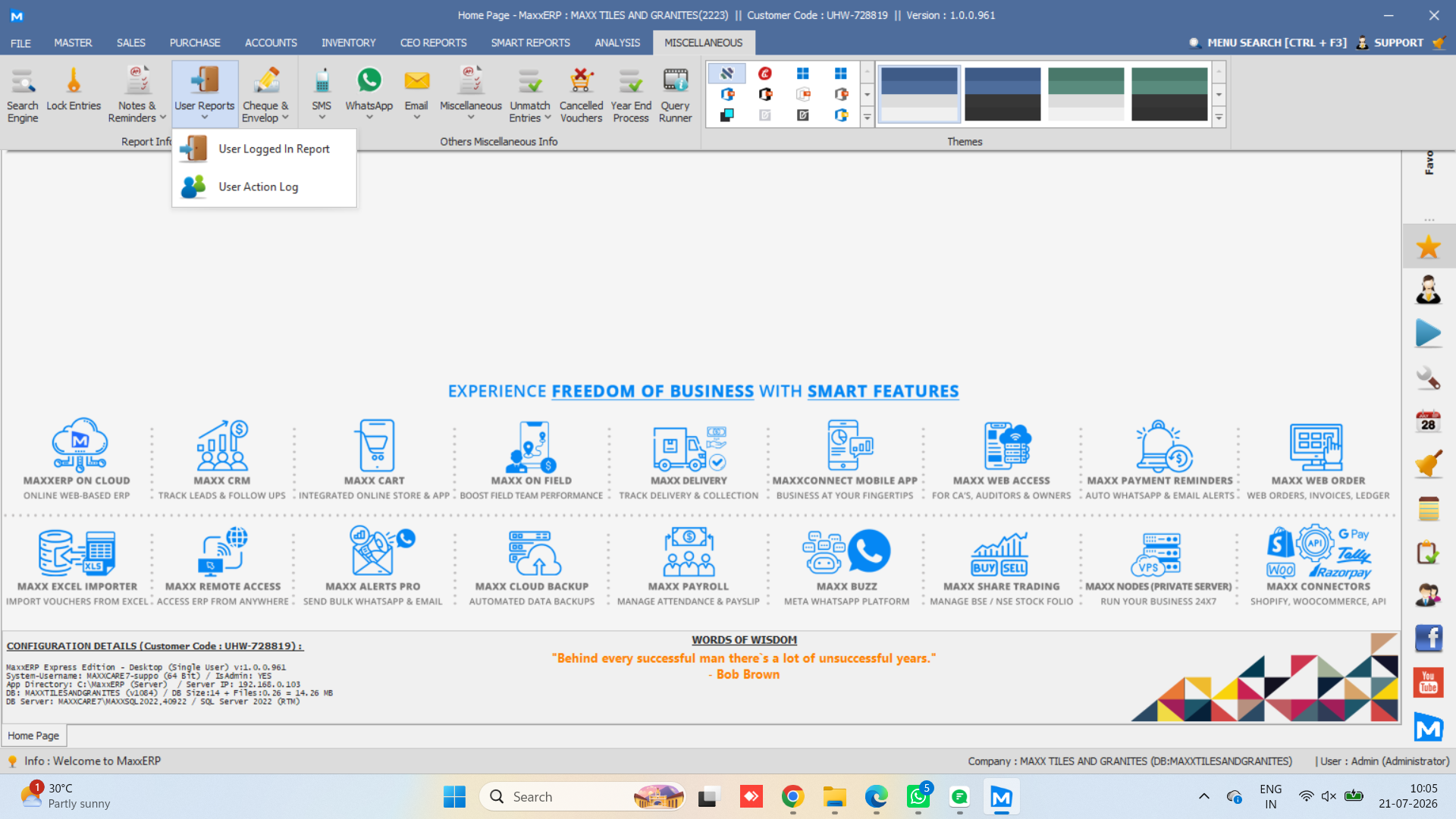
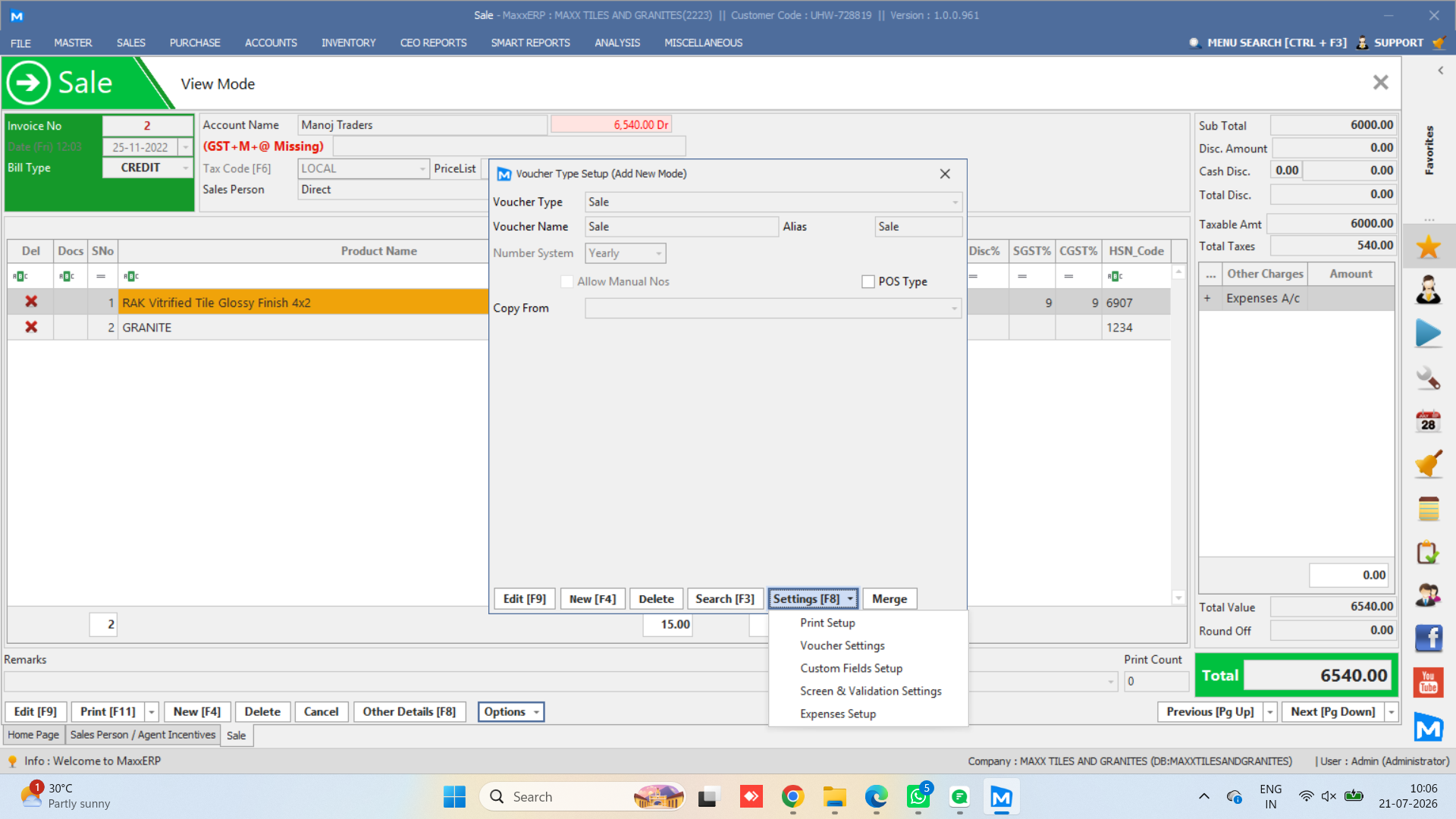
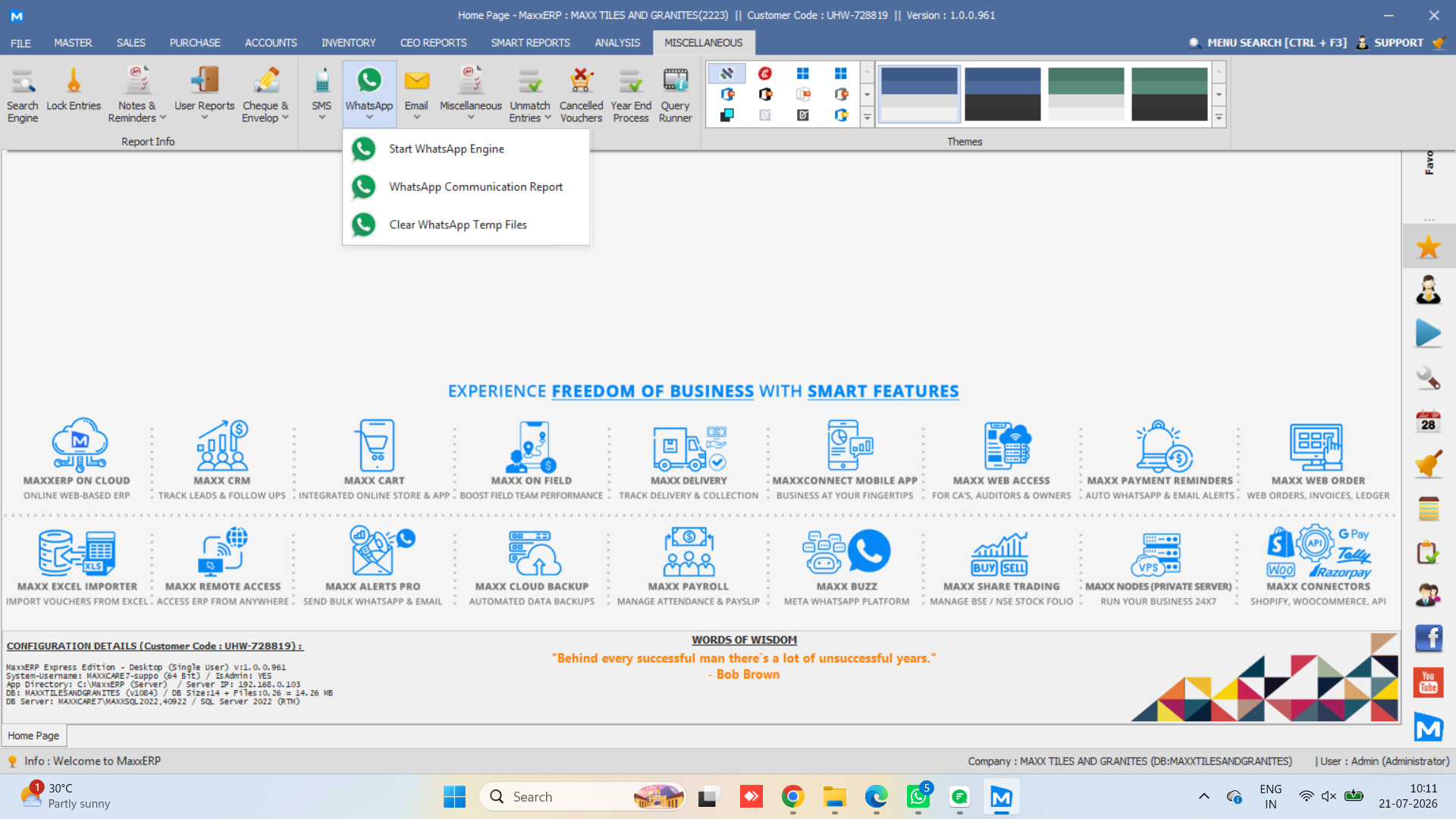
Real screens, real dashboards, real reports — no mockups, no guesswork, so you know exactly what you’re working with on desktop.
MASTERS
VOUCHERS
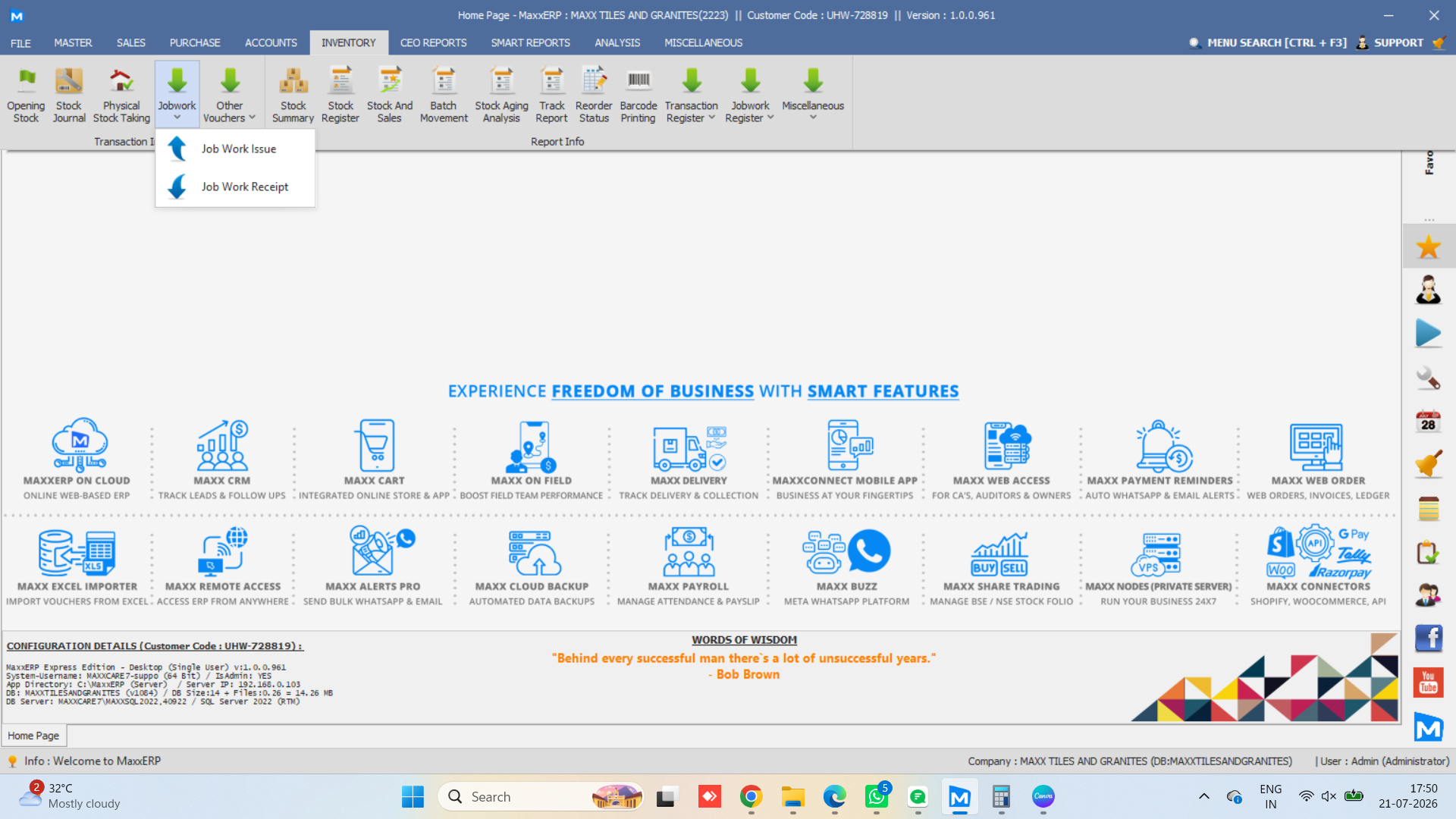
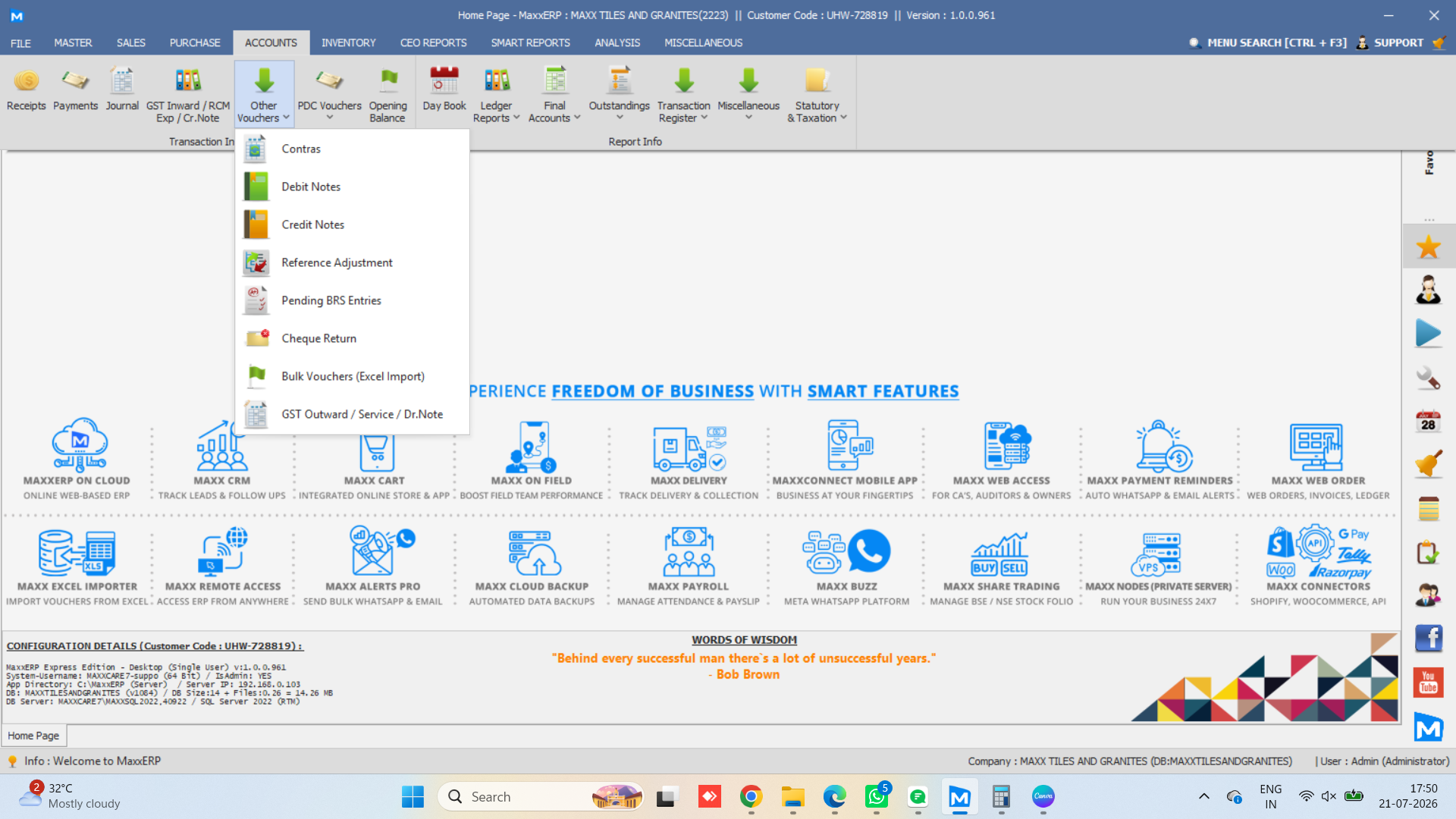
REPORTS
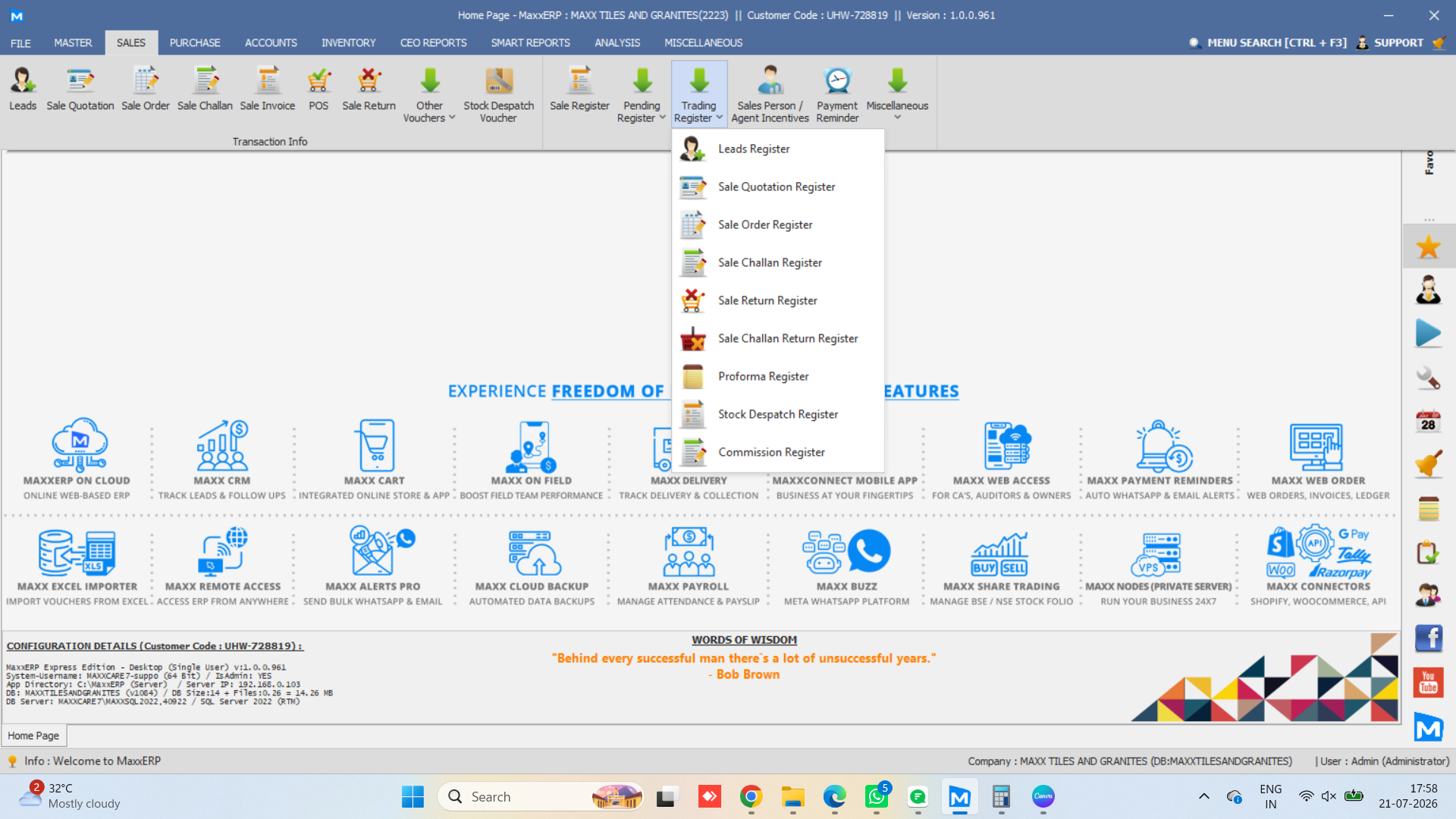
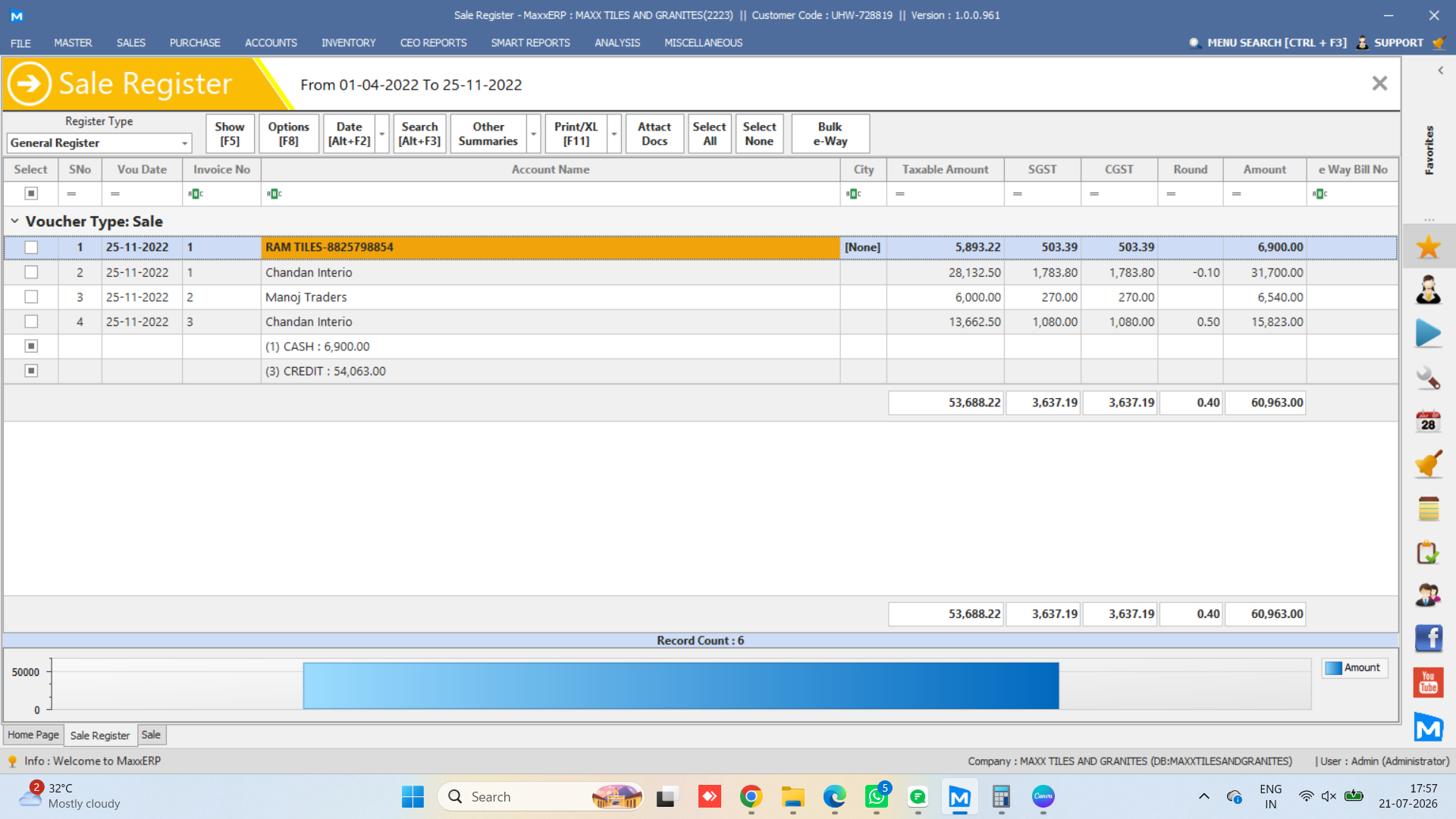
ADMIN VIEW
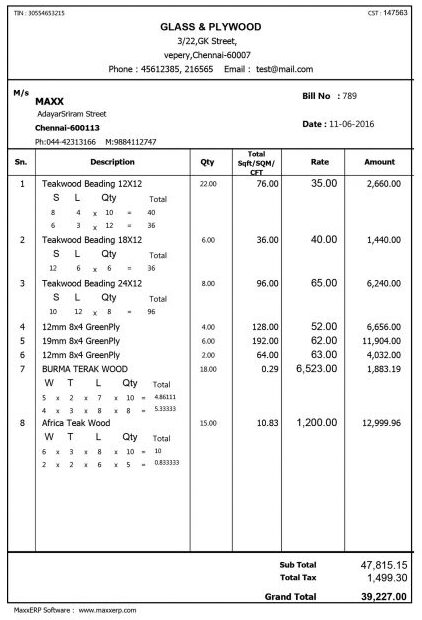
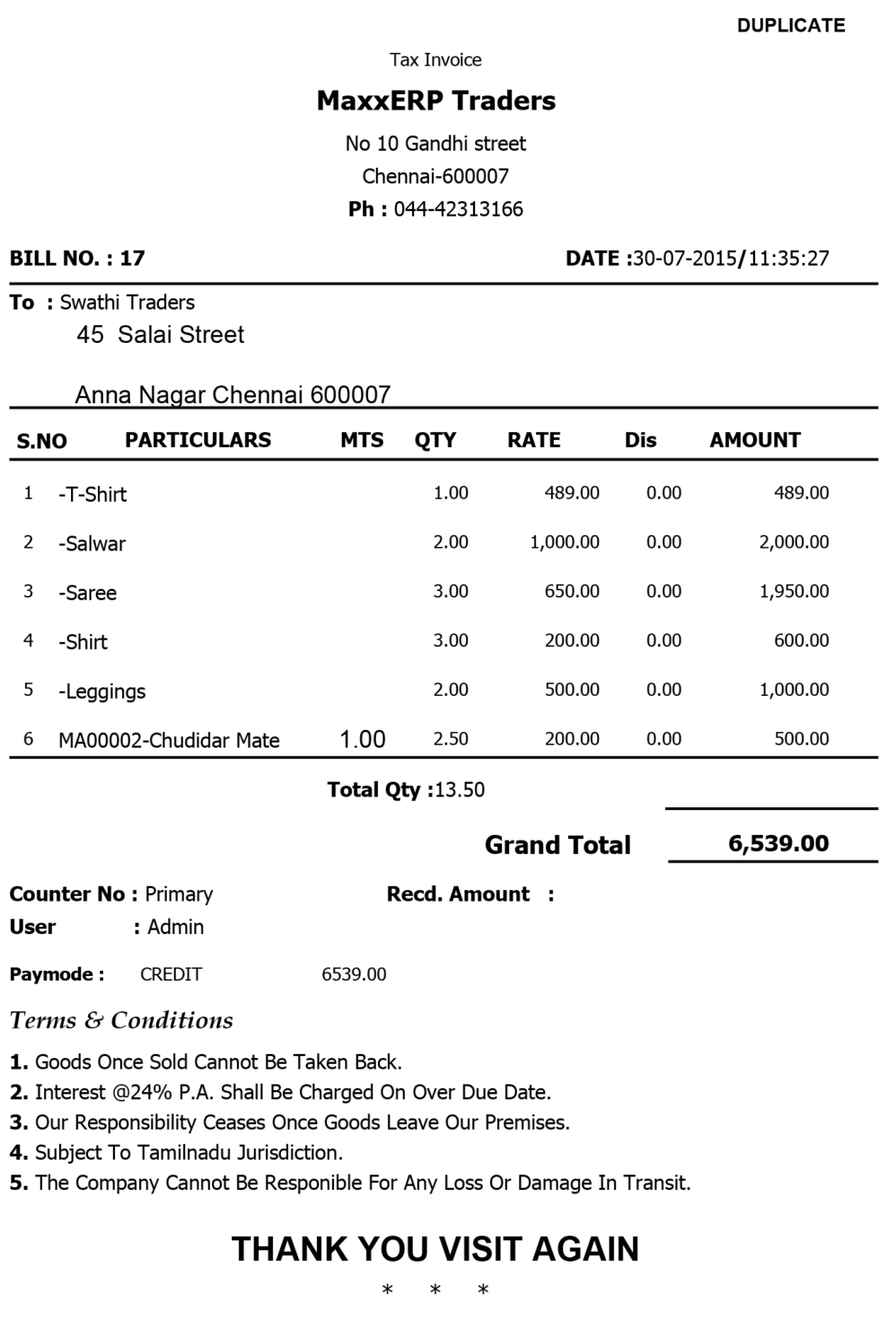
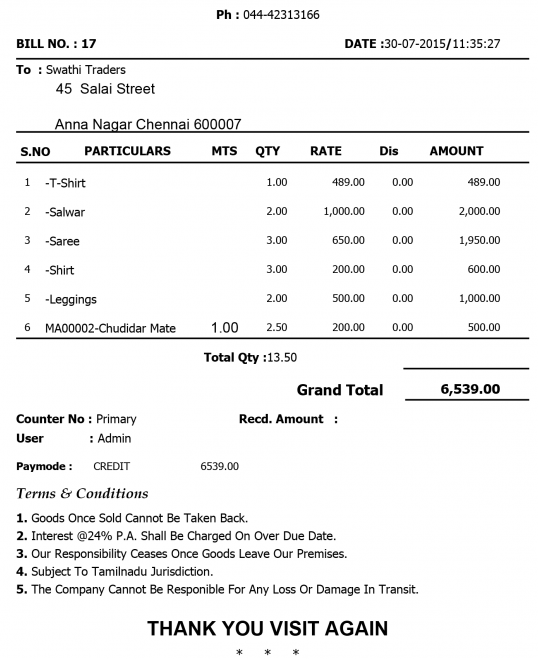
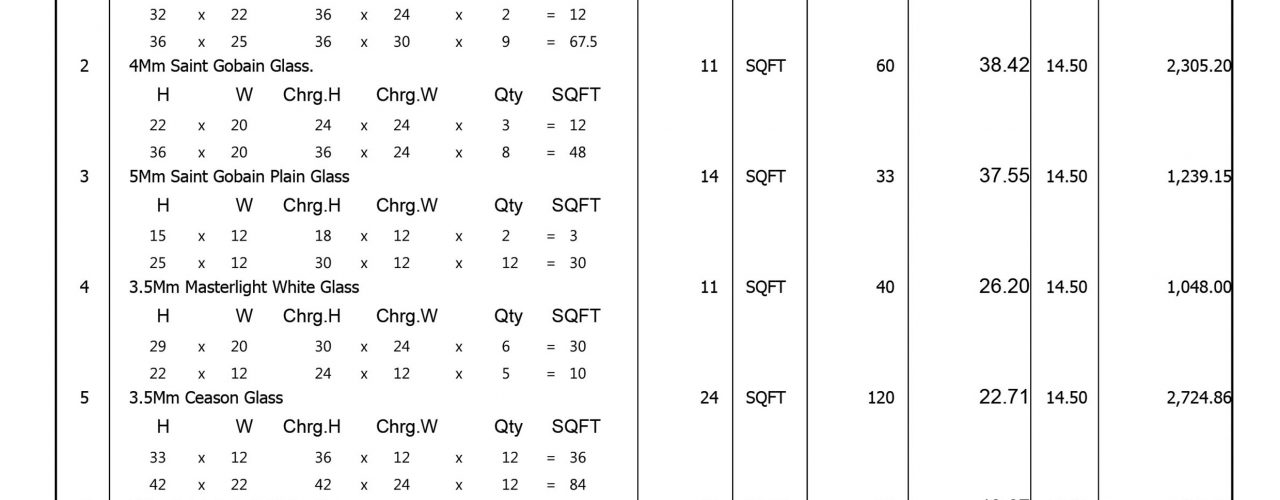
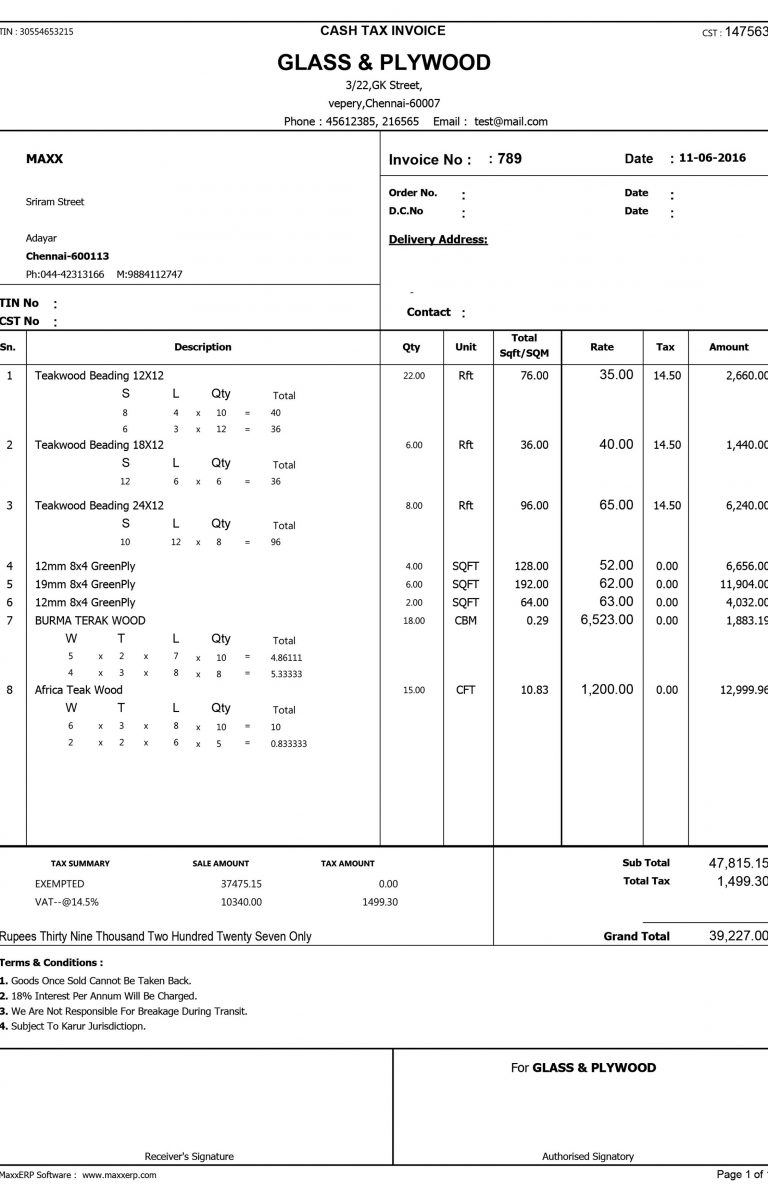
PRINT FORMATS
×
![]()
FREQUENTLY ASKED QUESTIONS
The Desktop Gallery is a visual preview of the actual MaxxERP desktop application — real screenshots of account lists, customer views, reports, and core modules exactly as they appear in the installed software. It's designed to give you an honest look at the desktop experience before you sign up, rather than mockups or marketing illustrations.
In fact, these are genuine screenshots captured directly from the live MaxxERP desktop application, showing actual screens like customer records, account lists, and reporting views. What you see in the gallery is what you'll see when you open your own installation — no reskinned demos or placeholder data.
The desktop version runs as an installed application on your machine rather than through a browser, which suits offline use or businesses that prefer local-network setups. That said, the core modules, reports, and data structure stay consistent with the cloud experience, so switching between the two feels familiar rather than like learning a new system.
Your installation will follow the same core layout and design shown in the gallery. However, the specific data, modules enabled, and customizations will depend on your plan and configuration — think of these screenshots as a representative look at the desktop app, not a fixed, one-size-fits-all view.
Yes. The gallery includes screens from multiple areas of the desktop application — including customer management, account lists, and reporting — so you can get a feel for the layout and workflow before booking a demo or starting a trial. It's a quick way to gauge fit before committing time to a call.
