
Maxx Cloud Backup Automatically takes daily Database backups with Secure cloud storage, 7-day retention, & Instant email alert, keeping your business data safe & protected.
Secure your data. Always available. Always protected.
Automatically secure your Business Data with scheduled Cloud Backups, Encrypted Protection, Quick restore, and Instant email alerts.
Who
Built for Businesses, Accountants, and Growing Enterprises that rely on financial, GST, and critical operational data — and cannot afford downtime or data loss.
How
The system automatically performs daily cloud backups with secure storage, 7-day retention, and instant email notifications completely automated with zero manual effort.
When
Critical during system failures, accidental deletions, ransomware threats, or whenever compliance and disaster recovery preparedness is essential.
Feature Highlights
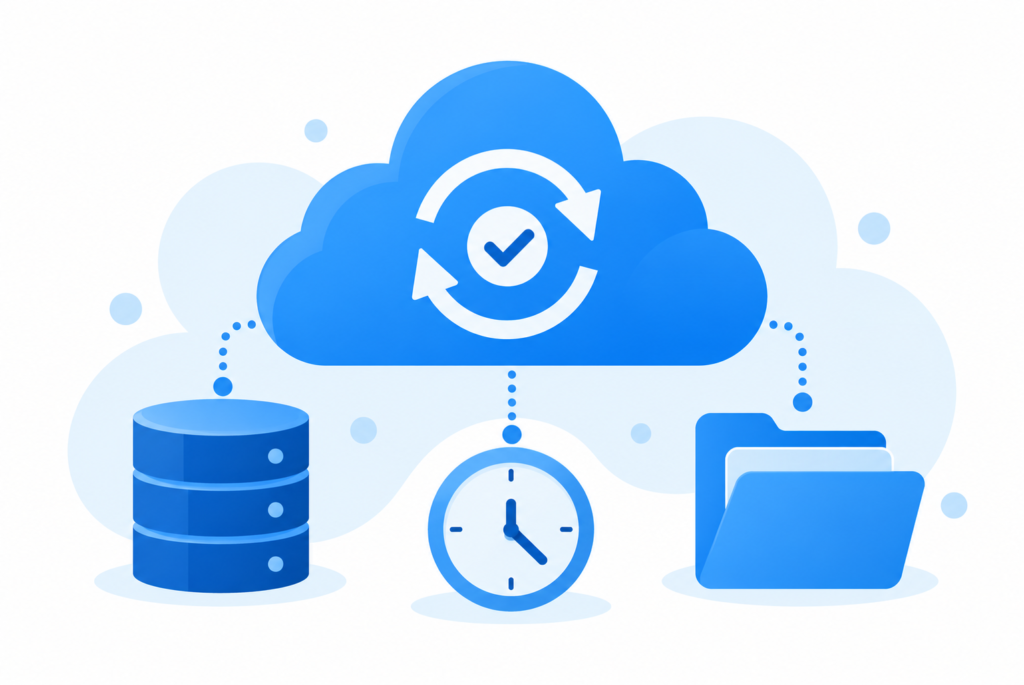
Automated Daily Backups
Never worry about forgetting backups. Maxx Cloud Backup runs automatically every day and ensures your data is always up to date.
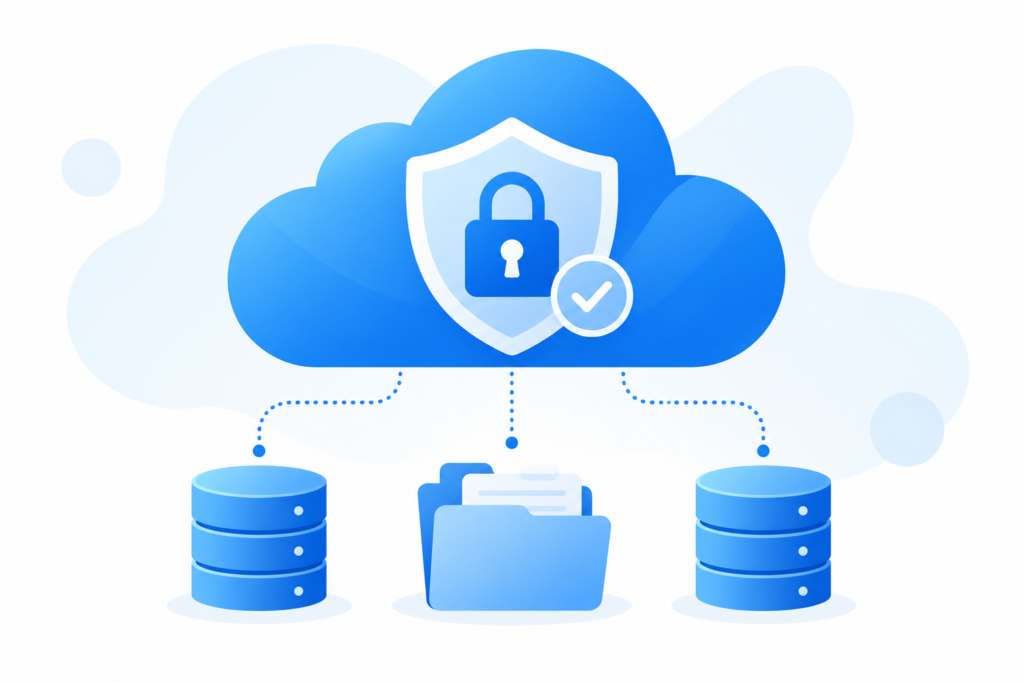
Secure Cloud Storage (100GB)
Your backups are stored in a secure cloud environment with encryption, ensuring complete data safety and confidentiality.
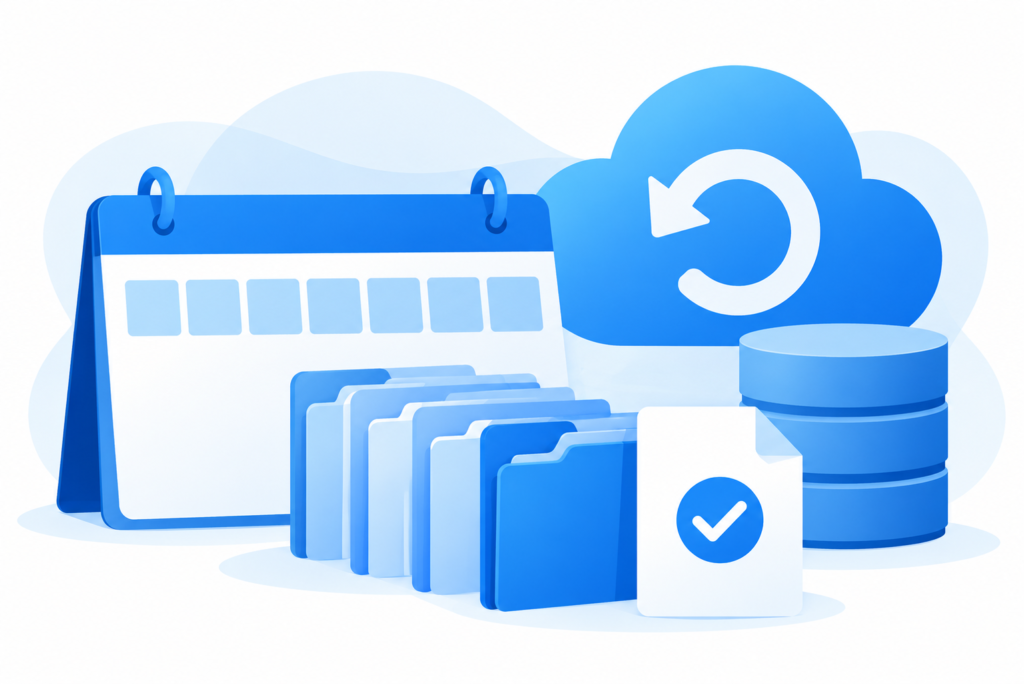
7-Day Backup Retention
Access and restore backups from the last 7 days, helping you recover data from accidental deletion or corruption.
Instant Email Alerts
Get real-time email notifications for backup success or failure, so you’re always informed.

Zero Manual Effort
Once enabled, the system works silently in the background—no human dependency, no risk.
Advantages of Maxx Cloud Backup
Prevents permanent data loss
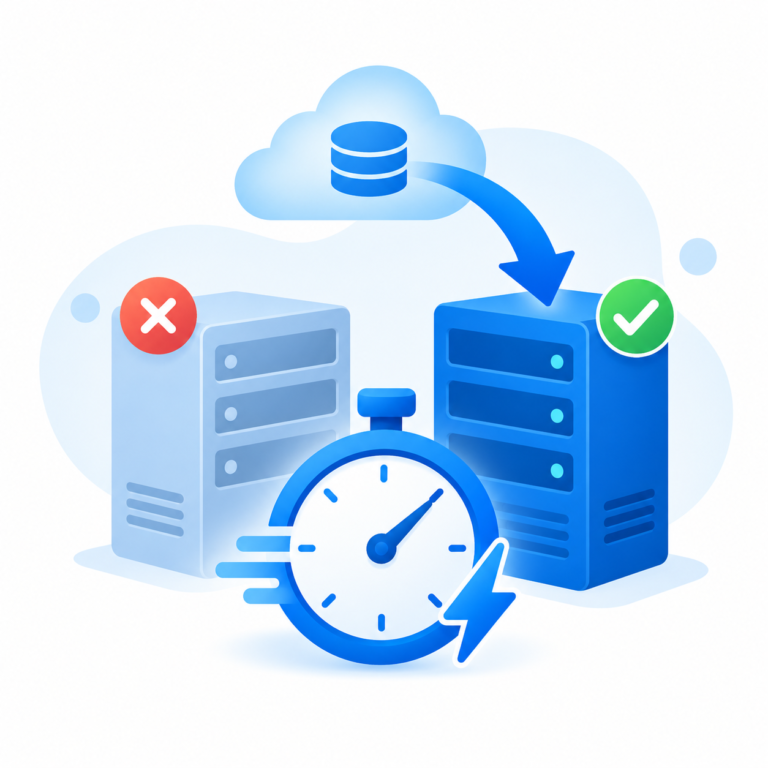
Reduces downtime during system failures
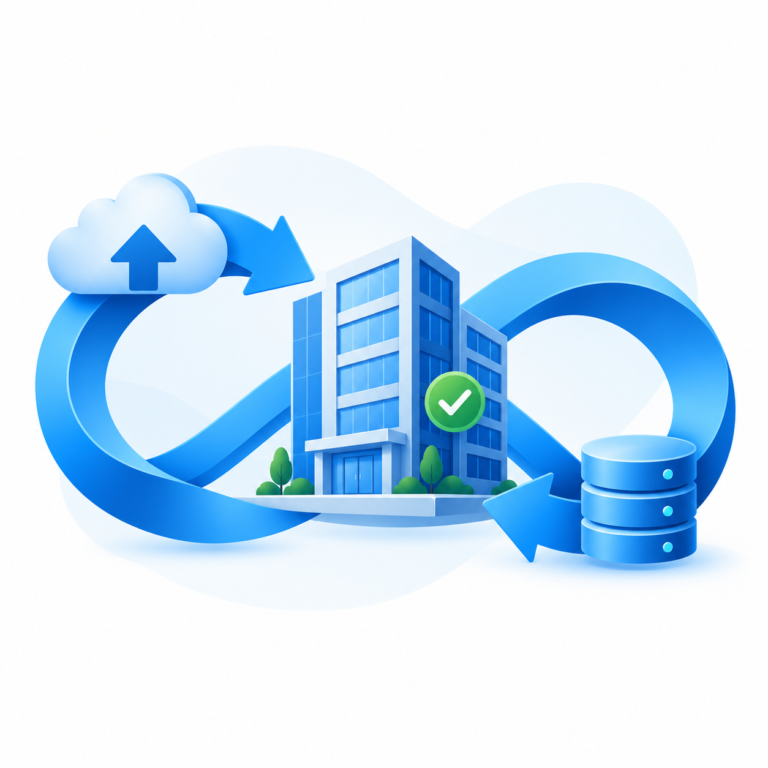
Enhances business continuity
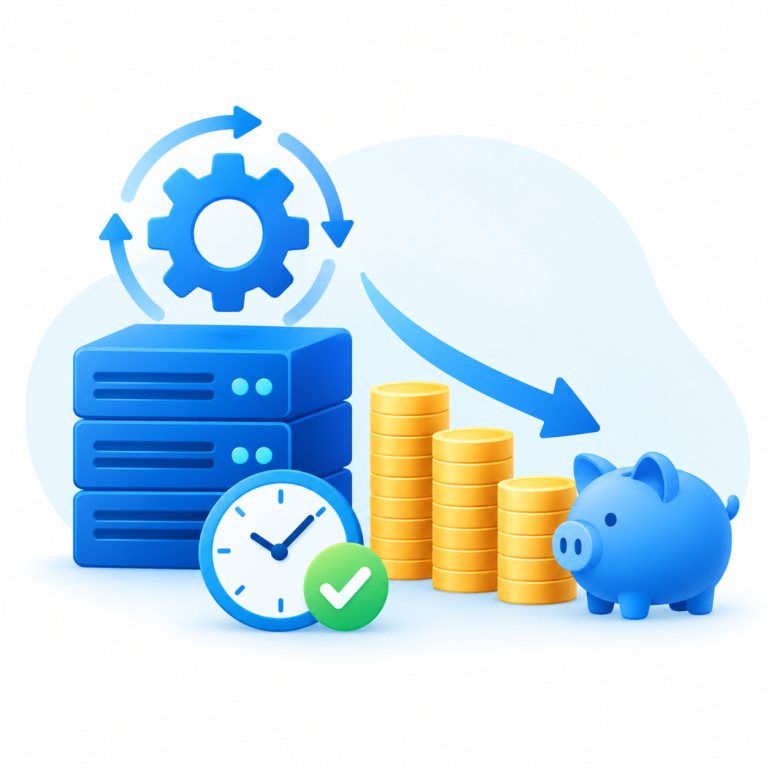
Saves IT effort and operational cost
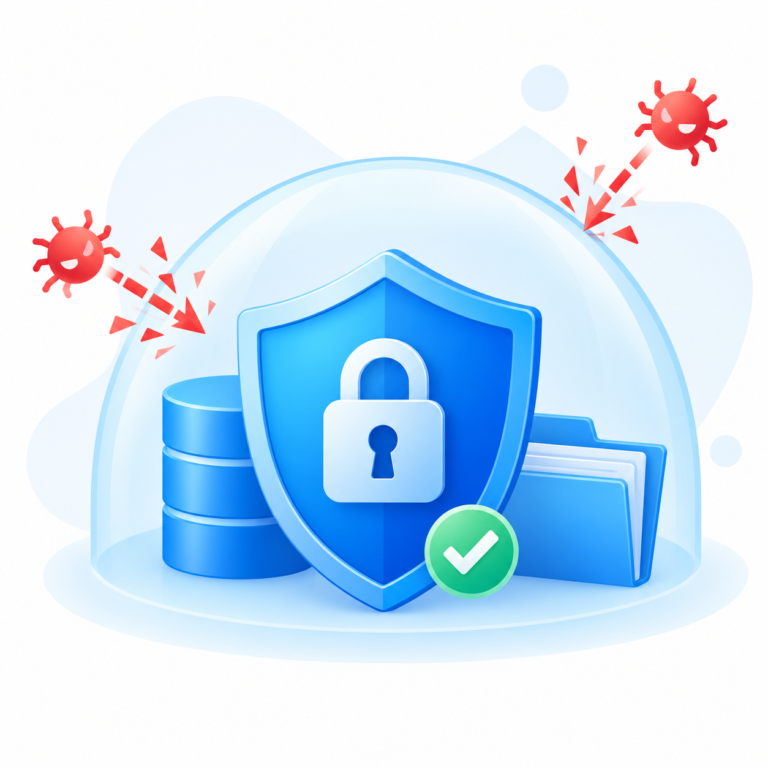
Protects against cyber threats & ransomware
FAQs
Maxx Cloud Backup is an automated cloud-based data protection solution designed to securely back up your ERP database on a daily basis. It ensures your critical financial, GST, inventory, and operational data is safely stored in the cloud and can be restored whenever needed. The system works in the background without interrupting your daily business activities.
Backups are scheduled automatically on a daily basis to ensure your latest data is consistently protected. The system maintains recent backup logs (date-wise) with a 7-day retention period, allowing you to recover data from multiple restore points if required. No manual monitoring or intervention is needed.
Yes, your data is protected using secure cloud infrastructure with encryption protocols to prevent unauthorized access. The backup files are stored safely to reduce risks from cyber threats, ransomware attacks, hardware failures, or internal data loss. Only authorized access ensures confidentiality and compliance with data protection standards.
Yes, Maxx Cloud Backup provides a quick and simple restoration process. In case of accidental deletion, system crashes, or database corruption, you can restore your latest backup with minimal downtime. This helps businesses resume operations quickly without significant disruption or financial loss.
Cloud backup is essential because it protects organizations from unexpected data loss caused by cyberattacks, hardware breakdowns, natural disasters, or human errors. Maintaining secure and updated backups is one of the most effective strategies against ransomware and data breaches. According to cybersecurity best practices recommended by CISA (Cybersecurity & Infrastructure Security Agency), regular and secure backups significantly reduce recovery risks during cyber incidents:
https://www.cisa.gov/stopransomware
